
Official statement
Other statements from this video 7 ▾
- □ Are JavaScript frameworks silently creating soft 404 errors on your high-inventory site?
- □ Is robots.txt silently blocking your critical resources without you knowing?
- □ Can hosting robots.txt across multiple CDNs silently sabotage your crawl budget?
- □ Can a single failed AJAX request destroy the indexability of your entire page?
- □ Can Chrome DevTools reveal the rendering problems that Googlebot encounters on your pages?
- □ Does poor JavaScript error handling really tank your Google rankings?
- □ Does manually resubmitting corrected URLs in Search Console really speed up reindexing?
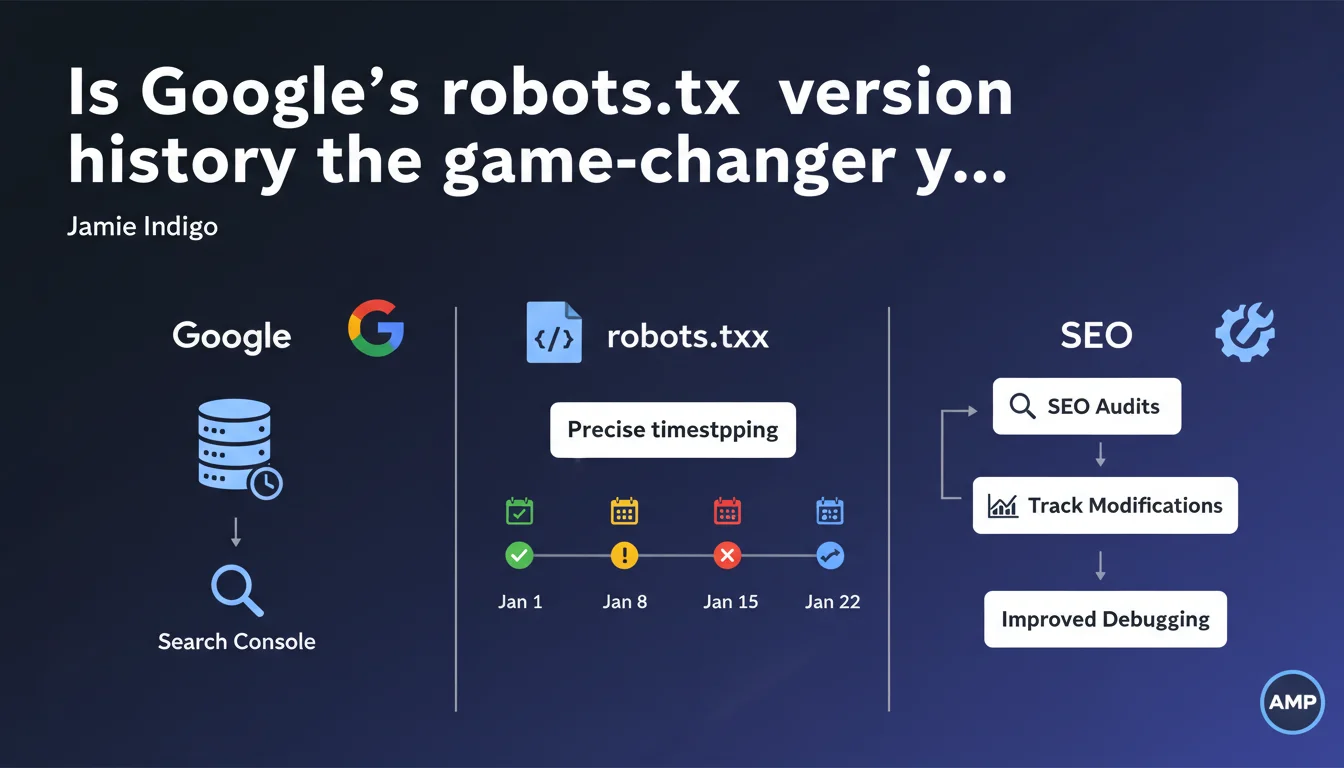
Search Console now displays a timestamped history of your robots.txt file, allowing you to see precisely what it looked like at any given date and time. This traceability makes it easier to diagnose crawl issues linked to past file modifications and simplifies technical SEO audits.
What you need to understand
What concrete benefits does this feature deliver?
The Google Search Console robots.txt tester now integrates a historical timestamping system. In practical terms, you can go back in time and see exactly what your robots.txt file contained at a specific moment.
This transparency solves a recurring problem: identifying the source of traffic drops or accidental deindexation. Previously, you had to cross-reference server logs, manual archives, and other external tools — often without certainty. Now, the history is centralized directly in the Google interface.
Why is robots.txt version history so valuable?
Because the robots.txt file is a critical crawl control point. A misplaced directive, a line added by mistake during deployment, and entire sections of your site disappear from the index.
The problem — and this is real-world experience talking — is that these errors sometimes go undetected for weeks, when organic traffic plummets. By that time, figuring out what happened feels like a criminal investigation. Timestamped history changes that: you immediately see when the file was modified and what changed.
Does this function replace manual tracking?
It complements, but doesn't entirely replace it. If you have a Git versioning system or automated robots.txt monitoring, all the better — keep it.
Search Console offers Google's perspective, meaning what Googlebot saw and when it saw it. It's useful for cross-checking with your own archives, especially if an undocumented change made it to production.
- Precise timestamping of successive robots.txt versions
- Allows you to correlate traffic drops with file modifications
- Simplifies technical audits and crawl incident resolution
- Centralizes history in Search Console without relying on third-party tools
- Doesn't replace an internal versioning system but offers Googlebot's perspective
SEO Expert opinion
Is this feature arriving late to the party?
Let's be honest: yes. The robots.txt history should have existed years ago. It's a file that controls site access, and until now, no official history was available from Google's side.
SEO professionals have long had to improvise with homemade scripts, Wayback Machine archives, or manual alerts. Google finally integrating this traceability is positive, but it's still playing catch-up.
What should you prioritize checking in this history?
First thing: transition periods. Site migrations, redesigns, major deployments — that's where errors slip in. A developer adds a Disallow: / for testing and forgets to remove it. Or a directive meant to block a staging environment ends up in production.
Next, look for temporal correlations. A drop in indexed pages in Search Console? Check if a robots.txt modification coincides. If it does, you've found your culprit.
Does this transparency game the playing field for audits?
It definitely simplifies certain diagnostics. However, [To be verified]: we don't yet know if Google preserves history over several years or only for a limited period. If it's limited to a few months, its utility for retrospective audits will be reduced.
Furthermore, this feature says nothing about how Googlebot interpreted the file at a given moment. If a directive was ambiguous or poorly formatted, you see the raw file, but not necessarily its actual effect on crawling. Always cross-reference with server logs.
Practical impact and recommendations
What should you do right now with this feature?
First instinct: go check your robots.txt history in Search Console. Even if you haven't identified any problems, get familiar with the interface and verify that displayed versions match your deployments.
Then, if you've noticed recent crawl or indexation anomalies, look back through the history to see if a file modification coincides. It's often more telling than simply inspecting the current file.
What precautions should you take to avoid errors?
First rule: never edit robots.txt directly in production without prior testing. Use a staging environment, validate syntax, then deploy.
Second point: implement an automated alert on file modifications. This could be a script that compares the current file with a reference version and notifies you of any changes. Combined with Search Console history, you have dual security.
How do you integrate this function into an audit workflow?
Systematically include robots.txt history consultation in your technical audits. Especially when investigating unexplained traffic drops.
Document detected modifications and correlate them with site events — migrations, deployments, traffic spikes. If a directive blocked critical sections for several days, quantify the impact in terms of deindexed pages and lost traffic.
- Consult robots.txt history in Search Console right now
- Verify that displayed versions match your internal archives
- Correlate any modification with crawl or indexation anomalies
- Set up automated alerts for file changes
- Integrate history into systematic technical audits
- Train development teams never to edit robots.txt in production without validation
- Document every file modification with date, author, and reason
❓ Frequently Asked Questions
L'historique du robots.txt est-il conservé indéfiniment dans Search Console ?
Peut-on comparer deux versions du robots.txt directement dans l'interface ?
Cette fonctionnalité fonctionne-t-elle pour tous les sites dans Search Console ?
Que faire si l'historique montre une version incorrecte du robots.txt ?
L'historique aide-t-il à diagnostiquer des problèmes sur d'autres moteurs de recherche ?
🎥 From the same video 7
Other SEO insights extracted from this same Google Search Central video · published on 02/03/2023
🎥 Watch the full video on YouTube →
💬 Comments (0)
Be the first to comment.