
Official statement
Other statements from this video 17 ▾
- □ Faut-il vraiment choisir entre www et non-www pour le SEO ?
- □ Les guest posts pour des backlinks sont-ils vraiment bannis par Google ?
- □ Faut-il vraiment du texte sur les pages catégories pour bien ranker ?
- □ Le HTML sémantique a-t-il vraiment un impact sur le classement Google ?
- □ Faut-il vraiment s'inquiéter des erreurs 404 générées par JSON et JavaScript dans GSC ?
- □ Google privilégie-t-il vraiment la meta description quand le contenu est pauvre ?
- □ Faut-il vraiment bloquer l'indexation des menus et zones communes d'un site ?
- □ L'infinite scroll est-il compatible avec le SEO si chaque section possède une URL unique ?
- □ L'indexation mobile-first impose-t-elle vraiment la version mobile comme unique référence ?
- □ Les PDF hébergés sur Google Drive sont-ils vraiment indexables par Google ?
- □ Pourquoi Google indexe-t-il vos URLs même quand robots.txt les bloque ?
- □ Faut-il supprimer ou améliorer le contenu de faible qualité sur votre site ?
- □ Le CMS influence-t-il vraiment le jugement de Google sur votre site ?
- □ Un noindex sur la homepage peut-il vraiment faire apparaître d'autres pages en premier ?
- □ Faut-il vraiment optimiser l'INP si ce n'est pas (encore) un facteur de classement ?
- □ Faut-il vraiment nettoyer toutes les pages hackées ou laisser Google faire le tri ?
- □ Faut-il arrêter de forcer l'indexation quand Google désindexe vos pages ?
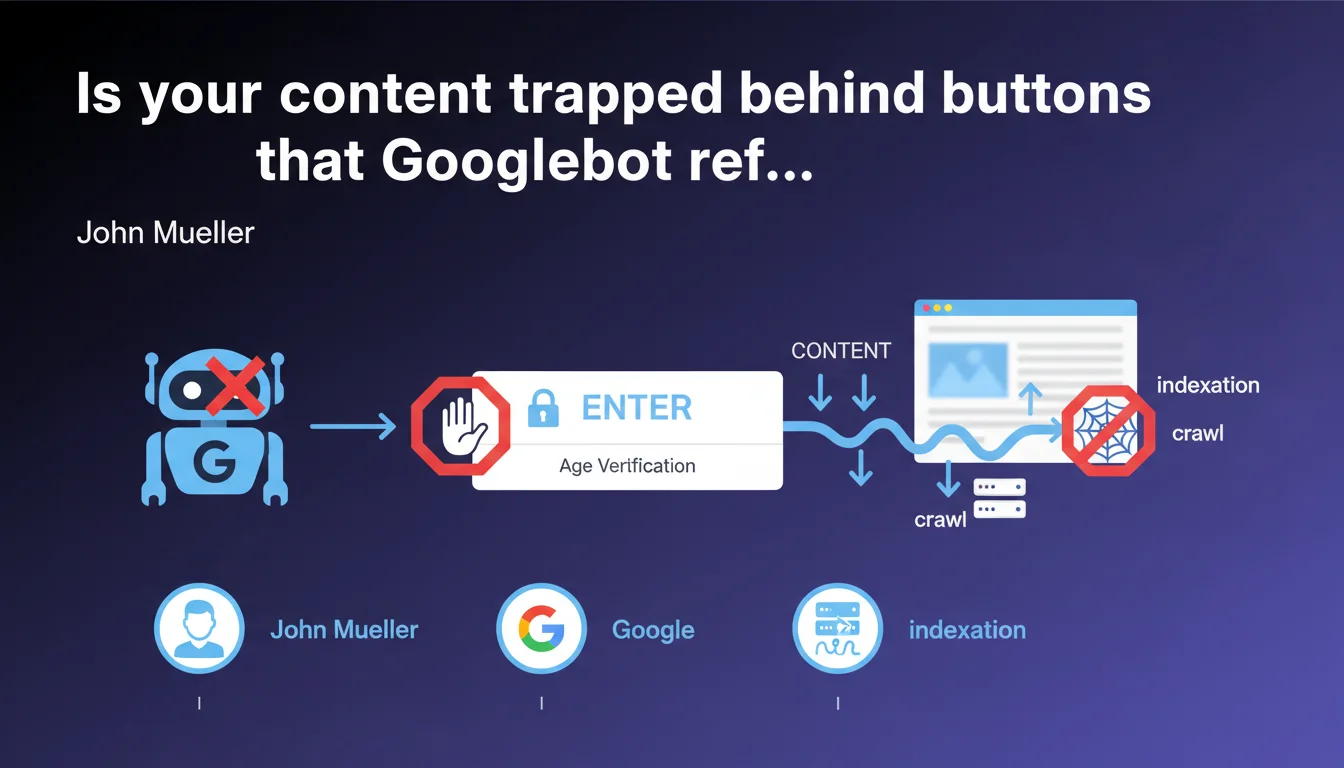
Googlebot does not trigger JavaScript events through button clicks. Links must be exposed in HTML as standard <a> elements to be discovered and crawled. This technical limitation directly impacts the indexing of modern websites with JS-based navigation.
What you need to understand
What exactly does "Googlebot doesn't click on buttons" mean?
Gary Illyes is stating the obvious for some, but revealing a ground-truth reality that many still overlook. Googlebot parses HTML and executes JavaScript — true — but it does not simulate user interactions like clicks.
In practical terms? If your main navigation relies on <button> or <div> elements with JavaScript event listeners, those links will never be discovered by the crawler. Zero chance they'll appear in the index.
Why does this limitation still exist?
Google indexes the web at a scale that defies comprehension — billions of pages. Simulating every possible interaction (clicks, scrolls, hovers, form submissions) would multiply the crawl budget required exponentially.
Google's solution? Stick to the initial HTML/JS rendering, without interactions. It's a technical compromise between comprehensiveness and feasibility — but you bear the consequences if your architecture isn't compatible.
What counts as a "standard HTML element" according to Google?
Gary remains deliberately vague, but the SEO interpretation is clear: <a href> tags are the only guaranteed option. Semantic elements like <nav>, <ul>, <li> provide structure, but it's the href that carries the link.
Modern frameworks (React, Vue, Angular) sometimes generate pseudo-links through custom components — if the final rendering doesn't produce real HTML anchors, you lose your crawl.
- Googlebot doesn't click: JavaScript buttons are not followed
- Only
<a href>works: standard tags are mandatory - The final HTML rendering matters: verify what the bot sees, not what the browser displays
- Crawl budget is not expandable: Google cannot simulate every interaction
SEO Expert opinion
Does this statement really reflect observed behavior in the field?
Yes, and it actually understates the reality. Technical audits regularly reveal SPA (Single Page Applications) sites where 80% of internal linking is invisible to Googlebot. Modern Navigation APIs, React Router Links — all of it falls through the cracks if the final HTML doesn't contain real href attributes.
The problem is that front-end developers optimize for user experience, not crawlers. Result: beautiful, fluid, performant websites — and nearly invisible in Google.
What nuances should be added to this statement?
Gary says "generally speaking," which leaves room for interpretation. Google does execute JavaScript — so dynamically generated links at initial page load can be discovered, provided they appear in the rendered DOM without interaction.
[To verify]: some SEOs report edge cases where links triggered by onload or DOMContentLoaded events seem to be crawled. But this is anecdotal and not officially documented — betting on it is risky.
In which cases does this rule cause the most problems?
Modern architectures are the first victims. E-commerce with Ajax filters, SaaS portals with tab-based navigation, media sites with infinite scroll — whenever navigation relies on JS event handling, you lose crawl.
Let's be honest: many corporate sites think an XML sitemap solves the problem. It helps, but it doesn't replace internal HTML linking. Google always prioritizes organic discovery through internal links — the sitemap is a safety net, not a solution.
Practical impact and recommendations
What should you audit as a priority on your site?
First step: validate that your critical links are real <a href> elements. Open the Google Search Console inspection tool, paste a key URL, and examine the rendered HTML. If your menus, breadcrumbs, or calls-to-action appear as <button> or <div onclick>, you have a problem.
Second point: test with a third-party crawler (Screaming Frog, OnCrawl) with JavaScript disabled. That simulates the worst-case scenario — if your links disappear, your architecture is fragile.
How do you fix navigation that's incompatible with Googlebot?
The cleanest solution? Progressive Enhancement. Build your navigation with real <a> tags, then layer JavaScript on top for UX enrichment. Modern frameworks (Next.js, Nuxt) integrate this natively through their <Link> components.
If you're stuck with legacy code or proprietary CMS, a partial refactor may be necessary. And that's where it gets painful — these technical projects require dev time, cross-browser testing, and continuous SEO validation.
What critical mistakes should you avoid at all costs?
Don't rely on event listeners to expose your links. onClick, onMouseOver, onScroll — it's all invisible to the bot. Even if you dynamically generate <a> tags after a click, Googlebot will never see that content.
Second trap: links stored in data-href or custom attributes. Some frameworks store URLs in non-standard attributes — if it's not a valid href, it doesn't count.
- Verify that all navigation links use
<a href> - Test HTML rendering with the Google Search Console inspection tool
- Crawl your site with JavaScript disabled to identify missing links
- Implement Progressive Enhancement on critical components
- Avoid using
<button>for main navigation - Validate that XML sitemaps cover non-discoverable URLs
❓ Frequently Asked Questions
Est-ce que les liens générés par JavaScript au chargement de la page sont crawlés ?
Les sitemaps XML peuvent-ils compenser l'absence de liens HTML internes ?
Comment vérifier si mes liens sont visibles par Googlebot ?
Les frameworks comme React ou Vue sont-ils incompatibles avec le SEO ?
Google prévoit-il d'améliorer le crawl des interactions JavaScript ?
🎥 From the same video 17
Other SEO insights extracted from this same Google Search Central video · published on 06/09/2023
🎥 Watch the full video on YouTube →
💬 Comments (0)
Be the first to comment.