
Official statement
Other statements from this video 12 ▾
- □ Should you really duplicate product data between your website and Merchant Center?
- □ Why does Google trust Merchant Center feeds over regular crawling for your product data?
- □ Can Merchant Center really boost the crawl of your product listings?
- □ Does Googlebot actually crawl your site's internal search engine to discover content?
- □ Should you use Google's URL inspection tool or the site: operator to verify indexation?
- □ Does Google really require both structured data AND Merchant Center feeds to display product prices correctly?
- □ Could price discrepancies between your website and Merchant Center really be killing your product visibility?
- □ Should you increase Google Merchant Center feed processing frequency to boost your e-commerce visibility?
- □ Can automatic updates in Merchant Center fix your product data without manual intervention?
- □ Do you really need both structured data AND Merchant Center feed to unlock rich product results?
- □ Does Google really have total control over when rich results appear in search?
- □ Why aren't product structured data alone enough to appear in the Shopping tab?
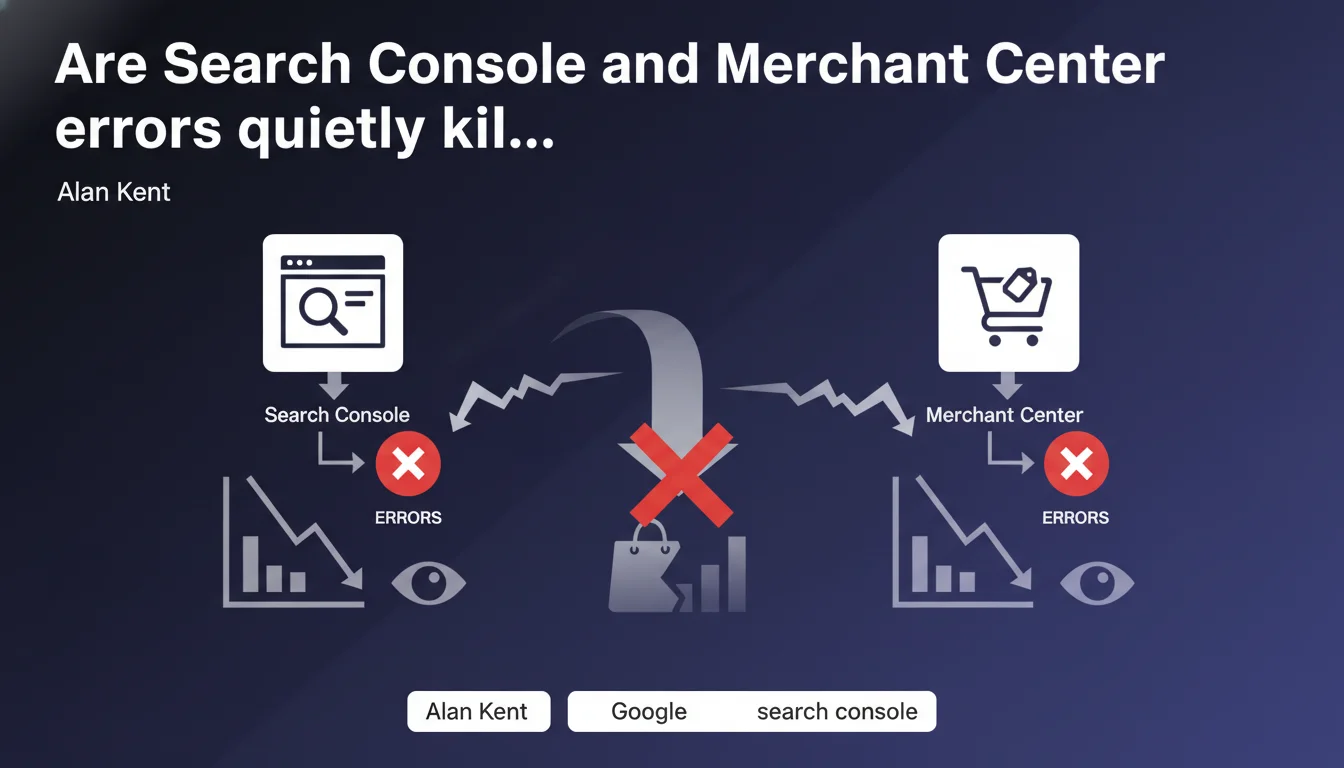
Google recommends actively monitoring errors in Search Console and Merchant Center to optimize the display of rich product listings. This statement underscores how the quality of e-commerce structured data directly impacts visibility in shopping results. It's basic advice but frequently overlooked by online retailers.
What you need to understand
What exactly does this Google recommendation say?
Alan Kent emphasizes that regularly checking errors in Search Console and Merchant Center is a prerequisite for achieving high-performing enriched results. This statement targets primarily e-commerce sites that use product structured data.
The focus is on the concept of consistent monitoring. Google is not talking about a one-time check at launch, but rather continuous tracking. Errors can emerge following a CMS update, a change in your data feed, or an evolution in guidelines.
Why this recommendation now?
This advice comes at a time when Google has increased the complexity of requirements for product rich snippets. Between Product structured data, Merchant Center feeds, and new features like merchant reviews, friction points have multiplied.
Sites that neglect this monitoring lose visibility without even realizing it — their product cards display in degraded form, without price, without availability, sometimes without images. Traffic erodes gradually and silently.
What's the difference between Search Console and Merchant Center?
Search Console surfaces structured markup errors directly on your pages (malformed schema.org Product, missing fields, inconsistencies). This data serves standard organic SEO and enriched results in the standard SERP.
Merchant Center manages product feeds for Google Shopping and commercial ads. Errors relate to feed data quality (incorrect prices, non-compliant images, poor categorization). A product rejected in MC won't display anywhere, even if the on-page markup is perfect.
- Search Console: structured markup validation on-page, indexation errors, mobile compatibility
- Merchant Center: product feed validation, compliance with commercial policies, account suspension
- The two complement each other: a listing can be technically valid (GSC OK) but commercially rejected (MC rejected)
- Mandatory monitoring: silent errors erode traffic without any visible alert in Analytics
SEO Expert opinion
Is this recommendation actually sufficient in practice?
Let's be honest: this Google advice borders on stating the obvious. Checking errors is e-commerce SEO 101 for over a decade now. The problem is that Google says nothing about the optimal monitoring frequency or critical alert thresholds.
In reality, a site with 50,000 products generates hundreds of transient errors every week. Not all errors are equal. A price error on a bestseller costs infinitely more than a missing reviews field on a zombie product. Google provides no prioritization method. [To verify]: the actual impact of an isolated error vs. an overall error rate of 5%.
What types of errors slip through the radar?
Google's tools surface obvious technical errors — but systematically miss semantic inconsistencies. A price displayed at €99.99 in schema.org and €89.99 in the MC feed doesn't always trigger an alert, even though Google will favor the competitor with consistent data.
Another blind spot: categorical mapping errors. Your internal taxonomy never perfectly aligns with Google's. A product miscategorized in MC displays for irrelevant queries, generates poor-quality traffic, and degrades user signals. GSC sees nothing.
In what cases does this logic not apply?
If your business model relies on pure editorial content (media, blog, B2B SaaS), Merchant Center isn't relevant to you. Search Console remains valuable for Article, FAQ, HowTo structured data — but the urgency differs.
Sites with fewer than 100 products can afford monthly manual checks. However, once you exceed 1,000 SKUs with rapid rotation (fashion, electronics), an undetected error for 48 hours represents measurable lost revenue. Monitoring should be daily, ideally real-time via API.
Practical impact and recommendations
What specifically should you monitor in Search Console?
The Rich Results > Products report lists all schema.org markup errors. Focus on mandatory fields: name, image, price, availability, priceCurrency. An error in price renders the listing invisible in shopping results.
Also check the Coverage report to detect product pages excluded from the index. A product not indexed can't generate a rich snippet, even with perfect markup. Cross-reference with your inventory data to spot inconsistencies.
How do you leverage Merchant Center alerts effectively?
Merchant Center sends notifications for three types of incidents: product disapprovals (non-compliance), account warnings (suspension risk), and improvement opportunities (optional optimization). Only the first two are critical.
A product disapproval can stem from a dead URL, a missing price in the feed, or an inconsistency between the feed and the landing page. Google recrawls products asynchronously — an error fixed takes sometimes 72 hours to disappear from the dashboard. Don't panic if the counter stays red after immediate correction.
What monitoring cadence should you adopt based on catalog size?
For a catalog under 500 products, a weekly manual check is sufficient. Between 500 and 5,000 SKUs, move to daily automated monitoring with email alerts on critical errors (rate >2%).
Beyond 5,000 products, manual approach becomes unmanageable. You must implement real-time dashboards that aggregate GSC API, MC API, and your own server logs. The goal: detect a drift before it impacts 10% of your catalog.
- Set up email alerts in Merchant Center for product disapprovals and account warnings
- Create a weekly dashboard cross-referencing GSC errors, MC disapprovals, and sales data to prioritize
- Automate consistency checks between your product database, MC feed, and on-page markup for price and stock
- Manually test 10 strategic product listings weekly using the Rich Results Testing tool
- Document recurring errors to identify systemic bugs (broken Shopify template, bad ERP mapping, etc.)
- Budget monthly for fixing structural errors — some require custom development
❓ Frequently Asked Questions
Quelle différence entre une erreur Search Console et un refus Merchant Center ?
Combien de temps après correction une erreur disparaît-elle du tableau de bord ?
Faut-il corriger toutes les erreurs ou prioriser ?
Peut-on automatiser la détection d'erreurs via API ?
Que faire si Merchant Center suspend mon compte pour erreurs répétées ?
🎥 From the same video 12
Other SEO insights extracted from this same Google Search Central video · published on 29/08/2022
🎥 Watch the full video on YouTube →
💬 Comments (0)
Be the first to comment.