
Official statement
Other statements from this video 12 ▾
- □ Faut-il vraiment doubler les données produits entre le site et Merchant Center ?
- □ Pourquoi Google préfère-t-il les flux Merchant Center au crawl classique pour vos données produits ?
- □ Merchant Center peut-il vraiment booster le crawl de vos fiches produits ?
- □ Googlebot crawle-t-il vraiment les moteurs de recherche internes de votre site ?
- □ Comment vérifier l'indexation d'une page : l'outil d'inspection ou l'opérateur site: ?
- □ Pourquoi Google exige-t-il à la fois des données structurées ET Merchant Center pour afficher les prix correctement ?
- □ Les incohérences de prix entre votre site et Merchant Center peuvent-elles vraiment plomber votre visibilité produit ?
- □ Les mises à jour automatiques dans Merchant Center peuvent-elles corriger vos données produits sans intervention manuelle ?
- □ Faut-il vraiment cumuler données structurées ET flux Merchant Center pour les résultats enrichis produits ?
- □ Les résultats enrichis sont-ils vraiment à la discrétion totale de Google ?
- □ Pourquoi les erreurs Search Console et Merchant Center sabotent-elles vos résultats shopping ?
- □ Pourquoi les données structurées produit ne suffisent-elles pas pour apparaître dans l'onglet Shopping ?
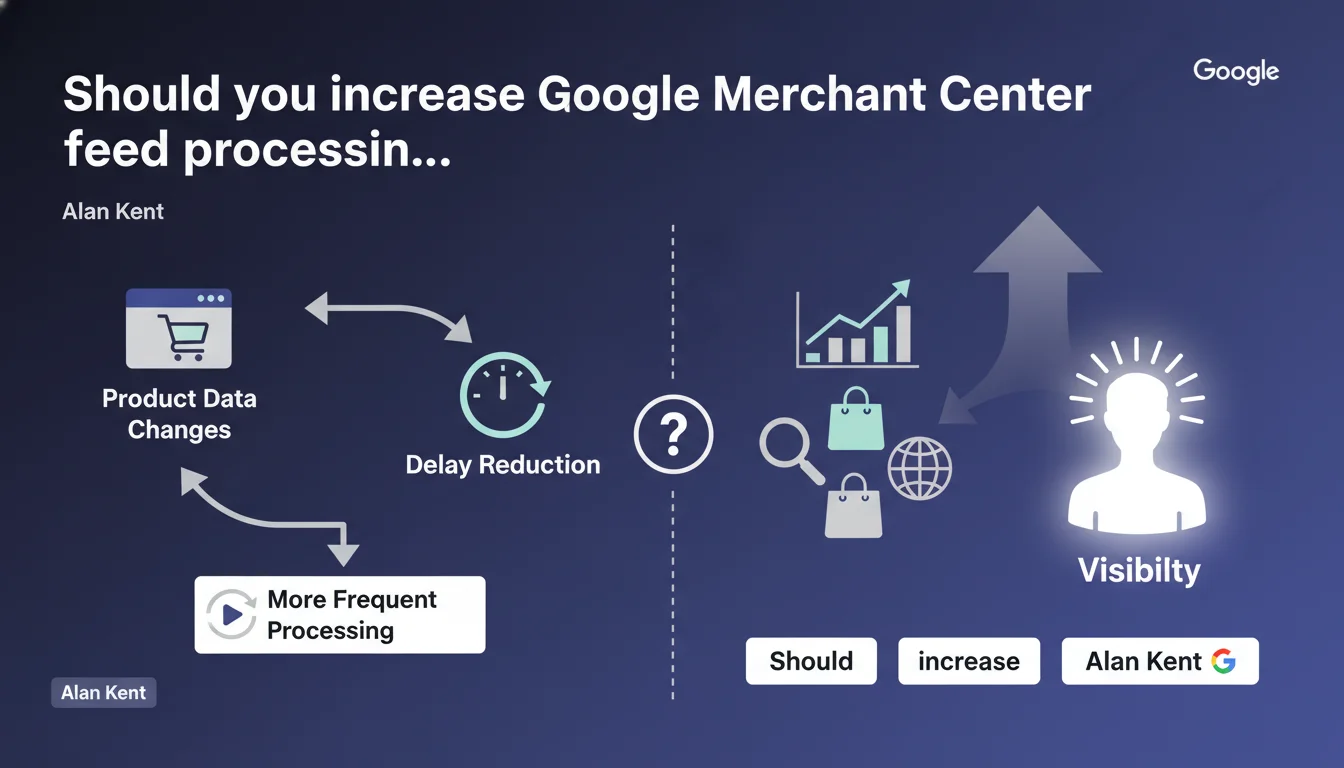
Google confirms that you can request more frequent processing of Merchant Center feeds to reduce the lag between a product update and its recognition by Google. This option allows you to synchronize your actual inventory faster with what appears in Google Shopping, but it's not automatic — you need to request it explicitly.
What you need to understand
Why is feed processing frequency so critical?
By default, Google Merchant Center doesn't refresh your product feeds in real time. There is an unavoidable lag between the moment you update a price, stock level, or description, and when Google reflects this change in its Shopping results.
This gap can be problematic in high-turnover sectors — fashion, electronics, flash sales. If your competitor displays an updated price before you do, they capture the click. If you announce a product out of stock, you generate frustration and negative signals.
What does this statement change concretely?
Alan Kent confirms that there is an option to speed up processing — but it's not enabled by default. You need to request it explicitly, likely through your Merchant Center account settings or by contacting support.
In practice, if your feed refreshes every 24 hours, you could reduce that to a few hours or less, depending on your eligibility and volume. But be warned: Google doesn't say this acceleration is available to everyone, nor what maximum frequency you can expect.
In what scenarios does this feature make sense?
Not every e-commerce business needs this option. If you sell products with stable prices and inventory — custom furniture, industrial equipment — the benefit will be marginal.
On the other hand, if you manage a catalog with flash promotions, volatile stock levels, or direct price competition, the synchronization delay becomes a performance lever. Every hour counts.
- Reduce the lag between product update and display in Google Shopping
- The option is not automatic: it requires an explicit request
- Most relevant for high-turnover catalogs (stocks, prices, promotions)
- No public data on maximum allowed frequency or eligibility criteria
SEO Expert opinion
Is this statement consistent with observed practices?
Yes, and it sheds light on a widely misunderstood point. Many e-commerce retailers think Google crawls their feed as soon as they submit it. In reality, Google decides the processing frequency, and this frequency can be adjusted upon request.
In practice, some Merchant Center accounts do benefit from faster processing — but official communication about this possibility has been almost nonexistent until now. Alan Kent lifts the veil, but remains vague about the mechanics. [To verify]: Is this a simple option in the interface, or must you go through support? What are the eligibility criteria?
What nuances should we add?
Increasing processing frequency doesn't guarantee instant indexing. There's always a lag between when Google processes your feed and when modifications appear in Shopping search results.
Furthermore, if your feed contains errors — poorly categorized products, invalid GTINs, truncated descriptions — increasing frequency won't solve anything. You'll just generate more errors faster. Before accelerating, ensure your feed is clean and compliant.
In what cases can this option backfire?
If your feed management system produces unstable files — erratic price variations, stock shortages followed by immediate replenishment — high frequency can amplify the noise. Google may detect chronic instability and penalize your Merchant Center quality score.
Additionally, increasing frequency can strain your infrastructure if the feed is generated dynamically on each Google request. If your server takes 30 seconds to compile a 100,000 SKU XML file, you'll create a bottleneck.
Practical impact and recommendations
What should you do concretely to enable this option?
Start by checking your Merchant Center account settings for an option to adjust processing frequency. If nothing appears, contact Google support directly to request it — justifying your need (rapid stock rotation, promotional campaigns, etc.).
Before requesting this acceleration, ensure your feed is technically flawless: error rate under 1%, complete structured data, GTIN compliance, unique descriptions. Google won't grant you high frequency if your feed constantly generates alerts.
What mistakes must you avoid?
Don't request high frequency if your infrastructure can't handle it. If Google polls your feed every 2 hours and your server times out one-third of the time, you'll degrade your reliability score.
Also avoid continuously modifying your feed without strategic reason. Constant changes — prices fluctuating by cents multiple times per day — may be perceived as price spam. Google favors consistent stability over hyperactivity.
How do you verify that acceleration is actually working?
Monitor the processing logs in Merchant Center: last processing timestamp, number of products processed, reported errors. If you've requested 4-hour frequency, verify Google is actually honoring that schedule.
Also compare the observed lag between an update in your ERP and its appearance in Google Shopping. If this lag doesn't shrink after enabling the option, dig deeper: either Google hasn't applied your request, or a bottleneck persists in feed generation.
- Check Merchant Center settings or contact Google support to request acceleration
- Clean your feed before any request: error rate < 1%, complete and compliant data
- Ensure your server infrastructure supports high frequency without timeouts
- Avoid erratic price changes that could be interpreted as spam
- Monitor processing logs to confirm the requested frequency is applied
- Measure real impact on lag between ERP update and Shopping display
❓ Frequently Asked Questions
Comment demander une fréquence de traitement plus élevée dans Merchant Center ?
Quelle est la fréquence maximale de traitement que Google peut accorder ?
Est-ce que tous les comptes Merchant Center peuvent bénéficier de cette option ?
Augmenter la fréquence de traitement améliore-t-il directement le classement dans Google Shopping ?
Quels risques si je demande une fréquence trop élevée sans infrastructure adaptée ?
🎥 From the same video 12
Other SEO insights extracted from this same Google Search Central video · published on 29/08/2022
🎥 Watch the full video on YouTube →
💬 Comments (0)
Be the first to comment.