
Official statement
Other statements from this video 11 ▾
- □ Should you really keep the 'priority' tag in your sitemaps?
- □ Should you really remove the 'changefreq' tag from your sitemaps?
- □ Why does Google ignore the 'lastmod' tag in your sitemaps?
- □ Should you still bother filling in the lastmod tag in your XML sitemaps?
- □ Does submitting a sitemap really guarantee that Google will crawl your URLs?
- □ Should you replace sitemap extensions with structured data?
- □ Should You Stop Using Video and Image Tags in Your XML Sitemaps?
- □ Should you update lastmod when adding structured data to your pages?
- □ Why does creating a sitemap expose more technical problems than it solves?
- □ Are session identifiers in URL parameters still sabotaging your site's crawlability?
- □ Does submitting your URLs via API really guarantee indexation without Google crawling them?
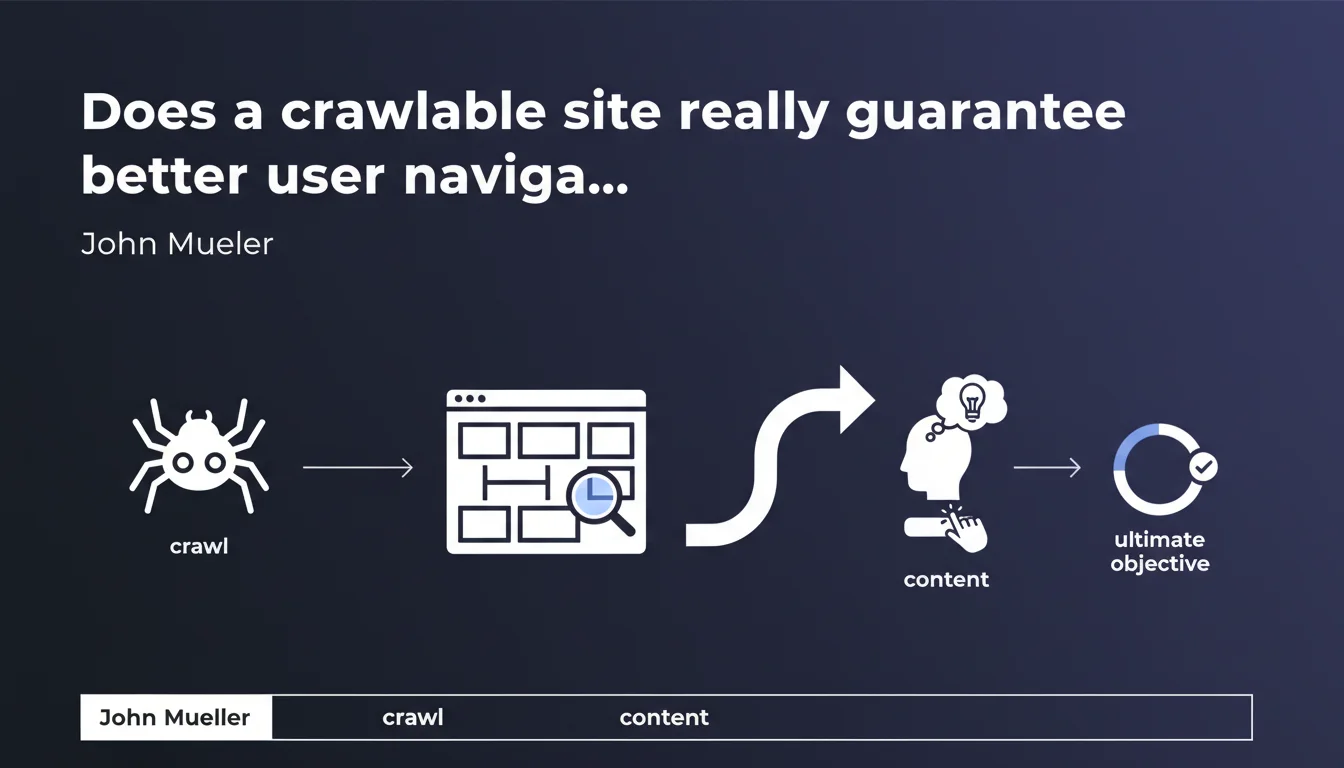
Google claims that a site that's easy to crawl also allows users to navigate and discover deep content. The idea: if robots can follow links, so can humans. But is this equivalence always true in practice?
What you need to understand
What does "crawlable" really mean in this context?
A crawlable site is one whose architecture allows search engine robots to discover and traverse all pages through standard HTML links. No blocking Javascript, no redirect loops, no orphaned pages with no incoming links.
Mueller's statement suggests that this technical accessibility benefits both crawlers and human visitors — if a Googlebot can click and explore, so can a user.
Why does Google emphasize this equivalence?
The underlying idea is straightforward: good internal linking architecture serves both SEO and user experience. Content buried 10 clicks deep from the homepage will be hard to crawl and just as hard for a visitor to find.
Google has been pushing for years the idea that SEO and UX converge. This statement fits that logic: optimizing for robots also means optimizing for humans.
What are the key takeaways?
- A crawlable site relies on clear HTML link structure, without excessive reliance on client-side Javascript.
- Deep pages should be accessible in a reasonable number of clicks from the homepage.
- If robots struggle to discover content, users will likely face the same problem.
- The ultimate goal is for visitors to explore freely across the site and find what they're looking for without friction.
SEO Expert opinion
Is this equivalence between crawlability and user navigation always true?
Let's be honest: not always. A site can be perfectly crawlable with rigorous internal linking but offer catastrophic user navigation — confusing menus, poorly named categories, missing breadcrumbs.
Conversely, some sites rely on ultra-smooth Javascript interfaces (dynamic filters, asynchronous loading) that delight users but complicate crawler work if server-side rendering isn't properly implemented.
What nuances should we add?
Mueller's statement holds true overall, but it oversimplifies. A crawlable site guarantees Google can discover the content, but it says nothing about the quality of user experience.
A mega-menu with 200 links is technically crawlable — but nobody wants to navigate through that. And what about sites using extremely long URL parameters, perfectly crawlable but incomprehensible to humans? [Needs verification]: Google doesn't specify whether this equivalence applies to sites heavily dependent on modern Javascript (React, Vue, etc.) where content renders after page load.
In which cases does this rule not apply?
Complex web applications (SaaS, dashboards, client portals) may require very different architecture on the crawl side and the UX side. Some sections are intentionally blocked from crawling (robots.txt, noindex) but accessible to logged-in users.
Similarly, an e-commerce site with faceted filters can expose thousands of crawlable URLs that have no value for a user navigating naturally — and there, it's actually the reverse: too much crawlability hurts UX and dilutes your crawl budget.
Practical impact and recommendations
What concrete steps should you take to improve crawlability and navigation?
Start by auditing your internal linking structure. Are strategic pages accessible in 3 clicks maximum from the homepage? Use a crawler (Screaming Frog, Oncrawl) to identify orphaned pages and bottlenecks.
Next, verify that your navigation relies on standard HTML links. If you use Javascript to generate menus, ensure the links exist in the source HTML or via SSR (Server-Side Rendering).
What errors should you absolutely avoid?
Don't multiply unnecessary navigation layers (bloated mega-menus, too many categories) under the guise of improving crawl. The more links you create, the more you dilute internal PageRank and the more you complicate things for users.
Also avoid common pitfalls: URL parameters that generate duplicate content, chained 302 redirects, pagination without rel="next"/"prev" or View All. Anything that complicates crawling also complicates navigation.
How do you verify your site is compliant?
- Crawl your site with a tool like Screaming Frog and identify pages more than 3 clicks deep.
- Verify in Search Console that Google discovers your strategic pages (Coverage report).
- Test your navigation in real conditions: can an average user find a product page or article in less than 3 clicks?
- Analyze server logs to spot sections that are poorly crawled or ignored by Googlebot.
- If you use Javascript, test rendering as Google sees it using the URL Inspection tool in Search Console.
- Make sure your internal links use descriptive anchor text (not "click here").
❓ Frequently Asked Questions
Un site crawlable est-il automatiquement bien indexé par Google ?
Le Javascript nuit-il à la crawlabilité ?
Faut-il limiter le nombre de liens internes par page ?
Comment savoir si mes pages profondes sont bien crawlées ?
Un sitemap XML compense-t-il un mauvais maillage interne ?
🎥 From the same video 11
Other SEO insights extracted from this same Google Search Central video · published on 05/05/2022
🎥 Watch the full video on YouTube →
💬 Comments (0)
Be the first to comment.