
Official statement
Other statements from this video 11 ▾
- □ Is the HTML loading=lazy attribute really enough to prevent indexation issues?
- □ Should you really ban lazy loading from hero images?
- □ Is lazy loading actually killing your LCP?
- □ Is your custom JavaScript lazy loading library sabotaging Google's ability to index your images?
- □ Is your lazy loading blocking Google from seeing your images?
- □ Does lazy loading really boost your SEO, or just your page speed?
- □ What if your LCP is a text block loaded in JavaScript—how does Google actually measure it?
- □ Is native HTML lazy loading really enough to optimize your page crawl?
- □ Is lazy loading destroying your image indexation in Google?
- □ Are CSS background images really invisible to Google's search algorithm?
- □ Why does Google really insist that infinite scroll and lazy loading are fundamentally different?
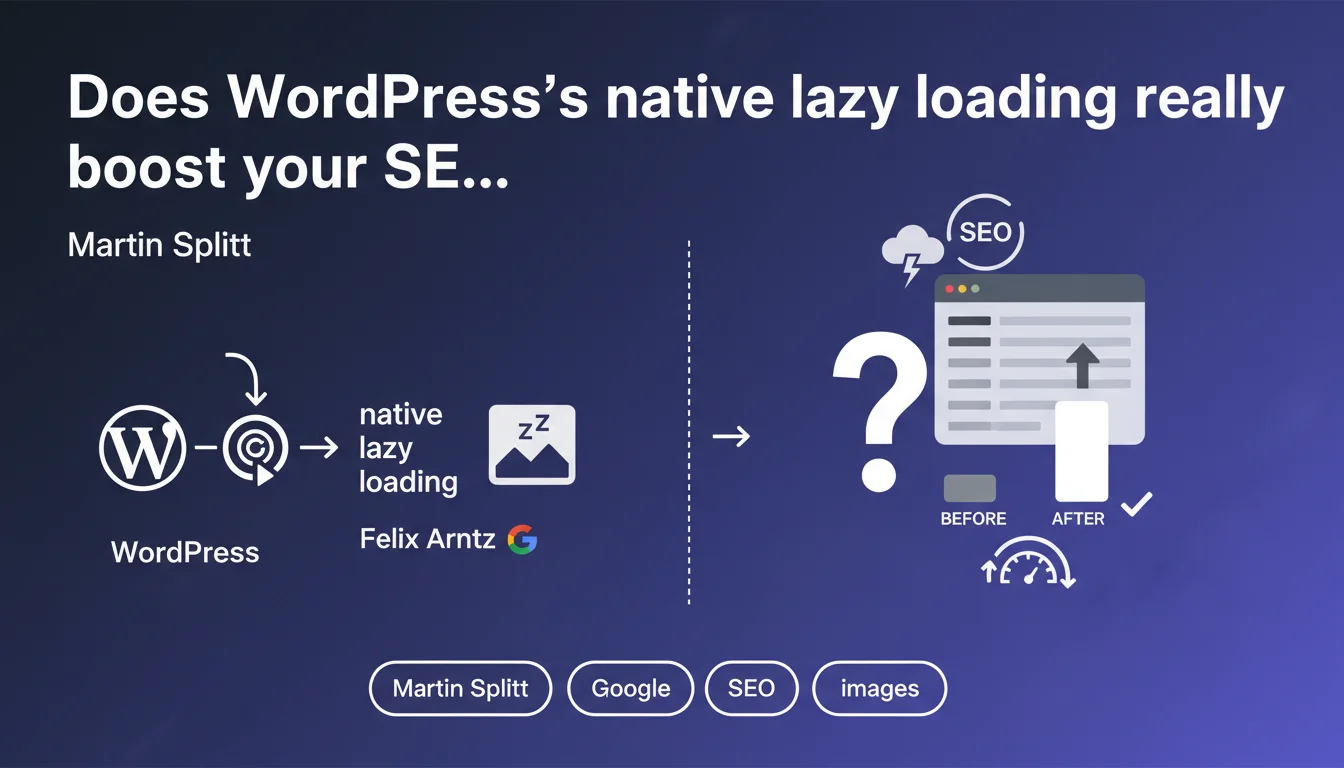
WordPress automatically activates native lazy loading for all images since version 5.5, a feature developed by Felix Arntz from Google. This practice has become standard across most modern CMS platforms. The SEO impact is measurable, particularly on Core Web Vitals, but beware of outdated best practices that still persist.
What you need to understand
Why did WordPress integrate lazy loading by default?
The decision to enable native lazy loading in WordPress is far from trivial. This feature defers the loading of images outside the visible area (below the fold) until the user scrolls down the page.
The goal? To reduce initial page load and improve perceived performance. Felix Arntz, an engineer at Google, directly contributed to this implementation — which validates the approach in light of Google's official recommendations.
How does native lazy loading differ from JavaScript scripts?
Before this native integration, lazy loading required third-party JavaScript libraries (LazySizes, Lozad, etc.). These solutions added weight, dependencies, and sometimes compatibility issues.
Native lazy loading simply uses the HTML attribute loading="lazy". The browser handles everything natively, without additional JavaScript. It's lighter, faster, and most importantly — fewer points of failure.
Has this generalization across CMS platforms changed Google's expectations?
Absolutely. With widespread adoption of native lazy loading (WordPress, Shopify, Wix, Squarespace), Google now considers this practice a baseline standard.
Sites that don't implement it are now falling behind the competition in terms of technical performance. Let's be honest: it's no longer a competitive advantage, it's become a prerequisite.
- Native lazy loading is automatically enabled in WordPress since version 5.5
- It uses the HTML attribute
loading="lazy"without additional JavaScript - This practice is now a standard across all modern CMS platforms
- Google values this approach because it improves Core Web Vitals
- All modern browsers natively support this functionality
SEO Expert opinion
Does this actually change anything for WordPress sites?
Not really. If you're using a recent version of WordPress (5.5+), you're already benefiting from lazy loading by default. Most SEO professionals shouldn't even have to think about it.
The problem is that many sites disable this feature — either out of ignorance, or because a poorly coded plugin or theme interferes. And that's where things break down.
Should you be concerned about lazy loading side effects?
Absolutely. WordPress's native lazy loading applies the attribute to all images, including those immediately visible (above the fold). That's a classic mistake.
Google explicitly recommends NOT lazy-loading critical images — those appearing above the fold. This creates an unnecessary rendering delay and degrades LCP (Largest Contentful Paint).
loading="lazy" even to hero images and main banners. You must manually exclude these critical images to optimize LCP. Some premium themes handle this automatically, others don't.Are third-party JavaScript solutions still relevant?
In most cases, no. Native lazy loading is more than sufficient and avoids JavaScript bloat. Adding a third-party library on top creates unnecessary redundancy.
Exceptions? Advanced cases requiring granular control (custom thresholds, animations, blurred placeholders). But realistically, 95% of sites don't need it.
Practical impact and recommendations
How do you verify that lazy loading is working correctly on your site?
Open the page source (Ctrl+U or Cmd+U) and look for your <img> tags. You should see the loading="lazy" attribute on all images except critical ones.
Also use Chrome's DevTools (Network tab) to observe deferred loading: images off-screen should only load on scroll.
What mistakes must you absolutely avoid?
First: letting lazy loading apply to hero images or your main logo. This directly degrades your LCP score.
Second: using native lazy loading AND a JavaScript lazy loading plugin simultaneously. Result: conflicts, duplication, and performance worse than before.
What should you concretely do to optimize this feature?
If you're on WordPress, start by checking your version — ideally 6.0 or higher. Then inspect your critical images and disable lazy loading manually on those.
For developers, use the wp_lazy_loading_enabled filter to exclude certain images. For non-developers, plugins like Perfmatters or WP Rocket allow you to manage these exclusions via interface.
- Verify that WordPress is up to date (minimum version 5.5)
- Identify above-the-fold images and disable their lazy loading
- Remove redundant JavaScript lazy loading plugins
- Test actual loading with Chrome DevTools (Network tab)
- Measure the impact on LCP via PageSpeed Insights or WebPageTest
- Configure specific exclusions for critical images (logo, hero, main banner)
- Check compatibility with your theme and image optimization plugins
🎥 From the same video 11
Other SEO insights extracted from this same Google Search Central video · published on 21/08/2025
🎥 Watch the full video on YouTube →
💬 Comments (0)
Be the first to comment.