
Official statement
Other statements from this video 8 ▾
- □ Is page speed really a decisive ranking factor for Google?
- □ Are images really the biggest performance bottleneck dragging down your website?
- □ Should you really migrate all your images to WebP to boost your SEO performance?
- □ Does Google really consider the srcset attribute on images for SEO?
- □ Are third-party scripts really sabotaging your Core Web Vitals even when they're not visible on screen?
- □ Is Lighthouse really enough to spot all your problematic JavaScript code?
- □ Is lazy loading really safe for your SEO rankings?
- □ Is the loading=lazy attribute really enough to optimize image loading for SEO?
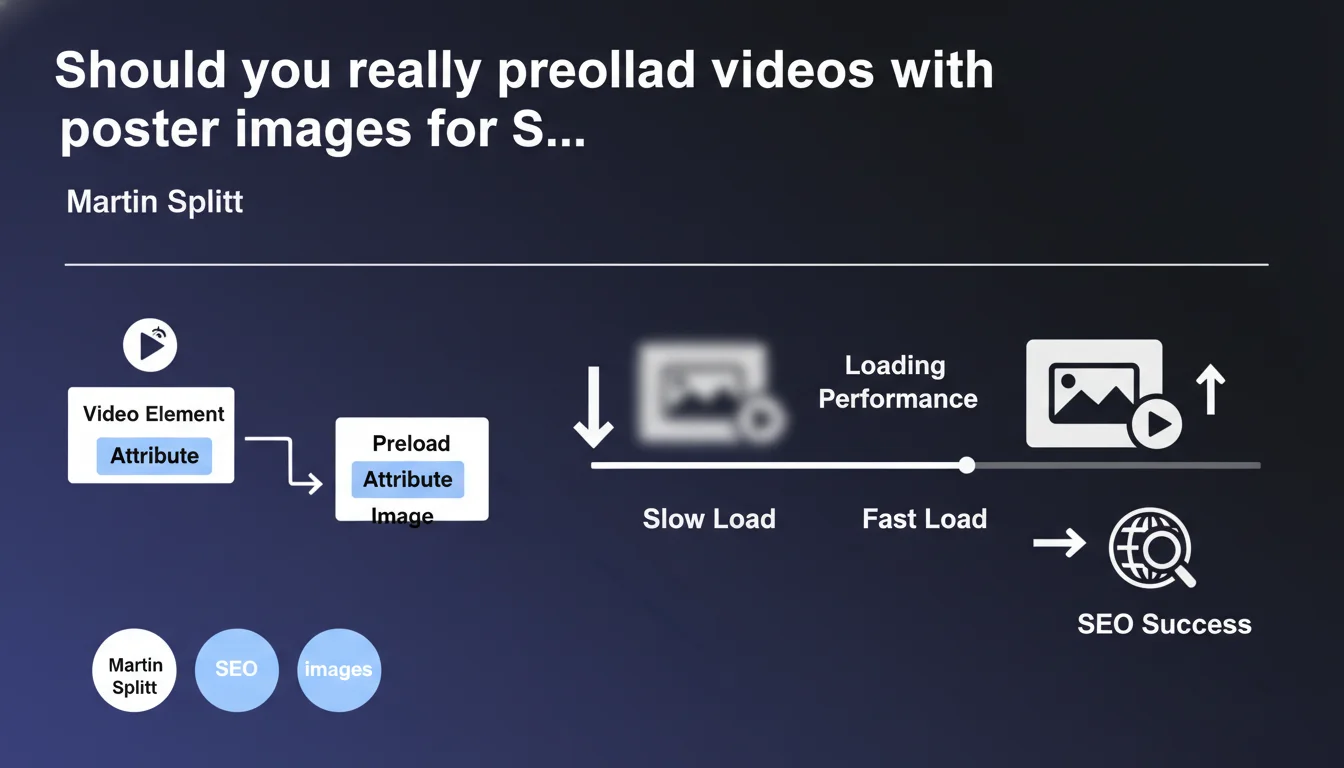
Google recommends using video preloading and poster images as placeholders to improve loading performance. This technical optimization reduces time to first paint and enhances Core Web Vitals, two factors now critical for ranking.
What you need to understand
Why does Google emphasize poster images for videos?
The poster image (the poster HTML attribute) acts as a visual placeholder while the video loads. Without it, the browser displays an empty frame or the video's first frame, which generates negative Cumulative Layout Shift (CLS).
In practice? A properly sized poster image stabilizes the layout from the first display. The browser knows how much space to reserve, preventing visual jumps that tank your Core Web Vitals.
Does video preloading really improve performance?
Preloading (the preload attribute) lets the browser anticipate loading video metadata or content. Three possible values: none, metadata, or auto.
For most cases, preload="metadata" represents the best balance. You load essential info (duration, dimensions, first frame) without straining initial bandwidth. The auto option loads the entire video — reserve this for cases where playback is almost certain.
Does this optimization directly impact rankings?
Indirectly, yes. Loading performance is part of ranking signals via Core Web Vitals since the Page Experience Update. A poorly optimized video can degrade your LCP (Largest Contentful Paint) if it's the main visible element.
Martin Splitt doesn't explicitly mention a direct ranking impact, but improving load times and visual stability consistently works in your favor. Google crawlers also analyze these signals to evaluate experience quality.
- The poster attribute stabilizes CLS by reserving the video's visual space
- preload="metadata" loads essential info without overloading the page
- These optimizations improve Core Web Vitals, confirmed ranking factors
- SEO impact is indirect but measurable on overall performance
SEO Expert opinion
Is this recommendation consistent with real-world observations?
Absolutely. PageSpeed Insights audits regularly flag videos without the poster attribute as CLS degradation sources. Sites that apply this optimization see measurable gains in their Web Vitals metrics.
Let's be honest — this statement is one of the rare cases where Google gives immediately actionable technical advice. No corporate speak, no "it depends." It's a universal best practice.
What nuances should you apply depending on context?
Automatic preloading (preload="auto") can backfire on mobile or limited connections. You saturate bandwidth for content the user may never watch.
For below-the-fold videos (below the fold line), prioritize preload="none" with lazy loading. Load only when the user scrolls to the video. The loading="lazy" attribute becomes your best ally.
In which cases doesn't this rule apply fully?
For third-party video players (YouTube, Vimeo), you don't directly control these attributes. These platforms manage their own optimization — but you can use facades (clickable thumbnails) to delay iframe loading.
Adaptive streaming videos (HLS, DASH) require a different approach. Standard preloading doesn't work — you must optimize the playlist manifest and initial segments. [To verify]: Google doesn't specify how these formats are treated by its video crawler.
Practical impact and recommendations
What should you actually implement on your video pages?
Start by adding the poster attribute to each <video> tag. The image must have the same dimensions as the video to avoid any distortion or layout shift.
Then add preload="metadata" to most of your videos. If the video is critical for experience (hero section), test preload="auto" while monitoring impact on Time to First Byte (TTFB).
How do you avoid common video optimization mistakes?
The classic mistake: using a poster image that's too heavy (2-3 MB). You cancel the benefit by slowing down initial loading. Aim for 100-200 KB maximum, optimized WebP or AVIF format.
Another trap — forgetting the width and height attributes on the video tag. Without explicit dimensions, the browser can't reserve space, and your CLS explodes despite the poster.
How do you verify your videos are properly optimized?
- Audit your pages with PageSpeed Insights and check for CLS alerts related to videos
- Inspect source code: each
<video>must have poster, preload, width and height - Test on mobile with 3G throttling — the video must not block initial rendering
- Use Chrome DevTools (Network tab) to measure poster weight and preloaded metadata
- Enable lazy loading for secondary videos with
loading="lazy" - Check that background videos have an image fallback in case of loading failure
❓ Frequently Asked Questions
L'attribut poster est-il obligatoire pour le référencement vidéo ?
Quelle valeur de preload utiliser par défaut ?
Comment optimiser les vidéos YouTube ou Vimeo embarquées ?
Le lazy loading vidéo est-il compatible avec le préchargement ?
Quel format d'image choisir pour l'attribut poster ?
🎥 From the same video 8
Other SEO insights extracted from this same Google Search Central video · published on 29/11/2023
🎥 Watch the full video on YouTube →
💬 Comments (0)
Be the first to comment.