
Official statement
Other statements from this video 10 ▾
- □ Pourquoi Google transforme-t-il ses Webmaster Guidelines en Search Essentials ?
- □ Les Search Essentials sont-elles vraiment essentielles pour ranker sur Google ?
- □ Comment Google affiche-t-il désormais les noms de sites dans les résultats de recherche ?
- □ Comment optimiser l'affichage de votre nom de site sur mobile avec les données structurées ?
- □ Faut-il encore se soucier de Panda et Penguin en SEO ?
- □ Google publie-t-il enfin un historique complet de ses mises à jour de classement ?
- □ Pourquoi Google documente-t-il certains systèmes de classement et pas d'autres ?
- □ Pourquoi Google communique-t-il sur ses mises à jour et qu'est-ce que ça change pour les SEO ?
- □ Pourquoi Google renvoie-t-il vers la Search Central Help Community pour comprendre les changements de trafic ?
- □ Pourquoi Google demande-t-il des retours sur sa documentation SEO ?
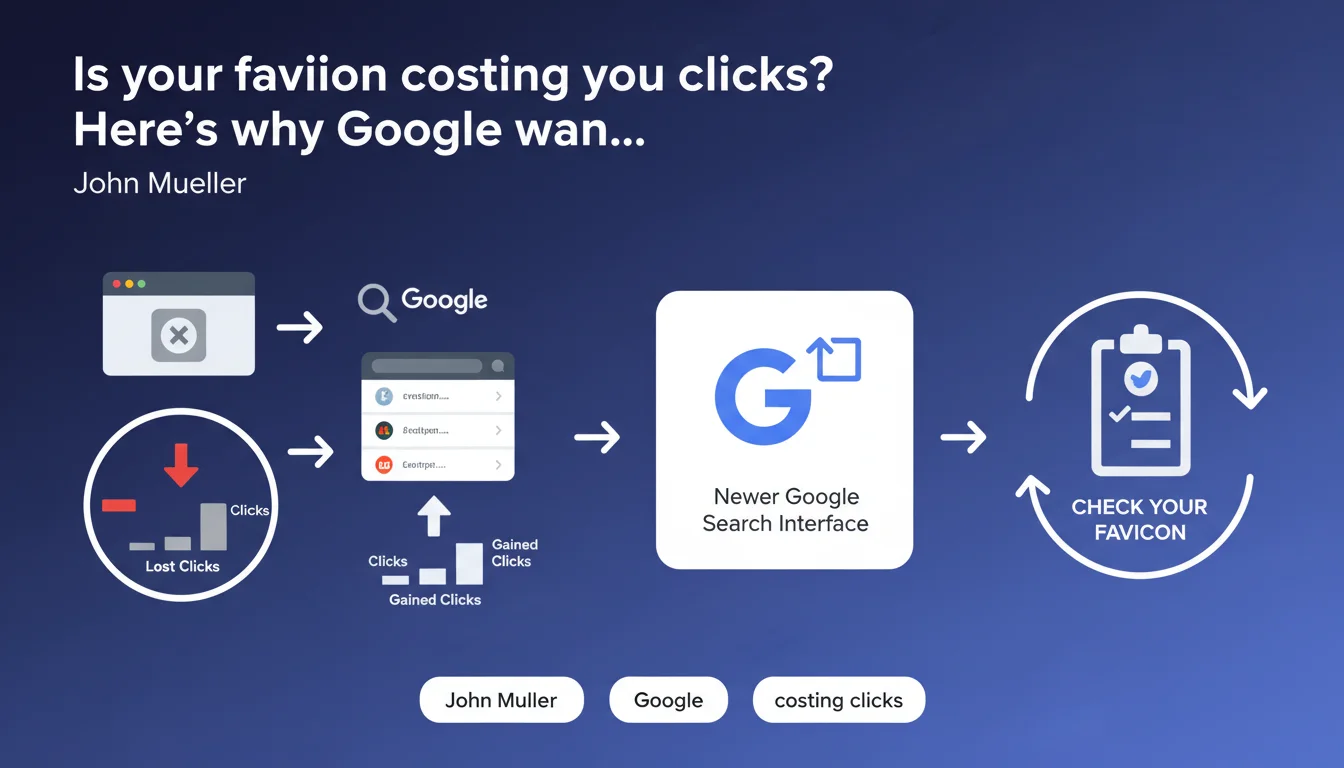
Google is making website favicons more visible in search results through changes to how site names are displayed. John Mueller recommends verifying that your favicon is current and compliant, as it will now play a much more important role in your brand's visual identification in the SERPs.
What you need to understand
What exactly is this change in website name display?
Google has rolled out a modification to the search results interface where the display of domain name and favicon has become more prominent. Previously understated, the favicon now enjoys increased visibility in the SERPs, accompanying the site name in a more noticeable way.
Concretely, this means that your site's visual identity — embodied by this small 16x16 or 32x32 pixel square — takes on new strategic importance. It is no longer just a technical detail.
Why is Mueller pushing for this verification?
Mueller's recommendation stems from a simple observation: many websites have outdated, misconfigured, or non-existent favicons. With the old presentation, this went largely unnoticed. Now, a generic, pixelated, or missing favicon is immediately noticeable and damages your brand perception.
The risk? Google displays a default favicon, an automatically generated icon, or worse — an old favicon you forgot to update after a rebranding. The impact on click-through rate can be significant, even if Google doesn't quantify it.
What are Google's technical criteria for a good favicon?
Google has specific requirements, even if not all are publicly documented. The favicon must be in a square format, in SVG or standard bitmap formats (PNG, ICO). The recommended size is a multiple of 48px (48x48, 96x96, 144x144).
- Square format mandatory — rectangular formats will be cropped or rejected
- Stable and accessible URL — no redirects, no robots.txt blocking
- Visual compliance — clearly represents your brand, legible even at 16x16px
- No misleading content — Google may reject a favicon deemed misleading or pornographic
- Caching — Google does not update the favicon instantly, expect several weeks
SEO Expert opinion
Is this recommendation coming at the right time?
Let's be honest: Mueller could have been more explicit about the timeline. The statement doesn't specify when this display change was rolled out or whether it affects all types of results. Based on field observations, this rollout happened gradually, with variations by region and query type. [To be verified] whether your industry is already affected.
What strikes me is that Google is communicating about this point after deployment, when the impact on CTR is already measurable for some sites. Proactive communication would have allowed SEOs to anticipate. Classic.
Does the favicon actually influence rankings?
No, and this is important to clarify. The favicon is not a ranking factor — Google has confirmed this multiple times. However, it indirectly influences performance through click-through rate, which is a behavioral signal that Google does take into account.
A professional favicon, consistent with your brand identity, improves visual recognition in crowded SERPs. And in a context where every tenth of a point of CTR counts, neglecting this lever is a tactical mistake.
What are the limitations of this recommendation?
Mueller says nothing about update timelines or cases where Google ignores the favicon you've provided. In practice: it sometimes happens that Google chooses a different image file from your site, often in a completely illogical way. The causes? Often linked to caching issues on Google's side, multiple files declared contradictorily, or opaque internal rules.
Practical impact and recommendations
What should you specifically check on your favicon?
First step: audit your current favicon. Type "site:yourdomain.com" into Google and see what displays. If you see a generic icon, an empty square, or an old logo, you have a problem to fix immediately.
Next, verify the declaration in the source code. Inspect the <head> of your main pages. You must have at minimum a <link rel="icon" href="/favicon.ico"> tag. Ideally, declare multiple sizes to cover all contexts (browsers, mobile, etc.).
What mistakes should you avoid when updating?
Classic mistake: uploading a new favicon without clearing caches. Remember browser cache, CDN cache, and server cache. Add a version parameter to the URL (favicon.ico?v=2) to force refresh.
Another trap: using an unoptimized format. A 500KB PNG for a 16x16 favicon unnecessarily slows down loading. Optimize with tools like TinyPNG or switch to SVG if your logo works for it — but be careful, not all browsers fully support SVG for favicons yet.
- Verify that the favicon is square and legible at 16x16px
- Declare the favicon in the
<head>with an absolute URL - Test file accessibility (no 404s, no robots.txt blocking)
- Optimize file size (a few KB maximum)
- Declare multiple sizes (16x16, 32x32, 96x96, 180x180 for mobile)
- Check display in Google Search Console after a few weeks
- Monitor CTR in analytics to measure impact
How do you ensure Google recognizes your new favicon?
Use Google Search Console and wait. There is no official tool to force favicon updates. Some SEOs recommend resubmitting your sitemap or requesting reindexing of main pages, but effectiveness remains anecdotal.
In parallel, test with Google's Rich Results Test tool — while it doesn't guarantee your favicon will be used, it detects obvious technical errors. If the test fails, fix it before waiting for Google to update.
❓ Frequently Asked Questions
Combien de temps faut-il pour que Google mette à jour mon favicon dans les résultats de recherche ?
Le favicon doit-il être déclaré dans le sitemap XML ?
Que faire si Google affiche un mauvais favicon pour mon site ?
Est-ce que tous les sites doivent obligatoirement avoir un favicon ?
Quel format de fichier privilégier pour un favicon en termes de SEO ?
🎥 From the same video 10
Other SEO insights extracted from this same Google Search Central video · published on 21/12/2022
🎥 Watch the full video on YouTube →
💬 Comments (0)
Be the first to comment.