
Official statement
Other statements from this video 8 ▾
- □ Does improving user experience really impact your search engine rankings?
- □ Are accordions and collapsible content still hurting your mobile SEO rankings?
- □ Should you really ignore SEO blogs and only read Google's official documentation?
- □ Do Core Web Vitals Really Affect Your Google Rankings?
- □ Is lazy loading really an easy SEO optimization to implement without risks?
- □ Does JavaScript package size really impact your SEO rankings?
- □ Is semantic HTML really a game-changing ranking factor for SEO?
- □ Should SEO experts really be involved from the technical design phase?
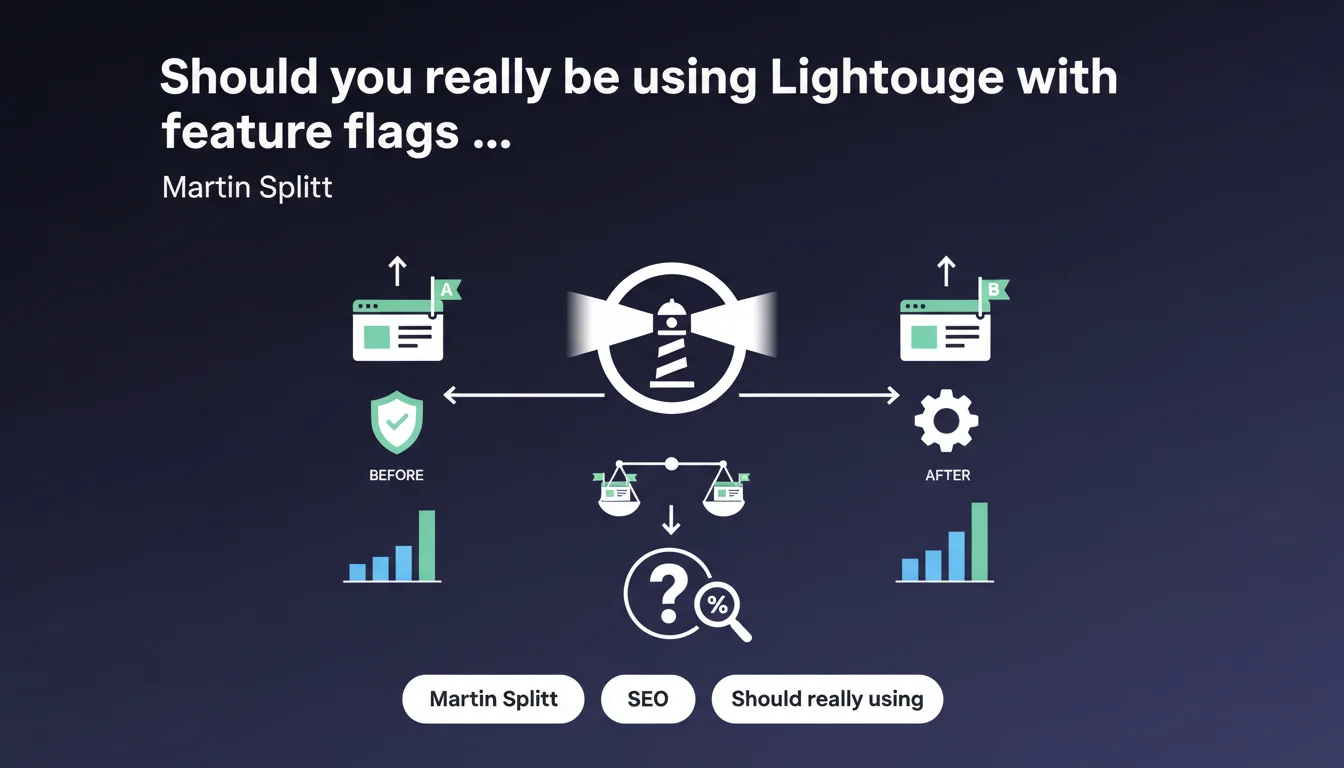
Google recommends using Lighthouse paired with feature flags to precisely measure the performance impact of each modification before full deployment. This approach allows you to objectively compare before/after performance and avoid invisible regressions that damage user experience. In practice: test your changes on a sample of users before rolling out to everyone.
What you need to understand
Why does Google emphasize using Lighthouse in this context?
Lighthouse remains the gold standard for evaluating Core Web Vitals and overall page performance. Martin Splitt reminds us here that measuring the impact of changes is not optional — it's a necessity for identifying regressions before they affect your entire traffic.
The problem? Many teams deploy features without a comparison baseline. Result: impossible to know if your new JavaScript carousel killed your LCP or if it's something else.
What are feature flags and why combine them with Lighthouse?
Feature flags (or feature toggles) allow you to enable/disable a feature server-side without redeploying code. In SEO/performance terms, this means: enable the new feature for 10% of traffic, measure with Lighthouse, and compare against the remaining 90% running the old version.
This approach eliminates temporal bias (variable network conditions, fluctuating server load) and precisely isolates the impact of your modification. You get reliable measurement, not guesswork.
What are the key metrics to monitor with this approach?
- LCP (Largest Contentful Paint): if your new feature loads a heavy image or blocks rendering, you'll see it immediately
- CLS (Cumulative Layout Shift): dynamic DOM modifications often cause invisible shifts that are catastrophic in metrics
- INP (Interaction to Next Paint): new JavaScript functionality can introduce blocking on the main thread
- Overall Performance Score: useful for a high-level view, but insufficient alone — always break down by individual metric
SEO Expert opinion
Is this recommendation really applicable in a production environment?
Let's be honest: implementing feature flags requires solid technical infrastructure. Many sites don't have this capability — and that's where Google's advice becomes frustrating. Saying "use feature flags" without explaining how is like saying "eat balanced" to someone without a kitchen.
For sites running standard WordPress or rigid CMSes, this approach requires either an advanced CDN (Cloudflare Workers, Fastly VCL) or a non-trivial custom system. [To verify]: Martin Splitt doesn't specify whether Google considers analytics A/B tests (Google Optimize, VWO) equivalent to server-side feature flags — the distinction is important nonetheless.
Is Lighthouse alone sufficient to measure real ranking impact?
No. Lighthouse measures lab data (controlled conditions), not field data (real users via CrUX). A page can score 100 in Lighthouse and have catastrophic CrUX performance due to low-end devices, 3G connections, or JavaScript that behaves differently in production.
The real methodology? Lighthouse + CrUX + RUM (Real User Monitoring). Lighthouse gives you the technical baseline, CrUX validates against your real users, RUM alerts you in real time to anomalies. Never rely on a single tool — triangulation is what creates certainty.
In what cases is this approach counterproductive?
When your modifications touch semantic content or indexable HTML structure. Feature flags are relevant for testing performance/UX impact, not for A/B testing two H1 title versions or text changes — that's cloaking and Google hates it.
Another limitation: low-traffic sites. If you have 500 visitors/day, a 10% test gives you 50 sessions — statistically insignificant. In that case, better to deploy fully to staging, measure intensively with Lighthouse/PageSpeed Insights, then monitor CrUX post-deployment.
Practical impact and recommendations
What exactly needs to be set up to apply this recommendation?
First, determine if you have the technical stack for server-side feature flags. Open-source solutions like Unleash, or managed services like LaunchDarkly. If you're on Cloudflare, Workers let you do feature flagging directly at the edge.
Next, integrate Lighthouse CI into your deployment pipeline. It automatically runs Lighthouse audits on each commit/PR and alerts you if a metric regresses. Minimum setup: alert threshold if Performance Score drops more than 5 points, or if LCP/CLS/INP exceeds "Good" thresholds.
What mistakes should you avoid in this approach?
- Never test desktop only — most performance regressions appear on mobile, degraded network conditions
- Don't confuse Lighthouse score with actual CrUX metrics — a good lab score guarantees nothing in the real world
- Avoid testing too many variables simultaneously — isolate each modification to pinpoint regressions precisely
- Don't overlook browser cache: measure performance in repeat view too, not just first visit
- Never deploy without having defined clear acceptance criteria: "testing" without decision criteria is pointless
How do you verify your implementation is working correctly?
Create a tracking dashboard aggregating Lighthouse CI + CrUX data + optional RUM. Ideally: visualize metrics side-by-side for group A (old version) vs group B (new version) over a minimum 7-14 day period.
Validate that your feature flags don't create rendering divergence for Googlebot: use the URL Inspection tool in Search Console to compare rendering between Googlebot and your real users. If you detect unintended differences, adjust your flag logic.
This approach requires considerable technical maturity: feature flag infrastructure, CI/CD with integrated Lighthouse, CrUX/RUM monitoring, and ability to analyze statistical data. For many organizations, this complexity justifies engaging a specialized SEO agency that masters these technical environments and can orchestrate the entire measurement system, saving you from costly errors and false positives.
❓ Frequently Asked Questions
Lighthouse CI peut-il remplacer totalement les tests manuels avec Lighthouse ?
Les feature flags côté client (JavaScript) suffisent-ils pour cette approche ?
Quelle taille d'échantillon faut-il pour que les résultats soient statistiquement fiables ?
Google prend-il en compte les scores Lighthouse directement dans le ranking ?
Peut-on appliquer cette méthode pour tester l'impact SEO du lazy-loading d'images ?
🎥 From the same video 8
Other SEO insights extracted from this same Google Search Central video · published on 09/03/2022
🎥 Watch the full video on YouTube →
💬 Comments (0)
Be the first to comment.