
Official statement
Other statements from this video 8 ▾
- □ Are accordions and collapsible content still hurting your mobile SEO rankings?
- □ Should you really ignore SEO blogs and only read Google's official documentation?
- □ Do Core Web Vitals Really Affect Your Google Rankings?
- □ Is lazy loading really an easy SEO optimization to implement without risks?
- □ Does JavaScript package size really impact your SEO rankings?
- □ Should you really be using Lighthouse with feature flags to measure SEO impact before rolling out changes?
- □ Is semantic HTML really a game-changing ranking factor for SEO?
- □ Should SEO experts really be involved from the technical design phase?
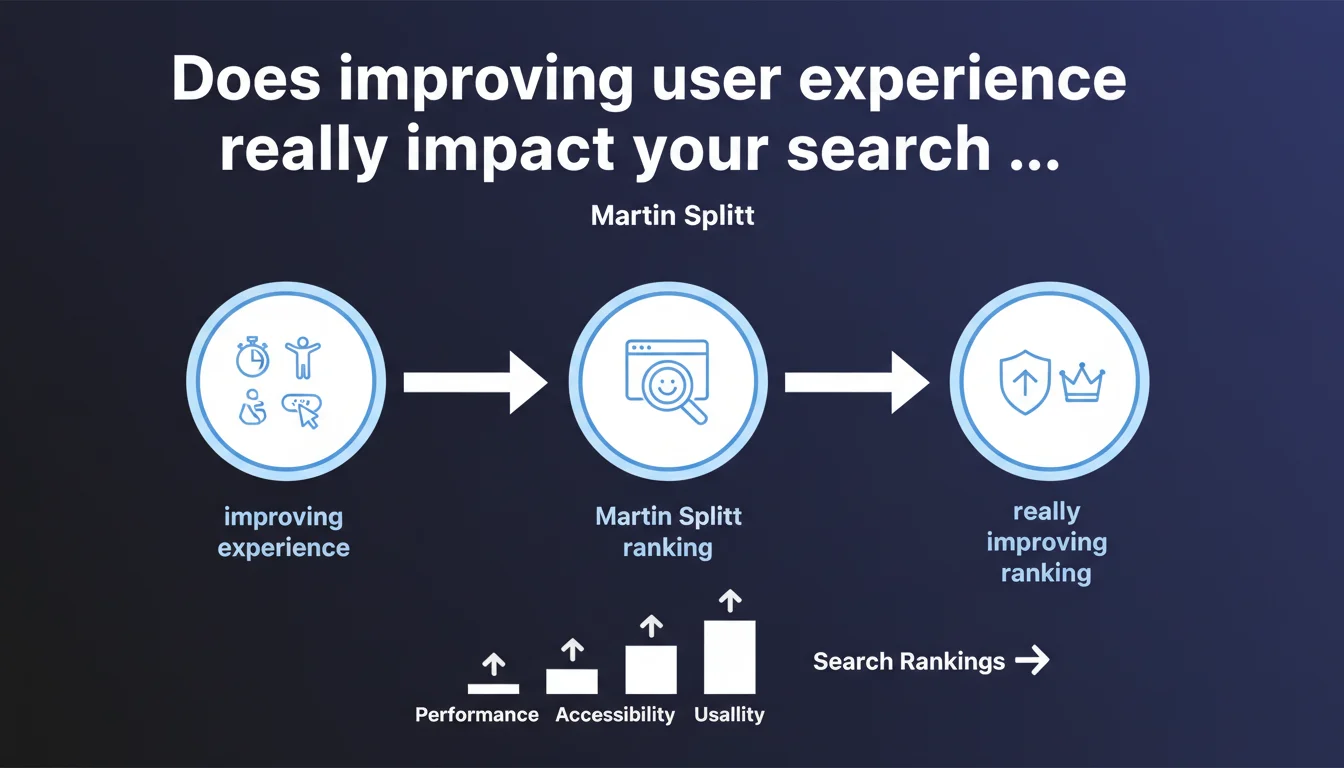
Google states that optimizing user experience (UX) — performance, accessibility, usability — directly impacts SEO. The search engine prioritizes sites offering the best experience to match user search intent. In practical terms: investing in UX means investing in your rankings.
What you need to understand
Why does Google explicitly link UX and SEO so tightly?
Splitt refocuses the debate: Google doesn't aim to rank technically optimized sites, but those that best meet user expectations. The logic is straightforward — a fast, accessible, and user-friendly site captures attention, reduces bounce rate, and generates positive signals (session time, page views, interactions).
This statement continues the trend established by Core Web Vitals and the Page Experience Update. Google is no longer hiding its hand: the algorithm integrates UX metrics as ranking factors, even if their exact weight remains unclear.
What does "improving user experience" concretely mean?
Splitt mentions three pillars: performance (load time, interactivity), accessibility (WCAG compliance, keyboard navigation, contrast ratios), and usability (visual hierarchy, smooth user journey). No gray area here — these criteria are measurable and actionable.
The catch? Google never specifies exact thresholds. What qualifies as a "performant" site? Core Web Vitals provide benchmarks, but the line between "good" and "excellent" remains subjective. [To verify] against your own field data.
Is search intent the new deciding factor?
Splitt mentions user intent as the final criterion. A site can be technically flawless but misaligned with what the searcher actually wants. Example: an ultra-fast page that's too shallow for a complex query will lose to a slower but comprehensive competitor.
This confirms what we observe: Google arbitrates between technical signals and behavioral signals. UX isn't an absolute criterion — it must serve intent, not the other way around.
- UX becomes an explicit ranking factor, as important as content or backlinks.
- Performance, accessibility, and usability are the three priority optimization axes.
- Search intent takes precedence: a technically perfect but off-topic site won't rank.
- Google remains vague on thresholds — each niche has its own standards.
SEO Expert opinion
Is this statement consistent with what we observe in the field?
Yes, largely. Since Core Web Vitals rolled out, we've seen a clear correlation between UX metric improvements and SERP progression — especially on competitive queries where content is equivalent. A site moving from "poor" to "good" on LCP, FID, and CLS often gains several positions.
But be careful: this correlation isn't systematic. On niche, low-competition queries, a slow site with unique content can outperform a competitor that's lightning-fast but generic. UX mostly boosts sites already strong on content and authority.
What nuances should we add to this claim?
Splitt oversells the mechanism slightly. UX is one factor among many, not the decisive one. We've seen sites tank their Core Web Vitals without losing a position — simply because they dominated on authority and content freshness.
Another point: Google speaks of "direct positive impact," but never of exact weight. Is it 5% of the overall score? 15%? Impossible to know. [To verify] on your own cases: measure before/after to isolate the real effect. Don't be blinded by promises.
In what cases doesn't this rule fully apply?
On very specific informational queries, Google may tolerate average UX if content is unique. Example: an old, poorly optimized technical forum packed with practical answers will keep ranking.
Same for established authority sites (media, institutions): their history and backlink volume partially compensate for UX weaknesses. But this margin is shrinking — Google is progressively hardening standards.
Practical impact and recommendations
What concretely should you do to align UX with SEO?
Start with a comprehensive technical audit: measure your Core Web Vitals via PageSpeed Insights, Lighthouse, and Search Console. Identify bottlenecks (unoptimized images, render-blocking JS, slow servers). Prioritize fixes for what degrades LCP and CLS.
On accessibility, test with WAVE or Axe: insufficient contrast, missing alt tags, broken keyboard navigation — these errors are common and hurt both SEO and real experience. Usability is evaluated through behavior: heatmaps, session recordings, bounce rate by page.
What mistakes should you absolutely avoid?
Don't over-optimize at the expense of content. I've seen sites strip useful elements (videos, interactive graphics) to shave 0.2 seconds off LCP — and lose engagement. UX must serve users, not just metrics.
Another trap: neglecting mobile. Over 60% of searches happen on smartphones — a site perfect on desktop but broken on mobile will cost you dearly. Test systematically on real devices, not just Chrome responsive mode.
How do you verify that UX optimizations are delivering SEO wins?
Track three key indicators: average positions (Search Console), organic click-through rate (also GSC), and engagement metrics (GA4: average session duration, pages per session). If your Core Web Vitals improve but positions stall after 4-6 weeks, dig deeper — content, backlinks, intent.
Benchmark your direct competitors: use tools like Screaming Frog + PageSpeed API to compare your UX against the top 3 results for your target queries. If you're already at or above their level, UX probably isn't your priority lever.
- Audit your Core Web Vitals monthly and fix regressions immediately.
- Optimize images, fonts, and scripts — lazy loading, compression, minification.
- Test accessibility (WCAG 2.1 Level AA minimum) and fix critical errors.
- Analyze user journeys via heatmaps and refine the usability of key pages.
- Prioritize mobile: test on real devices, not just emulation.
- Measure SEO impact after each major optimization (wait: 4-6 weeks).
- Benchmark your top 3 competitors to identify decisive gaps.
Improving UX boosts SEO — but only if the foundation (content, authority, technical) is already solid. Invest smartly: first fix what genuinely degrades experience, then refine progressively. Gains exist, they're just not magical.
These cross-functional optimizations — technical, accessibility, performance — require time, diverse skills, and holistic vision that few internal teams possess. If your resources are limited or you want to maximize impact quickly, working with an experienced SEO agency can significantly accelerate results while avoiding costly missteps.
❓ Frequently Asked Questions
Les Core Web Vitals sont-ils obligatoires pour bien ranker ?
Améliorer l'accessibilité impacte-t-il vraiment le SEO ?
Faut-il sacrifier des fonctionnalités pour optimiser la performance ?
L'UX compte-t-elle autant que les backlinks dans l'algorithme ?
Combien de temps faut-il pour voir l'impact SEO d'une optimisation UX ?
🎥 From the same video 8
Other SEO insights extracted from this same Google Search Central video · published on 09/03/2022
🎥 Watch the full video on YouTube →
💬 Comments (0)
Be the first to comment.