
Official statement
Other statements from this video 3 ▾
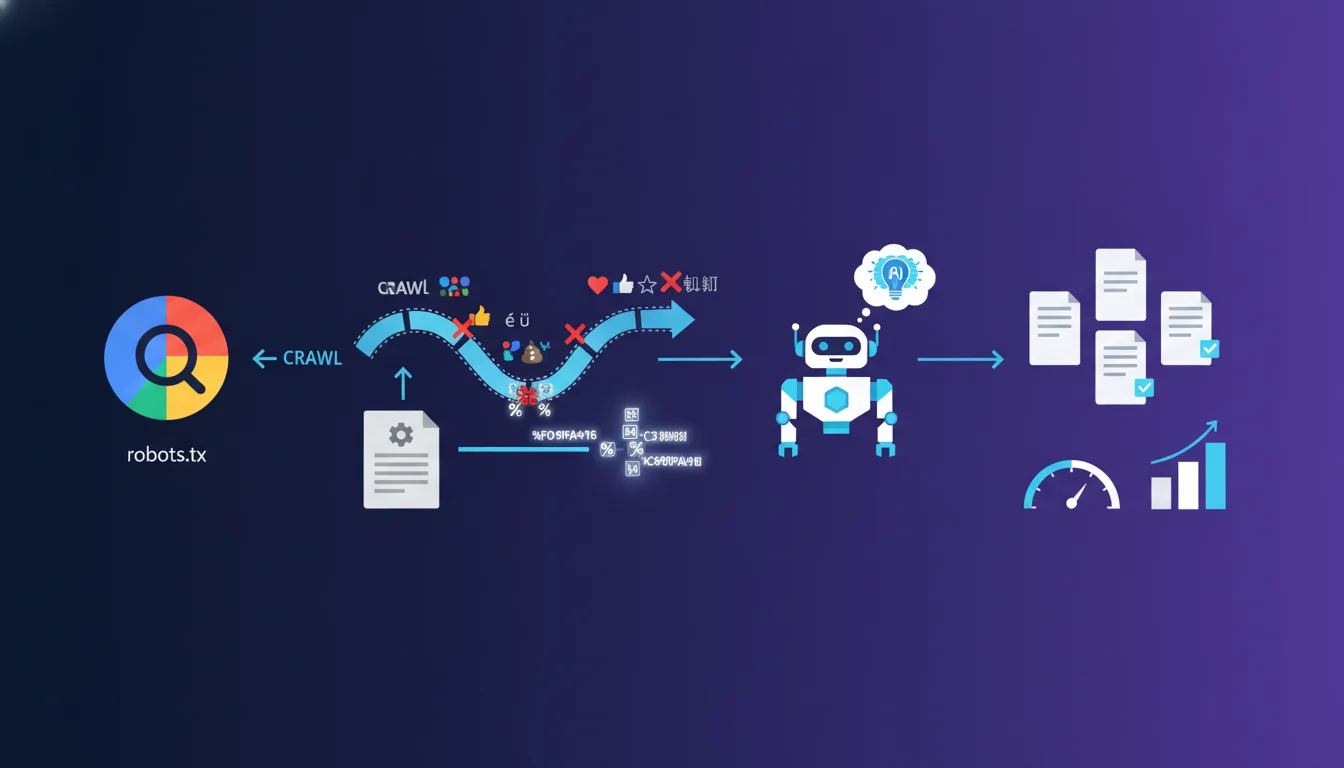
Google explicitly rejects emojis and non-ASCII characters in User-agent tokens of robots.txt. Only letters (a-z, A-Z) and hyphens (-) are allowed. Any multi-byte UTF-8 character must be percent-encoded; otherwise, the token will be ignored and your directives will lose their effect.
What you need to understand
What exactly is a User-agent token?
The User-agent token in robots.txt identifies which crawler the following directives apply to. It is the technical identifier that differentiates Googlebot from Bingbot, or targets specific versions like Googlebot-Image.
Google mandates that these tokens only contain unaccented Latin letters (a-z, A-Z) and hyphens (-). No spaces, no underscores, and certainly no multi-byte UTF-8 characters such as emojis, accented letters (é, à, ü), or ideograms.
Why does Google block UTF-8 characters in tokens?
The reason lies in the historical normalization of the robots.txt standard. User-agents must exactly match the identification strings sent by crawlers in their HTTP requests. However, major crawlers exclusively use simple ASCII identifiers.
Allowing UTF-8 characters would introduce risks of collision, encoding ambiguity, and parsing failures. A misinterpreted emoji or accented character would render the token unusable, and the directives that follow would be simply ignored by Googlebot.
What happens if emojis are used anyway?
If you write User-agent: Googlebot🤖, Google's parser will not recognize this token. It will not match it with any known crawler and will skip all directives in this block until the next valid User-agent or the end of the file.
In practice, this amounts to a broken robots.txt for this block. Your Disallow, Allow, or Crawl-delay directives will be completely invisible to Googlebot. Percent-encoding (%F0%9F%A4%96 for 🤖) does not solve anything: Google does not decode these sequences in User-agent tokens.
- User-agent tokens only accept ASCII letters and hyphens
- Any multi-byte UTF-8 character (emoji, accented, Cyrillic, etc.) invalidates the token
- An invalid token results in total ignorance of the following directives
- Percent-encoding does not work for User-agent tokens, only for crawled URLs
- Only the wildcard
*remains an accepted exception to designate all bots
SEO Expert opinion
Is this limitation documented elsewhere or just an overlooked technical detail?
Google rarely formalizes such constraints outside of official reference documents. In the field, it is observed that the robots.txt parsers of major engines apply strict rules inherited from the 1994 RFC draft, never truly standardized until recent attempts at normalization.
In practice, few SEOs test emojis in robots.txt, so this rule remains poorly visible yet absolute. No legitimate use case justifies a non-ASCII User-agent token, which explains the relative silence on the subject.
Are there exceptions or crawlers that tolerate UTF-8?
Empirical tests show that Google, Bing, Yandex, and Baidu all reject User-agent tokens containing non-ASCII characters. No mainstream crawler decodes or matches emojis or accented letters.
Some exotic or custom crawlers may be less strict, but they account for a negligible share of traffic. Relying on these exceptions would be a strategic mistake: your directives would not apply to the bots that really matter.
What about the encoding of crawled URLs versus User-agent tokens?
Google explicitly differentiates User-agent tokens (strictly ASCII) from URL paths (Disallow, Allow) where percent-encoding is not only supported but recommended for special characters.
Specifically, Disallow: /été/ should be written as Disallow: /%C3%A9t%C3%A9/. But this logic never applies to the User-agent tokens themselves. This is an asymmetry that Google does not always clarify, leading to frequent confusion.
User-agent: Bót will never work, even when encoded.Practical impact and recommendations
How to audit a robots.txt to detect these errors?
Use the Search Console (robots.txt testing tool) to validate your file. Any unrecognized token will generate a warning or will be silently ignored. Visually inspect each User-agent line: if you see a character that falls outside of basic ASCII, it’s a problem.
On the command line, a simple grep -P '[^a-zA-Z-]' robots.txt on the User-agent lines reveals forbidden characters. Automated robots.txt linting tools (Screaming Frog, OnCrawl, etc.) often flag these anomalies.
What are the most common mistakes to avoid?
The classic mistake: copy-pasting from a graphic editor that introduces curly apostrophes, non-breaking spaces, or long dashes (–, —) instead of the simple dash (-). These UTF-8 characters invalidate the token.
Another trap: fanciful bot names invented by SEOs trying to block scrapers using exotic characters. If the bot does not send exactly this string in its HTTP User-agent, the block fails anyway.
What to do if your CMS or plugin generates robots.txt with UTF-8?
Some misconfigured CMS or exotic plugins may inject UTF-8 characters into User-agent tokens. Disable these extensions and create a static robots.txt at the root of the server, or use a hook to filter the output.
If you must absolutely use dynamic generation, enforce strict ASCII encoding and validate each token with a regex ^[a-zA-Z-]+$ before injection. A simple automated test in your CI/CD pipeline can prevent these regressions.
- Ensure all User-agent tokens contain only [a-zA-Z-]
- Use the robots.txt tool in Search Console for validation
- Percent-encode only the paths (Disallow/Allow), never the User-agent tokens
- Avoid copy-pasting from Word, Google Docs, or rich editors
- Automate ASCII validation of tokens in deployment pipelines
- Prefer a static robots.txt if your CMS generates invalid tokens
❓ Frequently Asked Questions
Peut-on utiliser des underscores dans les tokens User-agent ?
L'encodage en pourcentage fonctionne-t-il pour les tokens User-agent comme pour les URLs ?
Que se passe-t-il si Googlebot ne reconnaît pas un token User-agent ?
Les lettres accentuées (é, à, ñ) sont-elles autorisées dans les tokens User-agent ?
Comment tester si mon robots.txt contient des caractères UTF-8 interdits ?
🎥 From the same video 3
Other SEO insights extracted from this same Google Search Central video · duration 9 min · published on 21/10/2026
🎥 Watch the full video on YouTube →
💬 Comments (0)
Be the first to comment.