
Official statement
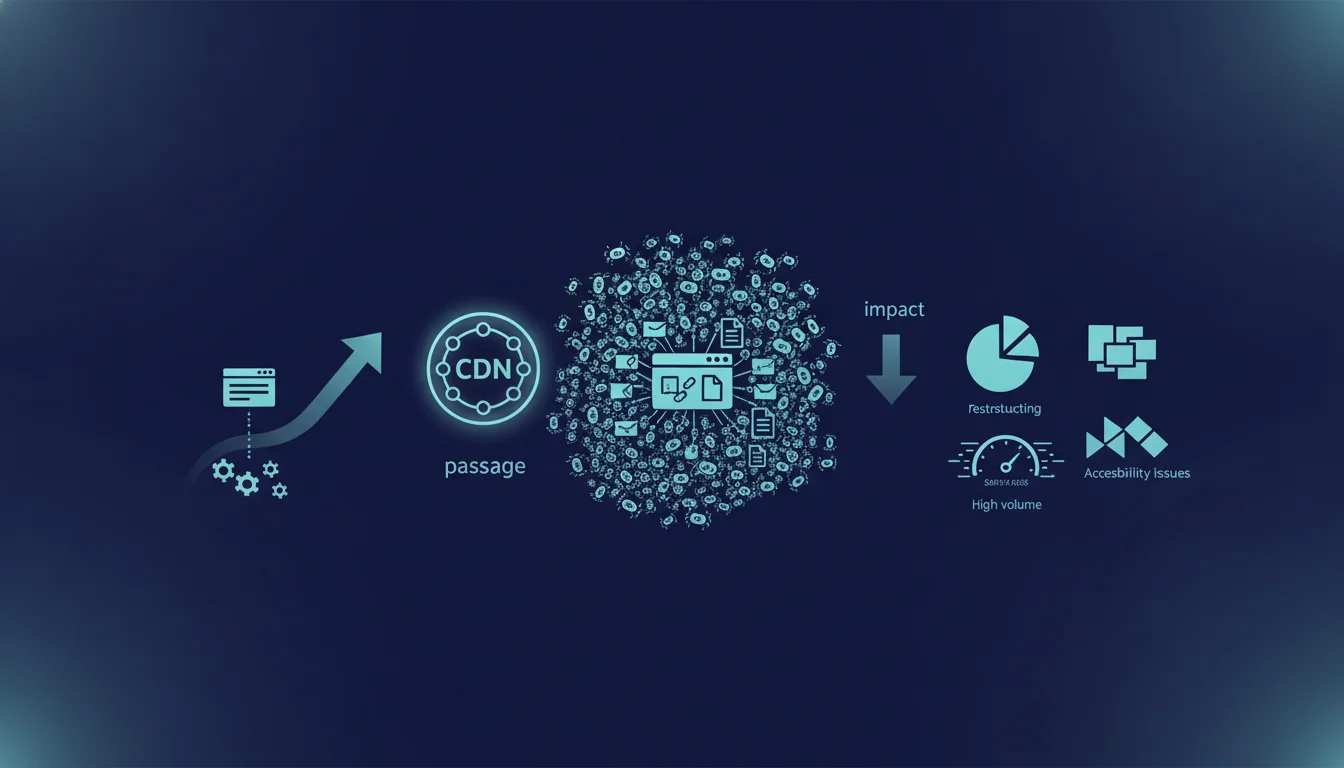
Google confirms that transitioning to a CDN can trigger a sudden surge in crawling activity. This increased activity results from a geographical redistribution of IPs, which is detected as a new signal by bots. Specifically, monitor your server logs within 48 hours of migration, adjust the crawl budget via Search Console, and prepare your infrastructure to handle this temporary spike without degrading response times.
What you need to understand
How does a CDN change crawler behavior?
A content delivery network distributes your resources across multiple geographically distributed servers. When you activate this infrastructure, your site responds from new IP addresses spread worldwide instead of a single server.
Google’s crawlers and those from other engines detect this change as a major technical signal. They react by drastically increasing their crawling frequency to map out this new architecture. The bot sees each point of presence as a potentially different source to explore, even though the content remains the same.
What does this influx of crawling mean for your infrastructure?
This surge in crawling typically occurs within 24 to 72 hours after the DNS switch. Your origin servers may be called upon much more than usual, even with a properly configured CDN.
The issue focuses on uncached resources: dynamic content, internal APIs, custom HTML fragments. If your CDN configuration allows these requests to reach the origin, you bear the full load of the crawl spike without protection. Response times soar, some crawlers receive 503 errors or timeouts, and your indexing may temporarily stall.
How does this phenomenon really impact indexing?
The massive influx of crawlers only becomes problematic if your infrastructure is overwhelmed. In this case, Googlebot notices slowdowns or errors and automatically reduces its crawl budget to preserve your servers. Paradoxically, you lose indexing capacity just when the engine wanted to explore intensively.
If your CDN and servers handle it properly, this influx remains neutral or even beneficial: Google quickly discovers the new infrastructure and then stabilizes its crawl frequency. The risk mainly affects sites that migrate to a CDN without sizing their backend properly or optimizing their caching rules.
- A CDN geographically redistributes your IPs, triggering a complete recrawling by crawlers
- The crawl spike comes within 48-72 hours and heavily strains uncached resources
- Server saturation = automatic decrease in crawl budget and temporary slowdown of indexing
- A correct CDN configuration turns this risk into an opportunity for accelerated crawling
- Pay special attention to dynamic content, APIs, custom fragments that bypass the cache
SEO Expert opinion
Does this statement align with field observations?
Yes, this post-CDN crawl spike is consistently verified in logs. Field reports show a doubled or even tripled bot traffic within 48 hours of the switch. This is not a bug or coincidence: Google actively explores to verify that content remains consistent despite infrastructure changes.
Where the statement lacks precision is regarding the actual duration of this phenomenon. Google mentions a sudden influx without specifying how long it lasts. Based on my observations, the intense spike lasts 3 to 5 days before gradually tapering off. [To be confirmed]: Google does not provide any official figures on the exact time window or the average amplitude of the peak.
Do all sites experience the same intensity of crawling?
No. The extent directly depends on your usual crawl budget and your authority. A site with a high daily crawl volume will see its bot traffic explode proportionally. A small site with low traffic frequency will experience a relative but manageable peak.
Another critical factor is the quality of your CDN configuration. If you carelessly activate all global points of presence without considering your actual audience, you unnecessarily multiply the signals sent to crawlers. Focus on relevant geographical areas to avoid artificially amplifying this phenomenon.
Should you fear a lasting negative impact on SEO?
Let’s be honest: this is only a problem if you poorly manage the transition. A server that becomes overwhelmed and returns errors for several days creates a real degradation of indexing. Google remembers these incidents and will permanently adjust your crawl budget downward if the phenomenon recurs.
On the other hand, a well-managed CDN migration produces the opposite effect. The crawl spike accelerates the discovery of new pages, quickly validates the new architecture, and often stabilizes at a higher level due to improved response times. The real risk lies with teams that activate a CDN on a Friday night without monitoring or a rollback plan.
Practical impact and recommendations
How can you prepare your infrastructure before switching to a CDN?
Start by auditing your server logs from the last 30 days to establish your current crawl baseline. Identify usual peaks, dominant crawlers, and the most requested resources. This provides a reference to anticipate the post-CDN multiplier.
Next, size your origin server to handle 3 to 4 times your usual bot traffic for a week. If you currently get 10,000 bot requests a day, plan for the capacity to manage 40,000 without overwhelming. Activate real-time monitoring on critical metrics: 5xx error rate, median response time, CPU/memory load.
What CDN caching rules should you implement to limit load?
Maximize the cache-hit rate on all static and semi-static resources. HTML, CSS, JS, images, and fonts must be served from the CDN without hitting the origin. This is fundamental, yet many CDN migrations fail on the details: ESI fragments, personalized content, UTM parameters that break the cache.
Configure temporary aggressive TTLs during the migration period: 24 hours minimum for HTML, 7 days for assets. Yes, this complicates urgent updates, but it protects your infrastructure during the critical phase. You will refine it later once the crawl spike has passed.
What should you monitor in the first 72 hours after activating the CDN?
Watch your dashboards closely during the first three days. Check Search Console every 6 hours to detect any crawling error spikes. Analyze your logs in real-time to identify crawlers that are hitting too hard.
If you notice an increase in 503 errors or timeouts, immediately adjust the crawl budget via the exploration settings in Search Console. Temporarily reduce the requested frequency to ease the strain on your servers. This is an emergency measure, not a long-term solution, but it prevents disaster while you correct the configuration.
- Establish a crawl baseline over 30 days before migration
- Provision server capacity 3-4x higher temporarily
- Set aggressive cache TTLs (24h for HTML, 7 days for assets) during the transition
- Enable real-time monitoring on 5xx errors and response times
- Monitor Search Console every 6 hours for 72 hours post-switch
- Prepare a testable CDN rollback plan in under 15 minutes
💬 Comments (0)
Be the first to comment.