
Official statement
Other statements from this video 4 ▾
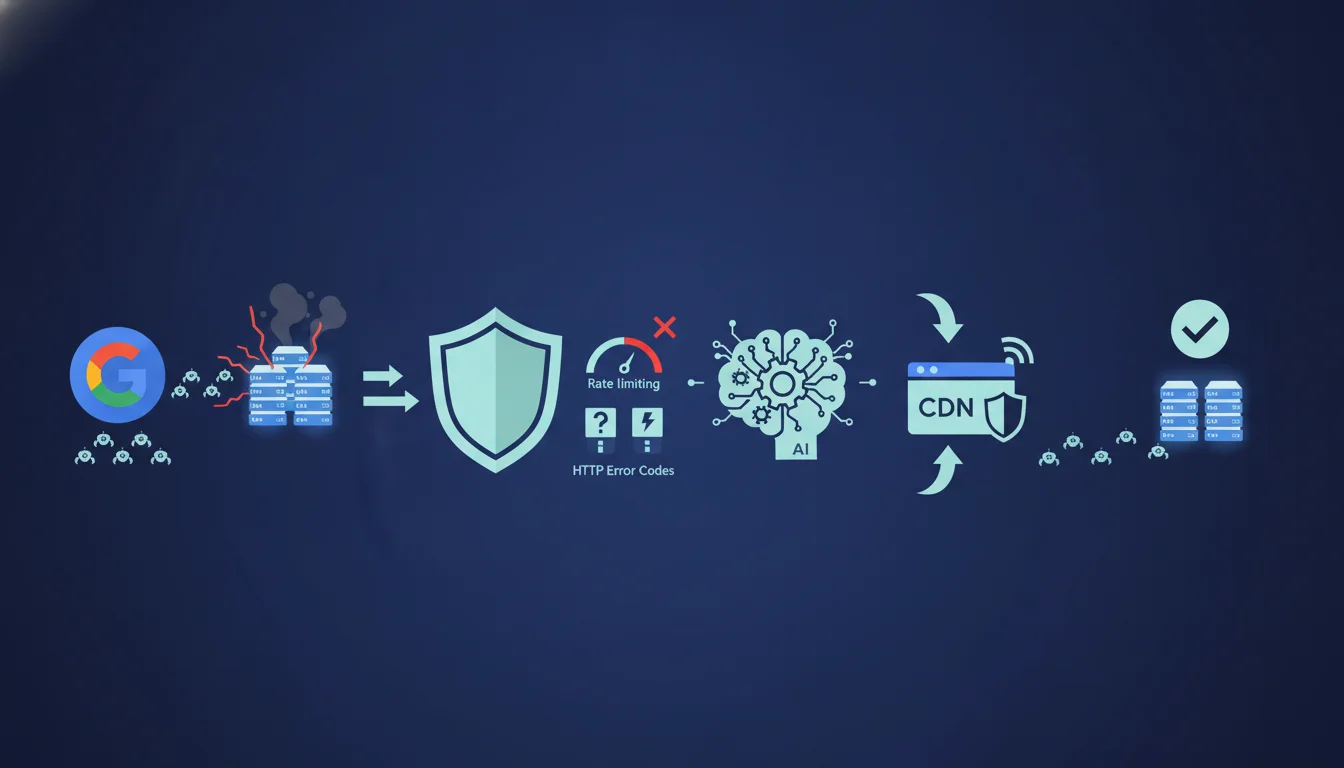
Google officially recommends returning HTTP 429 or 500 codes in case of server overload related to crawling, or enabling rate limiting on the CDN side. This approach allows crawlers to automatically adjust their speed until stability is restored. It's important to check whether this method impacts indexing or ranking during the slowdown period.
What you need to understand
Why does Google recommend error codes to manage crawl overload?
The logic behind this recommendation is based on machine-to-machine communication. Googlebot interprets HTTP codes as server status signals. A 429 code (Too Many Requests) explicitly indicates a temporary saturation due to an excessive number of requests. A 500 code (Internal Server Error) signals a more general server failure.
These codes trigger a self-regulation mechanism: Googlebot gradually reduces its request rate until the server stabilizes. This is a declarative approach: instead of outright blocking the bot, you signal it to slow down. Google then adjusts the crawl budget allocated to your site until the issue is resolved.
Is CDN rate limiting equivalent to HTTP codes?
Enabling rate limiting at the CDN level (Cloudflare, Fastly, Akamai) often produces the same server-side result: limiting the number of requests per second. The difference lies in the point of interception. A CDN rate limit can automatically return a 429 or block requests before they reach your origin.
The advantage? You protect your infrastructure without altering the application code. The downside? Some poorly configured CDNs may block Googlebot too aggressively, especially if the rules do not distinguish legitimate bots from abusive traffic. Google recommends this option because it avoids overload while remaining compatible with its crawlers.
What are the risks of this strategy on indexing?
Returning 429 or 500 codes repeatedly may slow down the indexing of new pages or the updating of existing content. If Googlebot systematically encounters these errors, it reduces crawl frequency, sometimes for an extended period. For a news site or an e-commerce platform with a fast stock rotation, this delay can result in lost traffic.
Google states that its crawlers will "slow down until stabilization," but does not specify the duration of this period or the impact on ranking during this timeframe. Field observations indicate that some sites saw their crawl budget cut in half for several weeks after repeated overload incidents.
- Code 429: indicates temporary overload, Googlebot slows down gradually
- Code 500: indicates a server error, may trigger a more abrupt slowdown
- CDN Rate Limiting: intercepts requests upstream, protects infrastructure but requires fine configuration
- Indexing Impact: temporary crawl slowdown, risk of delays on new content
- Duration of Effect: Google does not communicate a precise threshold, varying field observations (from a few days to several weeks)
SEO Expert opinion
Is this recommendation consistent with observed practices?
Yes and no. Empirical tests show that Googlebot indeed respects 429 codes and reduces its activity accordingly. Several audits on high-traffic sites confirm that the crawl rate decreases by 30 to 70% in the hours following the activation of a strict rate limit. So far, Google has kept its word.
But the important nuance is that this regulation is neither instantaneous nor uniform. Googlebot does not operate from a single centralized agent: it operates via distributed clusters with varying synchronization speeds. As a result, some servers continue to receive bursts of requests for 12 to 24 hours after activating 429, before the information spreads to all crawlers. [To verify] in multi-region infrastructures where logs sometimes show inconsistent behavior between Google data centers.
What are the cases where this method can cause issues?
The first trap: JavaScript-heavy sites that require server-side rendering. If you return a 429, Googlebot might abandon rendering the page before the main content is visible. Pages remain indexed with partial or outdated content. I have observed this issue on React SPAs where the crawl rate was cut by two-thirds, but new product pages did not appear in the index for weeks.
The second pitfall: default-configured CDNs that apply overly harsh rules. For instance, Cloudflare may block Googlebot if its User-Agent is misidentified or if the rate limit is set without a whitelist for verified bots. Some sites have experienced a 40% drop in organic traffic after enabling "I'm Under Attack Mode" without adjusting exceptions for legitimate crawlers.
Does Google provide enough data to apply this strategy confidently?
No, honestly. The statement remains wilfully vague on several critical points: how long does the slowdown last? What threshold of 429 triggers a penalty or prolonged slowdown? Is there a difference in impact between a one-time 429 (a few hours) and a recurring 429 (several days)?
Google does not provide any Search Console dashboard to visualize the precise impact of a rate limit on the crawl budget. The "Crawl Statistics" data shows trends but not a direct correlation with the HTTP codes returned. For a site with 500,000 URLs, it is impossible to determine if a crawl slowdown is due to a 429 applied three weeks ago or an algorithmic change on Google's side. [To verify] through longitudinal testing over several months with detailed logging on server + CDN + GSC.
Practical impact and recommendations
How can you configure a rate limit without harming indexing?
First step: identify the critical threshold. Analyze your server logs to determine the number of requests per second that your infrastructure can handle without degradation in response times. A stable server should respond in under 200 ms even under Googlebot load. If your times rise to 1-2 seconds, you are overloaded.
Then, set the rate limit with a safety margin. If your server can handle 50 req/s, set the CDN to 35-40 req/s specifically for Googlebot. Use the official User-Agents ("Googlebot/2.1") and check via reverse DNS that the IP belongs to Google. Cloudflare and other CDNs allow you to create granular rules by bot.
What mistakes to avoid when activating a 429 code?
Classic error: returning a global 429 on all URLs indiscriminately. Google crawls different types of content at varying frequencies: category pages, product sheets, blog articles. A blind 429 can block indexing of priority content (new pages) while slowing down the crawl of secondary content (archives).
Second mistake: failing to monitor the post-activation impact. Set up Search Console alerts on crawl stats and server errors. If the number of pages crawled per day drops by more than 50% for over a week, your rate limit is probably too strict. Adjust gradually rather than unlocking everything at once.
How can I check if my site is properly managing crawl overload?
Test manually by simulating a spike of Googlebot requests. Use Screaming Frog or a Python script (requests + threading) to send 20-30 req/s simultaneously to your site. Observe the returned HTTP codes and response times. If you see 500 codes appearing while your CDN is supposed to rate-limit, your configuration is likely misconfigured.
Cross-reference GSC data (Crawl Statistics) with your server logs. A mismatch between the number of pages crawled according to Google and the number of Googlebot requests logged on the server often indicates a problem with the CDN or a poorly configured proxy. The bots pass through, but your infrastructure does not register them correctly.
- Analyze server logs to identify the real overload threshold (req/s supported without degradation)
- Configure CDN rate limiting with a safety margin (70-80% of the max threshold)
- Create specific rules for Googlebot (User-Agent + reverse DNS check)
- Monitor GSC crawl stats weekly after activation
- Manually test with a crawler to validate returned HTTP codes
- Cross-reference server logs and GSC data to detect inconsistencies
❓ Frequently Asked Questions
Un code 429 peut-il pénaliser mon site dans les résultats de recherche ?
Quelle différence entre un 429 et un 503 pour gérer la surcharge crawl ?
Combien de temps Googlebot met-il à ajuster son taux de crawl après un 429 ?
Peut-on limiter le crawl de Googlebot uniquement sur certaines sections du site ?
Le rate limiting CDN remplace-t-il le fichier robots.txt pour contrôler le crawl ?
🎥 From the same video 4
Other SEO insights extracted from this same Google Search Central video · duration 8 min · published on 11/11/2026
🎥 Watch the full video on YouTube →
💬 Comments (0)
Be the first to comment.