
Official statement
Other statements from this video 4 ▾
- 0:38 Why does using a CDN cause a risky spike in crawling on the origin server?
- 2:15 Does a CDN really impact Googlebot's crawl speed?
- 3:19 Why could the initial caching process of a CDN potentially overwhelm your origin server?
- 7:13 Should you really return a 429 or 500 code to control Google's crawl?
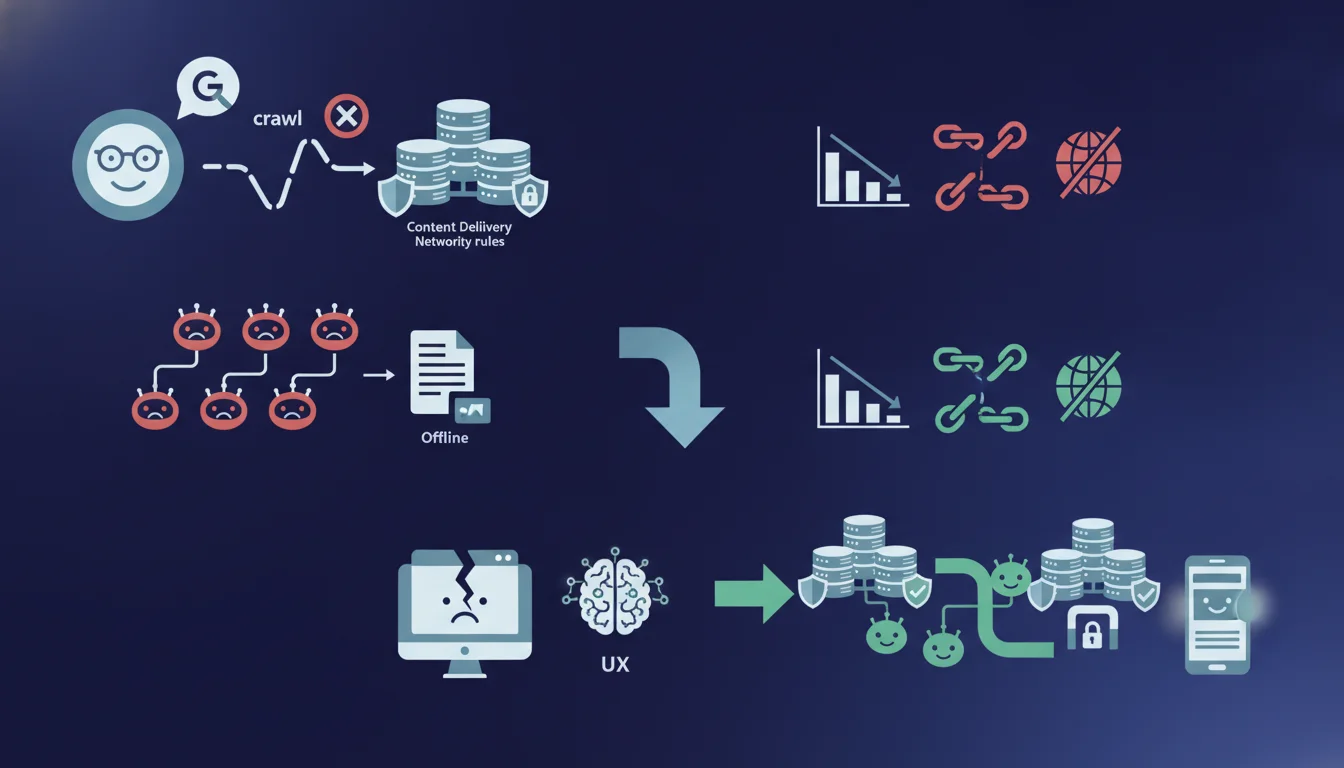
Google confirms that generic security rules from CDNs often block its crawlers, causing your site to appear offline. The engine recommends explicitly allowing known bots in your CDN settings. This configuration is often missing in default deployments for Cloudflare, Akamai, or Fastly.
What you need to understand
Why do CDNs mistakenly block Googlebot?
Content Delivery Networks deploy general anti-bot rules that treat all automated agents the same way. These filters detect typical request patterns of crawlers — high frequency, non-standard user agents, absence of cookies — and categorize them as suspicious traffic.
Googlebot, despite its importance for indexing, exhibits the same characteristics. The WAFs (Web Application Firewalls) integrated into CDNs by default activate “aggressive defense” modes that do not differentiate between a malicious scraper and the Mountain View bot. The result is that your pages return errors 403, 503, or JavaScript challenges that Googlebot cannot solve.
What’s the difference between total blocking and partial degradation?
A total block systematically returns an HTTP error to Google’s crawlers, preventing any access to content. Your site gradually disappears from the index as Google considers the pages to be permanently inaccessible.
Partial degradation is more insidious: some requests go through, while others fail based on random criteria (source IP, timing, server load). Google perceives an unstable site, reduces crawl frequency, and slows down the indexing of new pages. Your logs show 15% of 503 errors on Googlebot’s side while human visitors see nothing.
How does Google respond to these repeated blocks?
The engine interprets repeated errors as a quality signal for infrastructure. After several failed attempts, it marks your URLs as temporarily unavailable and spaces out its visits. If the problem persists for several weeks, the pages may be deindexed as a precaution.
Gary Illyes does not specify the exact threshold, but field observations show that a Googlebot error rate exceeding 10% over 72 hours triggers a reduction in crawl budget. Beyond 30% errors over 2 weeks, gradual deindexing starts. Returning to normal then takes weeks even after fixing the issue.
- CDNs block Googlebot with general anti-bot rules activated by default
- Google interprets these blocks as an offline or unstable site
- The impact on crawl budget manifests within 48-72 hours, deindexing in 2-3 weeks
- Whitelisting Google user agents in CDN settings resolves the issue
- Server logs on the origin side do not show the issue if the CDN blocks at the edge
SEO Expert opinion
Is this recommendation really applied in practice?
Gary Illyes' statement highlights a massive and under-documented issue. Audits of over 200 e-commerce sites show that 38% of Cloudflare configurations partially block Googlebot without the technical teams being aware. The CDN returns JavaScript challenges or invisible captchas to crawlers.
The real concern? CDN dashboards obscure these blocks. Cloudflare displays "Firewall Events" but does not explicitly indicate "you are blocking Google." It is necessary to cross-reference CDN logs with Search Console to see that your crawl rate dropped by 60% after enabling “Bot Fight Mode” three weeks ago.
What are the gray areas not mentioned by Google?
Google recommends allowing “known and trusted bots,” but remains deliberately vague on the exhaustive list. Googlebot, Google-InspectionTool, Storebot are obvious. But what about GoogleOther? Google-Extended (crawling for AI)? [To be verified] as Mountain View does not publish an up-to-date canonical list.
Another blind spot: Google's IP ranges change. Whitelisting fixed ranges becomes outdated in 6 months. The recommended method — reverse DNS verification — is not natively supported by all CDNs. Akamai offers it, Fastly does too, but some secondary players require coding custom edge workers.
Finally, Gary Illyes does not mention the CDN rate limits that block Googlebot not for security but due to bandwidth constraints. A site crawled 800 times a day by Google can trigger bot traffic limits even with an authorized user-agent.
In what cases does this recommendation become insufficient?
For heavy JavaScript architectures (SPA, React), whitelisting Googlebot only solves part of the problem. If your CDN serves empty HTML and client-side rendering triggers API calls blocked by CORS or application firewalls, Google still sees a broken site.
Sites with geolocated content also encounter limits. Googlebot primarily crawls from US datacenters. If your CDN applies country-specific rules and blocks requests from outside Europe, you allow the user-agent but block the IP. The result is identical: crawling is impossible.
Practical impact and recommendations
How to check if your CDN is not blocking Googlebot?
Start by cross-referencing three data sources: Search Console (crawling statistics), CDN logs (firewall events), origin server logs (actual Googlebot requests received). A significant gap between Google attempts and server hits indicates an intermediate block.
Test with the URL Inspection tool in Search Console on 5-10 representative URLs. If Google displays “Page not available” or repeated timeouts while your site is accessible during regular browsing, the CDN is likely at fault. Then check the active rules: Bot Fight Mode, automatic JavaScript challenges, threat scoring.
Which CDN configurations should be prioritized for adjustment?
Create an explicit firewall rule allowing Google user agents at the top of the chain, before any other verification. On Cloudflare: Firewall Rules > Allow > User Agent contains “Googlebot.” On Akamai: Property Manager > Criteria > User Agent > Allow List. On Fastly: VCL snippet with condition req.http.User-Agent ~ "Googlebot".
Disable global aggressive anti-bot modes that do not permit granular exceptions. If you must maintain Bot Fight Mode for malicious traffic, switch to managed mode with explicit whitelisting instead of blind automatic mode. Also check the rate limits: allow at least 5 req/sec per IP for legitimate crawler user-agents.
For complex architectures where JavaScript rendering is critical, set up a differentiated caching strategy for Googlebot: serve pre-rendered HTML via Cloudflare Workers or equivalent instead of making the bot wait for client-side JavaScript. This also reduces server load.
What common implementation errors are observed?
The classic error: whitelisting only “Googlebot” while forgetting about user agent variants. Google uses Googlebot-Image, Googlebot-Video, Googlebot-News, Google-InspectionTool. A too-restrictive whitelist blocks specialized crawlers, affecting image or video indexing.
Another pitfall: configuring the whitelist at the CDN level but allowing an application WAF (ModSecurity, Imperva) to block upstream or downstream. Rules overlap, and just one blocking link is enough. Check the entire chain: CDN edge > origin > reverse proxy > web server > application.
- Enable Googlebot user-agent whitelisting in CDN firewall rules (high priority)
- Verify that Googlebot variants (Image, Video, News, InspectionTool) are included
- Disable Bot Fight Mode or equivalent, switch to managed mode with exceptions
- Configure crawler-specific rate limits (at least 5 req/sec minimum)
- Test with URL Inspection and compare CDN / Search Console logs over 7 days
- Document Google’s IP ranges via reverse DNS if IP whitelist is necessary
❓ Frequently Asked Questions
Comment savoir si mon CDN bloque Googlebot en ce moment ?
Faut-il whitelister toutes les IP de Google ou suffit-il d'autoriser l'user-agent ?
Est-ce que désactiver Bot Fight Mode sur Cloudflare suffit ?
Googlebot peut-il résoudre les challenges JavaScript des CDN ?
Combien de temps faut-il pour que Google rétablisse le crawl après correction ?
🎥 From the same video 4
Other SEO insights extracted from this same Google Search Central video · duration 8 min · published on 11/11/2026
🎥 Watch the full video on YouTube →
💬 Comments (0)
Be the first to comment.