
Official statement
Other statements from this video 12 ▾
- □ Does Google really rewrite your title tags whenever it wants?
- □ Can heading tags really replace your title tag in the SERPs?
- □ Can external anchor texts really take over your title tags in Google search results?
- □ Does Google really pull snippets only from what users see when they land on your page?
- □ Can Google really use your alt tags and meta descriptions to build your snippets?
- □ How can you disable snippet display in Google search results using the nosnippet tag?
- □ How can you prevent specific content from showing up in your Google snippets?
- □ Does your URL structure really impact how Google displays breadcrumbs in search results?
- □ Can you actually control how your site name appears in search results using structured data?
- □ Does your favicon really impact your site's SEO performance in Google search results?
- □ Does Google really respect your publication dates… or does it just make them up as it goes?
- □ Why does Google display multiple links from the same domain underneath a single search result?
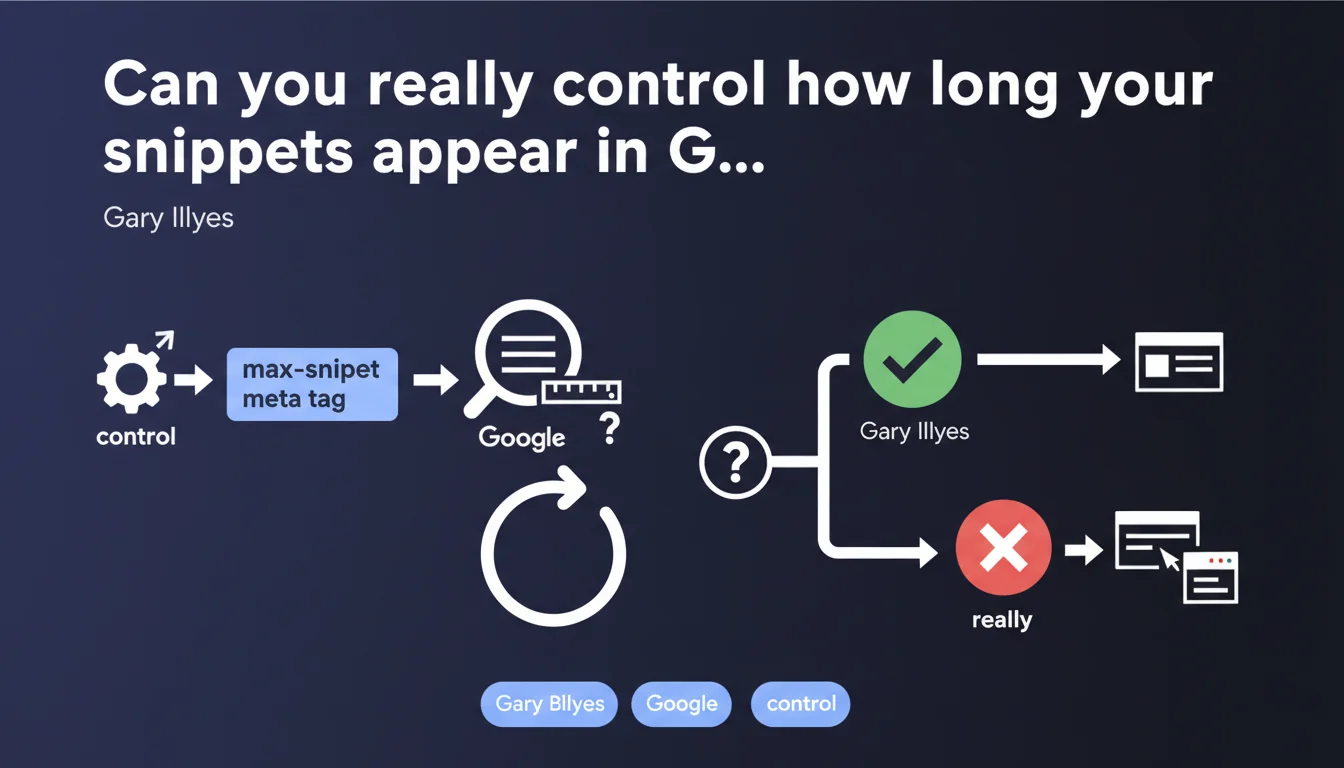
Google confirms that the meta robots max-snippet tag allows webmasters to limit the length of excerpts displayed in search results. This directive gives you direct control over the number of characters or words that Google can extract to create snippets. It's an often-overlooked but potentially strategic rich snippet management tool.
What you need to understand
What is the max-snippet tag and how does it actually work?
The max-snippet tag is a meta robots directive that defines the maximum length of text excerpts that Google can display in its search results. It's inserted into the <head> section of an HTML page as <meta name="robots" content="max-snippet:X">, where X represents the number of characters allowed.
Three values are possible: an integer (e.g., max-snippet:160), the value 0 (no snippet allowed, only the title appears), or -1 (no limitation, Google decides). This directive applies to all search engines that respect the robots meta tag standard.
Why did Google introduce this feature in the first place?
Google rolled out max-snippet to address publisher concerns about content reuse in the SERPs. Certain sites — particularly media outlets and news aggregators — worried that overly long excerpts would cannibalize traffic by giving away the answer directly in the results.
The tag offers a compromise: publishers retain control over what they expose, while remaining indexed and visible. It's a direct response to debates around featured snippets and Position Zero displays that sometimes show the entire answer users are searching for.
Which types of snippets are actually affected by this directive?
The max-snippet tag controls standard text snippets (the descriptions under the blue title) but also enriched excerpts like featured snippets, People Also Ask results, and certain Knowledge Panel elements when they draw from your page content.
However, it doesn't affect structured data (schema.org), meta descriptions, or page titles. Google can still display your title tag and meta description in full — max-snippet only limits excerpts pulled from your page body.
- max-snippet:0 — no text excerpt is displayed, only your page title appears in the SERPs
- max-snippet:160 — limits the excerpt to a maximum of 160 characters
- max-snippet:-1 — no restriction, Google determines the optimal length itself
- The directive applies to all robots that respect the meta robots standard, not just Googlebot
- It works at the page level, not the entire site — each URL can have its own rule
SEO Expert opinion
Is this directive really respected by Google in every situation?
On paper, yes. In practice? [Requires verification] depending on the context. Google generally respects max-snippet for standard excerpts, but we observe inconsistencies with featured snippets and PAA results. Some publishers report that their max-snippet:0 directives are ignored when Google determines that a featured snippet provides critical value to the user.
The problem is that Google publishes no transparent data on cases where it overrides this directive. The algorithm maintains an interpretive margin that can frustrate those seeking strict control. Let's be honest: if your content answers a popular query perfectly, Google may choose to display it even with max-snippet:0 — leaving you with no option but to block indexing entirely, which is counterproductive.
Does limiting snippets have a measurable impact on click-through rate?
That's where things get complicated. Intuitively, you'd think a truncated snippet would generate more clicks — users must visit the page to get the full answer. But real-world observations show the opposite in many cases: a short or missing snippet degrades CTR because users can't see enough context to judge result relevance.
Featured snippets, even if they cannibalize some traffic, often increase overall visibility and CTR on mobile. Artificially reducing snippet length can cause you to lose Position Zero — and with it, significant visibility. There's no universal rule: it all depends on your business model, your industry, and your ability to monetize traffic once users reach your site.
In what scenarios does this tag actually become strategic?
For sites with premium or paywalled content, max-snippet is a defensive lever. If you sell analysis, exclusive reports, or high-value data, limiting SERP exposure protects your business model. The same applies to media outlets that find their articles being read entirely in featured snippets without generating actual visits.
Conversely, for sites that monetize through display advertising or seek to maximize organic visibility, restricting snippets is generally a mistake. You reduce your surface area in rich SERPs and risk losing rankings to competitors who let Google display full, engaging excerpts.
Practical impact and recommendations
How do you implement max-snippet without destroying organic visibility?
First rule: never deploy max-snippet blindly across your entire site. Start by identifying pages where you observe traffic cannibalization from featured snippets or PAA results. Use Search Console to spot URLs generating high impressions but low clicks — those are your priority candidates.
Next, test progressively. Apply max-snippet:160 or max-snippet:100 to a sample of pages, wait 2-3 weeks, then compare metrics (impressions, CTR, total traffic). If CTR improves without losing impressions, you've found balance. If impressions drop, Google is removing you from rich positions — reconsider your approach.
What common mistakes must you absolutely avoid?
The classic error: applying max-snippet:0 to mainstream informational pages hoping to force clicks. Result: you lose Position Zero, competitors claim it, and your CTR collapses. Google doesn't display a less attractive result out of kindness — it replaces it.
Another trap: confusing max-snippet with noindex or the meta description. Max-snippet doesn't control what Google indexes, only what it displays. Your page stays indexed, crawled, and ranked — only its presentation in the SERPs changes. Finally, don't overlook third-party robots: Bing, DuckDuckGo, and others respect this directive too.
How do you verify the directive is actually being recognized?
Inspect your page source code to confirm the meta robots tag is present and correctly formatted. Use the URL Inspection tool in Search Console to verify that Google sees the directive. Be aware: it can take several weeks for displayed snippets to reflect your new configuration.
Monitor your rankings and CTR in Search Console after deployment. A sharp drop in impressions or clicks signals the directive is having a negative impact — and you may need to adjust or remove the limit. Ideally, log these changes in a dashboard so you can correlate technical modifications with performance variations.
- Identify pages with high impression counts but low CTR — candidates for max-snippet
- Test max-snippet on a limited sample before any sitewide rollout
- Measure impact on CTR, impressions, and traffic for at least 2-3 weeks
- Verify tag presence in source code and via the URL Inspection tool
- Never apply max-snippet:0 to strategic pages without prior testing
- Document each change so you can revert if necessary
- Monitor rich positions (featured snippets, PAA) which may disappear with the directive
❓ Frequently Asked Questions
La balise max-snippet affecte-t-elle le classement de ma page dans Google ?
Peut-on utiliser max-snippet uniquement pour certains robots et pas pour Google ?
Que se passe-t-il si je définis max-snippet:0 sur une page avec une meta description ?
Max-snippet fonctionne-t-il pour les résultats image, vidéo ou Google News ?
Combien de temps faut-il pour que Google prenne en compte un changement de max-snippet ?
🎥 From the same video 12
Other SEO insights extracted from this same Google Search Central video · published on 23/04/2024
🎥 Watch the full video on YouTube →
💬 Comments (0)
Be the first to comment.