
Official statement
Other statements from this video 10 ▾
- □ Should you still optimize meta descriptions if Google ignores them anyway?
- □ Should you still optimize meta descriptions for SEO in 2024?
- □ Is one backlink really all Google needs to discover and index your site?
- □ Do you still need rel=prev/next for pagination in 2024?
- □ Is boilerplate content really hurting your pages' search rankings?
- □ Is boilerplate really a threat to your search engine rankings?
- □ Are geolocation redirects killing your Google crawl?
- □ How does Google really determine user location for local SEO?
- □ Are IP geolocation databases really reliable enough for international SEO?
- □ Can Google really display rich results without schema markup?
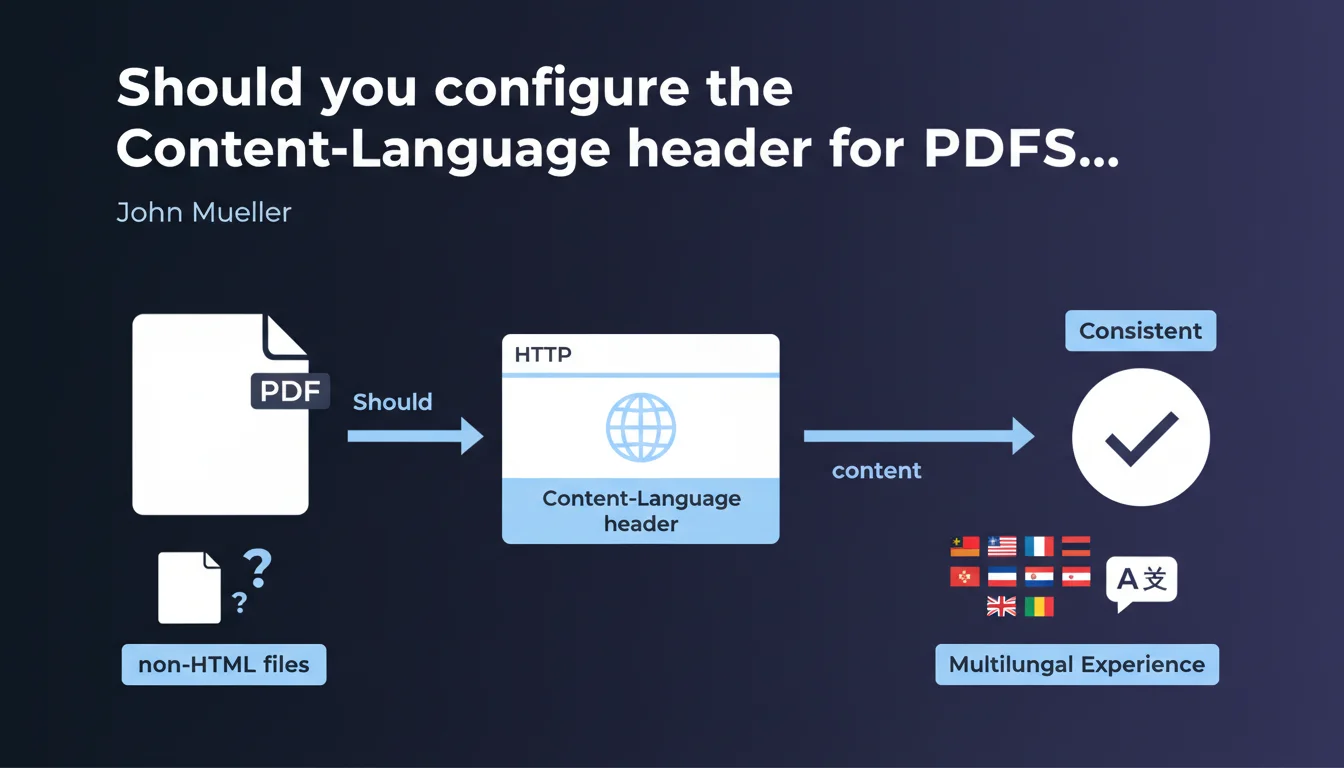
Google recommends using the Content-Language HTTP header to indicate the language of non-HTML files such as PDFs. This configuration helps the search engine better understand the linguistic and geographic targeting of these resources, where standard HTML tags are not available.
What you need to understand
Why do PDF files require specific treatment for internationalization?
Non-HTML files — PDFs, Word documents, spreadsheets — cannot contain hreflang tags or lang attributes in their source code. Google must therefore rely on other signals to determine the language and geographic targeting of these resources.
The Content-Language HTTP header plays the role of this linguistic signal. It is metadata sent by the server at the time of the request, even before the content is downloaded. This information allows Googlebot to correctly classify the document in the appropriate language index.
How does Google interpret the Content-Language header?
The Content-Language header accepts language codes in ISO 639-1 format (e.g., fr, en, de). It can also include regional variants using the ISO 3166-1 format (e.g., fr-CA, en-US).
Concretely, when Googlebot crawls a PDF and detects Content-Language: fr-FR, it understands that this document targets a French-speaking audience in France. This indication influences the geographic distribution of content in search results.
- The Content-Language header applies to PDF, DOC, DOCX, XLS, XLSX, PPT files and other non-HTML formats
- It replaces standard HTML tags (
hreflang,lang) that cannot be used in these formats - Configuration is done at the server level (Apache, Nginx, CDN) or via backend scripts
- Google uses this signal for geographic targeting and display in localized search results
What is the difference between Content-Language and internal PDF metadata?
Some PDFs contain embedded language metadata (the Language field in document properties). Google does not systematically read these metadata.
The Content-Language HTTP header remains the most reliable signal because it is transmitted before the file is downloaded. It is a guarantee that Googlebot receives the linguistic information on the first request, without having to analyze the entire document content.
SEO Expert opinion
Is this recommendation consistent with real-world observations?
Yes, the use of the Content-Language header for PDFs is a validated practice for several years. We observe that multilingual sites that properly configure this header see their non-HTML documents appear in the correct language versions of Google.
Let's be honest: many sites completely neglect this configuration. PDFs are often served without any language header, which forces Google to guess the language by analyzing the text content. It works most of the time, but it is less reliable than explicitly specifying it.
The main problem? Technical implementation. On an Apache server, adding a Content-Language header for a specific directory takes 30 seconds. But in a complex architecture with multiple CDNs, cache management, and multi-region environments, configuration can quickly become tricky.
What nuances should be added to this recommendation?
First point: the Content-Language header is not a direct ranking factor. It helps Google understand the language, but it won't make your PDF more performant in SEO. It is a signal for linguistic classification, not quality.
Second point: if your PDF contains multilingual text (for example an annual report with sections in French and English), the Content-Language header becomes ambiguous. In this case, prioritize the dominant language or create multiple separate versions of the document. [To verify]: Google does not clearly document how it handles multilingual content in the same PDF.
application/pdf). Both headers are necessary but serve different purposes.In what cases does this rule not apply?
If your PDFs are purely technical (diagrams, charts, graphics without text), configuring a Content-Language header provides no benefit. Google will not index any exploitable text content.
Another edge case: documents protected by password or with indexing restrictions via X-Robots-Tag: noindex. Again, the language header becomes unnecessary since the file won't be indexed anyway.
Practical impact and recommendations
What should you do concretely to configure Content-Language?
On an Apache server, add this directive in your .htaccess file or in the VirtualHost configuration:
<FilesMatch "\.pdf$">
Header set Content-Language "fr-FR"
</FilesMatch>
On Nginx, the syntax is as follows in the location block:
location ~* \.pdf$ {
  add_header Content-Language "fr-FR";
}
If you use a CDN like Cloudflare or Fastly, configure a header transformation rule to add Content-Language on application/pdf MIME types. Most modern CDNs allow this configuration through their interface or API.
What errors should you avoid when configuring?
Error #1: setting a global Content-Language header for all resources (HTML, CSS, JS, images). This header only concerns text content, mainly non-HTML files. Don't pollute your requests with unnecessary headers.
Error #2: using an incorrect language code. Content-Language: francais means nothing to Google. Respect the ISO 639-1 standard: fr, en, de, etc. For regional variants, use fr-FR, en-GB, es-MX.
Error #3: configuring the header but forgetting to verify it is properly sent. Cache directives, reverse proxies, or plugins can block or overwrite your HTTP headers. Always test with browser DevTools or a tool like curl -I.
How do you verify that the configuration is active and working correctly?
Open Chrome DevTools (F12), go to the Network tab, then download a PDF from your site. Click on the corresponding request and verify in the Response Headers the presence of Content-Language: fr-FR (or your language code).
You can also use the command curl -I https://yoursite.com/document.pdf from a terminal. The Content-Language header should appear in the HTTP response.
- Identify all indexable non-HTML files (PDF, DOC, XLS, etc.)
- Configure the Content-Language header at the server or CDN level
- Use correct ISO 639-1 codes (e.g.,
fr,en-US,de-DE) - Test with DevTools or
curl -Ito verify header presence - Avoid setting Content-Language on non-text resources (images, CSS, JS)
- Adapt configuration for each language version if your site is multilingual
- Document the configuration to facilitate future maintenance
Configuring the Content-Language header for non-HTML files is a technical optimization often underestimated. It requires a deep understanding of server architecture and coordination between development, operations, and SEO teams.
If you manage a multilingual site with a large library of PDFs or downloadable documents, this configuration can become complex — especially in multi-region environments with CDNs and cache management. In these situations, support from a specialized SEO agency helps secure implementation and avoid configuration errors that could harm the geographic targeting of your content.
❓ Frequently Asked Questions
Le header Content-Language est-il obligatoire pour les PDF ?
Peut-on utiliser plusieurs codes de langue dans le header Content-Language ?
Faut-il configurer Content-Language pour les images et fichiers CSS ?
Le header Content-Language remplace-t-il la balise hreflang pour les PDF ?
Comment gérer le header Content-Language sur un CDN comme Cloudflare ?
🎥 From the same video 10
Other SEO insights extracted from this same Google Search Central video · published on 25/04/2024
🎥 Watch the full video on YouTube →
💬 Comments (0)
Be the first to comment.