
Official statement
Other statements from this video 10 ▾
- □ L'accessibilité web est-elle devenue un critère SEO incontournable ?
- □ Pourquoi Google insiste-t-il autant sur le contraste des couleurs pour le SEO ?
- □ L'espacement et la structure du texte influencent-ils le classement Google ?
- □ Pourquoi l'ordre de tabulation au clavier impacte-t-il votre SEO ?
- □ Faut-il vraiment implémenter des skip links pour améliorer son SEO ?
- □ Pourquoi Google insiste-t-il sur l'indicateur de focus clavier visible ?
- □ Pourquoi l'éducation en accessibilité doit-elle précéder l'audit technique ?
- □ La taille du texte est-elle vraiment un critère de classement Google ?
- □ Pourquoi l'accessibilité améliore-t-elle vraiment la localisation SEO de vos contenus ?
- □ Pourquoi 90% des sites web échouent-ils sur les critères d'accessibilité et quel impact SEO ?
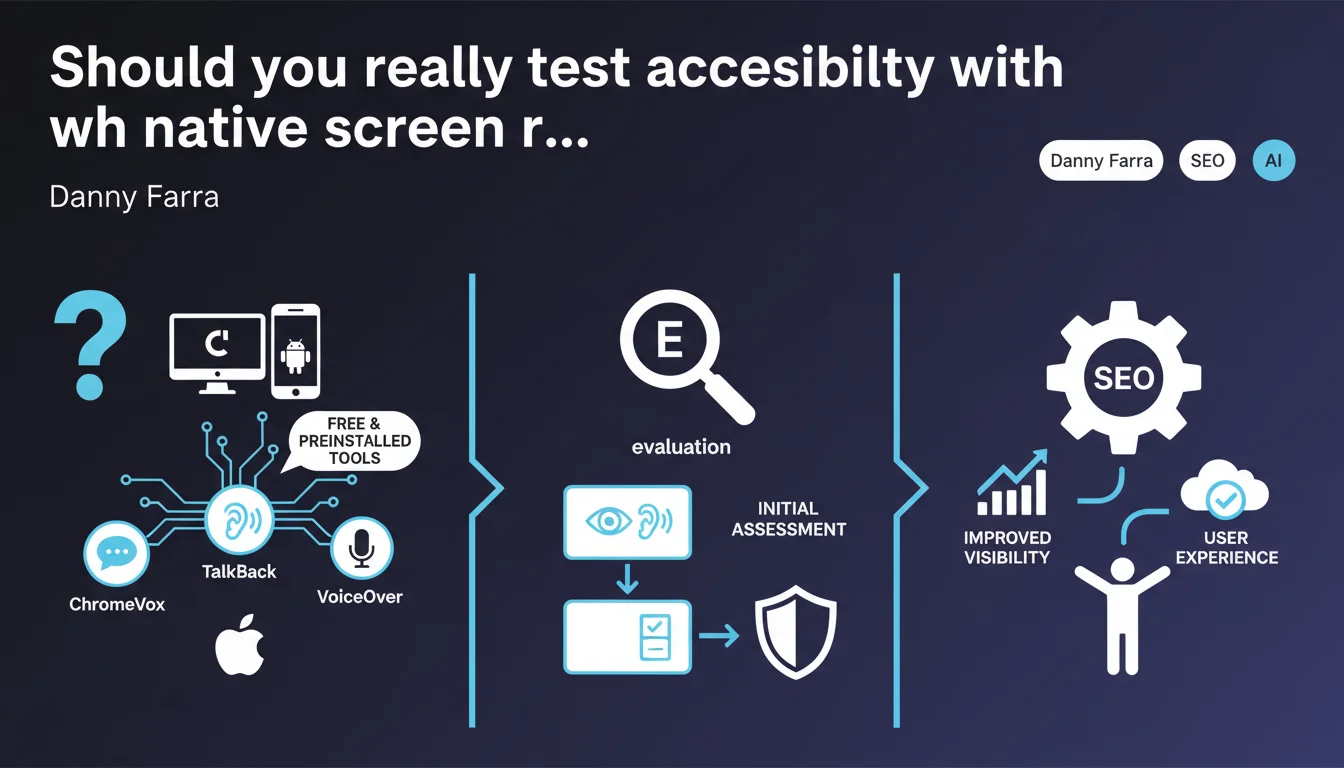
Google recommends using screen readers that come preinstalled on your devices (ChromeVox, TalkBack, VoiceOver) to test your website's accessibility. These free tools offer an initial assessment without additional investment. Accessibility is becoming an increasingly scrutinized quality criterion, though its direct SEO weight remains unclear.
What you need to understand
Why is Google pushing the use of native screen readers?
Google wants to democratize accessibility testing by reminding everyone that every operating system already comes with a built-in screen reader. ChromeVox for Chrome, TalkBack for Android, VoiceOver for Apple — all free, all preinstalled.
The idea: remove the technical barrier that prevents many websites from ever being tested from the perspective of a visually impaired or blind user. No need to install paid third-party software, no need for extensive training — just activate the tool and browse.
What's the connection to natural search engine optimization?
Google regularly states that accessibility improves user experience, and therefore indirectly affects SEO. An accessible site translates to better HTML structure, correct semantic tags, relevant alt content, coherent heading hierarchy.
Concretely? All these elements also facilitate crawling and understanding by search bots. A site that works for a screen reader works better for Googlebot. But be careful: Google has never confirmed a direct SEO boost linked to accessibility. It's a diffuse quality factor, not an explicit ranking criterion.
What is the real scope of these native tools?
Native screen readers allow for a quick initial assessment, that's undeniable. They detect obvious problems: links without labels, images without alt text, poorly labeled forms, failing keyboard navigation.
But they don't replace a complete accessibility testing suite with specialized tools (WAVE, Axe, Lighthouse) or audits by real users with disabilities. Google speaks of a « first assessment » — you should understand this as a starting point, not a certification.
- ChromeVox, TalkBack, VoiceOver: free tools preinstalled on most devices
- First level of testing: detects obvious accessibility issues (missing tags, failing navigation)
- Indirect SEO benefit: improvement of HTML structure, semantics, hierarchy — but no confirmed ranking signal
- Limitation: does not replace a complete audit or real user testing
SEO Expert opinion
Is this statement consistent with real-world observations?
Yes, broadly speaking. Native screen readers work correctly for an initial diagnosis. I've tested hundreds of sites with VoiceOver and ChromeVox: obvious errors come up immediately — buttons without labels, decorative images not hidden, content invisible to keyboard navigation.
But let's be honest: these tools only capture a fraction of real problems. A complete WCAG audit reveals dozens of criteria that a native screen reader doesn't detect: insufficient contrast, clickable areas too small, missing ARIA landmarks, failing visual focus management.
What nuance should be added to this recommendation?
Google speaks of a « first assessment », and that's the key word. If you only fix what a native screen reader detects, you're not WCAG compliant. You've just avoided the most glaring errors.
Another point: testing with a screen reader requires some practice. Activating VoiceOver and navigating with the keyboard doesn't happen automatically. Initial tests are disorienting, keyboard shortcuts are not intuitive. Plan 2-3 hours of practice before being efficient.
In what cases is this approach insufficient?
If your site is a complex web application (SaaS, e-commerce portal with dynamic filters, dashboard-type interface), a native screen reader will never be enough. These tools detect structural errors, not rich interaction issues.
Same for websites subject to legal obligations (public services, large corporations, sites with more than 250 employees in Europe). You must go through a certified RGAA or WCAG audit, conducted by an expert. In-house testing with TalkBack doesn't cover you legally. [To be verified] in your specific legal context.
Practical impact and recommendations
What should you concretely do to test with these tools?
First, activate your system's screen reader. On Mac: Cmd+F5 for VoiceOver. On Chrome: install the ChromeVox extension. On Android: enable TalkBack in accessibility settings.
Next, navigate your site using only the keyboard. No mouse. Test the Tab key, arrow keys, Enter to click. The screen reader should announce each element clearly: « Add to Cart button », « Contact Us link », « Decorative image ignored ».
Note every blockage or unclear announcement. If the reader says « Button » without specifying its role, that's an error. If an interactive area is invisible to keyboard navigation, that's critical. Fix by adding ARIA labels, restructuring HTML, adjusting tab order.
What mistakes should you avoid when running these tests?
Don't test only the homepage. Accessibility issues hide in forms, conversion funnels, product pages, dropdown menus. Vary user journeys.
Don't stop after the first successful test. A site can be partially accessible: navigation works, but the contact form is inaccessible. Test every critical feature.
And above all, don't think that « it works on VoiceOver » means « WCAG compliant ». It's a first filter, not complete validation. Accessibility criteria cover 78 control points — a screen reader only tests about fifteen of them.
How can you integrate these tests into a global SEO strategy?
Integrate accessibility into your technical audit checklist. Same as speed, crawl budget, schema.org tags. Every website redesign or new page launch should go through a quick screen reader test.
Document recurring errors. If your developers systematically forget alt attributes or aria-labels, create an internal best practices guide. Automate some testing with Lighthouse or Axe in your CI/CD.
- Enable your system's native screen reader (VoiceOver, TalkBack, ChromeVox)
- Navigate using only the keyboard across all critical pages
- Verify that every interactive element is clearly announced by the reader
- Fix missing labels, images without alt text, keyboard inaccessible areas
- Supplement with automated audits (Lighthouse, Axe, WAVE) to detect uncovered issues
- Integrate these tests into your recurring technical audit checklist
- Train development teams on ARIA and WCAG best practices
❓ Frequently Asked Questions
Les lecteurs d'écran natifs suffisent-ils pour être conforme WCAG ?
L'accessibilité est-elle un facteur de ranking SEO direct ?
Quel temps faut-il prévoir pour apprendre à utiliser un lecteur d'écran ?
Quelles pages tester en priorité avec un lecteur d'écran ?
Peut-on automatiser les tests d'accessibilité pour gagner du temps ?
🎥 From the same video 10
Other SEO insights extracted from this same Google Search Central video · published on 11/08/2022
🎥 Watch the full video on YouTube →
💬 Comments (0)
Be the first to comment.