
Official statement
Other statements from this video 10 ▾
- □ Does Google really prioritize color contrast for SEO rankings, and should you care?
- □ Does text spacing and structure really influence your Google rankings?
- □ Does your keyboard tab order really impact SEO rankings?
- □ Do skip links really improve your SEO, or are they just an accessibility checkbox?
- □ Why does Google insist on visible keyboard focus indicators for all interactive elements?
- □ Should you really test accessibility with native screen readers for SEO purposes?
- □ Why Should Accessibility Education Come Before Technical Auditing?
- □ Does text size really matter for Google rankings, or is it just about user experience?
- □ Does accessibility really boost your content's international SEO performance across multiple languages?
- □ Did you know that 90% of websites fail accessibility criteria—and what's the real SEO impact?
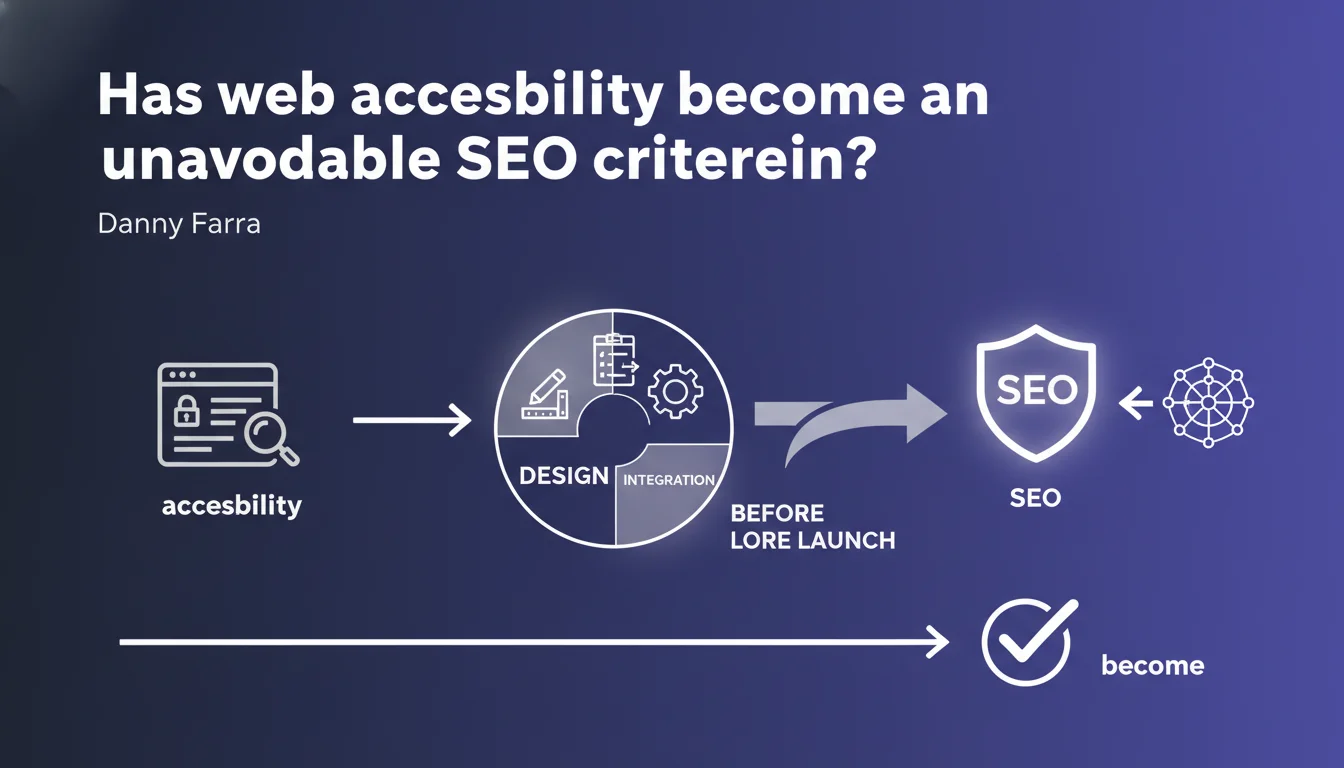
Google asserts that accessibility must be integrated from the design phase of a website, not added at the end. For SEO practitioners, this means that WCAG criteria and user experience for people with disabilities are no longer optional — they are part of the technical foundation of a good website.
What you need to understand
What exactly does Google mean by "accessibility from the design phase"?
Google isn't talking about a checklist to tick before launch. Accessibility must structure design choices, architecture, and development from the project's start. In concrete terms: keyboard navigation, color contrast, text alternatives for images, semantic HTML structure.
This approach aligns with the logic of Core Web Vitals: a performant site isn't built by adding patches after production. Same logic here — accessibility isn't grafted on, it's designed in.
Why this statement now?
Two likely reasons. First, web accessibility lawsuits are multiplying, particularly in the United States where the ADA (Americans with Disabilities Act) applies to websites. Google is likely anticipating stricter regulation.
Second, accessibility improves the experience for all users, not just those with disabilities. An accessible site is generally better structured, easier for robots to crawl, simpler to navigate. Google has every incentive to push this logic forward.
Does accessibility directly influence rankings?
Google has never confirmed that accessibility is a direct ranking factor. What is established: an inaccessible site often generates indirect negative signals — high bounce rate, low engagement, chaotic navigation.
Google's crawlers also benefit from clean HTML structure, explicit links, and coherent heading hierarchies. All these best practices fall under accessibility and technical SEO. The boundary is blurred.
- Accessibility ≠ confirmed ranking factor, but indirect impact through user experience
- Semantic HTML structure benefits both screen readers and crawlers
- Contrast, font size, spacing improve engagement — a positive signal for Google
- Keyboard navigation and visible focus facilitate indexing of certain interactive content
SEO Expert opinion
Is this statement consistent with practices observed in the field?
Let's be honest: most websites aren't accessible. WCAG audits regularly reveal critical flaws — insufficient contrast, missing alt tags, broken keyboard navigation. Yet these sites still rank.
Google says accessibility is part of "good design," but no public signal proves that an inaccessible site will be penalized in the SERPs. We remain in the dark. [To verify]: is this an ethical recommendation or a future SEO criterion?
What nuances should we add?
Accessibility isn't binary. A site can be partially accessible — for example, good contrast but broken keyboard navigation. Google won't penalize a site for a single isolated error. What matters: the overall trend.
Another point: some accessibility elements are easy to fix (alt tags, heading structure), others require a complete redesign (navigation architecture, focus management). Prioritize what impacts both accessibility and SEO — HTML structure, load time, link clarity.
In which cases might this rule not apply?
Purely internal sites (intranets, restricted-access SaaS tools) aren't subject to the same regulatory or competitive pressures. But even there, accessibility improves user productivity.
For public-facing sites, however — e-commerce, media, services — ignoring accessibility becomes a legal risk and a barrier to user experience. Google may not penalize you directly, but competitors offering better UX will take your place.
Practical impact and recommendations
What concrete steps should you take to make a site accessible?
Start with a WCAG 2.1 level AA audit — this is the internationally recognized standard. Tools like Axe, WAVE, or Lighthouse identify critical issues. But beware: these automated tools only detect 30-40% of problems. A manual audit remains essential.
Immediate priorities: semantic HTML structure (coherent heading hierarchy, ARIA landmarks if needed), descriptive alt tags for all meaningful images, minimum 4.5:1 contrast for text, functional keyboard navigation on all interactive elements.
What mistakes should you absolutely avoid?
Don't treat accessibility as a last-minute task handed to an intern. Structural corrections (navigation architecture, focus management, tab order) don't get grafted onto an existing site — they're designed in from the start.
Also avoid the trap of "hidden text for SEO" disguised as accessibility. Google detects these practices. If content is relevant, it should be visible to everyone. If you need to hide something, ask yourself why.
How do you verify your site is compliant?
Three levels of validation. First, automated tools (Lighthouse, Axe DevTools, WAVE) to catch obvious technical errors. Next, a manual keyboard test: navigate your site without a mouse — everything must be reachable, focus must be visible.
Finally, have real users with disabilities or using assistive technology (screen readers like NVDA, JAWS, VoiceOver) test it. This is the only way to validate the real user experience.
- Perform a WCAG 2.1 level AA audit with automated tools plus manual verification
- Fix HTML structure: heading hierarchy, landmarks, semantic tags
- Add descriptive alt tags for all informative images
- Verify text/background contrast (minimum 4.5:1) and readable font size
- Test complete keyboard navigation, visible focus on all interactive elements
- Validate forms with explicit labels and clear error messages
- Avoid automatic animations without user controls (pause, stop)
- Document accessibility choices in your design system for consistent maintenance
❓ Frequently Asked Questions
L'accessibilité est-elle un facteur de classement direct dans Google ?
Quel niveau WCAG faut-il viser pour le SEO ?
Les outils automatisés suffisent-ils pour auditer l'accessibilité ?
Corriger l'accessibilité peut-il nuire au SEO existant ?
Faut-il refondre complètement un site pour le rendre accessible ?
🎥 From the same video 10
Other SEO insights extracted from this same Google Search Central video · published on 11/08/2022
🎥 Watch the full video on YouTube →
💬 Comments (0)
Be the first to comment.