
Official statement
Other statements from this video 17 ▾
- 1:24 Why is Google republishing guides on robots.txt and meta robots right now?
- 7:02 Does GoogleBot really crawl URLs that your site never created?
- 7:27 Why do Search Console and Google Analytics show different numbers?
- 7:27 Does GoogleBot really crawl URLs your site never created?
- 8:07 Why does Search Console show completely different data than Google Analytics?
- 8:51 How long does it actually take Google to detect and process a noindex tag fix?
- 9:49 Why does Google take so long to recognize the removal of a noindex tag?
- 11:11 Does special character encoding in source code really harm your SEO rankings?
- 11:11 Does special character encoding in your source code actually hurt your SEO rankings?
- 11:47 What's the safest way to prevent Google from crawling your PDFs without accidentally getting them indexed?
- 11:51 Should you really block PDFs with robots.txt or use noindex instead?
- 14:14 How long does Google really take to display your new site name in search results?
- 14:59 Does Google really penalize brand names that are too similar to competitors in search results?
- 15:14 Could similar brand names harm your SEO performance and search visibility?
- 19:01 Why won't Google reveal its exact criteria for adult content classification?
- 20:13 Does Google penalize a site that's 100% HTTPS with no HTTP version?
- 20:30 Does running an HTTPS-only website actually hurt your SEO rankings?
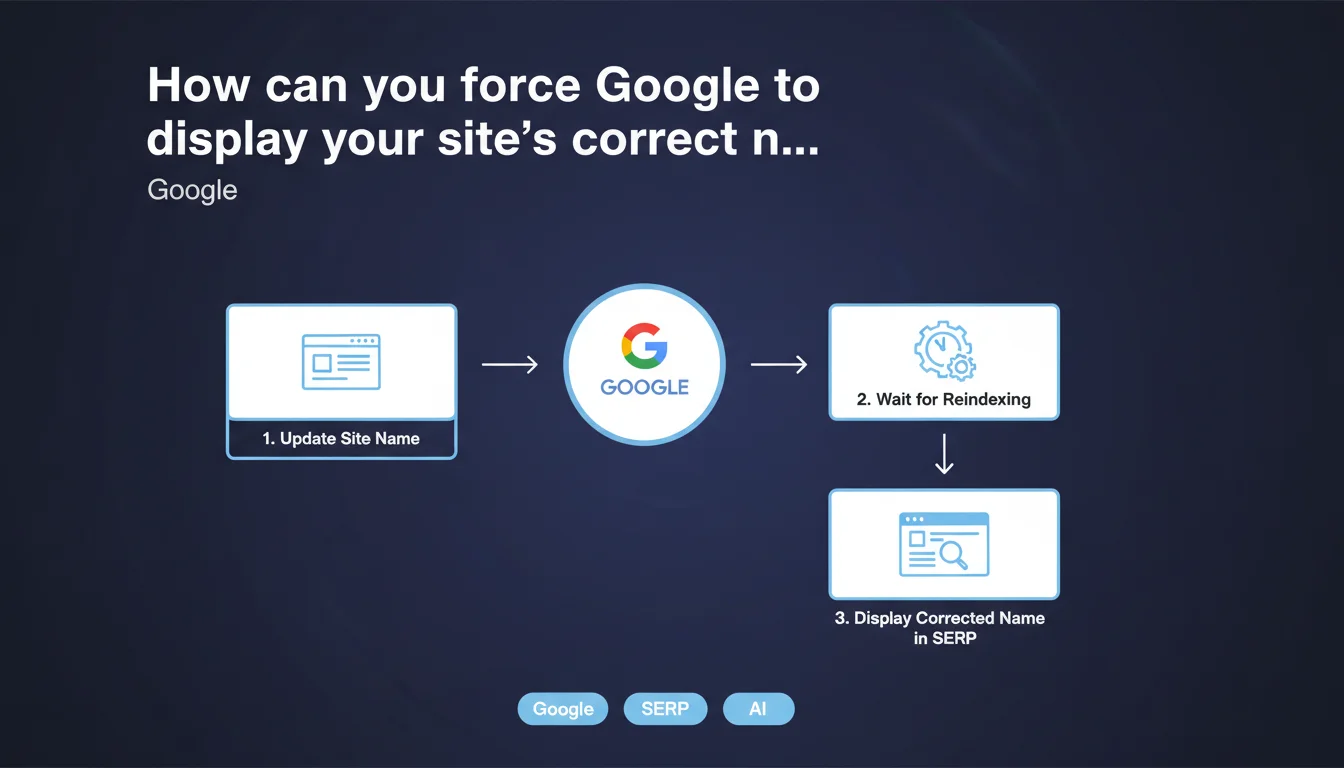
Google publishes official documentation to specify your site name in search results. After making changes, you need to be patient: updating in the SERPs takes time with no guaranteed timeline. An additional technical control for SEOs who want to master their search visibility.
What you need to understand
Why does Google offer this functionality?
Google doesn't always correctly guess your site name in search results. It sometimes relies on page titles, poorly optimized tags, or contradictory signals. Result: unprofessional display that harms brand recognition.
This official documentation answers a recurring request from webmasters: the ability to explicitly control how your site name displays. No more approximations or truncated names — at least in theory.
What specific information does Google provide?
The documentation explains how to technically specify your site name so Google recognizes it. It clarifies that implementation is done through Schema.org structured data, specifically the WebSite type with the name property.
The crucial point: Google warns that updates are not instantaneous. Once you make changes, you must wait for the engine to recrawl, reindex, and decide whether to apply the change. No specific timeline is provided.
Does this functionality guarantee your chosen display?
No. Google remains the final decision maker. The documentation indicates how to specify your preference, not how to enforce it. If Google determines that another name is more relevant or clearer for the user, it can ignore your directive.
- Google offers an official method to specify your site name in the SERPs
- Implementation is done through Schema.org structured data (WebSite type)
- Updating in search results takes time, with no guaranteed timeline
- Google reserves the right to not apply your specification if it deems another name more relevant
- This functionality strengthens technical control but offers no absolute certainty
SEO Expert opinion
Is this statement consistent with observed practices?
Yes, it formalizes a reality that SEOs have known for a long time. Google has always taken liberties with site name display, especially with complex brands, acronyms, or multilingual sites. This official documentation formalizes the recommended method.
The vague update timeline also matches real-world experience. We regularly observe delays of several weeks, sometimes longer, before a structured data change is reflected in the SERPs. Nothing new under the sun.
What gray areas remain in this documentation?
First point: Google specifies no timeline for updates. "Takes time" doesn't mean anything in planning terms. Is it 3 days, 3 weeks, 3 months? Impossible to answer with certainty. [To verify] on a case-by-case basis.
Second point: the documentation remains vague about rejection criteria. In what cases will Google ignore your specification? If the name is too generic? Too long? In conflict with other signals? No clear decision framework is provided.
Third point: what about multilingual sites? The documentation doesn't explicitly mention how to manage different site names for different language versions. Should you duplicate structured data by language? The confusion remains.
In what cases is this functionality truly useful?
It's essential for brands whose names are misinterpreted by Google: acronyms, compound names, brands with spaces or hyphens. It also becomes strategic for sites changing names and wanting to accelerate the transition in the SERPs.
Conversely, if your site name already displays correctly, implementing this structured data remains a good defensive practice. It locks in the display and limits the risk of unwanted changes following an algorithm update.
Practical impact and recommendations
What exactly should you do to specify your site name?
First step: implement Schema.org structured data of type WebSite with the name property. The markup can be integrated as JSON-LD in your homepage's , or via microdata tags directly in the HTML.
Minimal example in JSON-LD:
{
  "@context": "https://schema.org",
  "@type": "WebSite",
  "name": "Your official site name",
  "url": "https://www.yoursite.com"
}
Second step: validate the markup using Google's Rich Results Test. Ensure there are no errors. Incorrect syntax = ignored data.
Third step: wait. Trigger a reindex via Search Console if you want to speed up the process, but don't expect instantaneous changes.
What mistakes should you avoid during implementation?
Mistake #1: using a too generic or keyword-stuffed name. "SEO Agency Paris Natural Search Optimization" probably won't pass. Google favors clear, recognizable brand names.
Mistake #2: implementing structured data on every page instead of just the homepage. That creates redundancy and can send contradictory signals. One implementation at the root is sufficient.
Mistake #3: forgetting to check consistency with other signals. If your title tag, logo, and structured data display three different names, Google may get confused — and ignore your specification.
How can you verify that the change was properly applied?
First method: a manual Google search for your exact brand name. Watch how your site name displays in the results. Note that results can vary by geolocation and search history.
Second method: use the URL Inspection tool in Search Console to verify that Google has crawled and indexed the page with the new structured data. This doesn't guarantee final display, but it's a first indicator.
Third method: monitor performance reports in Search Console. If the name change impacts CTR or impressions, you'll see variation in metrics after a few weeks.
- Implement Schema.org structured data of type WebSite with the name property on your homepage
- Validate the markup with the Rich Results Test to catch syntax errors
- Verify consistency between the specified name, title tags, logo, and other brand signals
- Request a reindex via Search Console to accelerate crawling
- Wait several weeks before changes appear in the SERPs
- Monitor performance reports to measure the impact of the display change
- Don't keyword-stuff your site name — keep it a clear, natural brand name
Specifying your site name through structured data is a simple technical optimization but one that requires rigor and patience. Implementation itself takes just a few minutes, but validation, adjustments, and monitoring can prove more complex.
If your technical structure is already heavy or if you manage a multilingual site with sensitive brand concerns, working with a specialized SEO agency can save you time and prevent costly errors. Personalized support ensures clean implementation and rigorous tracking of SERP impact.
❓ Frequently Asked Questions
Combien de temps faut-il attendre avant que le nom du site change dans les résultats Google ?
Google est-il obligé d'afficher le nom que j'ai spécifié ?
Peut-on spécifier des noms différents selon les versions linguistiques du site ?
Faut-il ajouter les données structurées sur toutes les pages ou seulement la homepage ?
Que faire si Google continue d'afficher un mauvais nom malgré les données structurées ?
🎥 From the same video 17
Other SEO insights extracted from this same Google Search Central video · published on 27/03/2025
🎥 Watch the full video on YouTube →
💬 Comments (0)
Be the first to comment.