
Official statement
Other statements from this video 11 ▾
- □ Do Core Web Vitals Really Impact Your Content's Search Rankings?
- □ Is mobile-friendliness really no longer a Google ranking factor?
- □ Is Google really switching from FID to INP in Core Web Vitals — and should you worry?
- □ Are Core Web Vitals Really Not Enough to Guarantee a Good User Experience?
- □ Is Google's Search Generative Experience (SGE) about to completely transform how organic traffic works?
- □ Does the Rich Results Test code editor really transform how you validate structured data?
- □ Does Google's improved video indexing report finally reveal the real blocking issues?
- □ Should you really stop using the ping endpoint to submit your sitemaps?
- □ Why is Google documenting a new generic crawler and revealing its IP addresses?
- □ Is Google's new spam report really a game-changer for SEOs?
- □ Should you rethink your domain strategy now that .ai has become a generic ccTLD?
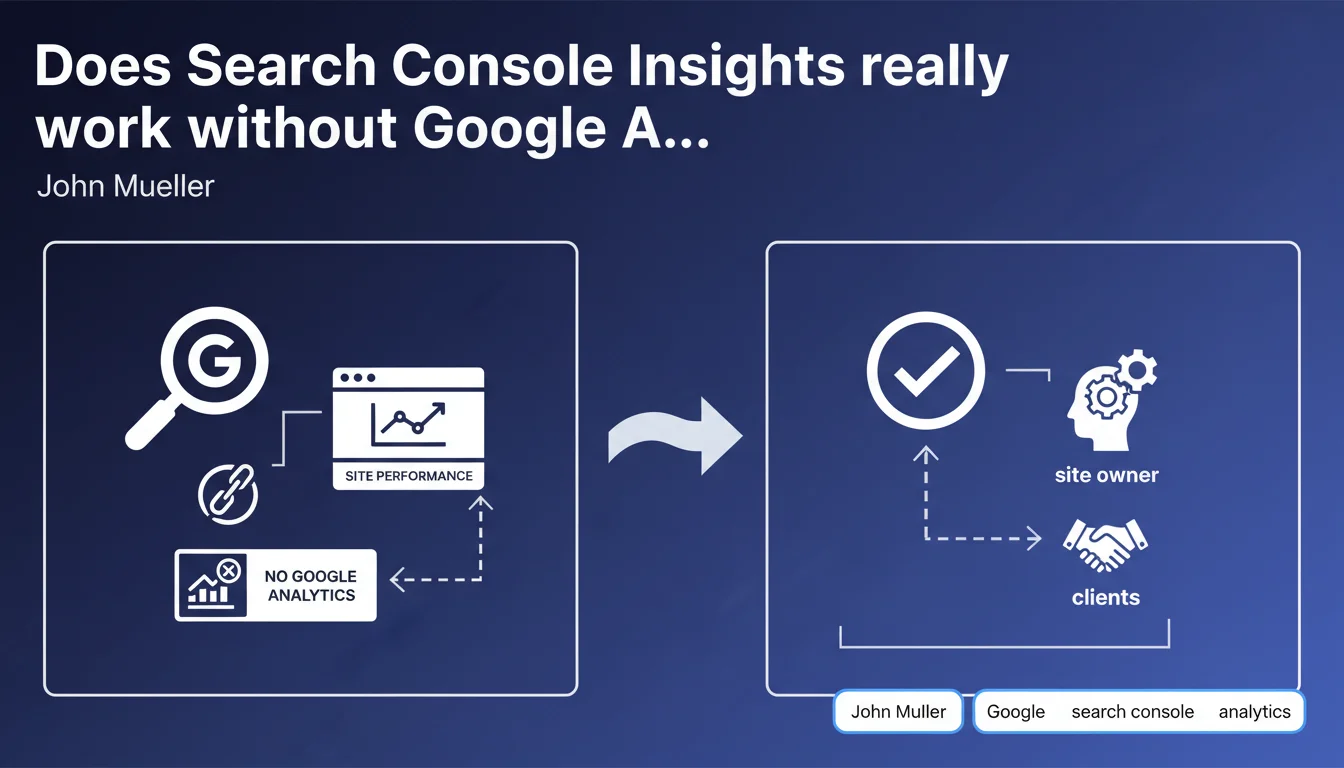
Google is rolling out Search Console Insights as a standalone version, with no requirement to connect Google Analytics. This evolution allows site owners and their clients to check search performance directly, without technical dependency on GA. A change that simplifies access to search data for accounts that refuse or cannot install Analytics.
What you need to understand
Why is Google making Search Console Insights independent from Google Analytics?
Historically, Search Console Insights required an active connection to Google Analytics to work fully. This constraint caused problems in several configurations: institutional sites subject to strict GDPR restrictions, clients refusing GA for privacy reasons, or simply multiple accounts where access management became burdensome.
Google clearly heard these pain points. By making the tool functional without GA, the company is expanding its audience and offering a unified view of search performance directly in Search Console — without having to juggle between multiple platforms.
What exactly changes for Search Console users?
The Search Console Insights interface now displays performance metrics even if no Google Analytics property is linked. The data remains focused on organic performance: most visited pages via search, queries driving traffic, impressions and clicks trends.
This independence simplifies client reporting. No more need to justify installing GA to get a synthetic view of search performance. Agencies can share insights with clients reluctant about third-party cookies or tracking scripts.
What are the advantages and limitations of this standalone approach?
- Main advantage: simplified access to search data without additional technical configuration, ideal for small sites or non-technical clients.
- Major limitation: without GA, behavioral metrics (bounce rate, session duration, conversions) remain inaccessible in Search Console Insights. The tool focuses exclusively on raw search performance.
- Compatibility: users who already have GA connected retain access to enriched data, nothing changes for them.
- GDPR impact: this separation makes compliance easier for sites that want to limit tracking while keeping an eye on their organic visibility.
SEO Expert opinion
Does this evolution reflect a change in product strategy at Google?
Yes, and it's consistent with the trend observed over the past two years. Google is looking to empower Search Console as the go-to platform for organic performance, independent of the Analytics ecosystem. The multiplication of native reports (Core Web Vitals, Page Experience, Discover, News) shows that Search Console is becoming a complete hub.
This independence also reduces friction related to migration to GA4. Many site owners have refused or delayed this migration — Google thus avoids Search Console becoming collateral damage to these resistances.
Are the data displayed without GA as reliable as those combined with Analytics?
Search Console data alone are reliable for what they measure: impressions, clicks, CTR, average position. They come directly from Google Search logs, not from sampling like in GA (especially in the free version).
However — and this is crucial — Search Console does not measure post-click behavior. You know a page received 500 clicks from search, but have no idea how many bounced in 3 seconds or how many converted. [To verify] whether Google plans to enrich these metrics with anonymized data from Chrome browser, which would technically be possible.
In what cases does this standalone version pose a problem?
For complete SEO audits, Search Console alone remains insufficient. Impossible to correlate an organic traffic drop with an increase in bounce rate or a failed technical migration that breaks conversions. Serious SEO agencies will continue to demand access to GA (or equivalent) for complete on-the-ground diagnosis.
Another limitation: sites with complex customer journeys or dynamic content. Without behavioral tracking, you cannot identify friction points in the conversion funnel that follow organic arrival.
Practical impact and recommendations
What should you do if you manage sites without Google Analytics?
Activate Search Console Insights immediately if you haven't already. The interface is accessible from the Search Console sidebar menu. You get a consolidated view of performing content without any additional configuration.
Leverage this data to prioritize your editorial optimizations: identify pages that generate impressions without clicks (meta description or title problem), queries in positions 5-15 to boost, content that's losing ground.
How do you intelligently combine Search Console and Analytics when both are available?
If you have GA4 connected, systematically cross-reference the data. A page performing well in Search Console (plenty of clicks) but with a high bounce rate in GA4 signals a mismatch between search intent and delivered content.
Use GA4 audience segments to refine: does organic traffic convert differently depending on previous acquisition channels? Do users arriving via long-tail queries have better engagement?
What mistakes should you avoid with this new configuration?
- Don't rely solely on Search Console Insights to measure SEO ROI — without conversion data, you're flying blind.
- Ignore measurement gaps between Search Console and GA4 (deduplication, click vs session definition, spam filters).
- Believe that the absence of GA simplifies GDPR: Search Console also collects user data, even if anonymized on the owner's side.
- Neglect time-based segmentation: Search Console Insights aggregates over 28 days by default, which can mask critical weekly variations.
- Forget that Search Console only captures Google Search traffic — goodbye Bing, DuckDuckGo, and other search engines.
Standalone Search Console Insights simplifies access to organic visibility metrics, but doesn't replace a complete measurement system. For sites without GA, it's a net gain. For others, complementarity remains essential.
If your analytics stack is fragmented or if you struggle to extract actionable insights from your search data, these technical and strategic decisions can quickly become time-consuming. Calling on a specialized SEO agency allows you to structure your measurement system, cross-reference the right sources, and transform this data into concrete growth levers — without wasting weeks debugging tracking gaps.
❓ Frequently Asked Questions
Search Console Insights sans GA affiche-t-il les mêmes données que la version connectée à Analytics ?
Faut-il désactiver Google Analytics pour profiter de cette nouvelle fonctionnalité ?
Les données Search Console Insights sont-elles en temps réel ?
Cette mise à jour change-t-elle la façon dont Google collecte les données de recherche ?
Peut-on exporter les données de Search Console Insights pour des reportings personnalisés ?
🎥 From the same video 11
Other SEO insights extracted from this same Google Search Central video · published on 05/07/2023
🎥 Watch the full video on YouTube →
💬 Comments (0)
Be the first to comment.