
Official statement
Other statements from this video 11 ▾
- □ Do Core Web Vitals Really Impact Your Content's Search Rankings?
- □ Is mobile-friendliness really no longer a Google ranking factor?
- □ Is Google really switching from FID to INP in Core Web Vitals — and should you worry?
- □ Are Core Web Vitals Really Not Enough to Guarantee a Good User Experience?
- □ Is Google's Search Generative Experience (SGE) about to completely transform how organic traffic works?
- □ Does the Rich Results Test code editor really transform how you validate structured data?
- □ Does Search Console Insights really work without Google Analytics? A game-changer for site owners?
- □ Should you really stop using the ping endpoint to submit your sitemaps?
- □ Why is Google documenting a new generic crawler and revealing its IP addresses?
- □ Is Google's new spam report really a game-changer for SEOs?
- □ Should you rethink your domain strategy now that .ai has become a generic ccTLD?
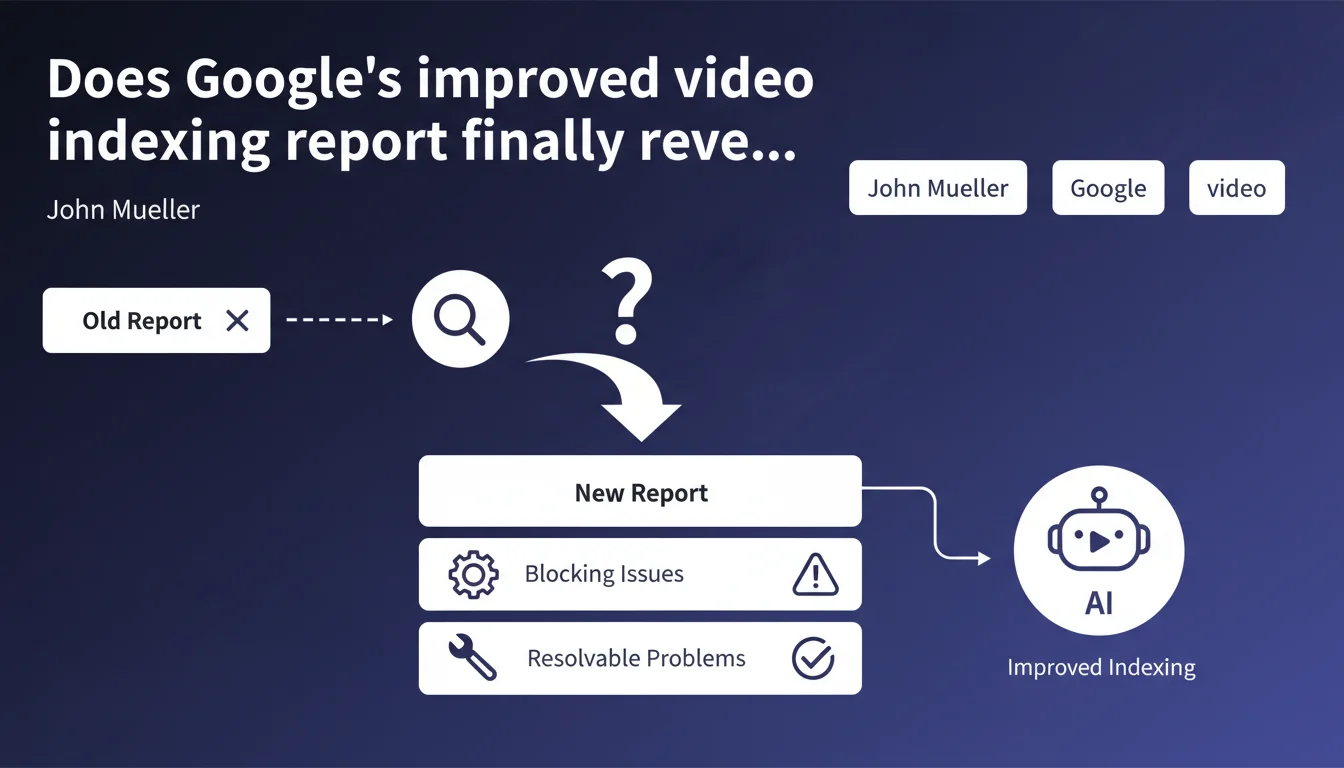
Google is enriching its video indexing report in Search Console with precise details about technical issues preventing indexation. Concretely, SEOs will have actionable information to diagnose and fix errors, rather than navigating blindly. This update aims to make video debugging as transparent as regular page debugging.
What you need to understand
Why is Google improving this report now?
Video represents a growing share of organic traffic, but until now, diagnosing why Google ignored certain videos was often a guessing game. The video indexing report existed, but remained superficial — a simple status list without actionable detail.
This update aligns with the transparency logic that Google is progressively applying to all its Search Console tools. The stated objective: enable webmasters to fix issues themselves without multiplying support tickets.
What types of problems are now detailed?
Google doesn't provide an exhaustive list in this announcement — that's typical of Mueller. We can expect specific error messages: incorrect VideoObject markup, inaccessible video content URL, missing or non-compliant thumbnail, geographic restrictions, robots.txt issues blocking video resources.
The idea is to move from a vague "Not indexed" status to precise diagnostics like "Thumbnail too small" or "Video duration not specified". The difference between wasting time checking everything and directly fixing the right parameter.
Does this improvement apply to all videos?
The report targets videos embedded on your web pages, not YouTube or third-party platforms. If you host video content directly or use third-party players with structured markup, this report becomes your priority dashboard.
For sites betting on video as an SEO lever — e-commerce with product demos, media outlets, educational platforms — this granularity changes the game. As long as the error messages are truly actionable, which we'll only know when we see them.
- The Search Console video report becomes actionable for debugging, with detailed error messages
- Targets videos hosted on your site, not external platforms
- Alignment with the transparency logic applied to other Search Console reports
- Direct impact for sites relying on video as an organic traffic lever
SEO Expert opinion
Is this statement consistent with observed practices?
Yes, and it was expected. For months now, video-specialized SEOs have been reporting that the current report only confirms indexation, with no diagnostic help whatsoever. Google is catching up on a format it promotes everywhere (videos in rich SERP results, Google Discover, video perspectives).
The timing makes sense: now that VideoObject structured data is quasi-mandatory to appear in rich results, Google can return precise errors about this markup. Before, without strict standards, it was hard to pinpoint clear technical issues.
What nuances should be noted?
Mueller doesn't specify when this enriched report will be rolled out or which problems exactly will be detailed. Typical of a Google announcement: the principle is there, the concrete implementation remains vague. [To be verified]: will all webmasters see these details or only those with minimum video volume?
Another point — and this is from real-world experience: some video indexation issues don't depend on markup but on algorithmic prioritization. If Google deems your video content low-relevance or redundant with other sources, no error message will explain it. The report will say "indexed" but the video will remain invisible in SERPs.
In what cases does this rule not apply?
If you're exclusively relying on YouTube for your video strategy, this report doesn't directly concern you. YouTube has its own analytics and discoverability mechanisms — the Search Console video report handles videos outside YouTube indexed from your web pages.
Similarly, if your videos are purely decorative autoplay or in sliders without structured markup, Google probably won't treat them as indexable video content. The report will remain empty or without relevant data.
Practical impact and recommendations
What should you do concretely right now?
First action: audit your existing VideoObject markup. Go through your pages containing video and verify that each required property is properly filled in (name, description, thumbnailUrl, uploadDate, contentUrl or embedUrl). Use Google's rich results testing tool to validate.
Next, monitor the video indexing report in Search Console as soon as the update becomes active for you. Note specific error messages and prioritize corrections by volume of impacted pages. A recurring problem on 500 product sheets takes priority over an isolated error.
- Verify that all your videos have complete and valid VideoObject markup
- Test each video page template with Google's structured data validation tool
- Ensure that video content URLs (contentUrl/embedUrl) are accessible and not blocked by robots.txt
- Check that thumbnails comply with recommended formats and dimensions (minimum 160x90px, jpg/png/gif format)
- Document errors reported in the report to track their resolution over time
- Set up a Search Console alert to be notified of new video indexation issues
What errors should be avoided at all costs?
Don't assume that a video "indexed" according to the report is automatically optimized for ranking. Indexation confirms that Google crawled and understood the video, but its thematic relevance, duration, and expected engagement then matter for ranking.
Also avoid overloading your pages with VideoObject markup for secondary or purely decorative video content. Google may interpret this as an attempt at manipulation and devalue the entire set. Target videos that truly add informational or transactional value.
How can I verify that my implementation is compliant?
Use a two-step approach: first the Google rich results test to validate markup syntax, then a manual check in Search Console once pages are crawled. Compare the number of videos you've marked up with the number Google detected — any significant gap signals a crawl or validation problem.
Also test actual display in SERPs through targeted searches. If your videos are indexed but never appear in rich results or the Videos tab, dig into competition on the query and perceived content quality. Sometimes the problem isn't technical but editorial.
❓ Frequently Asked Questions
Ce rapport concerne-t-il les vidéos hébergées sur YouTube ?
Quand cette mise à jour du rapport sera-t-elle disponible pour mon site ?
Une vidéo indexée est-elle garantie d'apparaître dans les résultats enrichis ?
Dois-je obligatoirement corriger toutes les erreurs remontées ?
Le balisage VideoObject suffit-il pour optimiser mes vidéos en SEO ?
🎥 From the same video 11
Other SEO insights extracted from this same Google Search Central video · published on 05/07/2023
🎥 Watch the full video on YouTube →
💬 Comments (0)
Be the first to comment.