
Official statement
Other statements from this video 11 ▾
- □ Les Core Web Vitals influencent-ils vraiment le classement du contenu utile ?
- □ La compatibilité mobile n'est-elle vraiment plus un facteur de classement Google ?
- □ Les Core Web Vitals ne suffisent-ils vraiment pas à garantir une bonne expérience utilisateur ?
- □ Search Generative Experience (SGE) : comment l'IA générative de Google va-t-elle bouleverser les SERPs ?
- □ Le rich results test avec édition de code change-t-il vraiment la donne pour tester vos données structurées ?
- □ Search Console Insights sans Google Analytics : la fin d'une dépendance contraignante ?
- □ Le rapport d'indexation vidéo de Google révèle-t-il enfin les vrais problèmes bloquants ?
- □ Faut-il vraiment arrêter d'utiliser le ping endpoint pour soumettre vos sitemaps ?
- □ Pourquoi Google documente-t-il un nouveau crawler générique et révèle-t-il ses adresses IP ?
- □ Le nouveau rapport de spam de Google change-t-il vraiment la donne pour les SEO ?
- □ Faut-il revoir sa stratégie de noms de domaine maintenant que le .ai devient un ccTLD générique ?
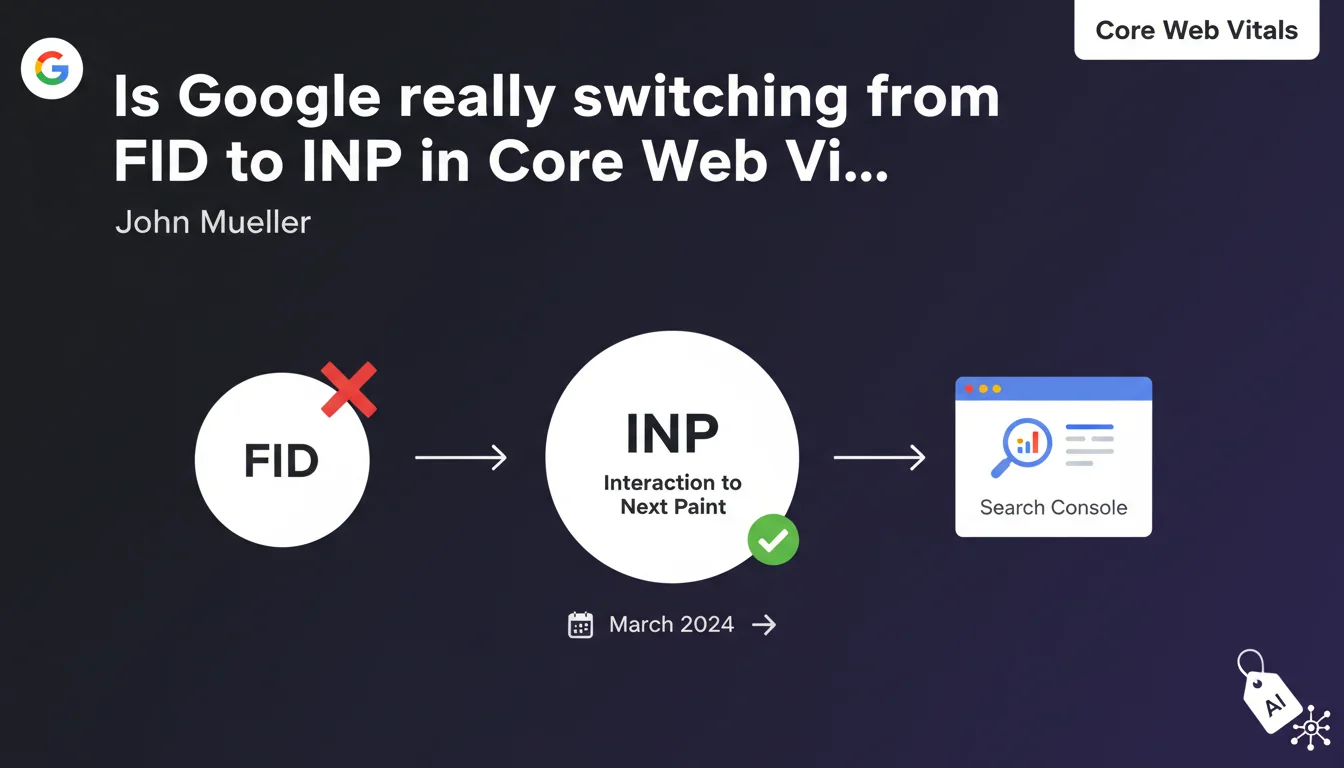
Google is replacing First Input Delay (FID) with Interaction to Next Paint (INP) in Core Web Vitals starting March. INP measures overall page responsiveness, not just the first interaction. Data is already available in Search Console to help you prepare for this shift.
What you need to understand
Why is Google making this metric change now?
The First Input Delay (FID) only measured the delay before the first user interaction. That was insufficient to truly evaluate a page's real responsiveness throughout the entire browsing session.
Interaction to Next Paint (INP) goes deeper: it captures the response time of every interaction — clicks, taps, keyboard input — and records the most representative values. Google is essentially closing a blind spot in FID that only captured a single fleeting moment.
What exactly does INP measure?
INP records the time between a user action and when the browser visually displays the result. In practice: the time between clicking a button and seeing the visual feedback appear.
The metric captures the 98th percentile of interactions on the page. If 98% of your users experience less than 200 ms of delay, you're in the green zone. Beyond 500 ms, you're in the red.
When does this switch take effect?
The official changeover happens in March. Starting then, INP completely replaces FID in Core Web Vitals calculations and, consequently, in the Page Experience ranking factor.
For several months now, Search Console has already been displaying INP data. This is the time to diagnose and fix issues before they impact your rankings.
- INP measures overall responsiveness, not just the first interaction
- Good threshold: under 200 ms — poor threshold: over 500 ms
- Data is already available in Search Console to prepare for the transition
- FID replacement by INP becomes official in March
SEO Expert opinion
Is this metric really more meaningful than FID was?
Let's be honest: FID was an easy metric to pass. Most sites showed green without much real effort, because it only captured a single moment. INP, on the other hand, exposes slowdowns across the entire user session.
It's an improvement, yes — but watch out for the trap. INP can tank because of a single poorly optimized JavaScript that blocks the main thread. Sites rich in interactions (e-commerce, dashboards, SaaS) will struggle if event handlers aren't properly optimized.
Do current tools measure INP correctly?
PageSpeed Insights and Lighthouse display INP in "lab" mode (simulation), but real-world values often differ significantly. Actual user interactions — with variable connections, overloaded CPUs, browser extensions — generate much harsher scores. [Needs verification]
Search Console remains the most reliable source because it aggregates RUM data (Real User Monitoring). Don't rely solely on synthetic tests: real-world data is unforgiving.
In what cases can INP skew the diagnosis?
Pages with few interactions (static blog posts, minimal landing pages) will naturally display good INP scores. The opposite holds true for rich interfaces: filters, accordions, modals, autocomplete — every interaction counts.
The 98th percentile can mask extreme outliers. If 2% of your users wait 3 seconds, that won't show up in the overall score — but those 2% are probably abandoning. Monitor distributions, not just the aggregate value.
Practical impact and recommendations
What should you do before March to prepare for this shift?
First step: open Search Console, go to the Core Web Vitals section, and check your current INP scores. If you're already in the green, great — but verify critical pages (product pages, conversion funnels).
If you see orange or red, start by identifying blocking scripts. Chrome DevTools > Performance > record a session with interactions. Look for long tasks that exceed 50 ms.
What concrete optimizations will improve INP?
Break your JavaScript into smaller chunks. Modern frameworks (React, Vue, Next.js) support code-splitting: load only what's needed when the interaction happens.
Use requestIdleCallback to defer non-urgent tasks. If a click triggers heavy processing, defer it so the visual feedback appears immediately.
Review your event listeners. A poorly optimized listener on scroll or resize can saturate the main thread. Debounce, throttle, or better yet: offload heavy computations to Web Workers.
How can you verify that your fixes are working?
Test under real-world conditions: throttle your CPU in Chrome DevTools (6x slowdown), simulate 3G. INP should stay under 200 ms even under degraded conditions.
Monitor Search Console weekly. RUM data takes 28 days to stabilize after a change — don't expect immediate results.
- Audit current INP scores in Search Console
- Identify blocking third-party scripts and optimize or remove them
- Split JavaScript into chunks and lazy-load non-critical components
- Optimize event listeners (debounce, throttle, Web Workers)
- Test under degraded conditions (CPU throttling, slow connections)
- Monitor progress over at least 28 days to validate fixes
❓ Frequently Asked Questions
L'INP impacte-t-il directement le classement Google ?
Faut-il abandonner le suivi du FID après mars ?
Un site vitrine avec peu d'interactions doit-il s'inquiéter de l'INP ?
Les outils tiers de monitoring (GTmetrix, WebPageTest) affichent-ils l'INP ?
Peut-on améliorer l'INP sans toucher au code JavaScript ?
🎥 From the same video 11
Other SEO insights extracted from this same Google Search Central video · published on 05/07/2023
🎥 Watch the full video on YouTube →
💬 Comments (0)
Be the first to comment.