
Official statement
Other statements from this video 7 ▾
- □ Is Google Search Console really giving you the full picture of your organic performance?
- □ Can Search Console really become your business decision-making engine?
- □ Are you actually tracking which search queries are your real traffic drivers?
- □ Is your mobile site hurting your search rankings without you even knowing it?
- □ Is Search Console really the best way to get your content indexed faster by Google?
- □ Does Google Search Console really catch malware and spam threats before they tank your rankings?
- □ Is regular website activity monitoring really the key to staying ahead in modern SEO?
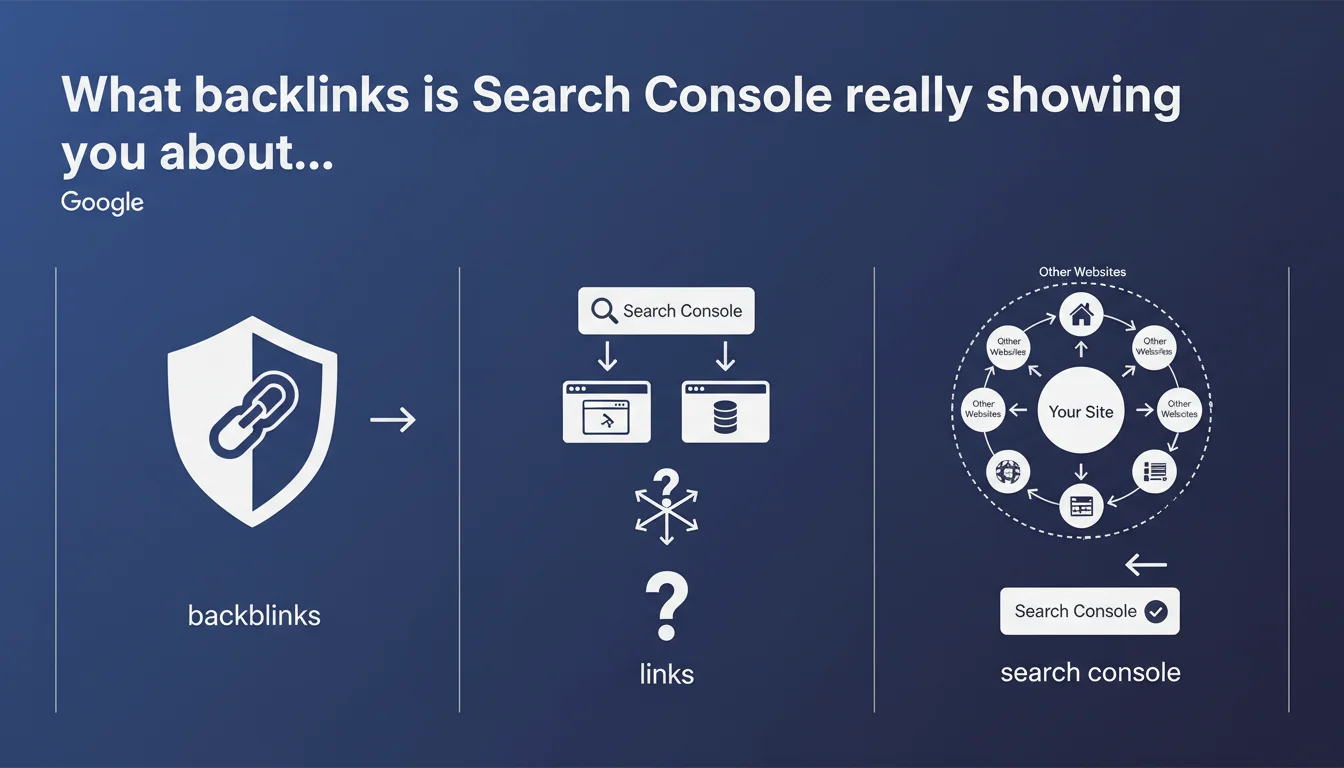
Search Console provides visibility into backlinks pointing to your site, allowing you to identify link sources and target pages. Google positions this tool as the reference for understanding your inbound link profile, although the reality is more nuanced.
What you need to understand
What backlink data does Search Console actually expose?
Search Console displays referring domains, the exact source pages, and the target pages on your site. The interface lets you filter by link type (text, image), identify the anchor text used, and spot the most active domains in your link profile.
This data comes directly from Google's index — meaning only backlinks discovered and indexed by the search engine appear. A link that exists but hasn't been crawled or has been deindexed remains invisible in this tool.
Why does Google push Search Console for backlink analysis?
The phrasing "allows you to see how other sites mention or create links" is deliberately broad. Google encourages using its own tool rather than third-party solutions (Ahrefs, Majestic, SEMrush) that rely on their own crawlers.
The theoretical advantage: you're viewing Google's official vision, the one that actually counts for rankings. The downside: data freshness isn't guaranteed, and some backlinks take weeks to appear.
What's the difference between "mention" and "link" in this context?
Google uses "mention or create links" without clear distinction. In Search Console, only standard hyperlinks (anchor tags with href) are counted. Plain text mentions without links (brand mentions) don't appear in this report, even if Google might use them as a brand signal.
Some SEOs hoped this tool would include unlinked citations — that hasn't happened yet.
- Search Console only shows backlinks indexed by Google, not the complete web
- Data can be delayed by anywhere from several days to several weeks
- The tool is free and authoritative, but incomplete for in-depth competitive analysis
- Link anchors and mention context are visible for detected links
- No quality or authority metrics are provided by Google (no Domain Rating, Trust Flow, etc.)
SEO Expert opinion
Does Search Console really replace third-party backlink analysis tools?
No, and Google knows it. Search Console suffers from three structural limitations: it only covers your own site (impossible to spy on competitors), shows volumes often lower than third-party crawlers, and provides no quality scoring for referring domains.
In practice, professionals combine Search Console for the official Google view with tools like Ahrefs for fast detection, competitive analysis, and domain authority metrics. [To verify]: Google claims its tool shows "all the links we know about," but repeated tests show significant gaps with actual crawl reality.
Is this backlink view useful for profile cleanup?
Absolutely, and it's even the primary use case for negative SEO and manual penalties. If Google notifies you of artificial link problems, Search Console is where you'll identify toxic domains to disavow.
Let's be honest — the report never explicitly tells you which links are problematic. You must cross-reference with your site knowledge, spot suspicious patterns (link farms, low-quality PBNs, over-optimized anchors), and make manual decisions. The disavow file remains an emergency lever, not routine maintenance.
Do unlinked mentions have a detectable SEO impact?
Google mentions citations in its phrasing, but no unlinked mention data appears in the interface. This ambiguity fuels speculation: do unlinked brand mentions count as a signal?
Google patents and John Mueller's statements suggest yes, in certain contexts (E-E-A-T, named entities). But [To verify]: no large-scale study has cleanly isolated the effect of text mentions vs. standard backlinks. In practice, always prefer a hyperlink when possible.
Practical impact and recommendations
What should you check regularly in Search Console's Backlinks report?
Review the "Top linking sites" section at least once per month. Look for new referring domains, especially those with an abnormally high link volume — a potential sign of spam or scraping.
Compare your anchor text list: overrepresentation of commercial exact-match anchors ("buy cheap shoes") can trigger an algorithm filter. Conversely, a profile dominated by "click here" or bare URLs looks more natural but less optimized.
How do you use this data to prioritize your link-building efforts?
Identify which pages on your site receive the most backlinks. If an old, obsolete page attracts dozens of links, consider a 301 redirect to updated content to recycle that link equity.
Also spot orphan pages — those with external backlinks but no internal links from your site. That's pure waste: integrate them into your internal linking strategy to redistribute authority.
- Export the backlinks report to CSV each month to track profile evolution
- Filter referring domains by link count — investigate those exceeding 50+ links from a single domain
- Verify that your strategic pages (pillars, commercial pages) receive backlinks, not just your blog
- Cross-reference Search Console data with a third-party tool (Ahrefs, Majestic) to spot blind spots
- Create a disavow file if you identify toxic link networks, then submit it via Search Console
- Monitor anchors: if more than 30% are commercial exact-match, diversify with brand and generic anchors
What mistakes should you avoid when interpreting backlink data?
Don't confuse quantity with quality. Search Console displays volume, not authority scores — 100 links from low-quality directories are worth less than one editorial link from a recognized media outlet.
Avoid panicking over a few spam links either: Google now handles most noise via automatic filtering algorithms. Disavow remains necessary only in cases of manual penalty or documented large-scale attack.
❓ Frequently Asked Questions
Pourquoi certains backlinks n'apparaissent-ils pas dans Search Console ?
Faut-il désavouer tous les backlinks de mauvaise qualité visibles dans Search Console ?
Les données de backlinks dans Search Console sont-elles mises à jour en temps réel ?
Peut-on utiliser Search Console pour analyser les backlinks d'un concurrent ?
Comment Search Console traite-t-elle les redirections 301 dans les backlinks ?
🎥 From the same video 7
Other SEO insights extracted from this same Google Search Central video · published on 24/02/2022
🎥 Watch the full video on YouTube →
💬 Comments (0)
Be the first to comment.