
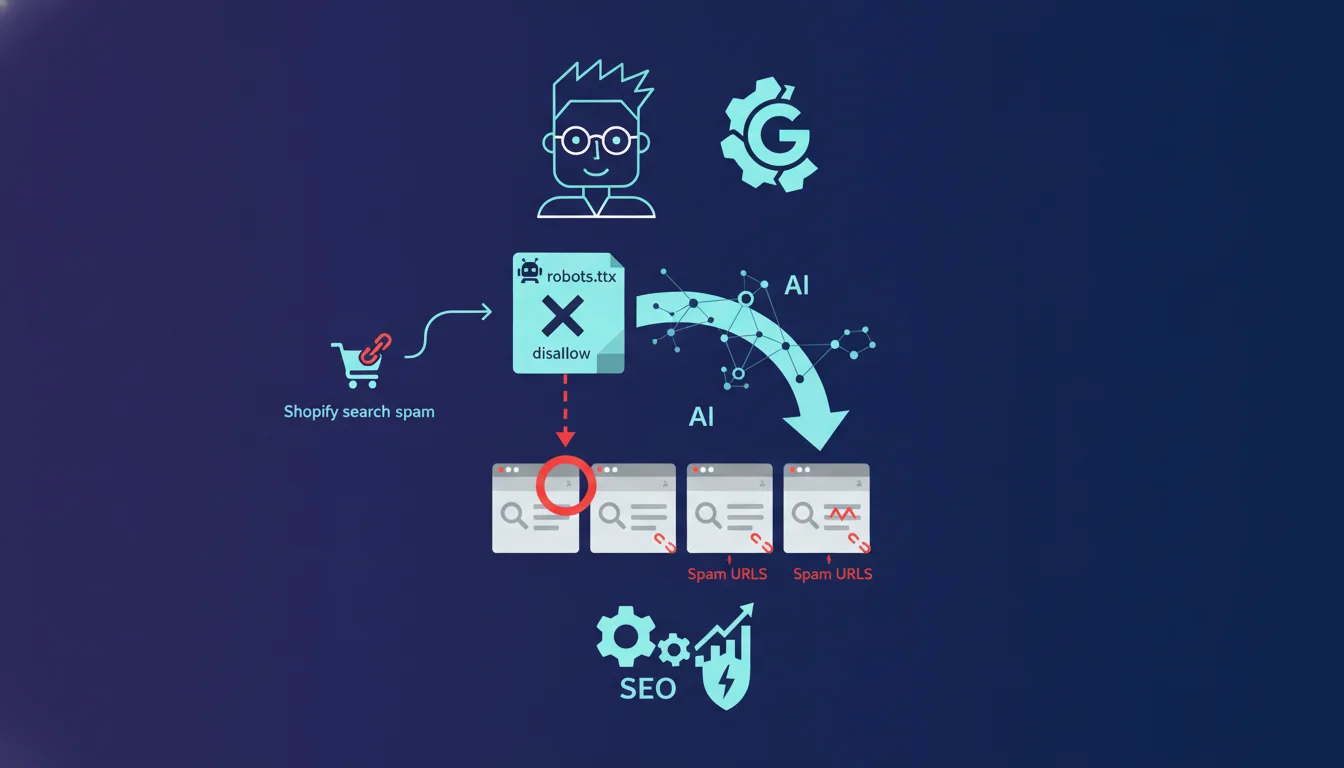
Official statement
John Mueller reviewed the site's robots.txt file and identified the cause: the file contained both a user-agent: Googlebot section and a user-agent: * section (for all bots), with different rules in each. Also read SEO: Cloudflare & Robots.txt The key point he highlights: with robots.txt, the most specific rule always prevails. If a file contains a section dedicated to Googlebot, this crawler will only apply the rules from that specific section, completely ignoring those set under user-agent: *, even if they seemed intended to apply to all bots, including Googlebot.
John Mueller offers a practical solution: if you want to apply the same rules to multiple user-agents, you should either duplicate the rules in each section or list all relevant user-agents together above a shared block of rules.
Google always applies the most specific robots.txt rule: if your file contains a section dedicated to Googlebot, it will completely ignore directives defined under user-agent: *. This strict hierarchy explains why globally blocked pages continue to be indexed. To avoid this pitfall, duplicate the rules in each user-agent section or list all affected bots together above a shared block.
What you need to understand
How does the hierarchy of robots.txt rules really work?
The robots.txt applies a principle of absolute specificity: a directive explicitly targeting a given bot overrides any generic rule. When your file contains a user-agent: Googlebot section, this crawler only reads this section and completely ignores directives under user-agent: *.
This logic seems intuitive on paper, but it leads to massive mistakes in practice. Many sites set general rules under user-agent: * thinking that they will apply to all bots, then add a Googlebot section for specific adjustments. The result: Googlebot does not inherit any rules from the general section.
Why does this Shopify case reveal a critical blind spot?
The reported case illustrates a common scenario: internal search URLs exploited by spam resulting in thousands of parasitic indexed pages. The client had blocked /search in the user-agent: * section, believing they were protecting their site from unwanted indexing.
But a separate Googlebot section existed somewhere in the file, without explicit mention of blocking /search. Googlebot continued its crawl and indexing of spam pages quietly, completely ignoring the general directive. This type of oversight goes unnoticed during superficial audits and pollutes the index for months.
What is the technical solution recommended by Mueller?
Mueller recommends two strictly equivalent approaches. First option: manually duplicate each rule in all relevant user-agent sections. This method guarantees complete coverage but drastically complicates file maintenance.
Second option: group multiple user-agents above the same block of shared directives. Syntax: list multiple successive user-agent lines before your disallow/allow rules. All mentioned bots will then apply the block that follows. This approach reduces redundancy and simplifies updates.
- The most specific rule always overrides the generic rule, with no exceptions or inheritance
- A user-agent: Googlebot section renders any directive under user-agent: * invisible for this crawler
- Two viable solutions: manual duplication or grouping user-agents above a shared block
- This principle applies to all crawlers, not just Googlebot: Bingbot, GPTBot, etc. follow the same logic
- The most frequent mistake is adding a specific section after the fact without checking its impact on existing general rules
SEO Expert opinion
Does this specificity logic align with field observations?
Yes, this statement precisely confirms what has been observed for years. robots.txt hierarchy errors rank among the top 10 recurring indexing bugs during technical audits. The official documentation mentions this principle, but does not emphasize its disastrous practical consequences.
What is surprising is the frequency of this error even among technically mature sites. CMS platforms sometimes generate multiple user-agent sections via different plugins, creating invisible fragmentation for the administrator. One SEO plugin adds a Googlebot rule, another manages the general rules, and no one detects the inconsistency until a major indexing incident occurs.
What nuances should be added to this absolute rule?
First critical point: this specificity logic only concerns robots.txt. It does not apply to meta robots, the HTTP X-Robots-Tag, or canonicals. These other control mechanisms follow different rules and can complement or contradict the robots.txt.
Second nuance: a disallow in robots.txt never completely prevents indexing. Google can index a URL without crawling it if it receives external links. The page will appear in the index with an empty snippet and the mention “No information available.” To completely block indexing, you must combine robots.txt and noindex.
Third subtlety rarely documented: some Google crawlers (Google-InspectionTool, Google-Extended for AI) have their own user-agent identifiers. If you only target Googlebot, these other crawlers will apply the rules from the user-agent: * section [To be verified]. The Googlebot family has fragmented, and the official documentation remains unclear about inheritance rules among these variants.
In what cases does this approach create maintenance issues?
The manual duplication recommended by Mueller becomes an operational nightmare on complex sites. Imagine an e-commerce site with 15 different disallow rules and 5 crawlers to manage: you end up with 75 lines that need to stay synchronized. An overlooked change in one section immediately creates behavioral divergence.
Grouping user-agents partially solves the problem but introduces degraded readability. When a robots.txt file exceeds 50 lines with multiple grouped blocks, it becomes difficult to quickly identify which rule applies to which bot. Robots.txt validation tools rarely test the overall coherence between sections; they only check line-by-line syntax.
Practical impact and recommendations
What should you audit immediately on your current robots.txt?
First action: open your robots.txt file and identify all distinct user-agent sections. List them in a spreadsheet with their respective rules. Check if you have Googlebot, Bingbot, or other specific crawlers coexisting with a user-agent: * section.
Second check: for each critical rule (disallow on facets, internal search, test URLs), confirm that it appears in all sections where it should apply. Use a text diff to compare your blocks and detect inconsistencies. This step uncovers 90% of specificity errors within minutes.
How can you restructure a fragmented robots.txt without risk?
Start by creating the complete matrix: which crawlers should see which rules. Then group the crawlers that share identical directives by listing them successively before a common block. This redesign eliminates redundancy while ensuring coherence.
Deploy the new version outside of crawl peaks (check your logs: Googlebot typically visits more intensively mid-week). Monitor Search Console in the following 24 hours to detect any indexing anomalies. A sudden spike in crawled pages or a sharp drop indicates a configuration problem.
What critical errors must absolutely be avoided?
Never assume that a user-agent: * rule applies to a crawler if that crawler has its own section elsewhere in the file. This error generates parasitic indexing that pollutes the index for months before detection.
Avoid adding specific user-agent sections “just in case” without checking their impact on rule inheritance. Each new section creates an isolation context that can contradict your initial intentions. If you do not have a specific need for a given crawler, do not create a dedicated section.
- Audit all user-agent sections present in your current robots.txt
- Verify that each critical rule appears in all relevant sections
- Group crawlers sharing identical rules to reduce redundancy
- Test each modification with the Search Console tool before deploying in production
- Monitor crawl logs and indexing metrics for 48 hours after changes
- Document the logic behind each section to facilitate future maintenance
💬 Comments (0)
Be the first to comment.