
Official statement
Other statements from this video 9 ▾
- □ Why is Google replacing your title tags with H1 headings?
- □ Does Google really index titles modified by client-side JavaScript, or does it stick with the default?
- □ Should you abandon client-side JavaScript rendering to succeed in SEO?
- □ Should you abandon dynamic rendering for SEO?
- □ Does the URL inspection tool really reveal what Google actually sees during JavaScript rendering?
- □ Does JavaScript-rendered content really impact your Google indexation, and should you worry about it?
- □ Is server-side rendering really faster than client-side rendering for SEO?
- □ Does Google really master JavaScript, or are there still pitfalls to avoid?
- □ Can Lighthouse really diagnose your critical rendering problems for Google?
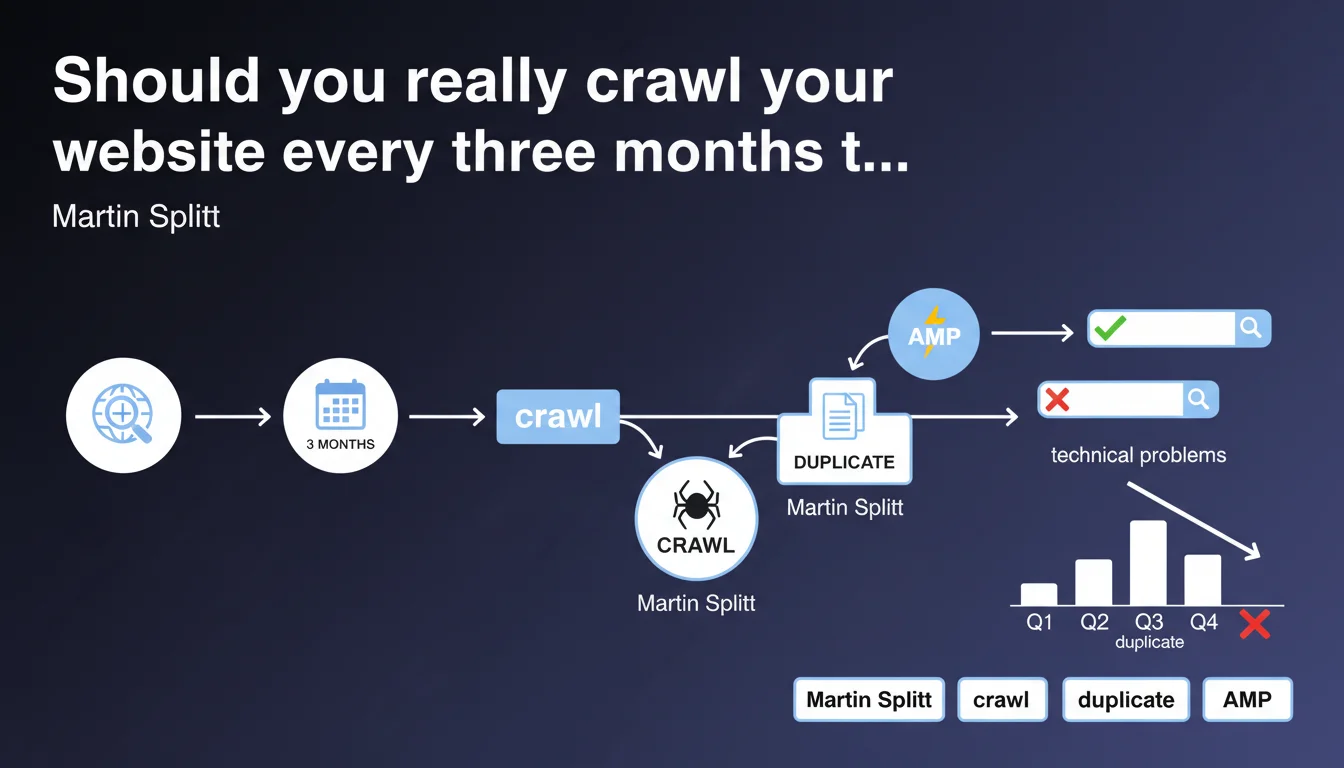
Martin Splitt recommends crawling your site every three months to detect technical issues (duplicate titles, indexation errors) before they impact performance. It's a preventive approach that allows you to anticipate rather than react. But the frequency depends on your site's velocity.
What you need to understand
Why does Google insist on regular crawls?
Google doesn't crawl your site in real time. Between two Googlebot visits, technical issues can appear without you knowing: duplicate titles from a migration, broken canonical tags, chained redirections.
Splitt points out a simple fact: waiting for Google to detect the problem is already too late. Search performance has already dropped. Regular crawling puts you in a position of control, not reaction.
Is every three months an absolute rule?
It's a generic recommendation. For an e-commerce site publishing 500 products per week, three months is an eternity. For a brochure site with 20 pages that never changes, it might be excessive.
The logic: the faster your site evolves, the more frequently you must crawl. A dynamic site requires near-continuous monitoring. A static site can settle for quarterly checks.
What technical issues can a crawl reveal?
Splitt mentions duplicate titles, but that's just the tip of the iceberg. A crawl also identifies: 404 errors, redirect chains, incorrect hreflang tags, orphan pages, excessive depth.
These dysfunctions often go unnoticed until an audit exposes them. And in the meantime, they sabotage your crawl budget and your ability to rank.
- Quarterly crawl recommended by Google as baseline frequency
- Preventive detection rather than late correction
- Targeted issues: duplicate titles, 404 errors, redirections, technical tags
- Adjustable frequency based on site velocity
SEO Expert opinion
Is this quarterly frequency realistic for all sites?
Let's be honest: three months is a bare minimum. For a site that deploys code every week, manages thousands of product pages, or publishes daily, waiting three months to crawl is playing with fire.
Conversely, if your site doesn't change — an institutional site, a portfolio — you can space it out. But as soon as there's dynamic content, automation, categories being created, frequency must follow the pace.
Does Google really detect these issues before they impact performance?
This is where it gets tricky. Google says regular crawls allow you to detect before performance drops. But how do you define "before"? [To verify]
In real-world practice, we often see that Google has already indexed pages with duplicate titles, broken canonicals, or broken redirections. When you detect the issue through your crawl, Google has sometimes already integrated it into its index. The impact is already there.
Are crawl tools sufficient or do you need manual analysis?
A tool like Screaming Frog, OnCrawl, or Botify will surface technical alerts. But it won't tell you if a duplicate title is a real problem or a false positive contextual issue.
Example: two pages with the same title because they cover identical content in two different languages with hreflang properly configured. The crawler will flag the duplication, but it's normal. Human analysis remains essential to sort signal from noise.
Practical impact and recommendations
What should you do concretely to implement these regular crawls?
First step: choose a crawl tool suited to your site size. Screaming Frog for small sites (< 10,000 URLs), OnCrawl or Botify for large volumes. Configure a complete crawl every three months minimum.
Next, define the priority metrics to monitor: duplicate titles, duplicate meta descriptions, 404 errors, 301/302 redirections, crawl depth, server response time. Don't try to analyze everything at once.
How do you prioritize corrections after a crawl?
Not all detected issues are equal. A duplicate title on two low-traffic pages isn't urgent. A redirect chain on your homepage is critical.
Rank by potential SEO impact: first the strategic pages (those generating traffic or conversions), then secondary pages. Prioritize correcting what affects your crawl budget and indexation.
What errors should you avoid when analyzing results?
Don't blindly correct all alerts. Some "issues" are false positives: pagination, AMP versions, filter pages. Validate manually before modifying.
Another trap: wanting to fix everything at once. Deploy corrections in batches, test, measure impact. One massive miscalibrated correction can create more problems than it solves.
- Schedule a complete crawl every 3 months (or more frequently based on site velocity)
- Use a tool suited to your site size (Screaming Frog, OnCrawl, Botify)
- Define priority metrics: titles, meta, redirections, errors, depth
- Rank corrections by SEO impact (strategic pages first)
- Manually validate alerts to avoid false positives
- Deploy corrections in batches and measure impact
- Document each crawl to track evolution over time
❓ Frequently Asked Questions
Quel outil de crawl choisir pour un site de 50 000 pages ?
Les crawls réguliers consomment-ils du crawl budget Google ?
Que faire si le crawl détecte 500 titres dupliqués ?
Peut-on automatiser la détection de problèmes entre deux crawls ?
Un crawl trimestriel suffit-il pour un site e-commerce à fort turnover ?
🎥 From the same video 9
Other SEO insights extracted from this same Google Search Central video · published on 05/10/2022
🎥 Watch the full video on YouTube →
💬 Comments (0)
Be the first to comment.