
Official statement
Other statements from this video 9 ▾
- □ Should you really rely on Search Console recommendations to optimize your website?
- □ Should you worry about Google removing the cache link and cache: operator?
- □ Is the meta noarchive tag still worth using after Google killed its cache feature?
- □ Should you really worry about the srsltid parameter in e-commerce URLs for SEO?
- □ Should you really build a separate page for every keyword variant out there?
- □ Why is Google suddenly refreshing its documentation on video SEO, title links, and crawlers?
- □ Should you really restrict the Indexing API to specific content types only?
- □ Can you really use URLs with hash symbols as canonical tags, or will Google ignore them?
- □ Should you switch to AVIF now that Google Images supports it?
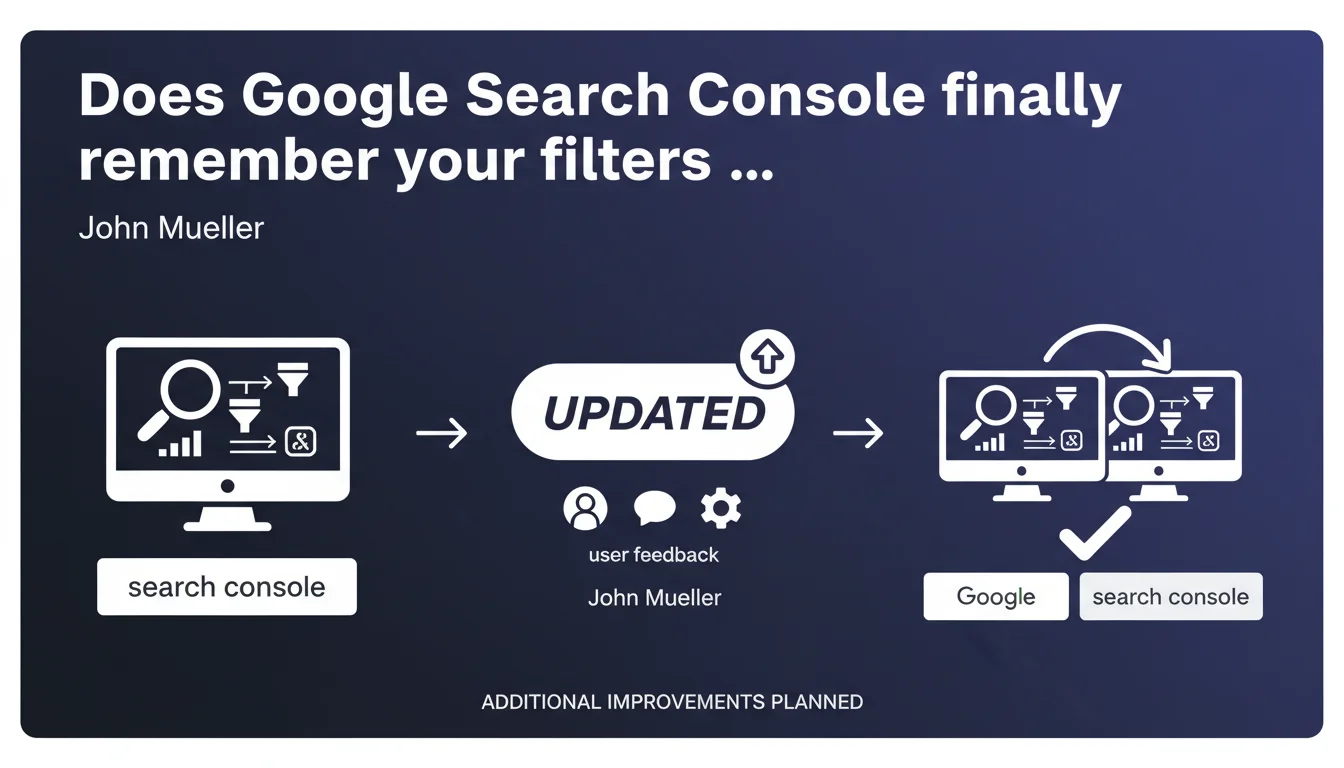
Google Search Console now preserves filters and parameters from the performance report when switching between web properties. This UX improvement addresses repeated user requests from professionals managing multiple sites and signals more enhancements coming soon.
What you need to understand
What problem does this update actually solve?
Until now, every time you switched from one property to another in Search Console, your date filters, your query segments, or your search types (web, images, videos) disappeared. You'd start from scratch each time.
For SEO consultants managing 10, 20, or 50 properties, this friction represented considerable wasted time — especially when doing comparative analysis of multiple sites using the same criteria.
How does this new filter persistence work?
Search Console now remembers your active parameters in the performance report. When you switch to another property, the interface preserves your filters: date ranges, displayed dimensions, time comparisons.
This logic applies as long as you stay in the same browser tab. If you close and reopen the console, filters aren't preserved between sessions — only during active navigation.
Why does John Mueller mention other improvements coming?
This change comes directly from user feedback. Google is implicitly acknowledging that Search Console's user experience still needs adjustments.
The "other improvements planned" remain vague — no specifics about upcoming features. This could involve saving custom views, automated exports, or better alert management.
- Filters persist when switching properties within the same browsing session
- This evolution stems from repeated requests by professional users
- Google announces additional optimizations without detailing their nature or timeline
- Persistence only works during active navigation, not between separate sessions
SEO Expert opinion
Does this improvement actually change operational efficiency?
Yes, but marginally. For agencies and consultants managing multiple properties daily, this time savings adds up — roughly 20 to 30 seconds saved per property switch. During an intensive reporting day, this could represent several minutes.
However, this feature doesn't address Search Console's structural limitations: the absence of saved views, the inability to create permanent custom dashboards, or restrictions on exporting historical data beyond 16 months.
Why did Google take so long to implement this obvious UX improvement?
Honestly, that's a question many are asking. This filter persistence is basic UX standard — any competing analytics tool has offered it for years.
The fact that Google presents this as an "improvement" reveals how far behind Search Console remains in terms of user experience. [To verify]: it's possible that technical constraints related to the console's architecture explain this delay, but Google never communicates about such details.
Is this announcement hiding a broader interface overhaul?
Hard to say. The mention of "other improvements planned" suggests continuous optimization work rather than a major redesign. Google often proceeds through incremental iterations on Search Console.
Nevertheless, the accumulation of these small modifications could pave the way for more structural changes — perhaps better Looker Studio integration or enriched APIs. But again, no official confirmation.
Practical impact and recommendations
Should you adjust your analysis workflows following this update?
Not fundamentally. You can now navigate more smoothly between properties during comparative analysis — for example comparing the performance of multiple sites over the same period.
This becomes particularly useful if you've segmented your properties by subdomains or language versions. You gain consistency in your analysis without having to manually reconfigure each filter.
What errors should you avoid with this new persistence?
The main risk: forgetting that a filter is active and drawing incorrect conclusions. If you've applied a restrictive filter (e.g., only mobile queries, or a specific date range), it will remain active on the next property.
You could thus compare apples and oranges without realizing it. Make it a habit to systematically check the active filters at the top of the report before any interpretation.
How can you optimize this feature in your client reporting?
For agencies, this improvement streamlines the creation of standardized reports across multiple accounts. Define your typical filters once (rolling period, prior year comparison, query segments), then browse your properties to extract data.
Combine this approach with systematic CSV exports or the Search Console API for further automation. Filter persistence doesn't replace automation, but it reduces friction during occasional manual analyses.
- Take advantage of persistence for faster multi-property comparative analysis
- Always check active filters before interpreting data from a new property
- Document your standard filters to standardize your client reporting
- Remember that persistence only works during active sessions — export your data for safekeeping
- Stay alert for upcoming improvements announced by Google with no specific timeline
❓ Frequently Asked Questions
Les filtres persistent-ils si je ferme et rouvre mon navigateur ?
Cette fonctionnalité s'applique-t-elle à tous les rapports de la Search Console ?
Peut-on sauvegarder des vues personnalisées avec filtres prédéfinis ?
Cette amélioration affecte-t-elle l'API Search Console ?
Google prévoit-il d'autres améliorations ergonomiques prochainement ?
🎥 From the same video 9
Other SEO insights extracted from this same Google Search Central video · published on 13/11/2024
🎥 Watch the full video on YouTube →
💬 Comments (0)
Be the first to comment.