
Official statement
Other statements from this video 7 ▾
- □ Faut-il vraiment exclure les URL non-canoniques de votre sitemap XML ?
- □ Le sitemap XML est-il vraiment indispensable pour améliorer le crawl de votre site ?
- □ Faut-il vraiment un sitemap pour être indexé par Google ?
- □ Faut-il vraiment limiter les mises à jour de lastmod dans vos sitemaps XML ?
- □ Faut-il vraiment diviser vos sitemaps volumineux en plusieurs fichiers ?
- □ Faut-il vraiment indexer toutes les URL de votre sitemap ?
- □ Quels types de contenu faut-il vraiment inclure dans vos sitemaps ?
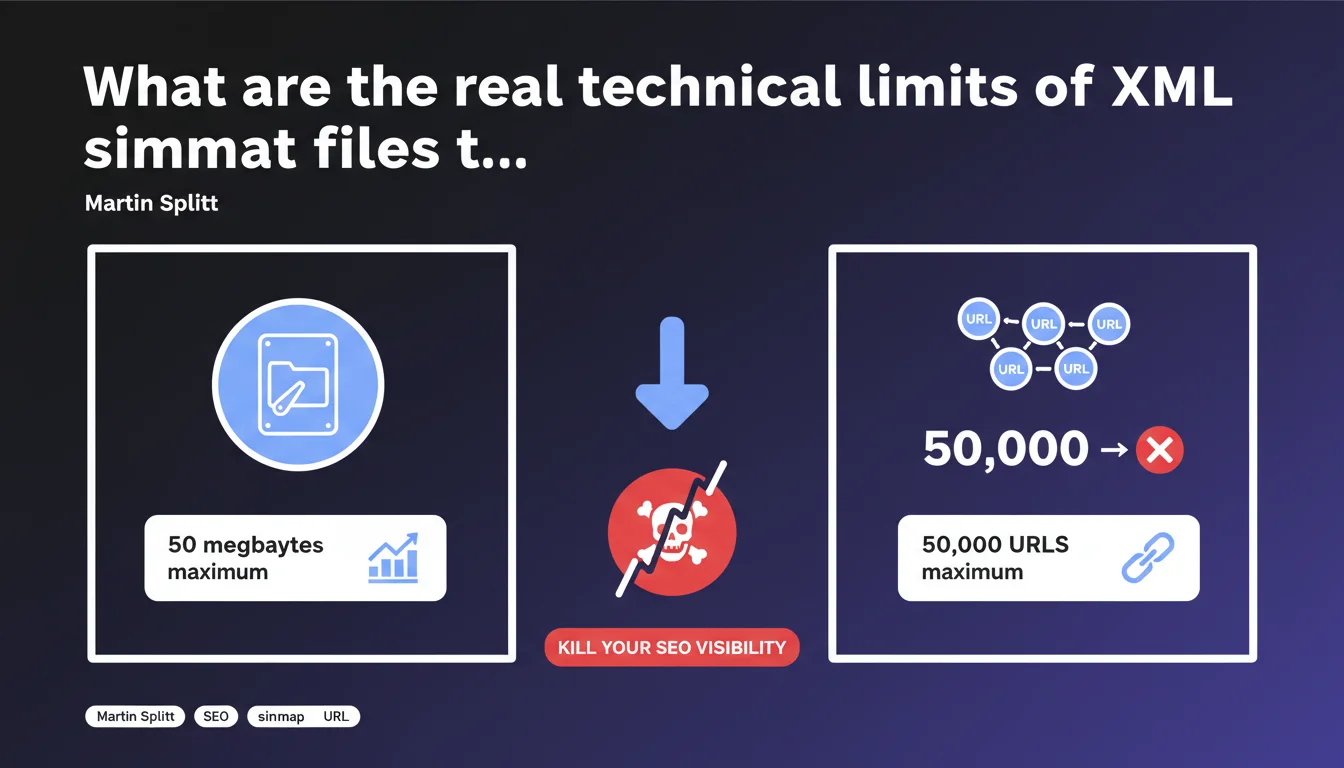
Google enforces two strict limits for XML sitemap files: 50 MB maximum OR 50,000 URLs maximum per file. Exceeding either of these limits prevents complete processing of the sitemap. For large sites, the solution involves using multiple sitemap files or a sitemap index.
What you need to understand
Why do these 50 MB and 50,000 URL limits actually exist?
These technical constraints are not arbitrary — they respond to server processing imperatives at Google. An oversized sitemap file slows down parsing, monopolizes resources, and can even fail with a timeout during processing.
The 50,000 URL limit exists out of necessity to break down crawling into manageable chunks. The 50 MB limit targets cases where URLs are particularly long or accompanied by extensive metadata (images, videos, alternate hreflang tags).
Do these limits apply cumulatively or as alternatives?
It's an exclusive OR, not an AND. As soon as one of the two limits is reached — whether 50,000 URLs or 50 MB — Google will stop processing the rest of the file. On an e-commerce site with long URLs and image tags for each product, you can hit 50 MB well before reaching 50,000 URLs.
The reverse is true for sites with short URLs and minimal metadata: you max out at 50,000 URLs while the file weight stays under 20 MB. Understanding where your bottleneck lies is crucial for structuring your sitemaps correctly.
What actually happens if you exceed these thresholds?
Google truncates the file at the moment the limit is reached. URLs located after that point simply won't be discovered via the sitemap. No explicit error will necessarily appear in Search Console — the file will be marked as processed, but only partially.
Result: strategic pages can remain outside the crawl if they're located at the end of the file. This is a classic trap on sites that auto-generate their sitemaps without checking size limits.
- Hard limit: 50 MB OR 50,000 URLs maximum per file
- Consequence of exceeding: silent truncation, undiscovered URLs
- Solution: split into multiple sitemap files or use a sitemap index
- Common pitfall: automatic generation without size control
- Heavy metadata: images, videos, hreflang quickly inflate file size
SEO Expert opinion
Is this claim consistent with real-world observations?
Absolutely. These limits have been documented for years and match exactly what we observe in practice. I've seen dozens of sites lose crawl across entire sections because a 75,000 URL sitemap was submitted without hesitation in Search Console.
The problem? Google doesn't flag you when you exceed the limit. The file is accepted, partially processed, and you only discover the issue weeks later by analyzing server logs or noticing that certain pages never appear in the index.
What nuances should be applied to this rule?
The 50 MB limit can be reached much faster than expected if you enrich your sitemaps with image tags (<image:image>), video, or multiple hreflang alternates. A sitemap with 20,000 e-commerce products, each with 4 images and 8 language versions, easily explodes past 50 MB.
Another nuance: compression. Servers can serve sitemaps in gzip format, which drastically reduces bandwidth usage. But be careful — the 50 MB limit applies to the decompressed file, not the compressed file transmitted. Don't be fooled by an 8 MB .xml.gz file that actually weighs 65 MB once extracted.
In what cases does this limit actually cause real problems?
On large-scale sites: marketplaces, aggregators, media outlets with deep archives. Once you exceed 100,000 indexable URLs, you're forced to fragment your sitemaps. It becomes an architecture issue: how do you intelligently split them? By category? By date? By strategic priority?
Where it often breaks: CMS platforms or automatic sitemap generators that output a monolithic file without thinking twice. If your tool doesn't natively handle pagination or sitemap index, you're looking at custom development work.
Practical impact and recommendations
What should you actually do to stay within limits?
First step: audit your existing sitemaps. Download each file, decompress if necessary, and verify the actual weight plus URL count. If you're close to the limits (say 45,000 URLs or 45 MB), fragment now rather than waiting for the issue to hit.
For large sites, switch to a sitemap index (sitemap_index.xml) that references multiple sitemap files. You can then split by theme, language, crawl depth — while staying under individual thresholds. It's scalable and maintainable.
What mistakes should you absolutely avoid?
Never generate a sitemap on-the-fly without buffering or size control. I've seen PHP scripts crash in production because they tried to load 200,000 URLs into memory before realizing the XML file exceeded 150 MB.
Another classic mistake: forgetting that optional metadata (images, videos, news) inflates file size. If you add 5 <image:image> tags per product URL, you'll consume 10x more bytes than a basic sitemap. Calculate the average cost per entry and extrapolate.
How can you verify your site is compliant?
Use Search Console to see which sitemaps have been processed and how many URLs were discovered. If the number of discovered URLs is less than the total in the file, that's an immediate red flag.
Then compare with your server logs: is Googlebot actually crawling the URLs at the end of your sitemap? If not, it's likely they were never submitted due to incomplete file processing.
- Check the decompressed file size of each sitemap (limit: 50 MB)
- Count the exact number of URLs per file (limit: 50,000)
- Split into multiple sitemaps if either limit is approaching
- Set up a sitemap index for large-scale sites
- Verify consistency in Search Console (submitted URLs vs discovered)
- Analyze server logs to detect URLs that are never crawled
- Avoid unnecessary heavy metadata (images, videos) if they don't serve SEO purposes
- Automate generation with built-in validation checks
❓ Frequently Asked Questions
Peut-on compresser un sitemap pour contourner la limite de 50 Mo ?
Combien de fichiers sitemap peut-on référencer dans un index sitemap ?
Que se passe-t-il si on soumet un sitemap de 60 000 URL à la Search Console ?
Faut-il inclure toutes les URL du site dans le sitemap ?
Les balises image et video comptent-elles dans la limite de 50 000 URL ?
🎥 From the same video 7
Other SEO insights extracted from this same Google Search Central video · published on 16/11/2023
🎥 Watch the full video on YouTube →
💬 Comments (0)
Be the first to comment.