
Official statement
Other statements from this video 13 ▾
- □ Robots.txt bloque-t-il vraiment l'indexation de vos pages ?
- □ La balise meta 'none' est-elle vraiment l'équivalent de noindex + nofollow ?
- □ Robots.txt est-il vraiment inefficace pour bloquer l'indexation ?
- □ Peut-on bloquer l'indexation de répertoires entiers via des modules serveur plutôt que robots.txt ?
- □ Faut-il vraiment indexer les pages de connexion de votre site ?
- □ Faut-il vraiment préférer rel=canonical à noindex pour les contenus anciens ?
- □ La balise noarchive empêche-t-elle réellement Google d'archiver vos pages ?
- □ Faut-il bloquer les snippets avec nosnippet pour protéger son contenu sensible ?
- □ Faut-il vraiment utiliser max-snippet et max-image-preview pour contrôler l'affichage dans les SERP ?
- □ Faut-il privilégier l'attribut nofollow individuel ou la balise meta robots nofollow pour contrôler le PageRank ?
- □ Pourquoi Google refuse-t-il de créer de nouvelles balises meta robots ?
- □ Pourquoi robots.txt bloque-t-il vraiment les images et vidéos mais pas les pages web ?
- □ Comment Google transforme-t-il vraiment vos PDFs en contenu indexable ?
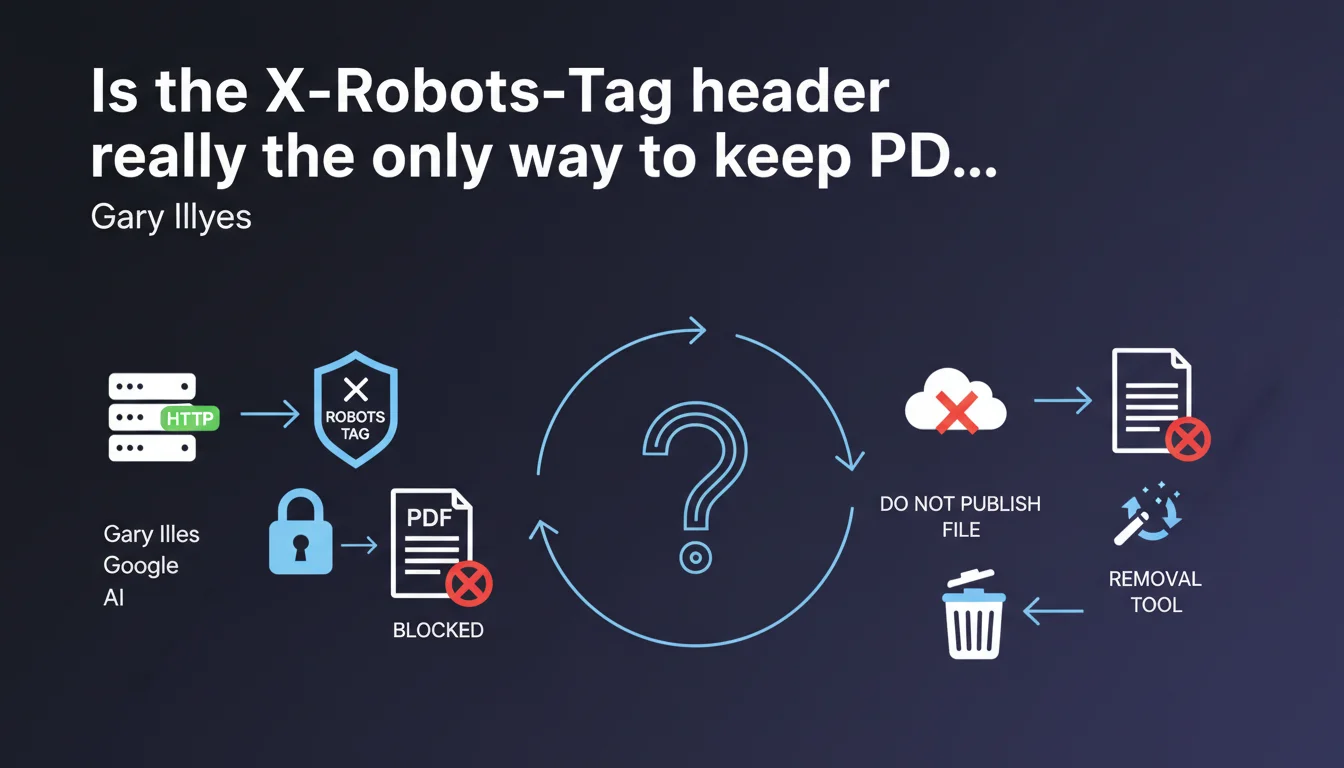
Google confirms that the HTTP X-Robots-Tag header is the only valid method to block indexing of PDFs and other non-HTML files. If your CMS doesn't allow you to configure these headers, your only remaining options are to avoid publishing the file or use the temporary removal tool in Search Console — a situation that highlights the technical limitations of many mainstream CMS platforms.
What you need to understand
Why do PDF files pose a specific indexing problem?
Unlike standard HTML pages, PDF files and other documents (DOC, XLS, etc.) cannot embed meta robots tags in their source code. They don't have a <head> section where you can place a noindex instruction.
The only method recognized by Google to control their indexing goes through HTTP headers, sent by the server when the file is requested. This is where X-Robots-Tag: noindex comes into play.
What happens if my CMS doesn't provide access to headers?
Gary Illyes is clear: if you can't configure HTTP headers, you're stuck. No alternative tags, no robots.txt workaround that blocks indexing — a crucial distinction since robots.txt prevents crawling, not indexing.
You're left with two unsatisfying options: don't publish the file at all, or use the removal tool in Search Console. But beware — this removal is temporary (about 6 months) and isn't a permanent solution.
What are the essential takeaways from this statement?
- X-Robots-Tag is the only Google-validated method to block indexing of non-HTML files
- Standard meta robots tags don't work on PDFs, Excel, Word, and similar formats
- The robots.txt file doesn't block indexing, only crawling — a PDF blocked in robots.txt can still be indexed if links point to it
- The Search Console removal tool is a temporary solution, not permanent
- If your infrastructure doesn't allow modifying HTTP headers, you have an architectural problem to solve
SEO Expert opinion
Is this recommendation consistent with real-world observations?
Absolutely. Across thousands of audits, confusion between crawl blocking and indexing blocking remains one of the most common mistakes. PDFs added to robots.txt yet indexed through external backlinks — this happens daily.
X-Robots-Tag definitely works, but many mainstream CMSs (WordPress on certain shared hosting, Shopify, Wix, Squarespace) don't provide direct access to header configuration. Result: marketing teams blocked by technical limitations they don't even understand.
What nuances should be added about the removal tool?
Illyes mentions the removal tool as an alternative, but it's a band-aid, not a solution. This removal expires after about 6 months. If the file remains accessible and crawlable, Google will re-index it afterward.
Second point: the removal tool only works for URLs you control. If someone copied your PDF and hosts it elsewhere, you have no leverage. X-Robots-Tag, on the other hand, acts at the source.
In what cases is this rule insufficient?
If your PDF contains sensitive information (personal data, accidentally uploaded confidential documents), X-Robots-Tag alone isn't enough. Google may have already crawled and indexed the file before you added the header.
In this case, you must combine: immediate removal via Search Console, adding X-Robots-Tag, then monitoring search results. And if it's truly critical, consider renaming or physically deleting the file to break the URL. [To verify]: the exact timeframe between header implementation and effective de-indexing varies based on your site's crawl frequency.
Practical impact and recommendations
What concrete steps should you take to block a PDF from indexing?
First step: verify if you have access to your HTTP headers. This typically goes through the .htaccess file (Apache), Nginx configuration, or through your CMS if it exposes this functionality.
Example Apache directive to block all PDFs in a directory:
<FilesMatch "\.pdf$">
Header set X-Robots-Tag "noindex, nofollow"
</FilesMatch>
If you don't have server access, some WordPress plugins (Yoast, RankMath) allow you to configure headers via PHP. But always verify that the header is actually sent — test with your browser's developer tools (Network tab).
What mistakes must you avoid at all costs?
Don't block PDFs via robots.txt thinking that prevents indexing. It's the opposite: if backlinks point to the PDF, Google can index it without even crawling it, based solely on link anchors.
Another trap: adding a meta robots tag in the filename or in the PDF's internal metadata. Google doesn't read these metadata for indexing — only the HTTP header matters.
Finally, the removal tool isn't a permanent solution. If you use it, immediately plan for X-Robots-Tag implementation or file deletion. Otherwise, you'll be back to square one in 6 months.
How do you verify that the configuration works?
- Use a tool like curl or your browser's DevTools to check for the
X-Robots-Tag: noindexheader in the file's HTTP response - Test the PDF URL with the URL Inspection tool in Search Console to confirm that Google detects the noindex
- Monitor search results with a
site:yourdomain.com filetype:pdfquery to verify that targeted PDFs gradually disappear - Document the configuration (which file, which directive) so your technical team can replicate it for future files
- If you use a CDN (Cloudflare, etc.), verify that it doesn't remove or override your custom headers
❓ Frequently Asked Questions
Le fichier robots.txt peut-il empêcher l'indexation d'un PDF ?
L'outil de suppression de la Search Console est-il une solution définitive ?
Peut-on ajouter une balise meta robots dans un fichier PDF ?
Que faire si mon CMS ne permet pas de modifier les headers HTTP ?
Le X-Robots-Tag fonctionne-t-il pour tous les types de fichiers ?
🎥 From the same video 13
Other SEO insights extracted from this same Google Search Central video · published on 30/06/2022
🎥 Watch the full video on YouTube →
💬 Comments (0)
Be the first to comment.