
Official statement
Other statements from this video 8 ▾
- □ Comment Google découvre-t-il réellement vos pages via le crawling et les liens ?
- □ Comment le Googlebot crawle-t-il et indexe-t-il réellement votre site web ?
- □ Comment Google classe-t-il réellement les résultats pour une requête donnée ?
- □ Google personnalise-t-il vraiment tous les résultats selon l'utilisateur ?
- □ Les résultats organiques Google reposent-ils vraiment uniquement sur la pertinence du contenu ?
- □ Peut-on vraiment payer Google pour améliorer son positionnement organique ?
- □ Google distingue-t-il vraiment ses annonces des résultats organiques de manière efficace ?
- □ Les ressources officielles Google suffisent-elles vraiment à optimiser votre visibilité SEO ?
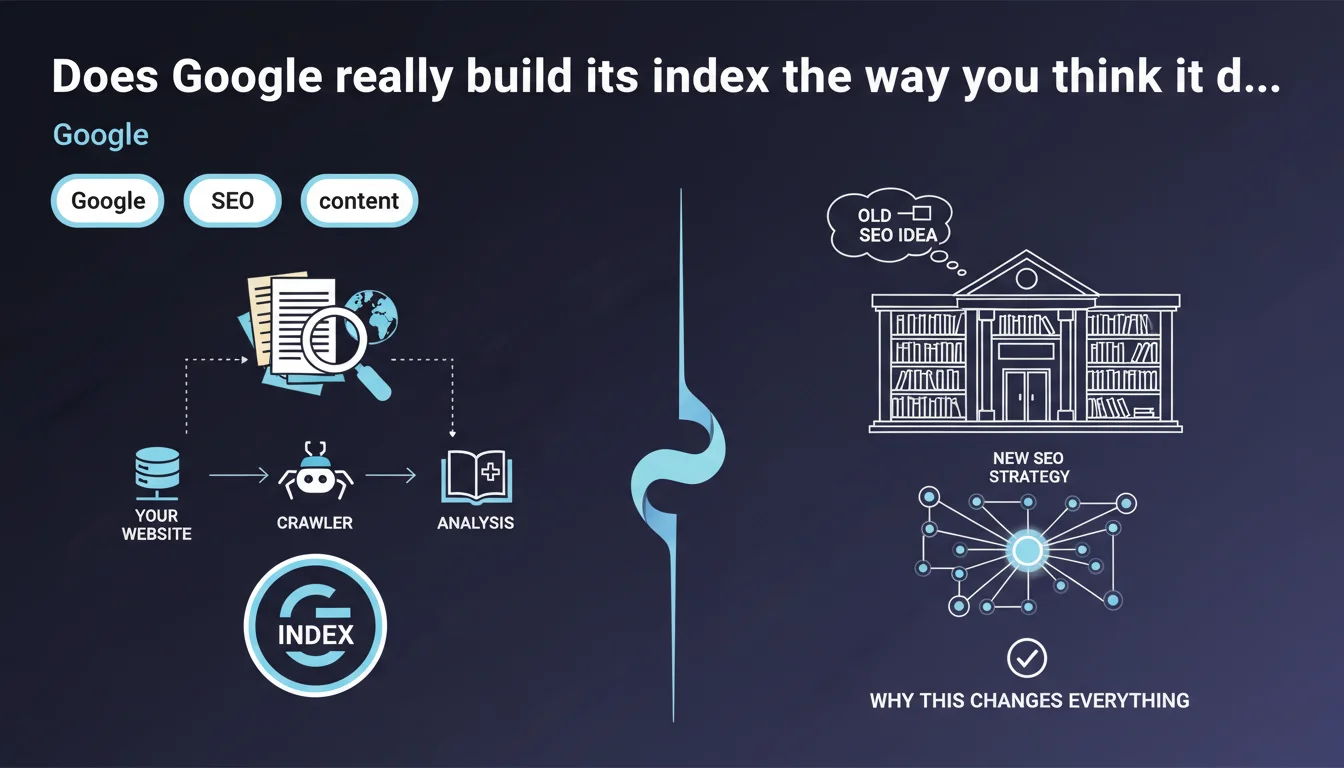
Google analyzes the content of every crawled page and stores this information in its index, presented as the world's largest library. For SEO professionals, understanding this indexation mechanism directly determines visibility: what isn't indexed simply doesn't exist in search results.
What you need to understand
What is Google's index and why is it the heart of SEO strategy?
Google's index is the colossal database where all information extracted from crawled web pages is stored. When a user performs a search, Google doesn't browse the web in real time — it queries this index.
Without indexation, a page remains invisible, regardless of its quality or optimization. This is why understanding indexation mechanisms is fundamental: you can have the best content in the world, but if it doesn't enter this giant library, it doesn't exist for Google.
What exactly happens when Google analyzes a page?
Google extracts and catalogs a multitude of information: visible text, HTML tags (title, meta, headings), images with their alt attributes, internal and external links, DOM structure.
Each element is analyzed, weighted according to relevance criteria, then stored. This analysis isn't limited to raw content — Google seeks to understand meaning and context through natural language processing algorithms like BERT or MUM.
Why does Google emphasize the concept of the "world's largest library"?
This wording is not coincidental. It underscores the phenomenal scale of infrastructure required to store and index billions of pages. But it also reinforces a key principle: like any library, Google's index applies selection rules.
Not all crawled pages are necessarily indexed. Google can decide to not index content deemed low quality, duplicated, or technically inaccessible. Indexation is never automatic or guaranteed.
- Indexation is the sine qua non condition for any organic visibility.
- Google extracts and stores far more than text: structure, links, metadata, semantic context.
- Not all crawled pages end up in the index — quality filters apply.
- The index is queried in real time during searches, not the web itself.
- Understanding how Google analyzes your content allows you to optimize what will actually be stored and retrievable.
SEO Expert opinion
Is this statement complete or does it hide some blind spots?
Let's be honest: Google's statement remains superficial. It confirms a basic principle — analysis, storage, index — but details no selection criteria. What quality thresholds trigger non-indexation? How long does a page stay in cache before re-analysis? Radio silence.
In the field, we regularly observe technically accessible pages, with no noindex directive, that never get indexed. Google talks about a "library," but omits to specify that it applies opaque acquisition policies. [To verify]: the exact criteria triggering indexation refusal remain largely undocumented.
Is indexation really guaranteed if Google crawls my page?
No. And this is a crucial point that this statement obscures. Crawl doesn't guarantee indexation. Google can visit a page, analyze it, then decide not to store it in its index.
The reasons? Content deemed too thin, detected duplication, low domain authority, failing technical structure. Problem: Google doesn't always clearly communicate why a page is excluded. The URL Inspection tool sometimes indicates "Crawled – currently not indexed" without further details.
What limitations does this statement not mention?
First point: Google doesn't store all content under the same conditions. Some pages are indexed but rarely served in results — they exist in the index, but remain invisible for competitive queries.
Second point: the index is not static. Pages can be removed if Google considers they no longer deserve to be there — without notification. Third point: the "world's largest library" filters massively. It's estimated that fewer than 50% of crawled pages end up indexed on some low-authority domains. [To verify]: Google publishes no official statistics on this rejection rate.
Practical impact and recommendations
How do I verify that my pages are properly indexed?
First method: the site:yourdomain.com search in Google. Quick, but imprecise — it gives an estimate, not an exhaustive inventory. Second method, much more reliable: Search Console, Coverage tab.
Examine pages marked "Excluded" and "Valid with warnings." Identify those flagged "Crawled – currently not indexed" or "Detected – currently not indexed." These statuses signal that Google has seen the page but refuses to index it. Dig into the reasons: weak content, duplication, problematic tags.
What actions should I take to maximize my content's indexation?
First, optimize the quality and uniqueness of each page. Google favors original, well-structured content that delivers real value. Avoid automatically generated pages without editorial depth.
Next, care for technical structure: semantic HTML markup (H1, H2, H3 properly hierarchized), fast loading times, mobile-friendly design. Use clean XML sitemaps to clearly signal priority URLs. Verify that your robots.txt file doesn't forbid crawling of important sections.
Finally, strengthen your internal linking. Isolated pages with no internal backlinks have less chance of being regularly crawled and thus indexed. Good internal linking facilitates discovery and reinforces perceived relevance to Google.
What common mistakes block indexation without you realizing it?
First classic mistake: forgotten noindex directives in meta tags or HTTP headers. This happens more often than you'd think, especially after migrations or poorly configured staging environments.
Second mistake: massive internal duplicate content. Google can decide not to index dozens of pages it considers copies, even slightly modified ones. Third mistake: catastrophic loading times or poorly managed pagination, which frustrates crawling.
- Regularly check Search Console, Coverage section, to detect excluded pages.
- Use the URL Inspection tool to precisely diagnose indexation blockers.
- Audit meta robots tags and HTTP headers to eliminate any unintentional noindex.
- Produce unique, in-depth, well-structured content — quality remains the top criterion.
- Optimize loading speed and mobile experience to facilitate crawling.
- Submit an up-to-date XML sitemap listing only priority indexable URLs.
- Strengthen internal linking to connect all strategic pages.
- Avoid internal content duplication by canonicalizing or merging similar pages.
❓ Frequently Asked Questions
Toutes les pages crawlées par Google sont-elles automatiquement indexées ?
Comment savoir si une page est réellement indexée par Google ?
Pourquoi certaines pages restent 'Explorée, actuellement non indexée' dans la Search Console ?
Peut-on forcer Google à indexer une page spécifique ?
Combien de temps faut-il pour qu'une nouvelle page soit indexée ?
🎥 From the same video 8
Other SEO insights extracted from this same Google Search Central video · published on 24/02/2022
🎥 Watch the full video on YouTube →
💬 Comments (0)
Be the first to comment.