
Official statement
Other statements from this video 12 ▾
- □ Is keyword stuffing really penalized by Google?
- □ Does Google really consider all hidden text as spam, or is it more nuanced than that?
- □ Is randomly generated content really considered spam by Google's standards?
- □ Have backlinks really become obsolete for SEO success?
- □ Does valid HTML really matter for ranking higher on Google?
- □ Why does Google insist so much on real <a href> tags?
- □ Should you really abandon CSS images in favor of HTML img tags for better SEO?
- □ Does Google really treat noindex as an absolute rule, or does it bend the rules for exceptional content?
- □ Does Google really require HTTPS to index your website?
- □ Does Google really trigger scroll or click events to crawl your hidden content?
- □ Is image alt text really still essential when Google has computer vision to understand images?
- □ Are Google's SEO guidelines really reliable over time?
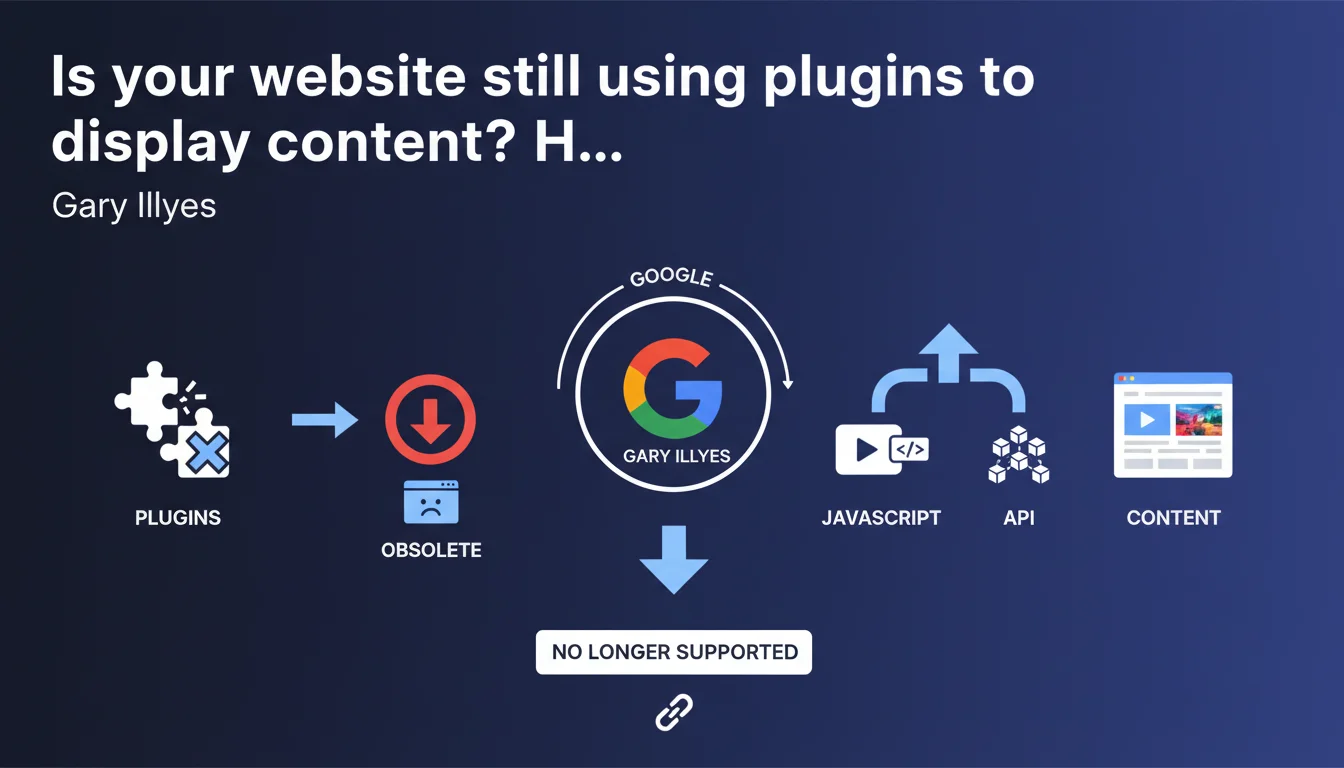
Google states that browser plugins like Flash should no longer be used to display web content. With modern JavaScript APIs, these technologies are obsolete and no longer receive technical support. If your site still relies on these formats, it's a clear signal: migrate to native web standards or risk invisibility in search results.
What you need to understand
What made browser plugins obsolete?
Plugins like Flash, Silverlight, and Java Applets required the installation of third-party software to function. For years, they served to display animations, videos, and interactive content — but at the cost of degraded user experience and chronic security vulnerabilities.
With the arrival of HTML5, CSS3, and native JavaScript APIs (Canvas, WebGL, Web Audio), the web gained power without relying on these crutches. Browsers gradually withdrew their support, Adobe officially killed Flash in 2020, and Google followed by blocking their execution by default.
Why does Google keep insisting on this point?
Because sites in production continue to exploit these technologies — often due to inertia or budget constraints. The problem for Googlebot: this content is invisible. A Flash player embedded in a page delivers no indexable text, no exploitable metadata.
Google cannot execute these plugins. Result: any content served via Flash or equivalent is treated as a black hole on your page. You lose SEO signal where you thought you were adding value.
What are the concrete risks for search engine optimization?
If your site still relies on plugins to display primary content — navigation, product galleries, forms — you lose in crawlability and semantic understanding. Google sees nothing, so it indexes nothing.
Worse: user experience suffers. Modern browsers block these technologies, generating high bounce rates and negative UX signals. These factors count in rankings.
- Invisible content to Googlebot if served via plugin
- Browser blocking resulting in catastrophic UX
- Loss of SEO signal on critical elements (navigation, text, media)
- Security risks persisting with unmaintained plugins
- Technical obsolescence: no developer support, no evolution
SEO Expert opinion
Does this recommendation truly reflect the state of the field?
Let's be honest: in 2025, encountering a site using Flash is digital archaeology. Browsers no longer execute them, and users flee immediately. Gary Illyes' statement adds nothing new — it confirms what has been established for several years.
However, niche sectors (legacy online training, industrial catalogs, old web games) sometimes retain these relics. In this case, migration is often delayed by redesign costs or dependence on proprietary content that's difficult to export.
What nuances should be applied to this directive?
Google speaks of "displaying content," which primarily targets the main content of the page. If an old Flash widget still exists in a sidebar or footer — for a decorative element without SEO value — the impact remains marginal. It's not a good practice, but it's not an immediate catastrophe either.
However, if this plugin hosts your primary navigation, your product sheets, or key text, you're in a complete impasse. [To verify]: Google has never published precise data on the SEO depreciation rate caused by these technologies — but field observations show pure and simple exclusion of the affected content.
In what cases does this rule not apply?
None. There is no legitimate case where maintaining a plugin to display primary content would be defensible in 2025. Even heritage sites must migrate, or accept disappearing from search results.
The only exception concerns historical archives — museum or documentary sites on the history of the web — where the plugin is part of the subject matter. But again, the content must be duplicated in accessible HTML to remain indexable.
Practical impact and recommendations
What exactly should you do to migrate this content?
First reflex: audit your entire site to identify all .swf files, <embed> or <object> tags pointing to plugins. Tools like Screaming Frog or Sitebulb can spot these elements during crawl.
Next, classify these elements by SEO criticality. Navigation, text content, media carrying keywords: absolute priority. Decorative widgets without value: secondary priority, but still to be handled to avoid negative UX signals.
For each element identified, find the modern equivalent: HTML5 videos with <video>, CSS or native JavaScript animations, HTML5 forms, galleries in React or Vue.js. If the original content is lost or unexportable, reconstruct it — or accept removing it.
What mistakes should be avoided during this migration?
Don't replace one Flash plugin with another proprietary or exotic format — some developers attempt to migrate to poorly structured Canvas formats, inaccessible and just as invisible to Googlebot. Always prioritize semantic HTML and open standards.
Another trap: migrating content without managing redirects. If your old URLs pointed to Flash resources, ensure the new HTML versions inherit these URLs or that a proper 301 redirect is in place. Losing the history of internal links and backlinks would be unfortunate.
How do you verify that your site is now compliant?
Use Google Search Console and the URL inspection tool to verify that migrated content is visible in the HTML rendering captured by Googlebot. Compare the rendering with what you see in your browser — any discrepancy signals a problem.
Also run a full crawl with Screaming Frog in JavaScript enabled mode to confirm that no plugin elements appear anymore. Finally, monitor your positions and organic traffic in the weeks following migration: you should see an improvement if this content was previously invisible.
- Crawl your site to identify all plugin files and tags
- Classify elements by SEO criticality (main content vs decorative)
- Replace each plugin with a native HTML5/CSS/JavaScript equivalent
- Manage 301 redirects if URLs change
- Test Googlebot rendering via Search Console for each migrated page
- Monitor traffic and positions after migration to validate impact
- Permanently delete all .swf files and obsolete dependencies
❓ Frequently Asked Questions
Les vidéos intégrées via YouTube ou Vimeo sont-elles concernées par cette directive ?
Mon site utilise encore du Flash pour un menu de navigation. Quel est le risque ?
Peut-on masquer le contenu Flash et le dupliquer en HTML pour Googlebot ?
Les animations Canvas ou WebGL sont-elles considérées comme des plugins ?
Combien de temps ai-je pour migrer si mon site utilise encore Flash ?
🎥 From the same video 12
Other SEO insights extracted from this same Google Search Central video · published on 03/02/2022
🎥 Watch the full video on YouTube →
💬 Comments (0)
Be the first to comment.