
Official statement
Other statements from this video 10 ▾
- □ Should you really mark up your paid content with paywall structured data?
- □ Should you really prevent paywall content from loading into the DOM?
- □ Does robots.txt really protect your private content from Google indexation?
- □ Is robots.txt really protecting your private content from Google?
- □ Why do your private pages never appear in Google despite being indexed?
- □ Should you really enrich your login pages to boost their indexability?
- □ Should you really redirect your private pages to marketing content rather than straight to a login form?
- □ Why does Google refuse to index corporate intranet pages?
- □ Should you really test your site in private browsing to properly assess your SEO visibility?
- □ Does Google really give preferential SEO advice to its own internal teams?
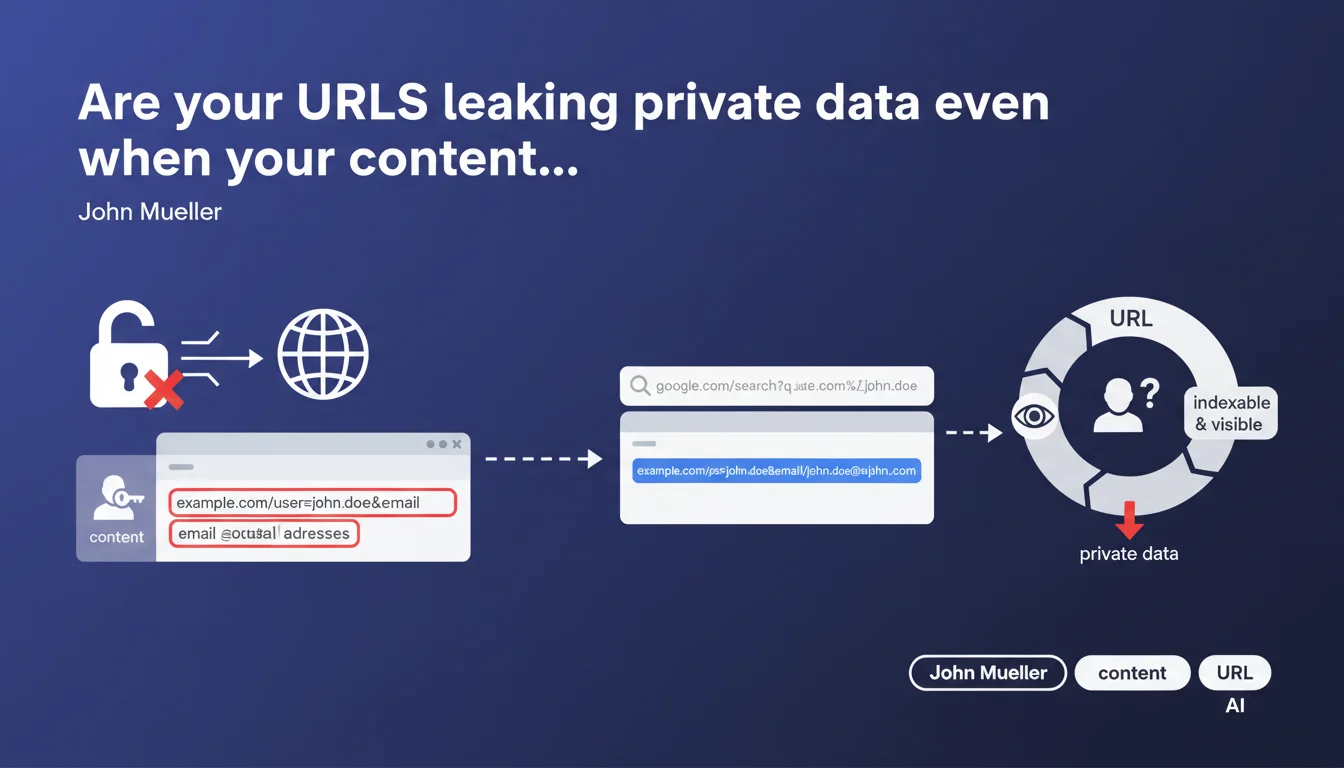
URLs containing private information (usernames, emails, tokens) can be indexed by Google even if the content itself is protected. This information leak often goes unnoticed because crawlers access URLs before checking permissions. Result: sensitive data exposed in the SERP even though the page itself is inaccessible.
What you need to understand
How can a protected URL end up in the Google index?
It's a classic trap. You may have implemented solid authentication, a permission system, even a robots.txt — but if the URL travels anywhere (server logs, referrers, accidental shares), it can be discovered.
Google crawls first, verifies access later. The URL enters the index, and even if the bot realizes later that it has no access to the content, the URL remains visible in search results. With everything it contains: username, email, sometimes even session tokens.
What types of data are at risk from this issue?
Anything that identifies a person or reveals sensitive information. The most common cases: usernames in user profiles, email addresses in GET parameters, confidential document IDs, password reset tokens.
The problem is that this information seems harmless internally. Nobody thinks about protecting the URL itself — they protect the content. Except the URL is already data.
- Unintended exposure: even with inaccessible content, the URL appears in the SERP
- GDPR risk: an email address in an indexed URL = public personal data
- Attack surface: URLs reveal your system structure (ID patterns, token formats)
- Multiple leaks: HTTP referrers, analytics logs, involuntary shares propagate these URLs
Does Google block these URLs if the content returns 401 or 403?
Not automatically. Google can keep a URL in the index even if it returns an authentication error code. The URL displays, sometimes with a generic snippet, sometimes with fragments retrieved elsewhere.
Technically, a 401/403 should prevent the content from being indexed — but the URL itself can persist. And that's exactly where the shoe pinches for sites handling sensitive data in their URL patterns.
SEO Expert opinion
Is this recommendation actually followed by major websites?
Let's be honest: many platforms ignore this advice. Look at LinkedIn, Twitter, or even some enterprise CMSs — usernames are everywhere in URLs. Why? Because it's convenient, SEO-friendly for public profiles, and nobody thought about the edge case.
The difference lies in the protection context. On LinkedIn, a public profile with username in the URL, no problem. But a private customer area with /dashboard/user/john.doe@company.com/ ? Disaster. The risk sits in the gray areas — those semi-private sections you think are protected but leak URLs anyway.
What are the real consequences of such exposure?
Beyond GDPR (which can hit hard), there's a reputational risk. Imagine a client who Googles their name and finds a URL from your platform revealing their work email. Even if they can't access the page, trust is broken.
On the technical side, these URLs give valuable clues to anyone wanting to map your system. Sequential ID patterns, token formats, permission structure — all of it becomes visible. That's free intelligence for a potential attacker.
When can you still use identifiers in URLs?
Whenever it's public by design. A user profile meant to be visible, a signed blog article, a company page — there, no problem. The identifier in the URL even helps SEO.
The criterion: is this information supposed to be public? If yes, the URL can carry it. If no, you need to use opaque identifiers (UUIDs, hashes) and ensure the page itself blocks indexing via X-Robots-Tag: noindex in the HTTP header — not just a meta robots tag, which requires loading the HTML.
Practical impact and recommendations
How do you audit your site to detect these URL leaks?
First step: site: query in Google. Search site:yourdomain.com combined with typical patterns (known email, username, token formats). You'll be surprised what comes up.
Next, check your server logs. See which URLs were crawled by Googlebot in your private sections. If you see URLs with sensitive data and a Google user-agent, you have a problem — even if the bot got a 401.
Finally, review your sitemaps and internal links. Sometimes it's your own site exposing these URLs through a misplaced link in a public section.
What technical changes need to happen immediately?
- Replace readable identifiers (usernames, emails) with UUIDs or hashes in all private section URLs
- Add X-Robots-Tag: noindex, nofollow in the HTTP header on all authenticated pages (don't rely on meta robots)
- Verify that protected pages return a 401 or 403 before even serving HTML
- Configure robots.txt to block sensitive URL patterns (but note: that prevents crawling, not necessarily indexing of URLs discovered elsewhere)
- Implement a URL removal policy via Google Search Console for already-indexed URLs
- Audit referrers and analytics logs to identify potential private URL leaks
What if sensitive URLs are already in the Google index?
Don't panic, but act fast. Use the URL removal tool in Google Search Console to temporarily remove these URLs from results. Temporarily, because that only lasts 6 months.
In parallel, add X-Robots-Tag: noindex to these URLs and make sure they return a 401. Once Google recrawls and sees the noindex, the URL will permanently disappear from the index.
🎥 From the same video 10
Other SEO insights extracted from this same Google Search Central video · published on 04/09/2025
🎥 Watch the full video on YouTube →
💬 Comments (0)
Be the first to comment.