
Official statement
Other statements from this video 8 ▾
- □ Search Console Insights ne montre-t-il vraiment que le trafic Google Search ?
- □ Une impression dans Search Console, c'est vraiment à chaque fois qu'on voit un lien ?
- □ Qu'est-ce qu'une requête exactement dans Search Console et pourquoi Google précise-t-il sa définition maintenant ?
- □ Faut-il vraiment analyser ses performances SEO sur 28 jours dans Search Console ?
- □ Comment Search Console regroupe-t-elle désormais vos requêtes par clusters thématiques ?
- □ Comment Google définit-il vraiment une requête de marque dans Search Console ?
- □ Pourquoi traquer les requêtes de marque change-t-il radicalement votre stratégie SEO ?
- □ Comment exploiter réellement les données de trafic décomposées dans Search Console ?
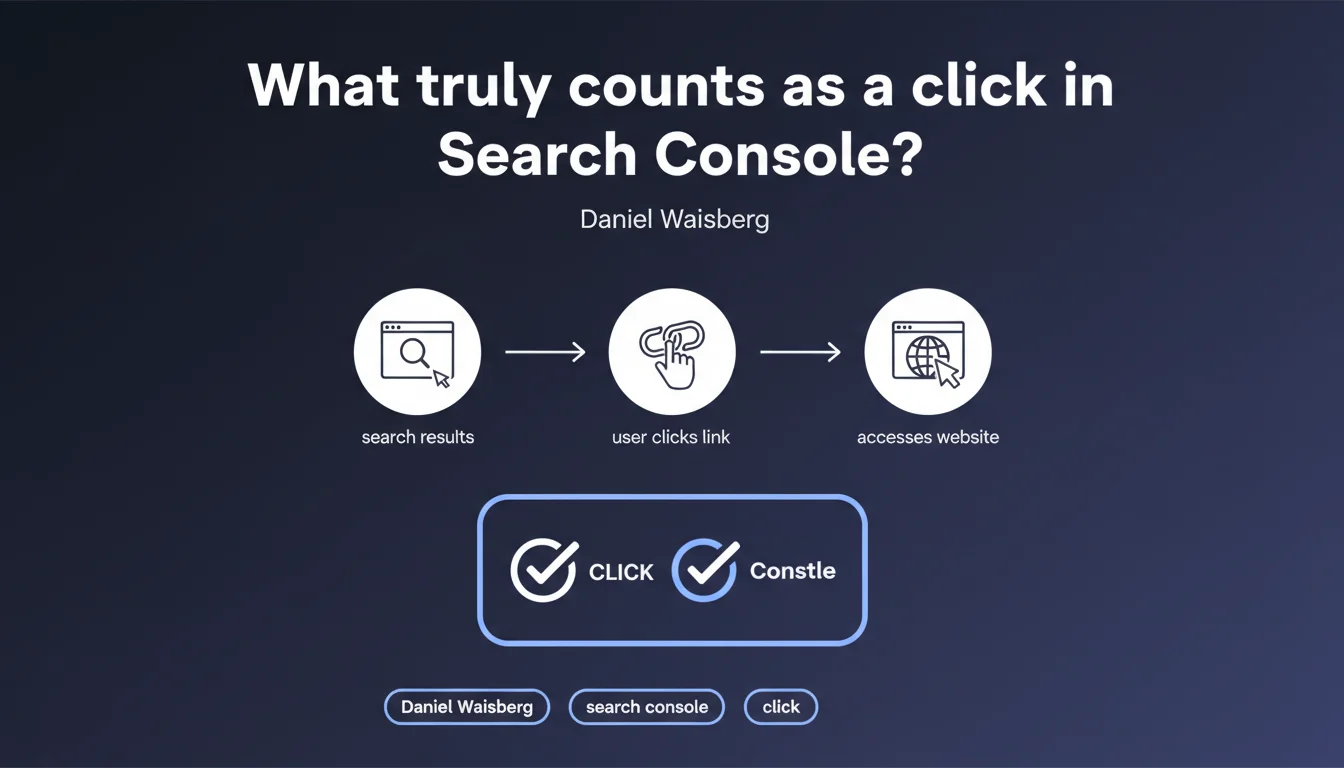
Google counts a click in Search Console only when the user clicks on a link AND actually accesses your site. This seemingly simple definition hides important subtleties: a click without page loading won't be counted, which explains certain discrepancies between your GSC data and other analytics tools.
What you need to understand
Why is this definition more complex than it appears?
Google's precision — "clicks on a link AND accesses your site" — is not trivial. A user can click on your result without the click being counted if the page fails to load, if they immediately cancel navigation, or if a technical issue blocks access.
This dual condition explains why your Search Console data can differ from Google Analytics or other tools. A GSC click is confirmed by Google when the HTTP request reaches your server — not just when the user taps on your link.
What types of clicks are excluded from this count?
Ghost clicks — those where the user clicks then immediately closes the tab, or those blocked by an antivirus or browser extension — won't be counted. Clicks on elements that don't directly lead to your site (such as certain enriched SERP features) can also create distortions.
Google also doesn't count clicks on results that generate a server error before the page even begins to load. If your server returns an error code before any response, technically the user hasn't "accessed" your site.
How does this definition influence your CTR metrics?
Your click-through rate (CTR) in Search Console is calculated based on this strict definition. If 100 people see your result but only 8 clicks are "confirmed" by actual access, your CTR will be 8% — even if 10 people technically clicked.
This logic creates a structural gap with other tools that count differently. It also makes your GSC data more reliable for measuring actual traffic rather than click intent.
- A GSC click requires two conditions: user action + effective site access
- Cancelled or blocked clicks are not counted in Search Console
- Search Console CTR reflects only clicks that generated a server connection
- Discrepancies with Analytics are explained by differences in tracking method and definition
- Early server errors can prevent a click from being counted even if the user took action
SEO Expert opinion
Does this definition match what we observe in the field?
Broadly yes, but with nuances that deserve clarification. In practice, we regularly see 5 to 15% discrepancies between Search Console clicks and organic sessions in Analytics. This official statement confirms that these gaps are "normal" — but it doesn't tell the whole story.
The real problem? Google doesn't specify exactly when the click is validated. Is it at the first byte from the server? At DNS resolution? At the start of HTML loading? These technical details create gray areas that this statement doesn't address.
What are the practical limitations of this definition?
First limitation: multiple redirects. If your result points to a URL that redirects several times before reaching the final destination, at what point does Google consider the user to have "accessed" your site? The statement remains silent on this.
Second limitation: JavaScript-heavy sites. If your page requires JS execution to display content, but the initial HTML loads, is the click validated even if the user sees a blank page and leaves? Probably yes — which creates an uncomfortable ambiguity.
In what cases does this rule create anomalies?
Sites with authentication or paywalls can see significant divergences. If a user clicks, arrives on a login page, then leaves immediately — the click is counted, but Analytics may not record a session if the tracking script didn't have time to execute.
AMP sites also present edge cases. When a user views an AMP page from Google's cache then clicks to the canonical version, how is the click attributed? Google's statement doesn't address these specific architectures.
Practical impact and recommendations
How to audit consistency between your different data sources?
First action: systematically compare your Search Console clicks with your organic sessions in Analytics (or your tracking tool). A discrepancy exceeding 20% deserves investigation — it likely signals a technical or tracking problem.
Next, check your initial load times. If your TTFB (Time To First Byte) exceeds 2-3 seconds, some users may abandon before your server responds — these "ghost clicks" artificially inflate your impressions without generating real traffic.
What interpretation errors must you avoid?
Never assume that a high CTR in GSC automatically means good quality traffic. If your site has performance or content issues, users click but leave before your analytics even initializes.
Also avoid over-optimizing for CTR without considering access quality. A clickbait title may increase your GSC clicks, but if users never see your content due to slow loading, you're optimizing a meaningless metric.
What should you put in place concretely to leverage this definition?
Set up cross-monitoring between Search Console, your analytics, and your server logs. This triangulation allows you to identify GSC clicks that generate an HTTP request but no analytics session — a symptom of a tracking or performance problem.
Segment your data by device type and browser. Discrepancies between clicks and sessions are often more pronounced on mobile, where early abandonment is frequent due to unstable connections or degraded performance.
- Compare monthly GSC clicks vs organic Analytics sessions (acceptable gap: 5-15%)
- Monitor TTFB and Core Web Vitals to detect early abandonment
- Analyze server logs to identify HTTP requests without corresponding analytics session
- Segment by device to spot mobile-specific issues
- Check redirect chains that may create invisible friction points
- Regularly test your pages from different browsers and connections to simulate real user experience
- Document anomalies and systematically investigate discrepancies exceeding 20%
🎥 From the same video 8
Other SEO insights extracted from this same Google Search Central video · published on 02/12/2025
🎥 Watch the full video on YouTube →
💬 Comments (0)
Be the first to comment.