
Official statement
Other statements from this video 1 ▾
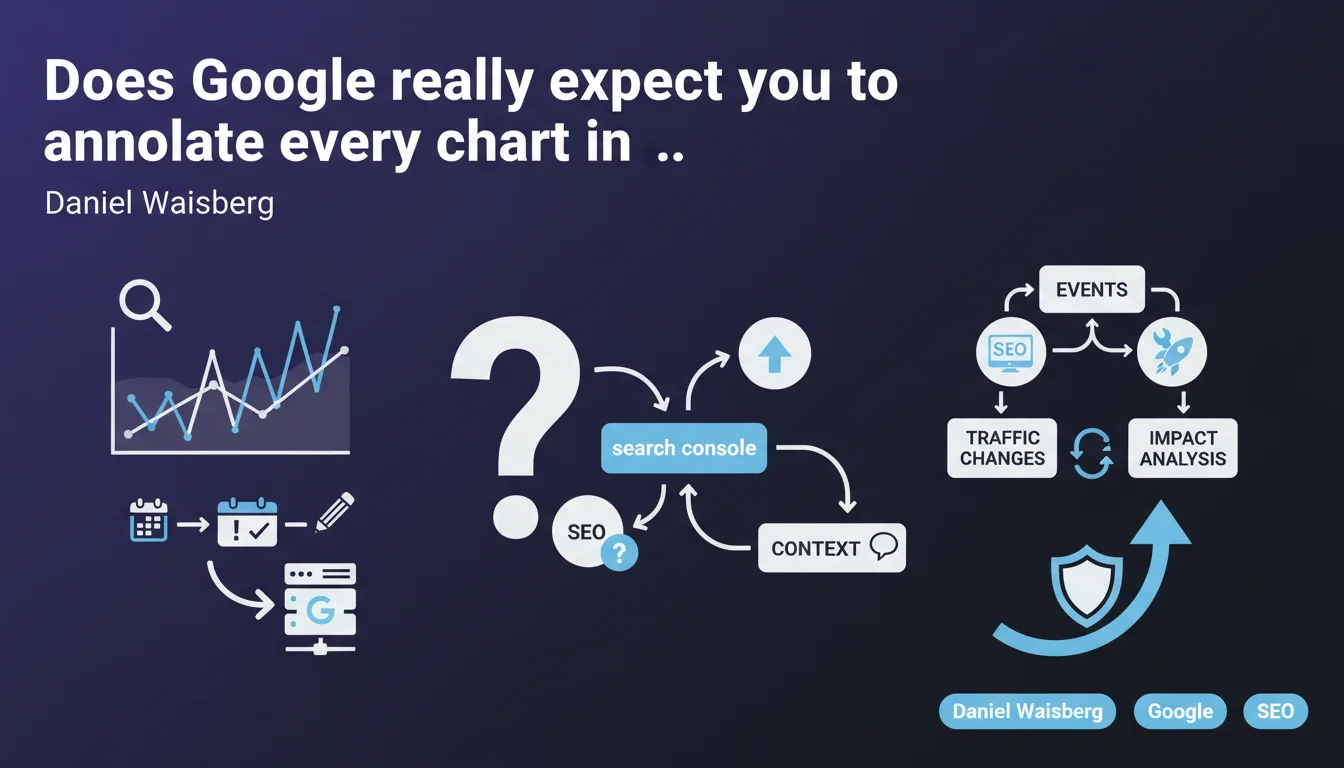
Google recommends using annotations in Search Console to contextualize the evolution of your organic traffic. Mark key events (redesigns, technical fixes, campaigns) directly on your performance curves. The goal: correlate traffic variations with your concrete actions on the site.
What you need to understand
What exactly is an annotation in Search Console and what's it really for?
An annotation is a note you manually add to a performance chart in Search Console. It appears as a marker on the timeline and allows you to indicate that an event occurred on a specific date.
Concretely, you can mark: a major technical deployment, a migration, a bug fix, the launch of a new section, a massive editorial update, a marketing campaign. Anything that could explain a sudden traffic variation.
Why is Google pushing this feature now?
Annotations have existed for years in Google Analytics and other analytics tools. Their integration into Search Console addresses a simple need: making it easier to correlate SEO actions with measurable impacts.
Google knows that most SEOs struggle to reconstruct the history of changes when traffic drops six months later. Annotations transform your dashboard into an actionable logbook.
What types of events deserve an annotation?
Anything that structurally modifies your site or content strategy. Annotations aren't meant to note "Tuesday: team meeting," but to track interventions that can impact indexation, crawlability, or rankings.
- Technical migrations: HTTPS migration, CMS change, URL restructuring
- SEO deployments: internal linking overhaul, massive meta tag changes, structured data
- Critical fixes: duplicate content removal, indexation issue resolution
- Editorial launches: new category, content hub, intensive publishing campaign
- External actions: link building campaign, press coverage, social buzz that can influence branded searches
SEO Expert opinion
Does this feature actually change the game for an experienced SEO professional?
Let's be honest: most serious agencies and consultants already maintain a changelog in a Google Sheet, Notion, Trello, or internal wiki. Search Console annotations are just an additional visualization interface.
The real advantage is centralization. You no longer have to juggle between three tools to understand why traffic dropped on March 12th. Everything is in Search Console. But be warned: this is only useful if you feed these annotations in real time. A reconstructed history three months later is just folklore.
What limitations should you anticipate with this annotation system?
First point: annotations are not automatically shared between users. If multiple people manage the same site, you need to establish a clear process to avoid duplicates or omissions. [To verify]: Google doesn't clarify whether annotations are linked to the user account or the Search Console property account.
Second limitation — and this is critical: annotations prove nothing. They mark an event, but they don't demonstrate causal links. A traffic drop on the day of a redesign could also coincide with an algorithm update or a third-party server issue. Correlation is not causation, and Google doesn't help you isolate variables.
In what cases can this practice become counterproductive?
If you annotate absolutely everything, you drown the signal in noise. An annotation every two days is unmanageable. Reserve this function for major interventions that structurally modify the site.
Another trap: believing that annotations will convince a client or manager that your strategy works. An annotation doesn't replace rigorous analysis with segmentation by page type, search intent, or device. It's a context tool, not a demonstration tool.
Practical impact and recommendations
How do you structure an effective annotation workflow in Search Console?
First step: define who can annotate and according to what nomenclature. If five people annotate with different formats, you lose readability. Enforce a standard format: "[TYPE] Short description + owner".
Example: "[TECHNICAL] Full HTTPS migration — DevOps", "[EDITORIAL] Health hub launch 50 articles — Content", "[SEO] Internal linking redesign for categories — SEO Manager".
What mistakes should you absolutely avoid with annotations?
Not annotating in real time is mistake number one. You never remember exactly what happened three weeks later. Annotate the same day, otherwise forget about it.
Another classic mistake: annotating minor actions that have no measurable SEO impact. Tweaking three title tags on a 10,000-page site isn't an event. Be selective.
What should you implement concretely starting today?
- Create a standardized annotation process: format, typology, designated owner
- Integrate Search Console annotation into your SEO deployment checklist
- Train all contributors (dev, content, marketing) to mark their major interventions
- Coupling with your existing technical changelog: annotations don't replace your internal documentation
- Monthly review of annotations to verify they match the traffic variations observed
- Test granularity: start broad, then refine based on your real needs
❓ Frequently Asked Questions
Les annotations Search Console sont-elles visibles par tous les utilisateurs de la propriété ?
Peut-on exporter les annotations pour les croiser avec d'autres outils analytics ?
Faut-il annoter les mises à jour algorithmiques de Google (Core Updates, etc.) ?
Combien d'annotations peut-on ajouter par graphique ?
Les annotations influencent-elles le classement ou l'indexation ?
🎥 From the same video 1
Other SEO insights extracted from this same Google Search Central video · published on 24/03/2026
🎥 Watch the full video on YouTube →
💬 Comments (0)
Be the first to comment.