
Official statement
Other statements from this video 11 ▾
- □ Is old content really killing your search rankings?
- □ Can old content still rank well despite its age?
- □ Should you really add warning banners to your older content pieces?
- □ Should you really update all your old content for SEO?
- □ Should you really let your old articles stay with their original mistakes?
- □ Should you really delete outdated content instead of simply marking it as deprecated?
- □ Is using the canonical tag as a hidden redirect costing you your SEO rankings?
- □ Why does Google discourage crypto-redirects for your site migrations?
- □ Should you really stop adding dates to your titles just to make them look fresh?
- □ Should you redirect or create an explanatory page when discontinuing a tool?
- □ Is auditing your documentation regularly really essential to maintain strong SEO performance?
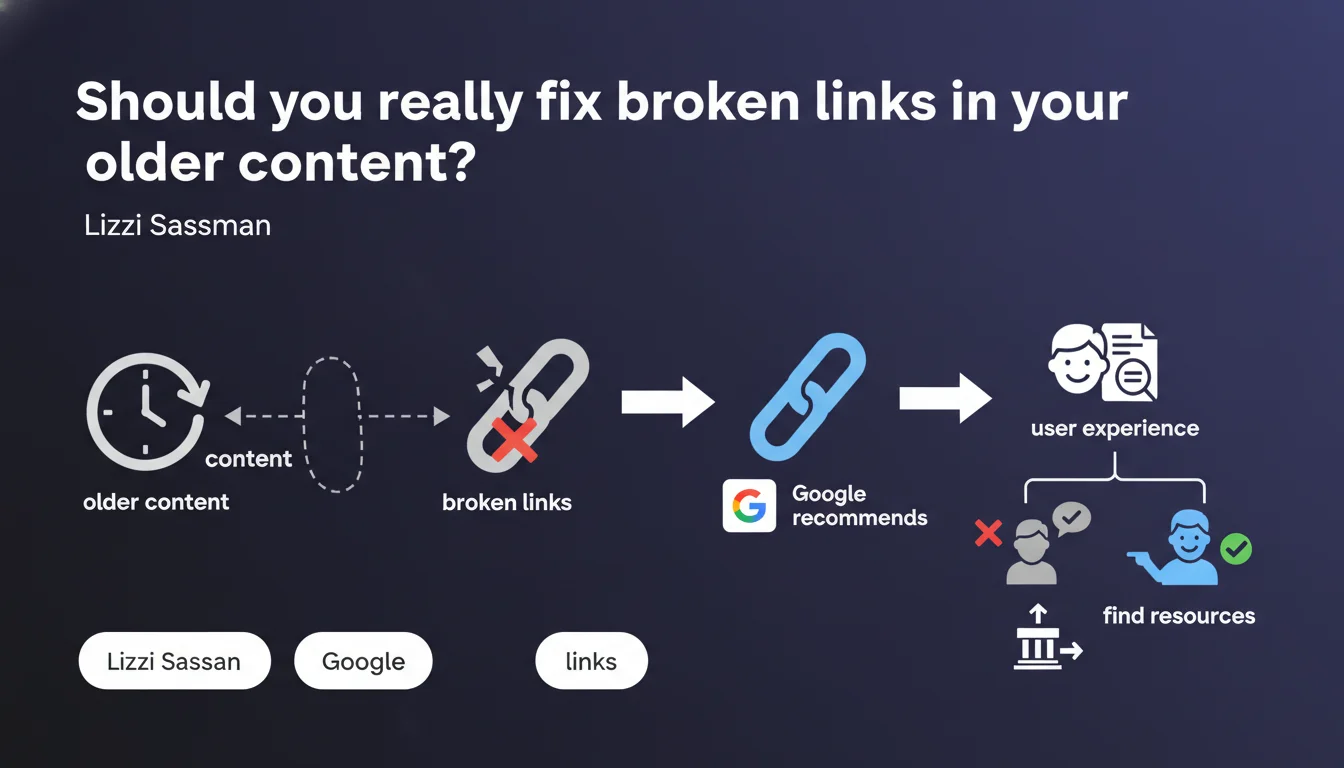
Google explicitly recommends fixing broken links even in content published years ago. The official argument: improving user experience by allowing visitors to find where resources have moved. A statement that raises the question of the real priority of this task compared to other SEO initiatives.
What you need to understand
Why does Google bother to remind us of this basic principle?
The recommendation from Lizzi Sassman may seem basic to any seasoned SEO professional. Yet Google never communicates without reason. If this directive appears now, it's probably because broken links continue to massively degrade the experience on a large portion of the indexed web.
The official argument focuses on user experience: allowing visitors to find where resources have been moved. But behind this soft wording, there's also an issue of crawl budget and the overall quality signal sent to the search engine.
What does "old content" concretely mean?
Google doesn't set a time limit. Whether your article is three years old or ten years old, the instruction remains the same: check and fix links that no longer work.
This includes internal broken links following migrations, site structure reorganizations, but also external links pointing to resources that have disappeared or changed URLs. The engine makes no distinction — a broken link degrades the experience, period.
Is user experience the only concern?
No, and that's where it gets interesting. A site full of 404 links sends a signal of neglect. Google doesn't directly penalize for a few broken links, but accumulation can affect the overall quality perception of a domain.
Crawlers waste time following dead ends, which impacts the crawl budget on large sites. And for the user, every click that leads nowhere is a micro-frustration that increases bounce risk.
- Fixing broken links improves experience and sends a signal of active maintenance
- Old content remains within Google's attention scope, even after several years
- The impact is measured both on crawl budget and on the qualitative perception of the site
- No distinction between internal links and external links in the recommendation
SEO Expert opinion
Is this statement consistent with observed practices?
Yes, completely. In practice, we observe that Google increasingly favors sites that show signs of active maintenance. Old content regularly updated — including at the link level — tends to rank better than content frozen for years.
But let's be honest: prioritization remains unclear. Google says to fix broken links, but never quantifies the actual impact. Does a site with 5% broken links suffer a measurable penalty? [To be verified] — no official data on that.
What nuances should be added to this recommendation?
Not all broken links are equal. A strategic internal link to a key page that returns a 404 is a major problem. An anecdotal external link to a secondary source that has disappeared? Less critical.
The real question is the ROI of time spent. On a site with 10,000 pages and thousands of old external links, auditing and fixing every link can represent dozens of hours. You need to prioritize: internal links first, links to strategic resources second, the rest as a last resort.
And that's where it gets stuck. Google provides no prioritization methodology — just a general directive that can prove paralyzing if you take it literally.
In what cases does this rule not strictly apply?
If your site is young (less than two years old), you statistically have fewer accumulated broken links. The urgency is less. Focus first on content creation and backlink acquisition.
For low-traffic organic sites, the impact of massive link correction will be marginal compared to other levers. Better to invest in semantic optimization or strategic internal linking before launching a comprehensive audit of broken links.
Practical impact and recommendations
What should you concretely do to audit and fix broken links?
First step: identify broken links. Use tools like Screaming Frog, Ahrefs Site Audit, or Google Search Console (Coverage section + link report). Export the complete list of URLs returning 404 errors or broken redirects.
Next, segment by type: internal links (high priority), external links to strategic resources (medium priority), secondary external links (low priority). Don't handle everything at once — you'll get overwhelmed.
For each broken link, three options: replace with a link to an equivalent resource if it exists, remove the link if the mention is no longer relevant, or redirect the old URL if it's a critical internal link. Avoid redirect chains — they're worse than a broken link.
What errors should you avoid when fixing links?
Don't redirect all broken links to the homepage. That's a lazy solution that degrades user experience instead of improving it. Google sees it, the user feels it, and you waste time for a counter-productive result.
Another pitfall: trying to fix everything at once. On a large site, that can represent weeks of work. Prioritize pages with high organic traffic and structuring internal links. The rest can wait or be handled in successive waves.
Finally, don't forget to document your corrections. Keep a record of modified URLs, old targets, and new ones. In case of problems, you can reverse course without panicking.
How do you verify that your site is clean after corrections?
Run a complete crawl with your usual tool. Verify that the broken links rate has significantly decreased (goal: less than 1% of total links). Check Google Search Console to confirm that 404 errors are progressively declining.
Also monitor engagement metrics on corrected pages: bounce rate, session duration, pages per visit. If corrections are relevant, you should observe improvement, even slight. No notable change? Either the impact was marginal, or the new targets aren't relevant enough.
- Audit broken links with Screaming Frog, Ahrefs, or Search Console
- Segment by priority: internal links > strategic external > secondary external
- Replace with equivalent resources rather than redirecting to the homepage
- Document each correction for traceability
- Run a post-correction crawl to validate cleanup
- Monitor engagement metrics to measure actual impact
❓ Frequently Asked Questions
Google pénalise-t-il directement un site avec des liens cassés ?
Faut-il corriger les liens externes cassés ou seulement les liens internes ?
Quelle est la fréquence idéale pour auditer les liens cassés ?
Peut-on automatiser la correction des liens cassés ?
Les anciens contenus avec des liens cassés perdent-ils leur positionnement ?
🎥 From the same video 11
Other SEO insights extracted from this same Google Search Central video · published on 09/05/2024
🎥 Watch the full video on YouTube →
💬 Comments (0)
Be the first to comment.