
Official statement
Other statements from this video 10 ▾
- □ Pourquoi Google réduit-il le SEO à seulement deux domaines principaux ?
- □ Existe-t-il vraiment des secrets pour être classé premier sur Google ?
- □ Le SEO Starter Guide de Google contient-il vraiment toutes les techniques essentielles pour ranker ?
- □ Pourquoi Google recommande-t-il Search Console plutôt que Trends pour les exigences techniques SEO ?
- □ Faut-il vraiment courir après les tendances montantes pour ranker ?
- □ Google Trends est-il vraiment efficace pour identifier les bons mots-clés ?
- □ Faut-il vraiment publier son contenu avant les pics de recherche saisonniers ?
- □ Pourquoi l'optimisation géographique conditionne-t-elle vos résultats SEO ?
- □ Google Trends peut-il vraiment booster votre stratégie vidéo YouTube ?
- □ Pourquoi les tendances de recherche YouTube diffèrent-elles de celles du web Google ?
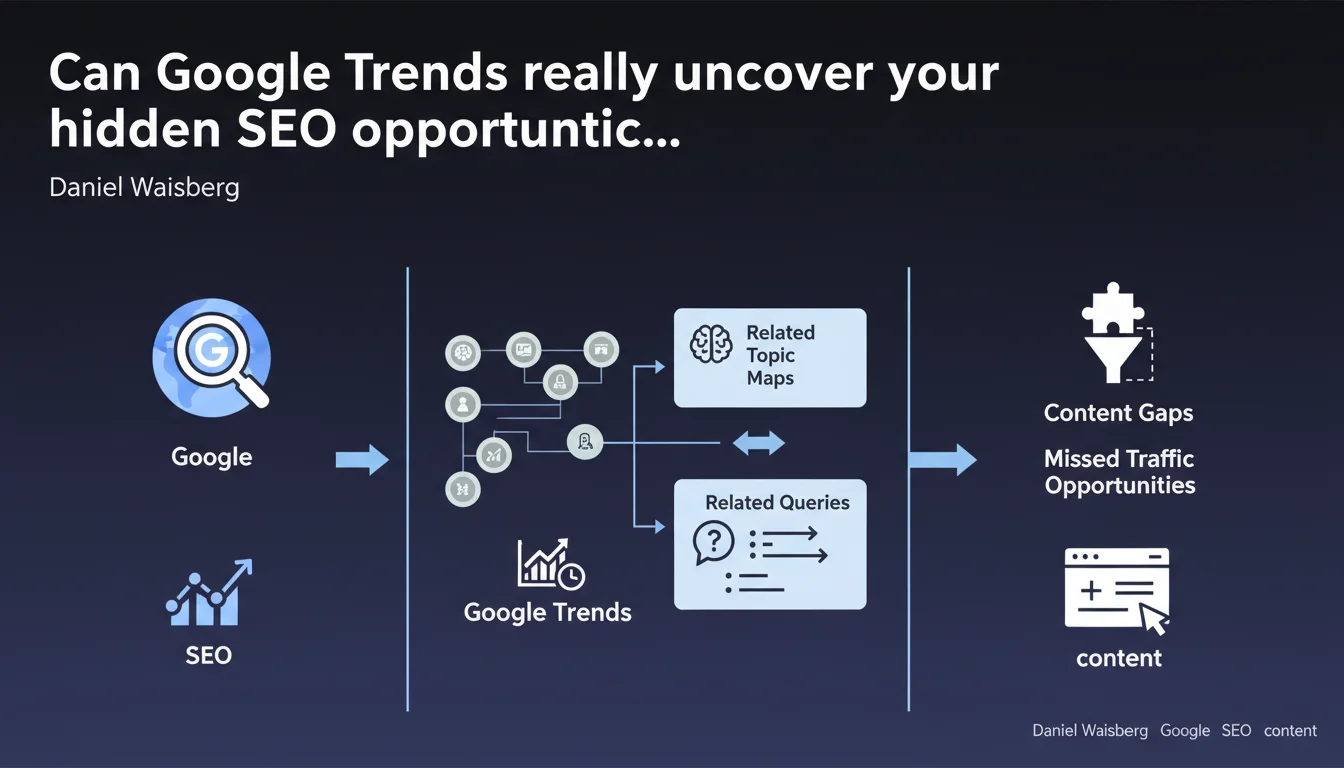
Google officially recommends using topic maps and related queries in Google Trends to identify content gaps and untapped traffic opportunities. The tool is presented as a valid method for detecting what your site should cover but doesn't yet. In practical terms, this validates the use of Trends as a strategic tool in your SEO arsenal, far beyond its simple function of observing trends.
What you need to understand
Why is Google championing Google Trends for SEO?
Daniel Waisberg, Developer Advocate at Google, explicitly validates the use of Google Trends as an analysis tool for search engine optimization. This is significant. By pointing to related topic maps and related queries, Google suggests that this data can reveal missing content angles on your site.
The benefit? These maps show what users are searching for around your main topic. If your content doesn't cover these peripheral aspects, you're leaving traffic on the table. Google Trends becomes a gap analysis tool, not just a gadget for tracking what's trending at the moment.
What's the difference between related topics and related queries?
Related topics group concepts that are semantically linked to your main query. They show the themes users explore in the same context. Related queries, on the other hand, are the exact keywords typed by internet users.
This distinction matters. Topics give you the big picture — the territories to cover. Queries give you precise formulations — which allows you to optimize your title tags, your H2s, your long-tail. Combining both lets you map both your editorial strategy and tactical execution.
How does this fit into your overall content strategy?
Google isn't simply telling you to "create more content." It's pushing you to identify specific gaps in your semantic coverage. That's the difference between publishing to publish and publishing with purpose.
By cross-referencing this data with your Search Console (impressions without clicks, average positions), you can prioritize the content to create or enhance. If Trends shows a rising related query you're not covering, and Search Console confirms you have no impressions for it, you've found a quantified opportunity.
- Related topic and query maps in Google Trends allow you to identify missing content angles
- This data complements Search Console for more precise gap analysis
- The goal is to cover the complete semantic field around your core topics
- This approach prevents random content production — you're targeting measurable opportunities
SEO Expert opinion
Is this recommendation aligned with observed practices?
Yes, but with an important nuance. Using Google Trends to detect emerging trends has been a common practice for years. What's changing is that Google is explicitly validating the use of related maps for SEO — not just for anticipating seasonal buzz.
In the field, sites that systematically map related topics around their editorial pillars do observe an increase in long-tail impressions. But — and this is where it gets tricky — Trends doesn't provide absolute search volumes. You know a query is rising, but not whether it generates 100 or 10,000 monthly searches. [To verify] with other tools (Semrush, Ahrefs, or even Google Ads Keyword Planner).
What limitations should you keep in mind?
Google Trends shows relative trends, not raw data. A query can be "rising" simply because it goes from 10 to 50 searches per month. That's not necessarily a business opportunity.
Second point: related maps are based on search correlations, not sophisticated semantic analysis. You can end up with related queries that are contextually connected but not strategically relevant to your business. You need to filter manually — and that's time-consuming.
Third limitation: Trends tells you nothing about the actual search intent behind a query. A query can be related but predominantly informational while your content targets transactional intent. Cross-referencing with SERP analysis remains essential.
In what cases does this approach show its limits?
In very niche markets or B2B segments with low search volume, Google Trends can be unusable. The tool needs a critical mass of data to generate relevant insights. Below a certain threshold, the curves are too erratic to draw any meaningful conclusions.
Another problematic scenario: sites that already extensively cover their semantic field. If you're already comprehensive on your topics, Trends will only yield marginal variations — not real gaps. In this case, opportunities lie elsewhere: on-page optimization, backlinks, UX.
Practical impact and recommendations
What should you actually do with Google Trends?
Start by listing your 5-10 main thematic pillars. For each one, run a search in Google Trends and explore the "Related topics" and "Related queries" tabs. Note those marked as "Rising" or "Peak interest."
Next, cross-reference this data with your Search Console. Check if these related queries already appear in your impressions. If not, that's a gap. If yes but with low CTR or an average position >10, that's an optimization opportunity.
Third step: analyze the SERP for these queries. Who ranks? What type of content (guide, comparison, video)? What intent (informational, commercial)? This analysis will tell you if the opportunity is worth pursuing and how to address it.
What mistakes should you avoid when using Google Trends?
Don't jump on every related query without judgment. Some are off-topic or too far from your expertise. Filter based on your business positioning and your capacity to produce quality content on the subject.
Second common mistake: ignoring seasonality. A rising query can be tied to a one-time event (news, season). Look at the historical curve over 5 years to spot recurring patterns. Investing time on an ephemeral spike is wasted effort.
Third trap: relying solely on Trends without checking actual volume. A rising trend isn't synonymous with significant traffic. Always cross-reference with a volume tool before prioritizing content creation.
How do you integrate this into an existing SEO workflow?
Incorporate Google Trends into your quarterly content audit. Identify gaps, prioritize them by traffic potential vs. effort, then feed your editorial calendar. This isn't a one-time task — it's an ongoing process.
Automate what you can. Use tools like Google Alerts or scripts to automatically monitor trends on your key topics. You'll save time and react faster to emerging opportunities.
- Map your thematic pillars and explore their related topics and queries in Trends
- Cross-reference this data with Search Console to identify real gaps
- Systematically verify search intent and SERP before creating content
- Filter related queries by business relevance and estimated volume
- Monitor seasonality to avoid overweighting ephemeral spikes
- Integrate this analysis into a quarterly or monthly workflow, not as a one-off
❓ Frequently Asked Questions
Google Trends peut-il remplacer un outil SEO payant pour la recherche de mots-clés ?
Les requêtes connexes dans Trends sont-elles fiables pour prioriser la création de contenu ?
Comment différencier une tendance durable d'un pic éphémère dans Google Trends ?
Quelle fréquence d'analyse Google Trends est optimale pour un site SEO ?
Peut-on utiliser Google Trends pour des niches B2B avec peu de volume de recherche ?
🎥 From the same video 10
Other SEO insights extracted from this same Google Search Central video · published on 25/09/2024
🎥 Watch the full video on YouTube →
💬 Comments (0)
Be the first to comment.