
Official statement
Other statements from this video 8 ▾
- □ Can SafeSearch really blacklist an entire mixed website that's poorly configured?
- □ Is the meta rating tag really useful for flagging explicit content?
- □ Should you really isolate adult content in a subdomain or separate folder to protect your main domain?
- □ Should you allow Googlebot to fetch your video files to improve their search visibility?
- □ How does SafeSearch actually filter explicit content from your search results?
- □ Is your site being secretly filtered by SafeSearch? Here's how to find out
- □ Why does Google really enforce a 2-3 month waiting period before reconsidering a SafeSearch classification?
- □ Are Google's content policies really a game-changer for organic visibility?
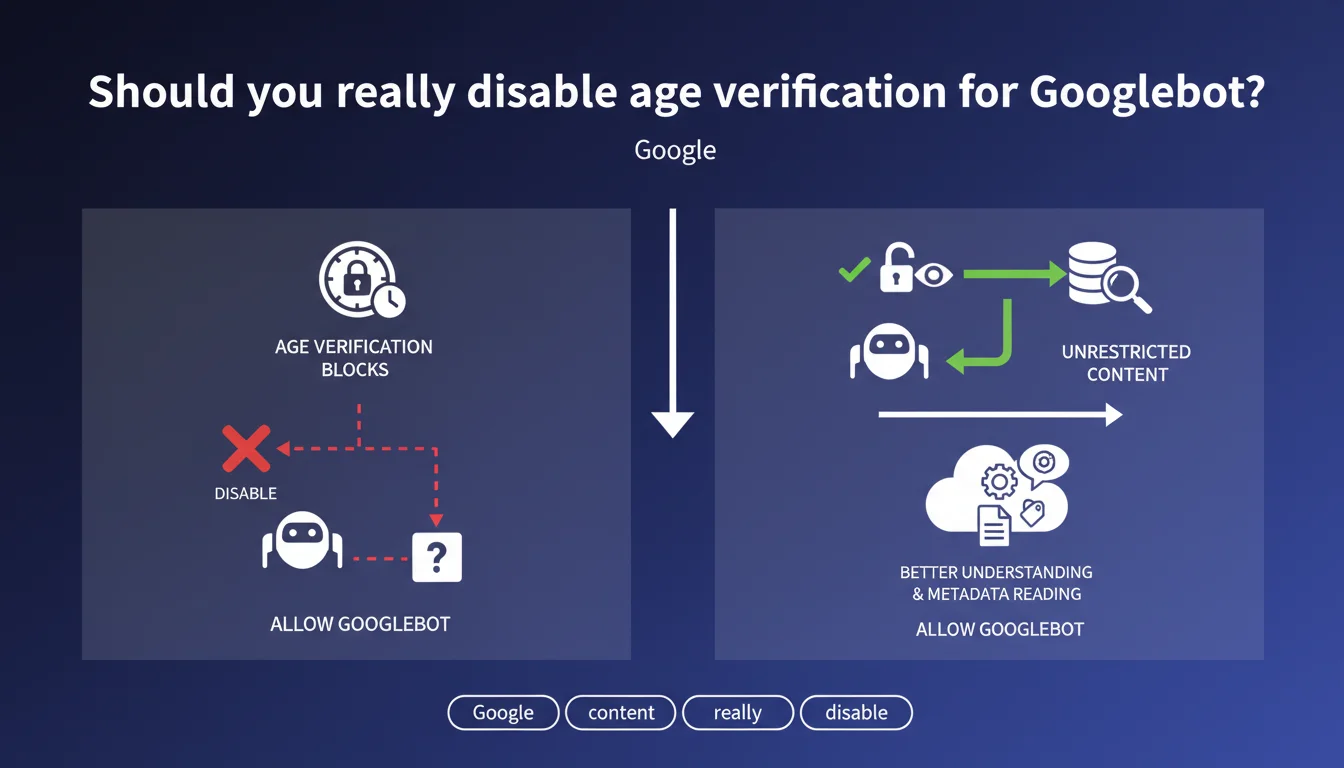
Google recommends not blocking Googlebot behind age verification checks. The bot must be able to explore content directly to extract metadata and understand the page without triggering these restriction mechanisms. It's a rarely discussed point but can impact indexation on certain sites.
What you need to understand
Why does Google demand unrestricted age-related access?
Websites offering adult or sensitive content often use age verification mechanisms before displaying the actual page. These intermediate screens prevent Googlebot from reading metadata, text content, and signals that allow the engine to understand the page context.
Without direct content access, Google cannot evaluate page relevance, quality, or structure — which harms indexation and ranking.
How do you identify Googlebot requests to lift the restriction?
Google recommends detecting the Googlebot user-agent in server requests and serving complete content without intermediaries. Technically, this means configuring an exception in application code so the bot bypasses the age verification screen.
Caution — this exception should not be rampant cloaking: you serve the same content as what's accessible after age validation, simply without the intermediate step.
What are the risks if Googlebot cannot explore the content?
If the bot remains blocked by an age verification form or interstitial, it will at best index an empty or generic page. Worse: Google may consider the content inaccessible and deprioritize the page in search results.
Metadata (title, description, schema.org) won't be read, and the engine cannot evaluate content quality or its alignment with user searches.
- Googlebot must access content without triggering age verification
- Detection occurs via user-agent or Google IP addresses
- Content served to the bot must be identical to what's accessible after validation
- Lack of access harms indexation, crawling, and ranking
- It's not cloaking if the final content is the same
SEO Expert opinion
Does this recommendation pose legal compliance issues?
This is the crux of the matter. In certain jurisdictions, displaying adult content without age verification even to a bot may technically violate regulations. Google doesn't burden itself with this nuance in its statement.
In practice, many sites in this sector already apply this exception for bots, banking on the fact that the violation concerns human access without controls, not machine exploration. But it's a gray area — [Verify] with legal counsel if your business is regulated.
Is Google's approach consistent with its own anti-cloaking guidelines?
Technically, serving different content to Googlebot and users is cloaking — a penalized practice. Here, Google explicitly asks you to bypass a step for its bot. The nuance lies in the fact that the final content is identical; only the intermediate step disappears.
Let's be honest: this recommendation borders on contradicting anti-cloaking rules. If you apply this exception, document it and ensure the content served to the bot is strictly identical to what's visible after validation. Otherwise, you risk a manual penalty.
In which cases does this rule not apply?
If your site has no age verification, this statement doesn't concern you. But watch out for generic intrusive interstitials (newsletter popups, invasive cookies) that can also block Googlebot.
The recommendation specifically targets access restriction mechanisms tied to age or sensitive content. For everything else, standard rules apply: no blocking interstitials, no mandatory JavaScript to display main content.
Practical impact and recommendations
What specifically needs to be done to allow Googlebot access?
First step: identify Googlebot requests server-side. You can analyze the user-agent (contains "Googlebot") or verify the source IP via reverse DNS lookup to confirm it belongs to Google. Don't rely on user-agent alone — it's easy to spoof.
Next, configure an exception in your application so these requests bypass age verification and access content directly. Technically, this can be done via middleware, routing rules, or business logic depending on your stack.
What errors should you avoid to stay clear of cloaking?
Never serve different or watered-down content to Googlebot. The exception should simply remove the verification screen, not modify the content itself. If you display a lighter or different version, that's pure cloaking.
Also avoid blocking CSS/JS resources necessary for page display. Google must be able to render the page as a user would after validation. Test with the URL Inspection tool in Search Console to verify that the rendered preview matches the user version.
How do you verify your site complies with this recommendation?
Use the URL Inspection tool in Google Search Console to request live exploration of a page with age verification. If full content displays in the render preview, you're good. Otherwise, Googlebot remains blocked by the interstitial.
Also monitor indexation coverage reports. If pages with age verification show as "Crawled, currently not indexed" or "Discovered, currently not indexed", it often means the bot cannot access the actual content.
- Detect Googlebot requests via user-agent + reverse DNS IP lookup
- Configure an exception to bypass age verification
- Serve the same content as what's accessible after validation
- Never block CSS/JS necessary for page rendering
- Test with URL Inspection in Search Console
- Monitor coverage reports to detect blocks
- Document the exception to justify the approach if audited
❓ Frequently Asked Questions
Est-ce du cloaking de servir le contenu sans vérification d'âge à Googlebot ?
Comment détecter de manière fiable les requêtes Googlebot ?
Que faire si mon site a une vérification d'âge obligatoire pour raisons légales ?
Cette recommandation s'applique-t-elle aux popups cookies ou newsletters ?
Comment vérifier que Googlebot accède bien au contenu complet ?
🎥 From the same video 8
Other SEO insights extracted from this same Google Search Central video · published on 01/11/2023
🎥 Watch the full video on YouTube →
💬 Comments (0)
Be the first to comment.