
Official statement
Other statements from this video 9 ▾
- □ Why is Google finally giving you hourly performance data in Search Console?
- □ Should you really monitor new Search Console recommendations to avoid indexation penalties?
- □ Why does Google set the crawl alert threshold at 5% in Search Console?
- □ Is Google really phasing out the term 'webmaster' from Search Console?
- □ Why is Google deploying two separate core updates at the same time?
- □ Does Google's new website abuse policy actually change the rules of the SEO game?
- □ What exactly is a Google spam update and how can you effectively protect your site from it?
- □ Should you remove Sitelink Search Box structured data now that Google ignores it?
- □ Is your crawl budget being wasted? Here's what Google just revealed about how Googlebot really explores your pages
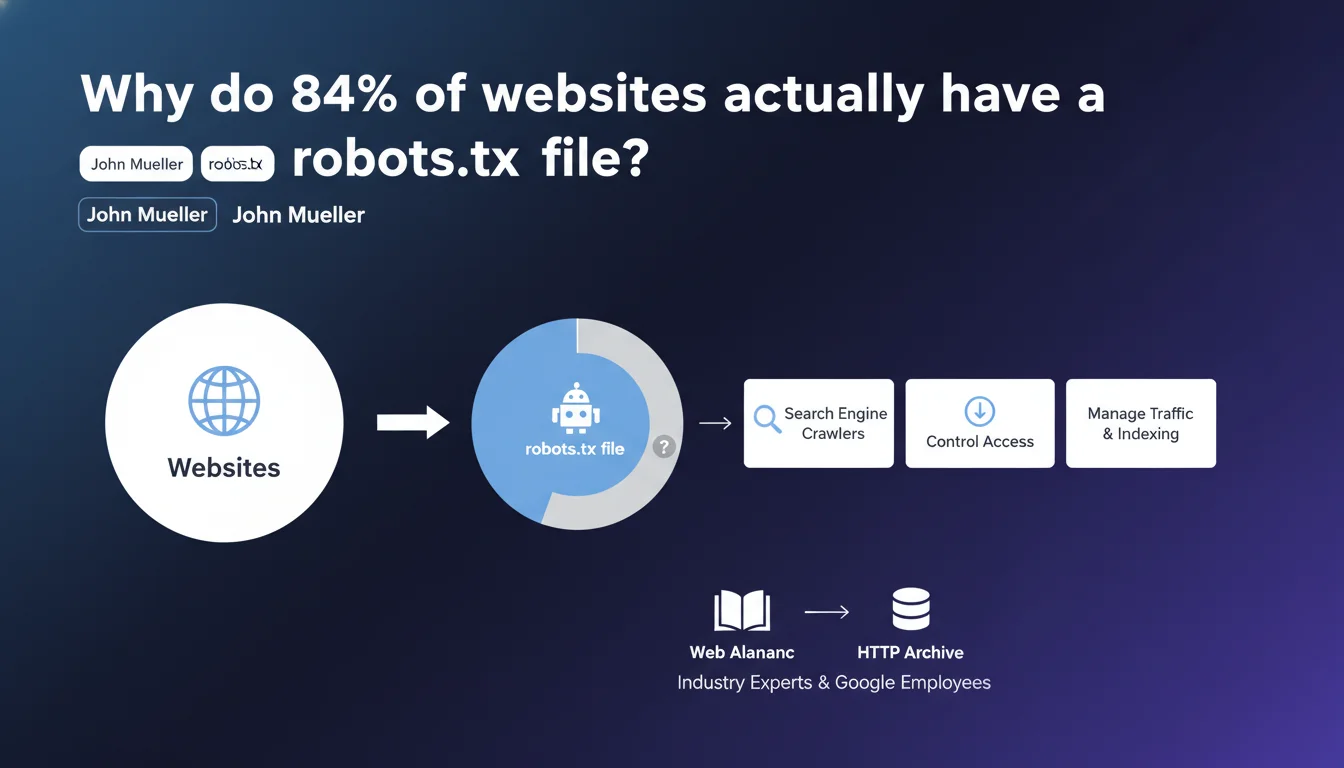
84% of websites have a robots.txt file according to the Web Almanac. This statistic reveals massive adoption of a crawl control tool, but tells us nothing about the quality of these files or their real usefulness for most sites. The real question: how many of these robots.txt files are actually optimized?
What you need to understand
What does this 84% adoption rate really tell us?
This massive adoption rate shows that the majority of site owners are aware of the robots.txt file's existence. Modern CMS platforms like WordPress automatically generate this file, which partly explains this statistic.
But possession doesn't mean optimization. A default robots.txt file isn't necessarily suited to a site's specific needs. There's a world of difference between an empty file and one that's finely configured.
Is the Web Almanac a reliable source?
Published by industry experts and Google employees, the Web Almanac relies on the HTTP Archive, a massive database that analyzes millions of web pages. It's a solid reference for understanding adoption trends of web standards.
However, this archive captures a snapshot of the web at a specific moment in time — it says nothing about the evolution of practices or the distribution between amateur and professional sites.
Do you really need a robots.txt file?
No, it's not a technical requirement. A site without a robots.txt file will be crawled normally according to Google's default rules. The file becomes relevant when you want to control bot behavior precisely.
For a personal blog with 20 pages, the absence of a robots.txt file will have no impact whatsoever. For an e-commerce site with 10,000 products and faceted filters, that's a different story entirely.
- 84% of sites have a robots.txt file, but we have no idea how many are actually configured properly
- Modern CMS platforms automatically generate this file, which inflates the statistics
- The HTTP Archive doesn't distinguish between optimized robots.txt files and default ones
- A site without a robots.txt file isn't penalized — it simply follows standard crawl rules
SEO Expert opinion
Does this statistic really reflect true crawl budget mastery?
Let's be honest: not really. Having a robots.txt file doesn't mean it's properly configured. From experience, the vast majority of these 84% are made up of files automatically generated by CMS platforms, never reviewed or optimized since creation.
The real problem is that we often confuse presence with relevance. How many of these files contain outdated directives? How many accidentally block critical resources like CSS or JavaScript? [To verify] — Google provides no figures on the actual quality of these configurations.
What common mistakes do we see in the field?
The same classics come up repeatedly: blocking stylesheets and scripts that prevent pages from rendering correctly, accidentally denying access to entire site sections due to syntax errors, or outdated directives left over after a redesign.
Another frequent case: sites that copy-paste a sample robots.txt found online without adapting it to their architecture. Result? Important URLs don't get crawled, or conversely, duplicate content gets indexed when it should be blocked.
When is a robots.txt file truly essential?
In practical terms? When you need to optimize crawl budget on sites with thousands of pages, block infinite pagination URLs, or prevent indexing of internal search files. For a simple 50-page brochure site, it's optional.
E-commerce sites, media platforms, and marketplaces benefit greatly from mastering this file. Personal blogs, portfolios, single-page sites? Not really. And that's where the 84% figure loses its meaning: it mixes incomparable contexts.
Practical impact and recommendations
What should you check first on your robots.txt?
First step: make sure it exists by visiting yourdomain.com/robots.txt. Next, verify that no directive accidentally blocks your strategic pages or critical CSS/JS resources needed for rendering.
Use the robots.txt testing tool in Google Search Console to validate each directive. Simulate crawling on several typical URLs to spot any unwanted blocks.
What mistakes should you avoid at all costs?
Never block CSS and JavaScript files — Google needs them for page rendering. Don't copy a robots.txt from another site without adapting it to your architecture. And most importantly, don't confuse robots.txt with the noindex meta tag: the former controls crawling, the latter controls indexation.
Also avoid overly broad directives like Disallow: / that block the entire site. Yes, it happens — and far more often than you'd think. A simple copy-paste from a staging environment can destroy a production site's visibility.
How do you optimize this file concretely?
Start by identifying sections of your site that generate duplicate or low-quality content: internal search results, non-strategic tag pages, infinite pagination archives. Block them properly with targeted Disallow directives.
Then add the Sitemap directive to point to your XML sitemap location. This is often forgotten, yet it makes crawlers' jobs much easier. Also consider declaring multiple sitemaps if you have several (products, categories, blog, etc.).
- Verify that the robots.txt file is accessible at your domain root
- Test each directive in Search Console to prevent accidental blocks
- Never block CSS, JavaScript, or other resources critical to page rendering
- Declare your XML sitemap location using the Sitemap directive
- Review the file regularly after any redesign or architecture changes
- Document each directive to facilitate future maintenance
❓ Frequently Asked Questions
Un site peut-il fonctionner sans fichier robots.txt ?
Quelle est la différence entre robots.txt et balise noindex ?
Faut-il bloquer les fichiers CSS et JavaScript dans le robots.txt ?
Combien de temps faut-il pour que Google prenne en compte les modifications du robots.txt ?
Peut-on utiliser des wildcards dans le robots.txt ?
🎥 From the same video 9
Other SEO insights extracted from this same Google Search Central video · published on 14/01/2025
🎥 Watch the full video on YouTube →
💬 Comments (0)
Be the first to comment.