
Official statement
Other statements from this video 9 ▾
- □ Does user experience really impact SEO rankings, or just conversions?
- □ Is a high bounce rate really a red flag for your SEO performance?
- □ Is your site losing traffic because of poor UX? Here's how to know when research is critical for SEO.
- □ Are your pages' negative ratings a hidden SEO signal worth investigating?
- □ Should you really start with heuristic evaluation before testing with real users?
- □ Can cognitive walkthrough really boost your SEO through better user experience?
- □ Why do five users truly unlock 85% of UX problems for SEO professionals?
- □ How can qualitative-quantitative triangulation transform your UX research into a powerful SEO lever?
- □ Why will 100 users never be enough to validate your SEO user experience strategy?
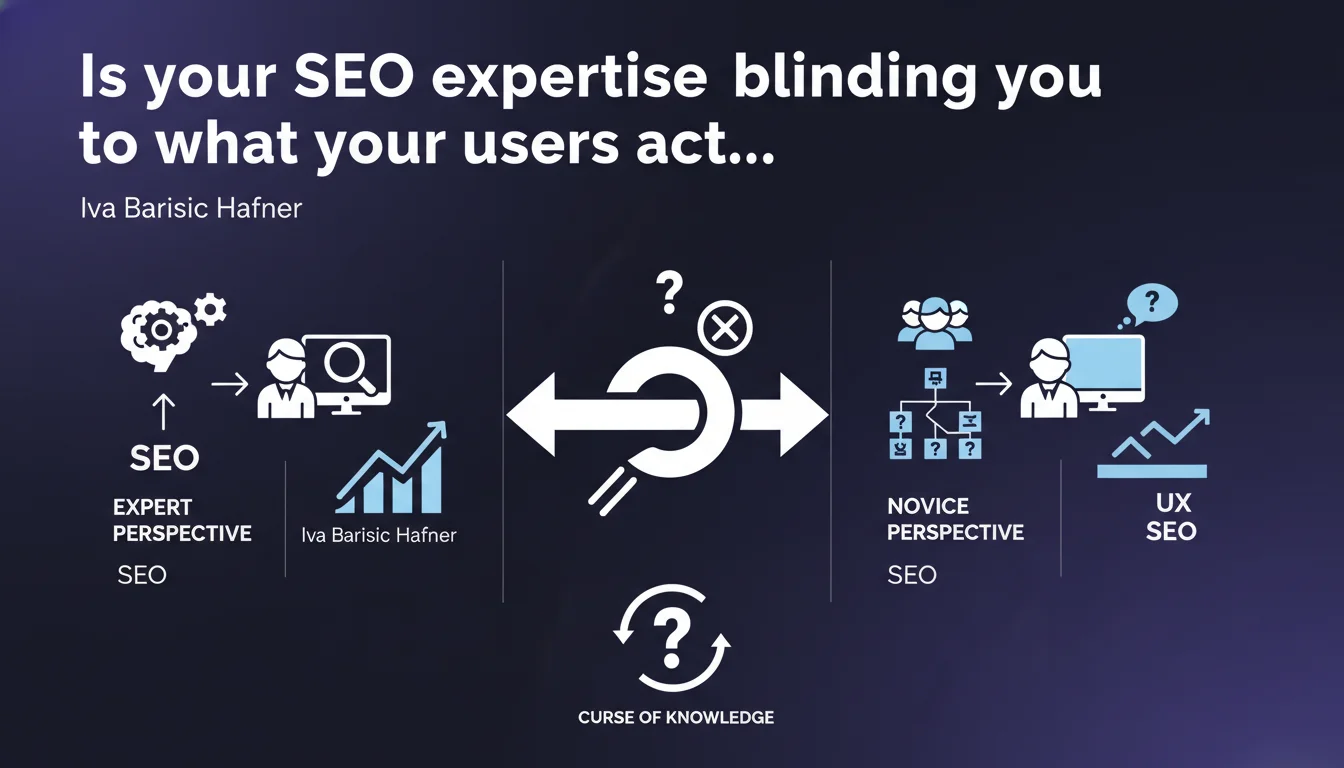
Google reminds us of a fundamental UX principle: once you become an expert in your site, you can no longer think like a newcomer. This "curse of knowledge" biases your SEO decisions — you optimize for what you understand, not for what your audience really searches for. The result? Content that's well-structured for you, unreadable for them.
What you need to understand
What is the "curse of knowledge" in SEO?
The curse of knowledge is this inability to put yourself in the shoes of someone discovering your world for the first time. You master your industry, your terminology, your site architecture — but your visitors arrive without an instruction manual.
In SEO, this translates into choices like overly technical keywords, navigation structures that seem obvious to you but are opaque to first-time visitors, or content that answers questions nobody is actually asking.
Why is Google emphasizing this point now?
Because behavioral signals carry significant weight. A user who can't find what they're looking for leaves quickly — and Google sees it. Bounce rate, time on page, clicks to next results: all of this feeds the algorithm.
If your site is designed by experts for experts, you're missing the majority of your potential audience. And Google penalizes this, even if your content is technically flawless.
Where does this bias show up most clearly?
Three critical areas. First, vocabulary: you use industry terms that your customers never actually type into the search bar. Second, information hierarchy: what seems logical to you isn't necessarily logical for a newcomer.
Finally, user journeys: you assume everyone knows where to click, but an average visitor is clicking around in the dark. Result: friction, frustration, abandonment.
- You optimize with your vocabulary, not your users' actual search language
- Your journeys assume knowledge that 90% of your audience doesn't have
- Degraded behavioral signals directly impact your rankings
- Google rewards sites that respond to real intent, not assumed intent
SEO Expert opinion
Is this statement consistent with what we see in the real world?
Yes, and it's actually one of the rare cases where Google points out a problem we see every day. Technically perfect sites that don't convert because they speak a specialist's language. Navigation structures that make sense to the internal team but are incomprehensible to everyone else.
The catch is that Google provides no metrics to measure this bias. They say "do UX research," okay — but with which tools? What thresholds? [To verify] the specific criteria they use on the algorithm side to detect this gap.
Where does theory clash with real-world project constraints?
In practice, most SEO teams don't have the time or budget to conduct proper UX studies. User testing, heatmaps, qualitative session analysis — all of this requires resources.
And there's a paradox: to rank, you need expert content. But to convert, you need accessible content. Finding the balance between technical depth and public readability is the whole art — and Google offers no recipe.
When does this principle become counterproductive?
On ultra-specialized queries, oversimplifying at all costs can dilute value. If you're targeting seasoned professionals, mastered terminology is a credibility signal. Oversimplifying can sometimes be patronizing.
The real challenge is to segment: identify which pages target newcomers (and adapt vocabulary, structure) and which address experts (where technical precision matters). Google doesn't make this distinction in their statement, and that's unfortunate.
Practical impact and recommendations
How do you detect this bias on your current site?
First step: analyze your actual search queries in Search Console. Compare the terms you rank for with those you optimized for. If you're targeting "omnichannel order management solution" but people search "software to manage my orders," you have a problem.
Next, look at behavioral metrics: high bounce rates on well-ranked pages, low time on page, few clicks to internal pages. These signals reveal a gap between what your title promises and what the user understands once they arrive.
Finally, test your journeys with people outside your team. Not SEOs, not subject-matter experts — people discovering your world for the first time. Watch where they get stuck, which terms confuse them, which sections they skip.
What concrete actions should you take right now?
Start with a semantic audit: list the vocabulary you use in your titles, headings, content. Compare it against terms actually typed by your visitors (Search Console, suggestion tools, forums, support tickets).
Restructure your content with a progressive approach: accessible introduction, definitions of technical terms at first mention, concrete examples before theory. Never assume the reader knows what you're talking about.
Implement A/B tests on critical elements: test landing page versions with simplified vocabulary versus your current version. Measure impact on bounce rate, time on page, conversions.
- Compare your target keywords with actual Search Console queries
- Identify high-traffic pages with low engagement — classic symptom of expert bias
- Create an integrated glossary to define technical terms without breaking reading flow
- Test your journeys with users unfamiliar with your industry
- Segment your content: "beginner" vs. "expert" pages with distinct URLs and intents
- Analyze support questions and FAQs — these are your audience's real questions
- Use tools like Hotjar or Microsoft Clarity to see where visitors drop off
❓ Frequently Asked Questions
Comment savoir si mon site souffre de ce biais expert ?
Faut-il simplifier tous mes contenus, même ceux destinés à des experts ?
Quels outils utiliser pour détecter ce décalage utilisateur-expert ?
Google pénalise-t-il directement ce biais, ou c'est indirect via les signaux comportementaux ?
Comment équilibrer profondeur technique et lisibilité pour ranker ET convertir ?
🎥 From the same video 9
Other SEO insights extracted from this same Google Search Central video · published on 31/10/2024
🎥 Watch the full video on YouTube →
💬 Comments (0)
Be the first to comment.