
Official statement
Other statements from this video 12 ▾
- □ Pourquoi Google refuse-t-il désormais certaines directives dans le robots.txt ?
- □ Pourquoi robots.txt disallow peut-il indexer vos URLs sans que vous puissiez rien y faire ?
- □ Comment Google gère-t-il réellement les codes de statut HTTP lors du crawl ?
- □ Pourquoi Google extrait-il les balises meta robots et canonical pendant l'indexation plutôt qu'au crawl ?
- □ Pourquoi un noindex sur une page hreflang peut-il contaminer tout votre cluster international ?
- □ Faut-il vraiment compter sur JavaScript pour gérer le noindex ?
- □ La directive unavailable_after ralentit-elle vraiment le crawling de Google ?
- □ Faut-il désactiver le cache Google pour maîtriser l'affichage de vos snippets ?
- □ Peut-on vraiment forcer Google à rafraîchir un snippet sans être propriétaire du site ?
- □ L'outil de suppression de Google supprime-t-il vraiment vos URLs de l'index ?
- □ Pourquoi Google met-il des mois à supprimer définitivement une page de son index ?
- □ L'outil de suppression Google bloque-t-il réellement le crawl des pages ?
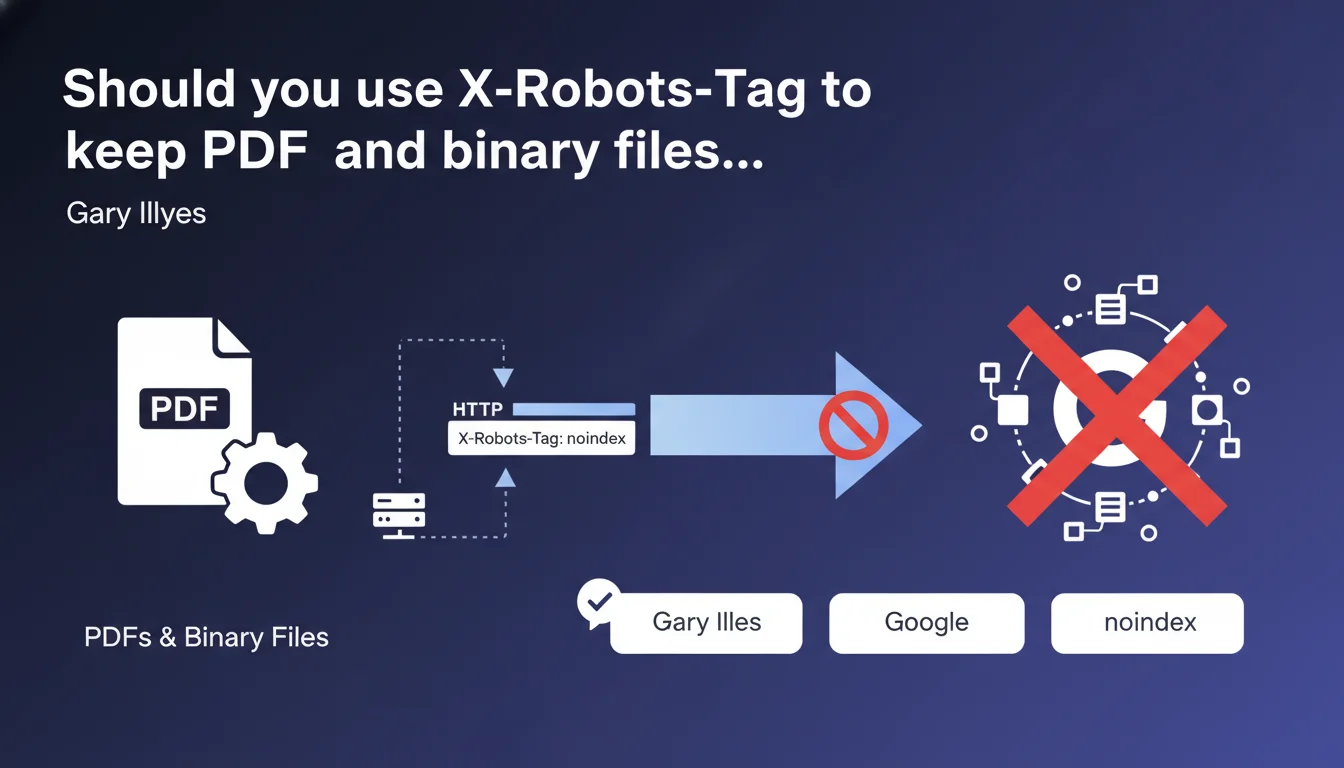
Google accepts the X-Robots-Tag HTTP header with the noindex directive to block indexation of binary files like PDFs, where a standard HTML meta tag cannot be inserted. This header works exactly like a meta robots noindex and will be respected during the indexation phase.
What you need to understand
Why is this technical clarification necessary?
Binary files — PDFs, images, Office documents — are not HTML. It's impossible to insert a standard meta robots tag in the <head> section. Yet Google can index them and display them in search results.
The X-Robots-Tag HTTP header solves this problem. It's configured at the server level, in the HTTP response, not within the file content itself. It works exactly like a meta robots tag, but without depending on the document format.
In what real-world scenarios should you use this header?
Typical use case: you have internal PDFs, confidential reports, working documents that you don't want to appear in SERPs. Or perhaps outdated product datasheets in PDF format that you need to keep online but de-index.
Another common scenario: images. If you host embargoed photos or client visuals that you don't want exposed publicly through Google Images, X-Robots-Tag with noindex does the job.
What's the difference between this approach and robots.txt or a 404?
robots.txt blocks crawling, not indexation. Google can index a URL even without crawling it if it receives backlinks. X-Robots-Tag, on the other hand, allows Googlebot to access the file but prevents its indexation.
A 404 or complete removal? That works, but you lose the resource. With X-Robots-Tag noindex, the file remains accessible to users with the direct link, but disappears from Google's index.
- X-Robots-Tag applies to all file types: PDFs, images, videos, Office documents
- HTTP syntax:
X-Robots-Tag: noindexin the response header - Functions like an HTML meta robots tag, but at the server level
- Google processes this directive during indexation, not crawling
- Compatible with other directives:
nofollow,nosnippet,noarchive
SEO Expert opinion
Is this statement consistent with observed practices?
Yes, and it's been documented for years in Search Central. The X-Robots-Tag functions as described — field tests confirm it. When the header is configured correctly, PDFs disappear from the index within a few weeks.
Timing matters: Google must re-crawl the file to see the header. If the PDF is never re-crawled, it remains indexed indefinitely. No instant magic.
What nuances should be added to this statement?
Gary Illyes talks about 'indexation,' but understand that the header is interpreted during the crawl. If Googlebot never returns to your PDF, the directive will never be read. [To verify]: no guidance from Google on re-crawl frequency for unpopular binary files.
Second point — server configuration. Apache, Nginx, IIS: each has its own syntax. A configuration error and the header is never sent. Server logs don't lie, but how many sites actually verify HTTP headers on their PDFs?
In what cases does this technique fail?
Classic scenario: you add the header, but the file is served through a CDN that doesn't respect your custom headers. Result: Googlebot sees the PDF without the noindex directive.
Another pitfall: some CMS platforms or file managers overwrite manually configured HTTP headers. If you go through a plugin or module, verify that it respects your directives.
Practical impact and recommendations
What exactly do you need to do to de-index a PDF?
First step: configure the HTTP header at the server level. On Apache, this goes through .htaccess or vhost config. On Nginx, directly in the location block. On IIS, via web.config or custom headers.
Typical Apache syntax:
<FilesMatch "\.pdf$">
Header set X-Robots-Tag "noindex, nofollow"
</FilesMatch>
Once in place, verify with curl -I or Chrome DevTools that the header appears in the HTTP response. No visible header = configuration failed.
How do you verify that Google has taken the directive into account?
Use Search Console: run a live URL test on your PDF. Google will display the HTTP headers it retrieved. If X-Robots-Tag appears, you're good.
Next, patience. Google must re-crawl the file. You can force a re-crawl via 'Request indexing,' but for a PDF already indexed with many links, it can take several weeks before complete removal from the index.
Monitor with site:yourdomain.com filetype:pdf in Google. When the PDF no longer appears, it's confirmed.
What errors should you avoid when implementing this?
Don't confuse X-Robots-Tag with robots.txt. Blocking a PDF's crawl in robots.txt prevents Google from seeing the noindex header — bad idea if the URL is already indexed.
Another mistake: applying noindex to all your PDFs by default. Some documents have real SEO value — guides, whitepapers, case studies. Be selective.
- Configure the
X-Robots-Tag: noindexheader at the server level for targeted files - Verify header presence with
curl -Ior DevTools - Test the URL in Search Console to confirm Google sees the header
- Request re-indexation if the file is already in the index
- Monitor progressive removal via
site:domain.com filetype:pdf - Don't block crawling in robots.txt if the file needs to be de-indexed
- Document which PDFs are noindexed and why — prevents surprises
❓ Frequently Asked Questions
L'en-tête X-Robots-Tag fonctionne-t-il aussi pour les images et les vidéos ?
Peut-on combiner X-Robots-Tag avec d'autres directives comme nofollow ou noarchive ?
Si je configure X-Robots-Tag après que le PDF soit déjà indexé, combien de temps avant qu'il disparaisse ?
Est-ce que X-Robots-Tag empêche l'exploration des liens contenus dans un PDF ?
Faut-il supprimer les PDFs de mon sitemap XML si je les noindex avec X-Robots-Tag ?
🎥 From the same video 12
Other SEO insights extracted from this same Google Search Central video · published on 04/08/2022
🎥 Watch the full video on YouTube →
💬 Comments (0)
Be the first to comment.