
Official statement
Other statements from this video 10 ▾
- □ Le CLS est-il vraiment un facteur de classement Google à part entière ?
- □ Vos images sabotent-elles votre CLS sans que vous le sachiez ?
- □ Faut-il vraiment spécifier les dimensions des images pour corriger le CLS ?
- □ Les données de laboratoire suffisent-elles vraiment pour optimiser vos Core Web Vitals ?
- □ Pourquoi le Chrome User Experience Report change-t-il la donne pour mesurer les performances réelles de votre site ?
- □ Le LCP mesure-t-il vraiment la vitesse d'affichage du contenu principal ?
- □ Faut-il vraiment prioriser le chargement de vos images héros pour améliorer le LCP ?
- □ Faut-il vraiment désactiver le lazy loading sur les images above the fold ?
- □ Pourquoi PageSpeed Insights est-il l'outil de performance à privilégier pour le SEO ?
- □ HTTP/2 peut-il vraiment booster les performances de votre site sans refonte technique ?
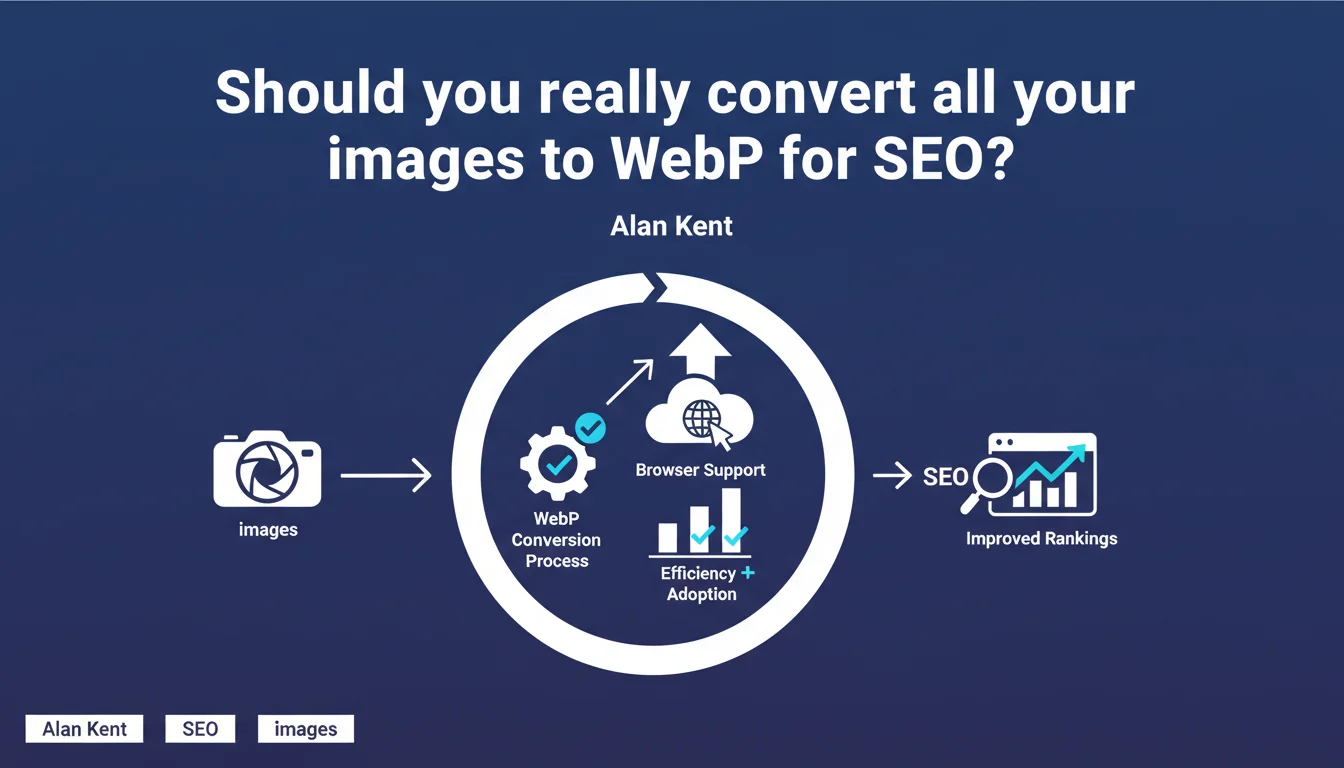
Google confirms that WebP is now supported by virtually all browsers in active use, making it an optimal image format for the web. The message is clear: WebP combines efficient compression with universal compatibility. For SEO practitioners, this is a strong signal in favor of adopting this format to improve Core Web Vitals without sacrificing compatibility.
What you need to understand
Why does Google keep pushing universal WebP support?
The WebP format has been around for over a decade, but its adoption was long hindered by Safari and iOS browsers. That's changed: all major browsers now support WebP, including Safari for the past few years.
Alan Kent's statement aims to remove any remaining hesitations. Many developers and SEO professionals continue to use JPEG/PNG fallbacks out of habit, when WebP can be served directly in 98% of cases. Google is pushing this format because it significantly reduces image file size — a direct factor for LCP and CLS.
What does this actually mean for SEO?
Core Web Vitals are a confirmed ranking signal. Largest Contentful Paint (LCP) depends largely on the loading time of the main image. WebP can reduce image size by 25 to 35% compared to JPEG, with no perceptible visual loss.
An LCP that improves from 3.2s to 2.1s thanks to WebP is a site that shifts from "Needs Improvement" to "Good" in Search Console. Google's message is therefore simple: if you're not serving WebP by default yet, you're leaving points on the table.
Does this mean you have to abandon JPEG and PNG?
Not necessarily abandon them, but prioritizing WebP is becoming the recommended standard. For photos and complex images, WebP outperforms JPEG. For simple graphics and logos, WebP rivals PNG while being lighter.
There are still edge cases: some legacy editing tools or CMS platforms don't yet handle WebP natively. But these situations are increasingly rare. The real question is no longer "Is WebP supported?" but "Why aren't I using it yet?"
- WebP is supported by 98%+ of active browsers in circulation
- Average weight reduction: 25-35% vs JPEG, up to 50% in some cases
- Direct impact on LCP and loading time
- Compatibility: Safari iOS/macOS, Chrome, Firefox, Edge — all up to date
- JPEG/PNG fallback still useful for very minor legacy cases
SEO Expert opinion
Is this recommendation aligned with what we see in the field?
Yes, but with a caveat. WebP is indeed ubiquitous on sites that perform well in terms of Core Web Vitals. Major e-commerce players, media outlets, SaaS platforms — they've all switched to WebP as their default format.
However, Google doesn't mention the implementation challenges for certain CMS or existing image pipelines. On WordPress, for example, WebP is well handled in recent versions, but many sites still run on themes or extensions that don't automatically convert. The "widely supported" on the browser side doesn't solve the problem on the server side.
What nuances should be added to this statement?
Alan Kent speaks of "a strong combination of efficiency and adoption," which is factually true. But WebP isn't always the best choice for all image types. AVIF, for example, offers even better compression and is starting to be supported by most modern browsers.
Google doesn't say "use WebP only," it says "it's a good universal compromise." Important distinction: to maximize performance, a multi-format strategy (WebP with AVIF fallback if supported) remains more effective. But that complicates the technical stack.
When can WebP cause problems?
Certain automated workflows — particularly in programmatic advertising or third-party platforms — don't yet handle WebP. If your images are reused outside your site (RSS feeds, partners, APIs), a JPEG fallback remains prudent.
Another point: conversion quality. Not all WebP encoders are equal. Overly aggressive compression can degrade image quality visually, which can harm user engagement. You need to test quality parameters (typically between 75 and 85) to find the sweet spot.
Practical impact and recommendations
What concrete steps should you take to migrate to WebP?
First reflex: audit your current images. Use Lighthouse or PageSpeed Insights to identify the heaviest images. These are the ones that will benefit most from WebP conversion.
Next, automate. On WordPress, plugins like ShortPixel or Imagify automatically convert and serve WebP. On custom stacks, integrate tools like ImageMagick, Sharp (Node.js), or Pillow (Python) into your build pipeline. The goal: every uploaded image should be automatically converted to WebP and served via the <picture> element with fallback.
What mistakes should you avoid when implementing?
Don't just convert your images without checking visual quality. WebP at 50% quality can be disastrous for a product image in e-commerce. Test on multiple devices and resolutions.
Another trap: failing to configure cache headers correctly. WebP or not, if your images aren't cached, you lose most of the benefit. Verify that your Cache-Control and Expires headers are properly set.
Finally, don't forget to preload critical images. An LCP that depends on a WebP image should be accompanied by a <link rel="preload"> with as="image" and type="image/webp". Without this, the browser discovers the image too late, WebP or not.
How do you verify that the WebP migration was successful?
Compare before and after with WebPageTest or Lighthouse. Total image weight should drop by 20 to 40%. LCP should improve by 10 to 30% depending on your baseline.
Also check Search Console: Core Web Vitals section. If your URLs shift from "Needs Improvement" to "Good" after migration, it's working. Also monitor organic traffic evolution over 4 to 8 weeks — better LCP can indirectly improve rankings on competitive queries.
- Audit current images with Lighthouse or PageSpeed Insights
- Automate WebP conversion in the pipeline (CMS plugin or server script)
- Serve WebP via the
<picture>element with JPEG/PNG fallback - Test visual quality (recommended threshold: 75-85%)
- Configure cache headers (Cache-Control, Expires)
- Preload critical images with
<link rel="preload"> - Verify LCP impact via Search Console and WebPageTest
- Monitor organic traffic post-migration over 4 to 8 weeks
❓ Frequently Asked Questions
Est-ce que WebP améliore vraiment le référencement ?
Faut-il garder un fallback JPEG même si WebP est largement supporté ?
WebP est-il meilleur qu'AVIF ?
Comment savoir si mon CMS gère WebP nativement ?
Quel outil utiliser pour convertir mes images en WebP en masse ?
🎥 From the same video 10
Other SEO insights extracted from this same Google Search Central video · published on 06/05/2022
🎥 Watch the full video on YouTube →
💬 Comments (0)
Be the first to comment.