
Official statement
Other statements from this video 10 ▾
- □ Le CLS est-il vraiment un facteur de classement Google à part entière ?
- □ Vos images sabotent-elles votre CLS sans que vous le sachiez ?
- □ Faut-il vraiment spécifier les dimensions des images pour corriger le CLS ?
- □ Les données de laboratoire suffisent-elles vraiment pour optimiser vos Core Web Vitals ?
- □ Pourquoi le Chrome User Experience Report change-t-il la donne pour mesurer les performances réelles de votre site ?
- □ Faut-il vraiment prioriser le chargement de vos images héros pour améliorer le LCP ?
- □ Faut-il vraiment désactiver le lazy loading sur les images above the fold ?
- □ Pourquoi PageSpeed Insights est-il l'outil de performance à privilégier pour le SEO ?
- □ HTTP/2 peut-il vraiment booster les performances de votre site sans refonte technique ?
- □ Faut-il vraiment passer toutes ses images en WebP pour le SEO ?
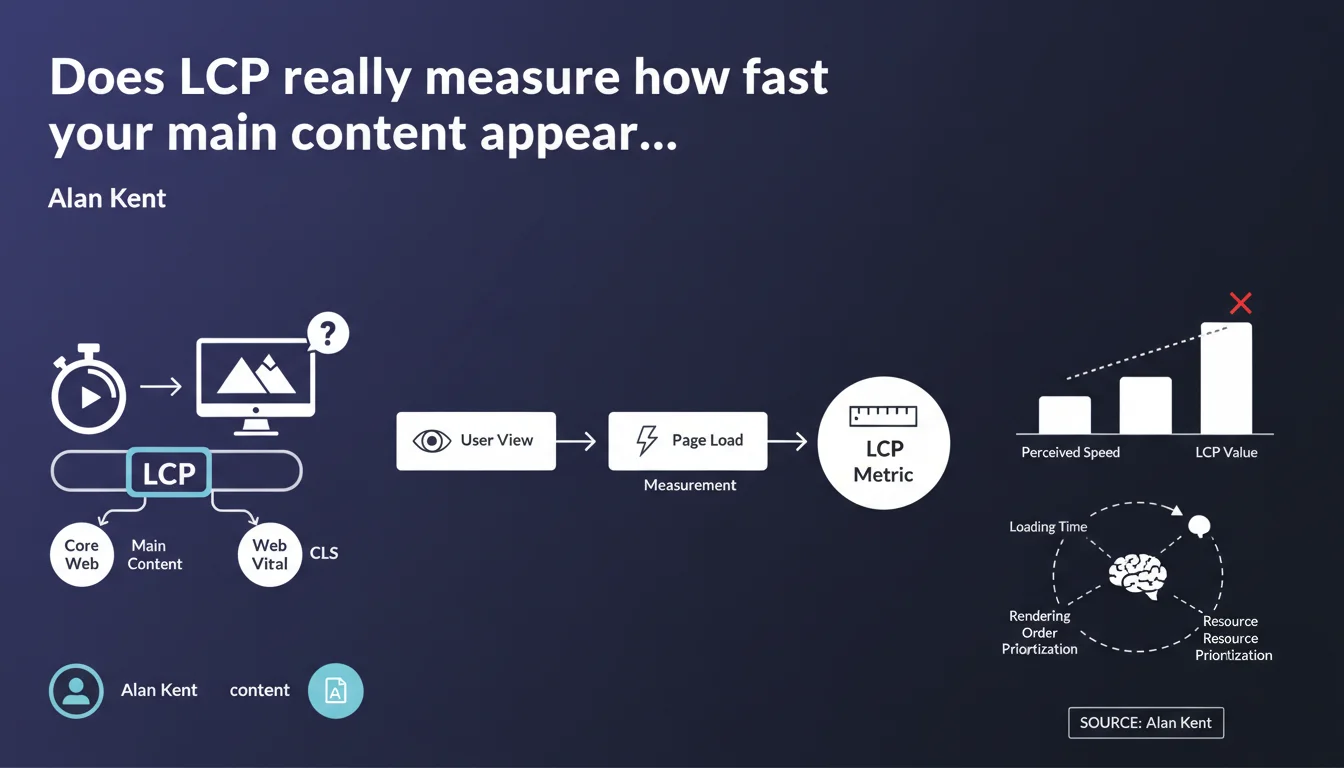
Google confirms that LCP (Largest Contentful Paint) is designed to measure the time it takes for the main content of a page to display, and it is indeed a Core Web Vital just like CLS. This metric is therefore not intended to evaluate the complete page load, but only the first significant visual element for the user.
What you need to understand
What's the real difference between LCP and full page load time?
The LCP doesn't measure when your page is completely loaded. It captures the moment when the largest visible element in the browser's viewport appears on screen. That could be an image, a video, a block of text — basically, whatever the user sees first.
This distinction is crucial. You can have excellent LCP while still loading scripts, lazy-loaded images, or content below the fold. Google is betting on perceived speed, not raw technical performance.
Why does Google keep emphasizing the term "main content"?
Because LCP can technically be triggered by an element that isn't your main editorial content. A giant promotional banner, an image carousel, a massive header background — all of these can fool the metric.
So Google clarifies that LCP must reflect what actually matters to the user: the article, the product, the video. If your largest element is purely decorative, you have an architecture problem, not just a performance issue.
Is LCP treated the same as CLS in Google's algorithm?
Alan Kent reminds us that LCP is a Core Web Vital, just like CLS (Cumulative Layout Shift). That means it factors into the Page Experience signal for rankings.
In practical terms? Poor LCP can hurt your rankings, especially on competitive queries where other signals are equivalent. But — and here's the catch — Google has never disclosed the exact weight of this signal. We just know it exists.
- LCP measures the time until the largest visible element appears in the initial viewport
- It should reflect the main content perceived by the user, not a decorative element
- It is a Core Web Vital on the same level as CLS and influences the Page Experience signal
- Good LCP should stay under 2.5 seconds according to Google's official thresholds
- The metric can be skewed if the page architecture prioritizes irrelevant elements
SEO Expert opinion
Does this metric actually reflect real user experience?
Let's be honest: LCP is an imperfect proxy. On an e-commerce site, the largest element is often a promotional banner or hero image — not the product detail that brought the user there. So LCP can show "green" in PageSpeed Insights while masking a frustrating experience.
I've seen sites optimize the homepage carousel to death to improve LCP while the actual content (title, description, price) loaded 2 seconds later. Google knows this, hence the emphasis on "main content." But how do you measure that automatically? [Needs verification] — no official documentation explains how the algorithm distinguishes a "main" element from a decorative one.
Does the parallel with CLS really hold up?
Alan Kent compares LCP to CLS in terms of importance. In reality, the comparison doesn't quite work. CLS has a far more direct impact on user frustration — a button shifting when you click it is measurable and universal.
LCP, on the other hand, depends heavily on context: a blog article might tolerate 3 seconds if the headline and intro are visible quickly. A SaaS tool showing a blank screen for 2.5 seconds? Unacceptable. Yet Google applies the same thresholds everywhere. Not very nuanced.
In what cases does this rule backfire?
On pages with dynamic content or interactive tools, LCP can push absurd optimizations. Example: displaying a giant CSS placeholder to satisfy the metric, when the actual useful content arrives later. Technically compliant, UX terrible.
And that's where it gets tricky: Google tells us "focus on main content," but provides no technical way to signal which element is the main content. We're flying blind.
Practical impact and recommendations
How do you identify what triggers LCP on your pages?
First step: use Chrome DevTools or PageSpeed Insights to spot the exact element counting as LCP. Often it's a surprise. You thought it was your H1 title? Nope, it's that 4000px-wide background image nobody actually looks at.
Once you've identified the element, ask yourself: is this really the content the user came for? If yes, optimize it. If no, rethink your HTML structure.
Which optimizations should you prioritize to improve LCP?
The usual levers still apply. Preload critical resources with <link rel="preload">, compress images in WebP or AVIF, eliminate render-blocking scripts. Nothing revolutionary, but here's where it gets tricky: these optimizations require fine technical tuning.
If your LCP is an image, make sure it's not lazy-loaded. Yes, it's counterintuitive: lazy loading is great for off-viewport images, catastrophic for the one triggering LCP. And verify your CDN is serving modern formats with proper cache headers.
What mistakes should you absolutely avoid?
Don't sacrifice useful content to satisfy the metric. I've seen sites remove important elements (videos, infographics) because they slowed LCP. Result: perfect score, rising bounce rate.
Another trap: optimizing only your homepage. LCP is measured across all your pages, and deeper pages (product sheets, blog articles) often have very different loading profiles. One-size-fits-all strategies don't work.
- Identify the actual LCP element using Chrome DevTools or PageSpeed Insights
- Verify this element really corresponds to the main content the user expects
- Preload critical resources (images, fonts) with
rel="preload" - Disable lazy loading on the element that triggers LCP
- Compress images to WebP/AVIF and enable server compression (Brotli, gzip)
- Eliminate render-blocking scripts and non-critical CSS
- Audit LCP across a representative sample of pages, not just the homepage
- Measure impact with field data (Chrome UX Report, Search Console), not just lab tests
❓ Frequently Asked Questions
Le LCP est-il calculé différemment selon le type de page (blog, e-commerce, SaaS) ?
Un bon LCP peut-il compenser un mauvais CLS ou INP ?
Faut-il optimiser le LCP en priorité sur mobile ou desktop ?
Le LCP influence-t-il le positionnement même si le contenu est moins pertinent que celui des concurrents ?
Peut-on ignorer le LCP si le taux de conversion et les métriques business sont bons ?
🎥 From the same video 10
Other SEO insights extracted from this same Google Search Central video · published on 06/05/2022
🎥 Watch the full video on YouTube →
💬 Comments (0)
Be the first to comment.