
Official statement
As a reminder, JPEG XL is a next-generation image format that is open source and standardized under ISO/IEC 18181. Its claimed advantages are: Compression up to 50% better than classic JPEG,
Lossless recompression of existing JPEGs, reducing file size by about 20%,
Support for HDR and wide gamuts,
Fast software decoding.
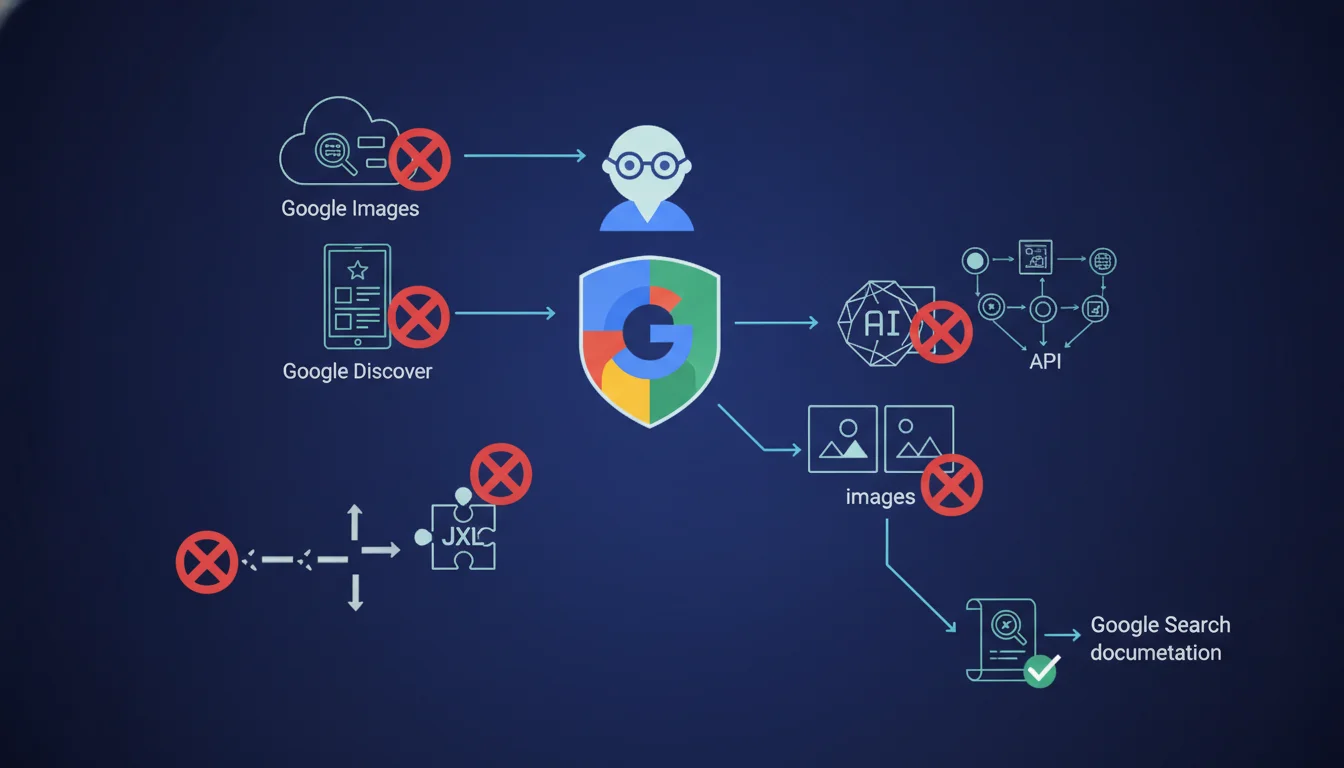
Currently, Google Images and Discover do not support JPEG XL format. If you serve .jxl files in your img tags, they will not be indexed or displayed in these services. Only BMP, GIF, JPEG, PNG, WebP, SVG, and AVIF are accepted. Despite JPEG XL's promises of better compression, HDR, and fast decoding, it remains invisible to Google until official support is enabled.
What you need to understand
Why is Google blocking JPEG XL right now?
Google Search's official documentation explicitly lists the accepted formats in the src attribute of the img tag: BMP, GIF, JPEG, PNG, WebP, SVG, and AVIF. JPEG XL is not included.
This is not a technical oversight. Google integrated and later removed support for JPEG XL in Chrome in 2022, following internal debates about format fragmentation and maintenance costs. Today, the browser does not natively decode this format anymore, and Google Images follows the same logic: no browser support = no media indexing.
What does JPEG XL really bring to the table?
JPEG XL (ISO/IEC 18181) promises a compression up to 50% better than classic JPEG, lossless recompression of existing JPEGs with a 20% weight reduction, support for HDR and extended gamuts, and fast software decoding.
On paper, it's a direct competitor to WebP and AVIF. In practice, it suffers from a still fragmented ecosystem: Safari integrated it in late 2023, Firefox supports it in experimental mode, Chrome has abandoned it. Google strategically chose to focus on AVIF, which it has been actively promoting since 2020.
How does Google detect the actual format of an image?
Google recommends that the file extension matches the real MIME type. If you serve a .jxl file with an image/jxl header, Googlebot recognizes it as such and does not index it in Google Images or Discover.
If you try to circumvent this by serving a .jxl file with a .jpg extension or a misleading MIME type, you risk browser rendering errors and detection as deceptive content. Google validates the consistency between the extension, HTTP header, and binary signature of the file.
- Accepted formats: BMP, GIF, JPEG, PNG, WebP, SVG, AVIF only
- JPEG XL ignored: no indexing in Google Images, no preview in Discover
- Consistency required: file extension = MIME type = binary signature
- No viable workaround: serving a disguised .jxl breaks rendering or triggers alerts
- Conditional browser support: Safari OK, Chrome no, Firefox experimental
SEO Expert opinion
Is Google's position consistent with its usual practices?
Yes, absolutely. Google always aligns format support in its indexing services with the native capabilities of Chrome. When Chrome dropped JPEG XL in October 2022, Google Images and Discover followed suit mechanically.
This same logic held back WebP's adoption for years until Safari capitulated in 2020. Google controls the browser-indexing ecosystem: it pushes the formats it wants to promote (currently AVIF) and ignores those it deems non-strategic, even if they are technically superior.
What nuances should be added to this warning?
The blocking only concerns Google Images and Discover. Your .jxl files can still be served on your web pages for browsers that support them (notably Safari) via a picture tag with fallback.
Google will continue to crawl your pages, index their textual content, and rank them in regular search. Only visual media indexing is affected. If your SEO traffic mainly comes from Google Images (e-commerce, galleries, portfolios), this is a significant issue. Otherwise, it's a technical constraint to manage, not a penalty.
[To be verified]: Google has not provided any timeline for reintroducing JPEG XL. Internal discussions at Chromium mention a possible return if server adoption takes off, but there's nothing factual. Don't count on a short-term reversal.
In what scenarios does this rule present a real problem?
If you have already migrated your assets to JPEG XL for better compression, you must maintain a WebP or AVIF version alongside for Google. This means double storage and CDN complexity.
For sites with a high volume of images (marketplaces, media, real estate), serving two distinct formats based on user-agent complicates the technical stack. Some CDNs (Cloudflare, Fastly) automate format negotiation via Accept headers, but this remains an extra layer to test and maintain.
Practical impact and recommendations
What should you do if you are already using JPEG XL?
Audit your img and picture tags to identify all .jxl files served in direct src. Replace them with WebP or AVIF in the main tags, and relay JPEG XL as an alternative source for compatible browsers via picture with conditional type.
If you are using a CDN with automatic transformation (Cloudinary, Imgix, Cloudflare Polish), ensure that format negotiation excludes JPEG XL for Google user-agents. Some CDNs serve .jxl by default if Accept announces it, which could trap Googlebot in certain configurations.
What mistakes should be avoided when migrating formats?
Never serve a .jxl file with a .jpg extension or a MIME type of image/jpeg. Google detects the real binary signature and can flag the content as misleading. You risk deprioritization or removal from the Images index.
Avoid also abruptly disabling all your .jxl files without any redirection or fallback. If .jxl URLs are already indexed elsewhere (social networks, direct backlinks), they will return 404s. Set up 301 redirects to WebP/AVIF equivalents or serve a fallback via Content-Type negotiation.
How can I check if my images are indexable by Google?
Use the URL Inspection tool in Search Console and request a page rendering. Check that the images appear in the preview rendered by Googlebot. If they appear broken or missing, it’s likely a non-supported format issue.
Run a crawl with Screaming Frog or OnCrawl filtering image resources by extension. Identify all .jxl files and cross-reference with your Search Console data: if any .jxl URLs appear in Google Images despite everything, it’s a temporary bug or old cache. Don’t rely on it.
- Replace all img src pointing to .jxl with WebP or AVIF
- Use picture with type='image/jxl' only as an alternative source
- Check CDN config: exclude JPEG XL for Google user agents
- Redirect old indexed .jxl URLs to their supported equivalents
- Test Googlebot rendering via Search Console URL Inspection
- Regularly audit served formats with a technical crawler
💬 Comments (0)
Be the first to comment.