
Official statement
Other statements from this video 11 ▾
- □ Les migrations de site sont-elles vraiment devenues moins risquées pour le référencement ?
- □ Pourquoi les redirections meta refresh peuvent-elles ruiner votre migration SEO ?
- □ Faut-il vraiment attendre un an après une migration de site pour paniquer ?
- □ Pourquoi masquer des redirections à Googlebot peut ruiner votre migration de site ?
- □ Faut-il vraiment éviter de cumuler migration et refonte complète ?
- □ Modifier votre HTML peut-il vraiment impacter votre référencement Google ?
- □ Faut-il vraiment migrer son site complexe par étapes plutôt que d'un seul coup ?
- □ Pourquoi un domaine à historique problématique peut-il saborder vos performances SEO pendant un an ?
- □ Les migrations HTTPS sont-elles vraiment aussi simples que Google le prétend ?
- □ Pourquoi la carte de mapping des URLs est-elle l'élément le plus critique d'une migration SEO ?
- □ Une migration SEO bien faite génère-t-elle vraiment zéro perte de trafic ?
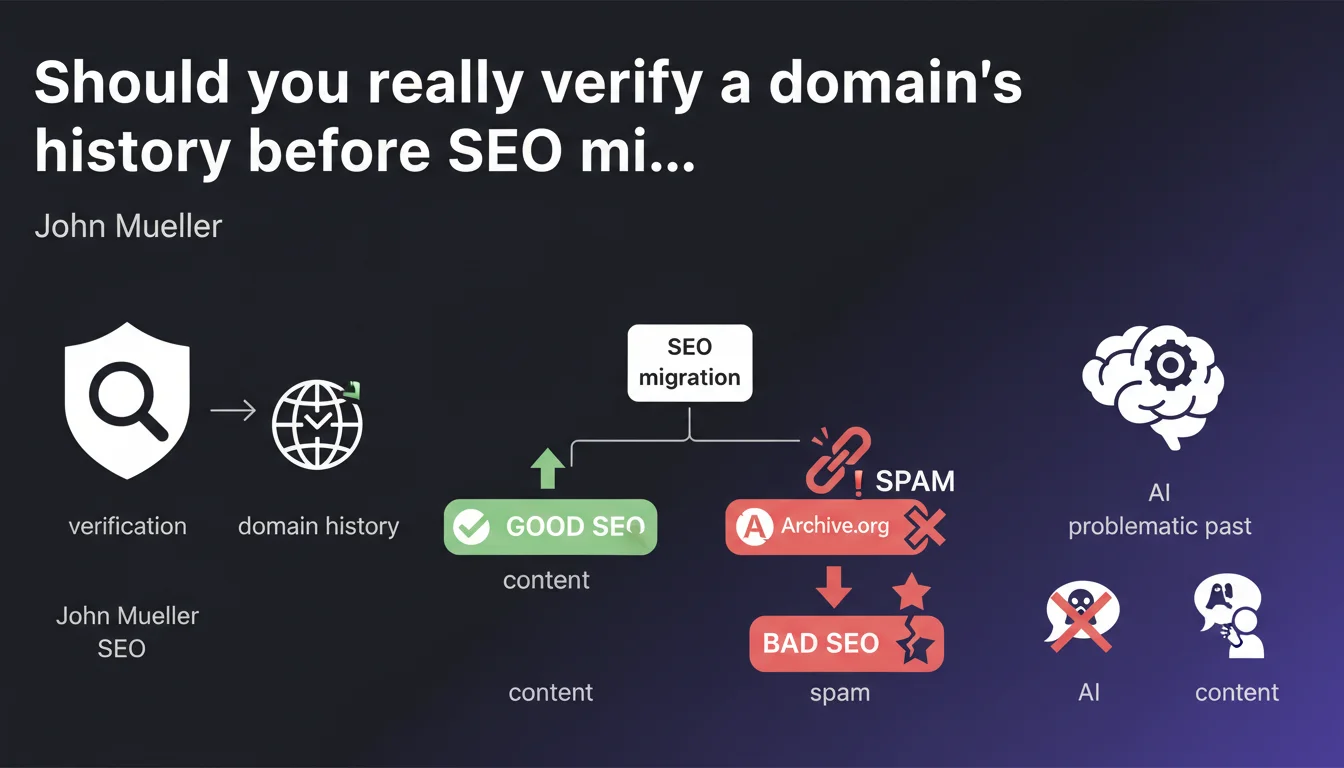
Google confirms that a domain with a problematic past (spam, inappropriate content) can affect SEO even after migration. John Mueller recommends systematically checking history via tools like archive.org before any domain purchase or migration.
What you need to understand
Why can a domain's history impact your current SEO?
Google keeps a complete historical record of every domain name, regardless of who currently owns it. If that domain once hosted spam, adult content, or black hat practices, this reputation can persist within Google's algorithms.
What does this mean in practice? A manual penalty may have been lifted, but negative algorithmic signals can take months to fade away. Toxic backlinks pointing to the old content remain active. Anti-spam filters can reactivate if Google detects similar patterns.
What tools can you use to check this history?
Archive.org (Wayback Machine) is the first go-to — it preserves snapshots of millions of websites from the 1990s onward. But it's not enough on its own.
You need to cross-reference with other sources: Google Search Console if you have access (check for manual actions), Majestic or Ahrefs to analyze the historical link profile, Moz Spam Score, and even standard Google searches using operators like site: to see what remains indexed.
Is an expired domain always a bad choice?
No. Some expired domains have a clean profile and can offer real SEO advantages: existing authority, relevant backlinks, thematic history that aligns with your niche.
The problem arises when you buy blindly. Expired domain marketplaces are full of names that were used for PBNs (Private Blog Networks), cloaking, or massive scraping. These domains carry invisible baggage.
- Always verify history before any purchase or migration
- A spam past can affect rankings for months
- Archive tools (archive.org) are essential but insufficient on their own
- Cross-reference multiple data sources for a complete diagnosis
- A clean expired domain can provide an advantage — but it's rare
SEO Expert opinion
Is this recommendation actually followed in the field?
Let's be honest: most SEO professionals don't verify complete history before migration. Most do a quick check on archive.org, or nothing at all if the domain looks "clean" visually.
Yet I've seen catastrophic migrations because of this oversight. A client buys a domain for its branding potential, migrates their entire site, and three weeks later indexation collapses. Why? The domain had hosted a pharma spam site between 2018 and 2020. Google never really "forgot" it. [To verify]: exactly how long does Google keep these signals in memory? Mueller remains vague on this point.
What should you do if the domain has a problematic past but remains strategically important?
Sometimes you don't have a choice — the domain matches your brand, or you've already purchased it. In that case, you need to aggressively clean before migration.
Submit a reconsideration request if a manual action is active. Disavow all toxic backlinks via Search Console. Wait a few months by leaving the domain in clean parking with a robots.txt blocking it, giving Google time to "digest" the change. It's not an exact science — and Google guarantees nothing.
Are new domains exempt from this risk?
Theoretically yes, but be careful: a domain that's truly new (never registered before) is rare. Most have already had at least one owner, sometimes several cycles of expiration.
Even a .com registered six months ago may have a history if someone owned it previously. Always check — it takes ten minutes and could save you months of trouble.
Practical impact and recommendations
What exactly should you verify before buying or migrating?
First step: archive.org. Go back at least 5 years if data exists. Look at the screenshots: has there been spam content, adult material, pharmaceuticals, casinos? Multiple language pages without coherence? Suspicious redirects?
Second step: analyze the backlink profile using Ahrefs, Majestic, or SEMrush. A healthy domain has thematically coherent links. If you see anchors like "buy viagra," "cheap loans," "SEO service," run away. Or prepare to disavow massively.
Third step: Google Search Console if accessible, otherwise try a site:domain.com search to see what remains indexed. Orphaned pages, exotic content, weird subdomains? Bad sign.
What mistakes must you absolutely avoid?
Never buy an expired domain solely for its metrics (DR, DA, TF). These scores can be artificially inflated by spam links. A DR 60 guarantees nothing if backlinks come from poor PBNs.
Also avoid rushing your migration. If you discover a questionable history after purchase, take time to clean up before switching your content. A botched migration can destroy years of SEO work.
How can you verify the domain is truly "clean"?
There's no absolute guarantee, but here's a robust protocol:
- Check archive.org for at least 5+ years minimum
- Analyze complete backlink profile (Ahrefs, Majestic)
- Search for the domain on Google using advanced operators
- Check WHOIS history to detect frequent ownership changes
- Consult SEO forums and spam databases (spamhaus.org, etc.)
- Test current indexation and check for manual actions if GSC is accessible
- Wait 2-3 months in clean parking before migration if any doubt remains
❓ Frequently Asked Questions
Combien de temps Google garde-t-il en mémoire l'historique problématique d'un domaine ?
Un domaine ayant hébergé du contenu adulte peut-il être réhabilité pour un site corporate ?
Les métriques DR/DA d'un domaine expiré sont-elles fiables ?
Faut-il éviter systématiquement les domaines expirés ?
Que faire si j'ai déjà migré sur un domaine à historique problématique ?
🎥 From the same video 11
Other SEO insights extracted from this same Google Search Central video · published on 23/02/2023
🎥 Watch the full video on YouTube →
💬 Comments (0)
Be the first to comment.