
Official statement
Other statements from this video 11 ▾
- □ Pourquoi 15% des requêtes Google sont-elles inédites chaque jour et qu'est-ce que ça change pour votre stratégie ?
- □ Google envoie-t-il vraiment plus de trafic vers les sites web chaque année ?
- □ Pourquoi Google pousse-t-il la vérification au niveau du domaine dans Search Console ?
- □ Combien de temps faut-il attendre avant de voir les données apparaître dans Search Console ?
- □ Pourquoi Google Analytics et Search Console ne montrent-ils jamais les mêmes chiffres ?
- □ Google n'indexe-t-il vraiment qu'une seule vidéo par page ?
- □ Google indexe-t-il vraiment toutes vos pages, ou faut-il accepter une couverture partielle ?
- □ Comment Google indexe-t-il réellement les vidéos sur vos pages web ?
- □ Les données structurées vidéo sont-elles vraiment indispensables pour apparaître dans les résultats de recherche ?
- □ Pourquoi Google ignore-t-il parfois votre balise canonical ?
- □ La mise à jour Page Experience est-elle vraiment un critère de classement déterminant ?
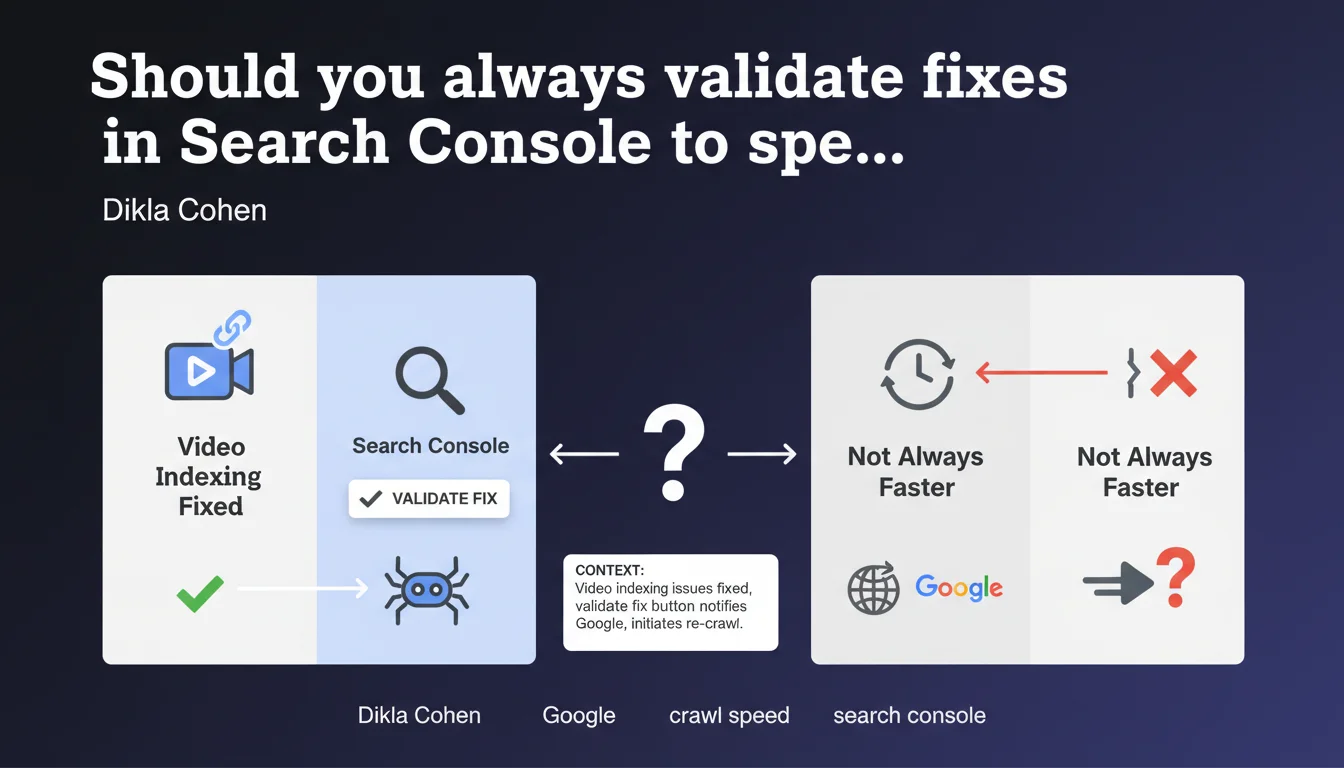
Google confirms that the 'validate fix' button in Search Console actively triggers a re-crawl of URLs affected by a video indexing issue. This feature allows you to notify Google of a correction and accelerate its implementation, rather than waiting for the natural passage of crawlers.
What you need to understand
Does this validation really trigger a priority re-crawl?
Google explicitly confirms that validating a fix initiates a re-crawl of the affected URLs. It's not just a passive notification — it's an active instruction that places your pages in the crawl queue.
The mechanism differs from natural crawling. Instead of waiting for Googlebot to return according to its usual schedule, you create a specific request that says: "I've fixed it, come check now". For video indexing issues, this can save several days or even weeks depending on your site's normal crawl frequency.
What's the difference from standard URL inspection?
URL inspection tests a single page in real-time. Fix validation works on all URLs identified in the report as affected by a specific issue.
If 150 videos have a schema markup problem, fixing then validating will trigger a re-crawl of all 150 URLs at once. Manual URL-by-URL inspection would take hours and isn't practical at this scale.
Why does Google limit this function to indexing issues?
This feature only appears in certain Search Console reports: video indexing, structured data, AMP, mobile usability. It doesn't exist for all types of SEO signals.
The technical reason: these issues are binary and verifiable by crawl. Either the schema is valid or it isn't. Google can automate the verification. For qualitative or content issues, automated validation would make no sense.
- The validation button triggers an active and targeted re-crawl of affected URLs
- This method is more efficient than manual inspection for handling large volumes
- The feature only exists for automatically verifiable technical issues
- Processing time remains variable depending on crawl budget and site priority
SEO Expert opinion
Is this statement consistent with real-world observations?
Yes, and it's one of the rare Search Console features whose effectiveness is measurable and reproducible. I've observed actual re-crawls within 24-72 hours on sites with medium crawl budgets after validating structured data fixes.
However — and Google doesn't say this — the timeline varies enormously depending on site authority. A major media outlet will be re-crawled within hours, a small site might wait a week. The button doesn't create magical priority access, it just sends a clear signal that the work is done.
What nuances should be added to this advice?
First pitfall: validating a fix before you've actually fixed all URLs. I've seen SEOs click "validate" after fixing 3 test pages out of 200 affected. Result: Google re-crawls, finds 197 pages still in error, and the report stays red.
Second nuance: this validation doesn't bypass structural limitations. If your site has a crawl budget of 50 pages/day, Google won't suddenly crawl 500 URLs just because you clicked a button. [To verify]: Google has never specified whether this request modifies crawl priority or temporarily increases the quota allocated.
In what cases is this function counterproductive?
If you're still in the fix phase and testing different implementations, don't validate. You'll generate noise: Google will crawl, find a different new error, and you'll have to re-validate.
Only validate when you've fixed, tested in staging, and manually verified that the structured data passes validation testing. And not just on a sample page — on all pages in the report.
Practical impact and recommendations
What should you actually do after fixing a video indexing issue?
First, don't touch the "validate" button right away. Open the Search Console report, retrieve the list of affected URLs (they're exportable), and manually verify a representative sample. Test the markup with the Rich Results Test or Schema Markup Validator.
Once you're certain that the fix has been deployed across all relevant pages, go back to the report and click "Validate fix". Google will then schedule the re-crawl and notify you of progress through Search Console.
What errors should you avoid during the validation process?
Classic mistake: validating too quickly. You fix the template, the code deploys, you validate right away. Except your CDN takes 6 hours to purge the cache. Google crawls before the purge, finds the old version still there, and marks the validation as failed.
Another trap: validating without following up on the result. The button disappears after validation, and many SEOs forget to come back and check. Two weeks later, the report is still red because 15 uncorrected URLs remain that they didn't identify.
- Export the complete list of URLs flagged as errors before any fix
- Test the fix on a representative sample using Google's validation tools
- Wait for complete fix propagation (CDN cache, server cache)
- Manually verify a few URLs in real conditions (URL inspection)
- Only validate the fix once ALL pages are corrected
- Monitor the Search Console report over the next 7-10 days
- Document the original issue and solution for future reference
Fix validation is a powerful tool for accelerating the implementation of your technical fixes, but it requires rigor and patience. Don't waste this card by validating prematurely.
For complex sites with thousands of indexed videos, managing these validation processes at scale can quickly become time-consuming. If you lack the time or internal resources to methodically follow these fixes and validations, support from a specialized SEO agency can be valuable — especially for automating the detection and tracking of recurring errors.
❓ Frequently Asked Questions
Combien de temps faut-il attendre avant que Google valide ma correction ?
Puis-je valider une correction alors que toutes les URLs ne sont pas encore corrigées ?
La validation de correction consomme-t-elle du crawl budget supplémentaire ?
Que se passe-t-il si je valide alors que le problème n'est pas résolu ?
Cette fonction existe-t-elle pour tous les types de problèmes Search Console ?
🎥 From the same video 11
Other SEO insights extracted from this same Google Search Central video · published on 12/05/2022
🎥 Watch the full video on YouTube →
💬 Comments (0)
Be the first to comment.