
Official statement
What you need to understand
What Is the True Purpose of 404 Validation in Search Console?
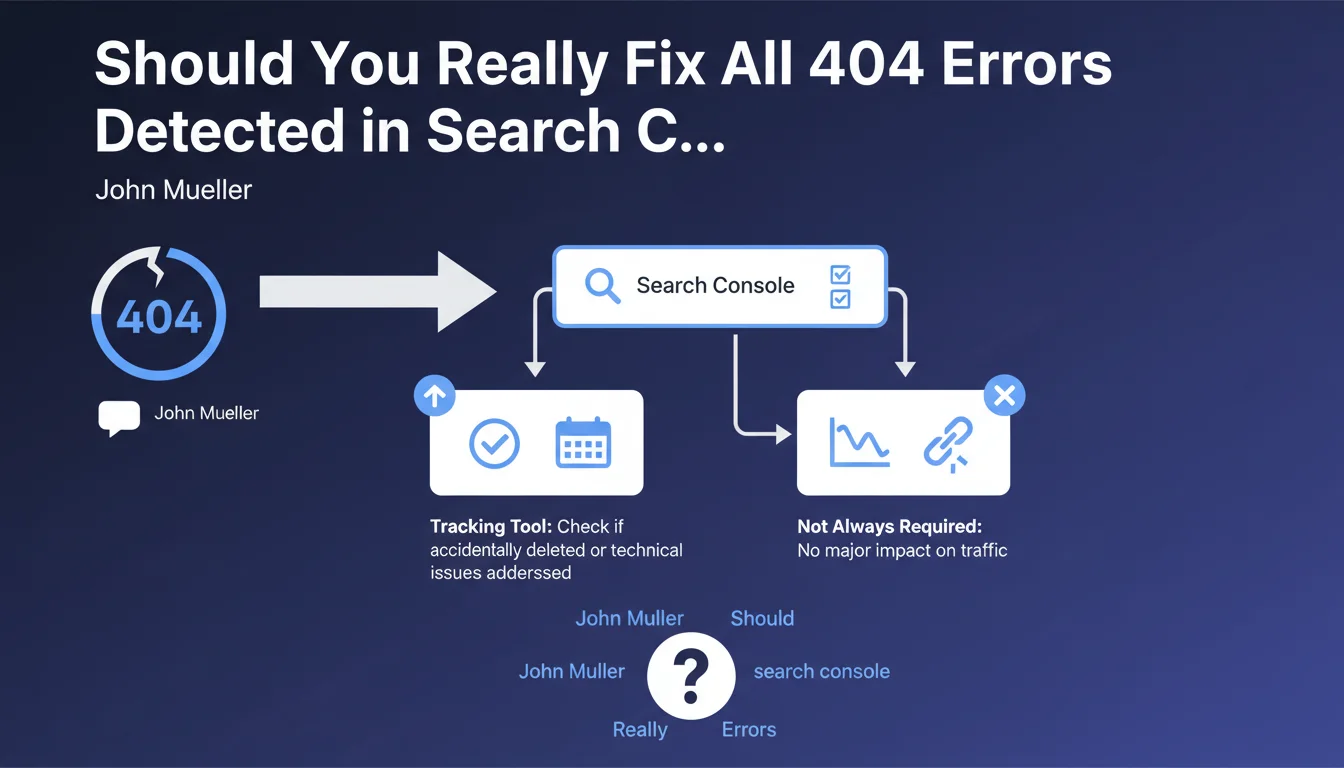
The 404 error validation feature in Google Search Console isn't designed to directly improve your site's organic ranking. It's primarily a tracking and management tool that allows webmasters to keep track of missing pages.
This function helps you identify whether pages have been accidentally deleted or if a technical issue is preventing access to important content. Validating a fix simply means you've acknowledged the problem and decided on an appropriate action.
Why Don't All 404 Errors Need to Be Fixed?
404 errors are perfectly normal in a website's lifecycle. Pages can legitimately disappear: permanently discontinued products, obsolete content, temporary pages for past events.
Google understands this reality and doesn't penalize a site for having 404 errors. What matters is that these errors don't concern strategic pages generating traffic or having quality backlinks.
How Can You Distinguish Problematic 404s from Normal Ones?
The impact on organic traffic is the main indicator. If a 404 page regularly received visits or clicks in search results, its disappearance requires action.
Similarly, if internal links or external backlinks point to these pages, it creates a poor user experience and wastes SEO equity.
- 404 errors are natural and don't directly penalize search rankings
- Validation in Search Console is an administrative management tool, not a ranking factor
- Only 404s impacting traffic or user experience require action
- Check for backlinks and traffic history before deciding on an action
- The fix can take the form of a 301 redirect, content restoration, or simply accepting the status
SEO Expert opinion
Does This Statement Align with Practices Observed in the Field?
Absolutely. After 15 years of observation, I can confirm that Google handles natural 404 errors remarkably well. Sites with thousands of legitimate 404s don't suffer any penalty if their overall structure remains healthy.
However, the important nuance concerns soft 404s: pages that return a 200 status code but display error content. These create confusion for Googlebot and must be corrected to genuine 404s or 410s.
In What Situations Would Ignoring 404s Be a Strategic Mistake?
Not addressing certain 404s can have measurable negative consequences. Pages that generated organic traffic in the last 6 months deserve special attention, as they indicate ranking potential.
URLs with quality backlinks (DA>30) represent SEO capital that would be unfortunate to lose. A 301 redirect to relevant content preserves this capital and maintains user experience.
How Does This Approach Fit Into an Overall SEO Strategy?
Google's pragmatic approach to 404s frees up time for optimizations with greater added value. Rather than systematically creating redirects, focus on creating quality content and optimizing your performing pages.
This statement aligns with Google's trend of simplifying SEO best practices: prioritizing actual user experience rather than cosmetic technical optimizations. The time saved from obsessive 404 management can be reinvested in analyzing search intent and improving content.
Practical impact and recommendations
How Can You Effectively Audit Your Site's 404 Errors?
Start by exporting the 404 errors report from Search Console. Cross-reference this data with your Google Analytics to identify pages that generated traffic in the last 6 months.
Then use a tool like Ahrefs, Semrush, or Majestic to check which 404 URLs have backlinks. Prioritize pages with links from high-authority domains.
Also analyze your server logs to identify 404s frequently crawled by Googlebot, which may indicate broken internal links requiring correction.
What Concrete Actions Should You Implement Based on Different Situations?
For 404s with backlinks or traffic history: Set up 301 redirects to the most relevant and similar content. If no equivalent content exists, redirect to the parent category rather than the homepage.
For 404s with no impact: Simply validate the fix in Search Console to mark administrative tracking. No technical action is necessary, saving your crawl budget for more important tasks.
For recurring 404s due to typos: Create a custom 404 page with an internal search engine and suggestions for popular content to limit bounce rate.
What Long-Term Monitoring Strategy Should You Adopt?
Establish a monthly routine for checking new 404 errors in Search Console. A sudden spike can reveal a technical problem requiring rapid intervention.
Configure automated alerts in Google Analytics to be notified when a page regularly receiving traffic starts generating 404s. This proactive approach prevents visibility losses.
- Export and analyze 404 errors from Search Console monthly
- Cross-reference 404 data with Analytics traffic history over 6 months
- Check backlinks pointing to error URLs with an SEO tool
- Create 301 redirects only for pages with strong SEO potential
- Administratively validate legitimate 404s without technical action
- Customize the 404 page with internal search and content suggestions
- Configure alerts for abnormal spikes in 404 errors
- Audit broken internal links with Screaming Frog or equivalent
- Document decisions made for each category of 404s
💬 Comments (0)
Be the first to comment.