
Official statement
Other statements from this video 11 ▾
- □ Le CTR est-il vraiment un proxy fiable de la pertinence d'une requête ?
- □ Faut-il prioriser les requêtes à faible position mais CTR élevé pour maximiser son trafic organique ?
- □ Faut-il vraiment prioriser les requêtes déjà classées plutôt que de viser de nouveaux mots-clés ?
- □ Faut-il vraiment ignorer les requêtes non pertinentes qui génèrent du trafic ?
- □ Les données structurées volent-elles vraiment vos clics en première position ?
- □ Pourquoi vos concurrents captent-ils plus de clics que vous en SERP ?
- □ Pourquoi Google insiste-t-il autant sur la précision des balises title, meta descriptions et attributs ALT ?
- □ Les données structurées garantissent-elles vraiment l'accès aux résultats enrichis ?
- □ Faut-il vraiment s'appuyer sur les mots connexes pour élargir sa stratégie de mots-clés ?
- □ Google Trends peut-il vraiment identifier les opportunités SEO avant vos concurrents ?
- □ Pourquoi un bon classement avec un faible CTR n'est-il pas forcément un problème ?
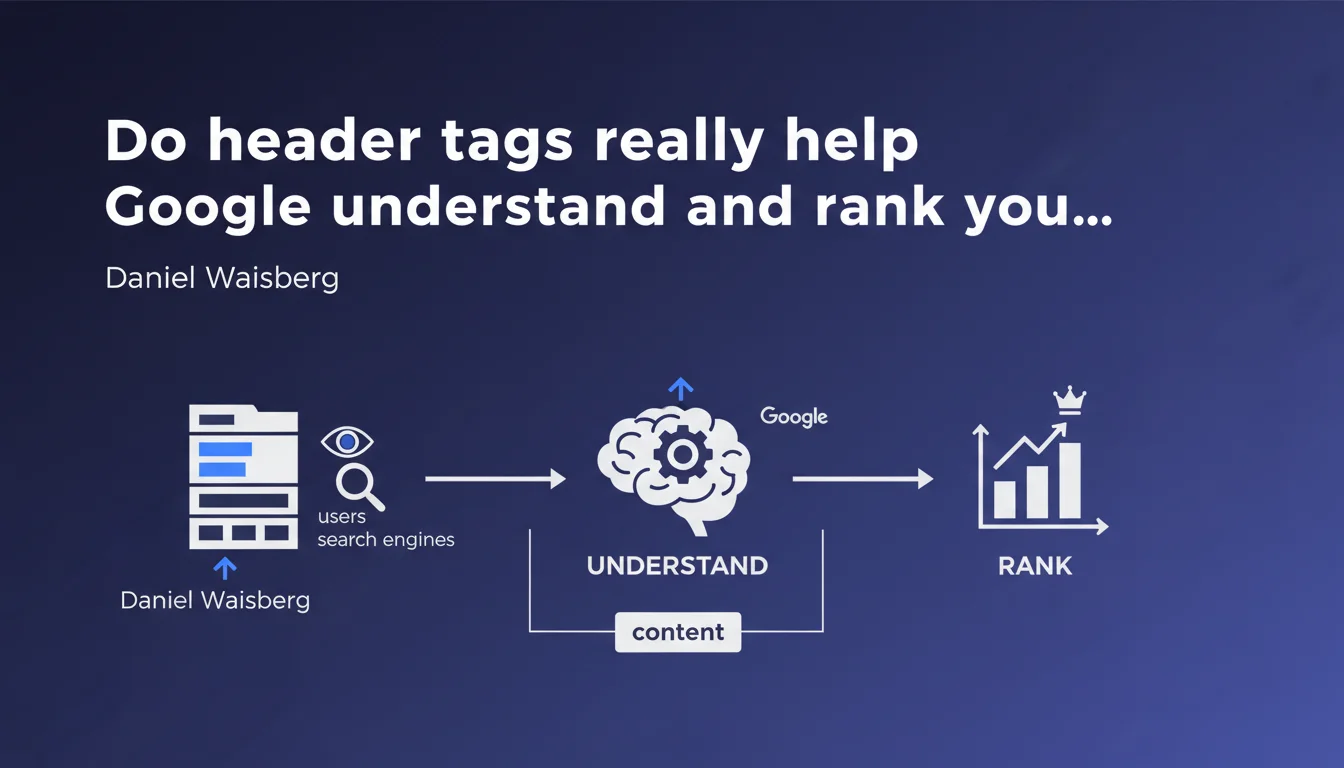
Google recommends using header tags (h1, h2, h3...) to create a clear content structure, making it easier for users to navigate and for search engines to understand context. The emphasis is on semantic hierarchy and user experience rather than ranking manipulation. In practice, it's a solid foundation but not a direct ranking lever.
What you need to understand
Daniel Waisberg reminds us here of a fundamental on-page SEO principle: header tags serve primarily to organize content in a logical manner. Google values structural clarity, not keyword stuffing tricks.
This statement fits into a broader logic of semantics and accessibility. Heading elements guide crawlers in understanding the main theme and sub-themes of a page.
What's the difference between structuring for users versus search engines?
Ideally, there is none. A clear hierarchy (H1 for the main title, H2 for major sections, H3 for subsections) facilitates quick reading and visual scanning.
For Google, this structure makes it possible to identify thematic entities and relationships between concepts. When a crawler encounters an H2, it understands it's entering a new, important section of content.
Does Google really use header tags as a ranking signal?
Officially, Google has always been evasive on this point. John Mueller has stated several times that headings are not a major ranking factor but help provide context.
In practice, tests show that a coherent structure often correlates with better rankings — though we can't isolate the direct impact of H1-H6 tags. It's probably a weak signal among hundreds of others.
- Header tags create a semantic hierarchy that algorithms can exploit
- They improve user experience and reading time
- They facilitate extraction of featured snippets and relevant passages
- Their absence or misuse doesn't directly penalize, but it dilutes the clarity of the signal
- Google may ignore header tags if they're used for CSS styling rather than semantics
SEO Expert opinion
Is this recommendation consistent with real-world observations?
Yes and no. On high-authority sites, we sometimes see well-ranked pages with poorly structured or even missing header hierarchies. The reverse is also true: perfectly structured sites that stagnate.
What emerges from audits is that overall consistency matters more than isolated header optimization. If the rest of your content is mediocre, fixing H2-H3 tags won't save anything.
What are the most common mistakes with header tags?
First problem: using headings for styling. Many developers apply an H3 just because they like the font size, with no semantic logic. Google can detect this kind of inconsistency.
Second common error: skipping heading levels (jumping from H1 directly to H4). Technically, it doesn't prevent indexing, but it creates ambiguity in the hierarchy. [To verify] The real impact of this practice has never been publicly quantified by Google.
Third pitfall: stuffing keywords into headings artificially. An H2 like "SEO Paris SEO agency expert SEO" screams over-optimization and degrades user experience.
In what cases doesn't this rule apply fully?
On ultra-short pages (one-page landings, minimalist product pages), forcing an H1-H2-H3 structure can feel artificial. Google probably understands this through other signals (internal linking, anchor text, site context).
JavaScript-heavy pages or SPAs present another challenge: if headings are injected client-side with a delay, the crawler may not interpret them correctly on the first pass. Always verify the rendered version in Search Console.
Practical impact and recommendations
What should you do concretely on an existing site?
First step: audit the current structure. Use Screaming Frog or a similar crawler to identify pages without H1, with multiple H1s, or with illogical level jumps.
Next, check semantic consistency. Each H1 should reflect the main theme of the page. H2s should break down that theme into distinct sections. H3s deepen each H2.
What errors should you absolutely avoid during a redesign?
Never multiply H1 tags per page. Technically, HTML5 allows multiple H1s in distinct sections, but in SEO, it's better to stick with a single main H1 to avoid any signal dilution.
Also avoid hiding headings with CSS (display:none, visibility:hidden). Google may consider this an attempt at manipulation, especially if the hidden content is keyword-stuffed.
Last mistake: neglecting heading length. A 15-word H2 isn't a heading, it's a disguised paragraph. Stay concise and descriptive.
How do you verify that Google is correctly interpreting the structure?
Use the URL Inspection Tool in Search Console and review the rendered HTML version. Compare it with your source code: if headings are missing, they're being generated by JavaScript and may not be crawled properly.
Also install the Web Developer Toolbar extension and activate "Outline Headings". You'll instantly see the hierarchy perceived by a basic crawler.
- Audit all pages with a crawler to spot structural inconsistencies (multiple H1s, level jumps)
- Verify that each H1 corresponds to the main title and reflects the page topic
- Organize H2s as clear thematic sections, without redundancy
- Use H3-H6 to deepen each H2 section, without skipping levels
- Avoid keyword stuffing in headings — prioritize clarity and readability
- Test client-side rendering with the URL Inspection Tool in Search Console
- Verify that headings aren't hidden with CSS or generated too late with JavaScript
- Ensure the structure actually helps users navigate, not just check off a SEO box
❓ Frequently Asked Questions
Peut-on avoir plusieurs balises H1 sur une même page sans être pénalisé ?
Les mots-clés dans les balises d'en-tête améliorent-ils le positionnement ?
Que se passe-t-il si on saute des niveaux de headings (par exemple H1 puis H4) ?
Les balises d'en-tête influencent-elles l'affichage dans les featured snippets ?
Faut-il optimiser les headings différemment pour un site e-commerce et un site éditorial ?
🎥 From the same video 11
Other SEO insights extracted from this same Google Search Central video · published on 13/04/2023
🎥 Watch the full video on YouTube →
💬 Comments (0)
Be the first to comment.