
Official statement
Other statements from this video 7 ▾
- □ Does Googlebot really ignore scrolling and user interactions?
- □ Does your browser's DOM really show what Google actually indexes?
- □ Are HTTP response headers sabotaging your search rankings without you knowing it?
- □ Why does spoofing Googlebot's user agent in your browser actually accomplish nothing?
- □ Is your resource waterfall chart really exposing your hidden performance bottlenecks?
- □ Does Google really analyze the DOM instead of raw HTML—and why does this matter for your rankings?
- □ Should you really ban lazy loading and infinite scroll to get indexed by Google?
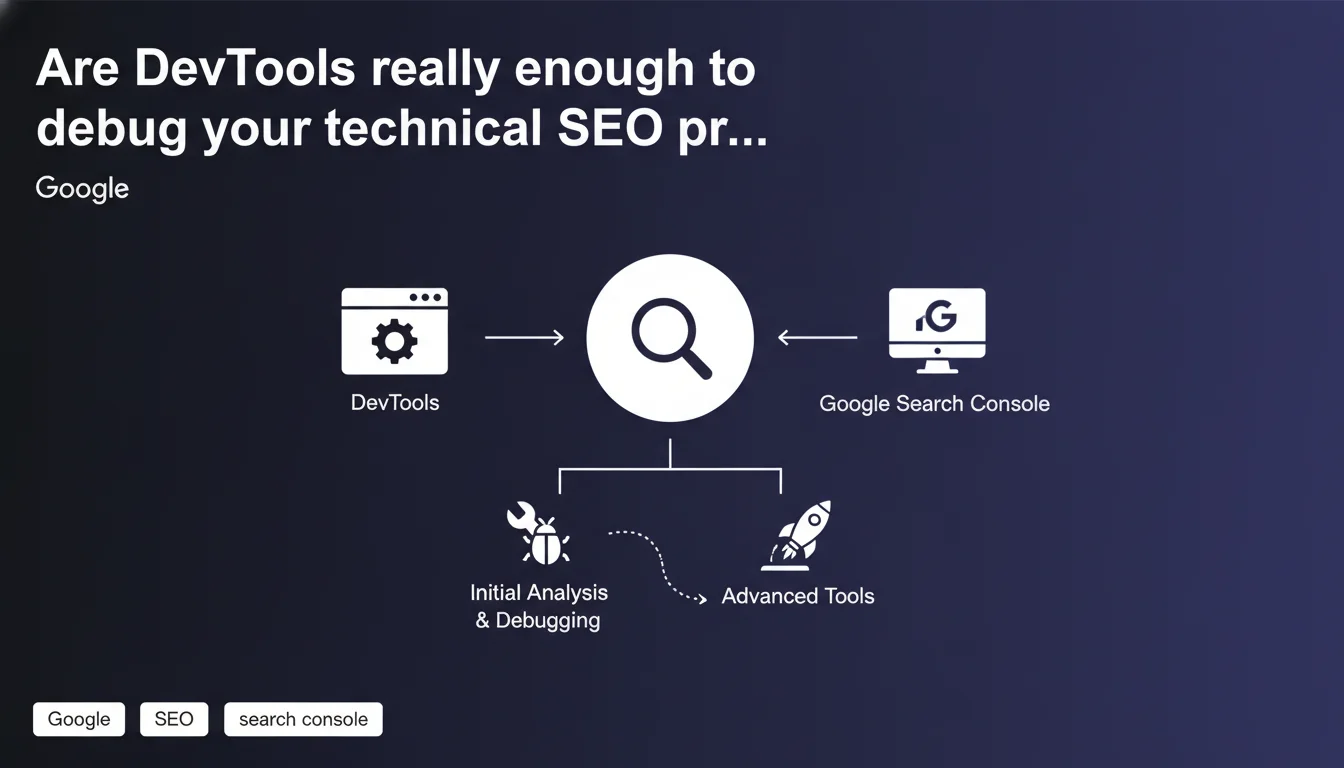
Google suggests using browser developer tools in combination with Search Console for an initial technical SEO analysis before switching to more advanced solutions. The idea: quickly diagnose common issues without bringing out the heavy artillery right from the start. An approach that still raises some questions about its real-world limitations.
What you need to understand
Why is Google pushing DevTools for technical SEO?
Google is trying to democratize technical analysis by suggesting the use of native browser developer tools (Chrome DevTools, Firefox Developer Tools, etc.) as a first diagnostic step. The argument: these tools are free, already installed, and allow you to quickly spot certain bottlenecks without subscribing to Screaming Frog or Oncrawl at the first warning sign.
Search Console remains the reference tool for identifying indexation and crawl issues, but it doesn't always provide the granular detail needed. DevTools fill this gap: inspection of the rendered DOM, network analysis, HTTP header verification, JavaScript detection. In short, everything that happens on the client side.
What does this approach concretely change?
It repositions DevTools as a first-line tool for SEO, not just for front-end developers. A site that doesn't appear in search results? Before crying foul play, you open the Network tab, check if content loads properly, if JavaScript blocks rendering, if meta tags are present in the final DOM.
Google is implicitly betting that SEOs have (or should have) the skills to read a waterfall, understand an HTTP response code, or inspect HTML generated after JS execution. Which isn't necessarily the case everywhere — let's be honest.
- Diagnose JavaScript rendering issues: verify if critical content appears in the DOM after execution
- Analyze HTTP headers: detect multiple redirects, hidden 404 codes, cache issues
- Inspect blocking resources: identify scripts or CSS that delay content display
- Verify the presence of essential tags: title, meta description, canonicals, hreflang in the final code
- Test mobile behavior: simulate different devices without deploying a complex environment
What are the limitations of this method?
DevTools analyze one page at a time. Perfect for a one-off diagnosis, much less so for auditing 10,000 URLs or crawling an entire site. Google doesn't say it's sufficient — it says it's a first step before advanced tools.
Search Console + DevTools cover about 70% of simple cases: page not indexed, content invisible to Googlebot, intermittent 500 error. For the rest — log analysis, crawl budget, complex architecture — you'll need something else.
SEO Expert opinion
Is this recommendation really applicable in the real world?
It depends on the SEO profile. A practitioner with a technical background will use DevTools without hesitation. But for someone coming from marketing or content writing, the learning curve is steep. Reading a network waterfall or understanding why a script blocks main rendering isn't intuitive.
Google assumes that modern SEOs have these skills — or should acquire them. This is consistent with the increasing complexity of the profession (JavaScript SEO, Core Web Vitals, etc.), but it ignores the reality of many under-resourced or under-trained teams. [To verify] whether this approach isn't creating an additional gap between technical SEOs and generalist SEOs.
What are the real limitations Google doesn't mention?
DevTools only show what the browser sees, not necessarily what Googlebot crawls. Sure, Googlebot rendering has gotten much closer to Chrome, but differences remain: JavaScript timing, handling of resources blocked by robots.txt, behavior on heavy sites.
Another point: DevTools don't replace a structural overview. They won't detect keyword cannibalization, internal linking issues, or crawl budget leakage to valueless pages. For that, you need to crawl. Google says nothing about when to switch to advanced tools — and that's where it gets stuck.
Why is Google insisting on this approach now?
Two hypotheses. First angle: reduce dependence on third-party tools and encourage the use of Google solutions (Search Console + DevTools). The less SEOs rely on external crawlers, the more Google controls the narrative about what matters or not.
Second angle: push SEOs to better understand client-side rendering, because that's where many modern issues play out (React hydration, poorly implemented lazy loading, content hidden in JS components). This is consistent with the web's evolution toward more complex architectures.
Practical impact and recommendations
What should you concretely do if you follow this approach?
Start by identifying problematic pages in Search Console: not indexed, 404 errors, coverage excluded. Next, open these URLs in Chrome with DevTools enabled (F12). Check the Network tab for response codes, the Elements tab to inspect the final DOM, and the Performance tab if Core Web Vitals are involved.
For JavaScript sites, use the Rendering tool in Chrome DevTools (accessible via the three-dot menu > More tools > Rendering). Disable JavaScript to see if critical content remains visible. If everything disappears, Googlebot will likely struggle too.
Next, compare what you see in DevTools with URL Inspection in Search Console. Look at the raw HTML crawled versus the rendered HTML. If discrepancies appear (missing content, absent tags), you probably found your problem.
What mistakes should you avoid with this method?
Don't confuse what you see as a logged-in user with what Googlebot sees. DevTools show your session with your cookies, your cache, your permissions. To simulate Googlebot, use incognito mode and disable extensions.
Another trap: limiting yourself to a single page when the problem is structural. If 200 product pages aren't indexing, inspecting one page won't be enough. You need to identify the common pattern — and that's where a crawler becomes essential.
- Open problematic pages identified in Search Console with DevTools (F12)
- Check the Network tab: response codes, redirects, critical resource load times
- Inspect the final DOM in Elements: presence of title, meta, canonical, structured data tags
- Disable JavaScript via the Rendering tool to test content without JS
- Compare crawled HTML (GSC URL Inspection) with HTML rendered in the browser
- Check HTTP headers: X-Robots-Tag, Cache-Control, Content-Type
- Use incognito mode to simulate a non-logged-in visitor
- Test on mobile via responsive mode or device toolbar
How do you know when to move to more advanced tools?
If the problem affects more than a few dozen pages, or if you suspect an architectural issue (pagination, facets, duplication), DevTools won't be enough. Switch to a crawler (Screaming Frog, Oncrawl, Botify) to get a complete picture.
Same if you need to analyze server logs to understand how Googlebot actually explores your site, or if you want to track crawl budget evolution over time. DevTools remain a tool for quick diagnosis, not complete audits.
❓ Frequently Asked Questions
Les DevTools remplacent-ils complètement un crawler SEO comme Screaming Frog ?
Peut-on vraiment se fier au rendu des DevTools pour savoir ce que Googlebot voit ?
Faut-il désactiver JavaScript dans les DevTools pour tester le SEO ?
Quels onglets des DevTools sont les plus utiles pour le SEO ?
Comment utiliser les DevTools pour déboguer un problème d'indexation ?
🎥 From the same video 7
Other SEO insights extracted from this same Google Search Central video · published on 07/02/2023
🎥 Watch the full video on YouTube →
💬 Comments (0)
Be the first to comment.