
Official statement
Other statements from this video 9 ▾
- □ Faut-il vraiment traduire ses objectifs business en métriques en ligne pour réussir son SEO ?
- □ Pourquoi mesurer vos performances SEO sans baseline solide est-il inutile ?
- □ Faut-il vraiment viser la première position à tout prix en SEO ?
- □ Faut-il vraiment considérer le SEO comme un processus continu ou peut-on se contenter d'optimisations ponctuelles ?
- □ Pourquoi Google insiste-t-il sur le funnel complet Search Console + Analytics ?
- □ Faut-il vraiment exploiter les questions non répondues pour générer du contenu SEO ?
- □ Pourquoi vos pages les plus cliquées ne correspondent-elles pas à votre stratégie de contenu ?
- □ Comment les métriques de trafic peuvent-elles révéler de nouvelles opportunités business ?
- □ Faut-il vraiment intégrer la saisonnalité dans votre stratégie SEO ?
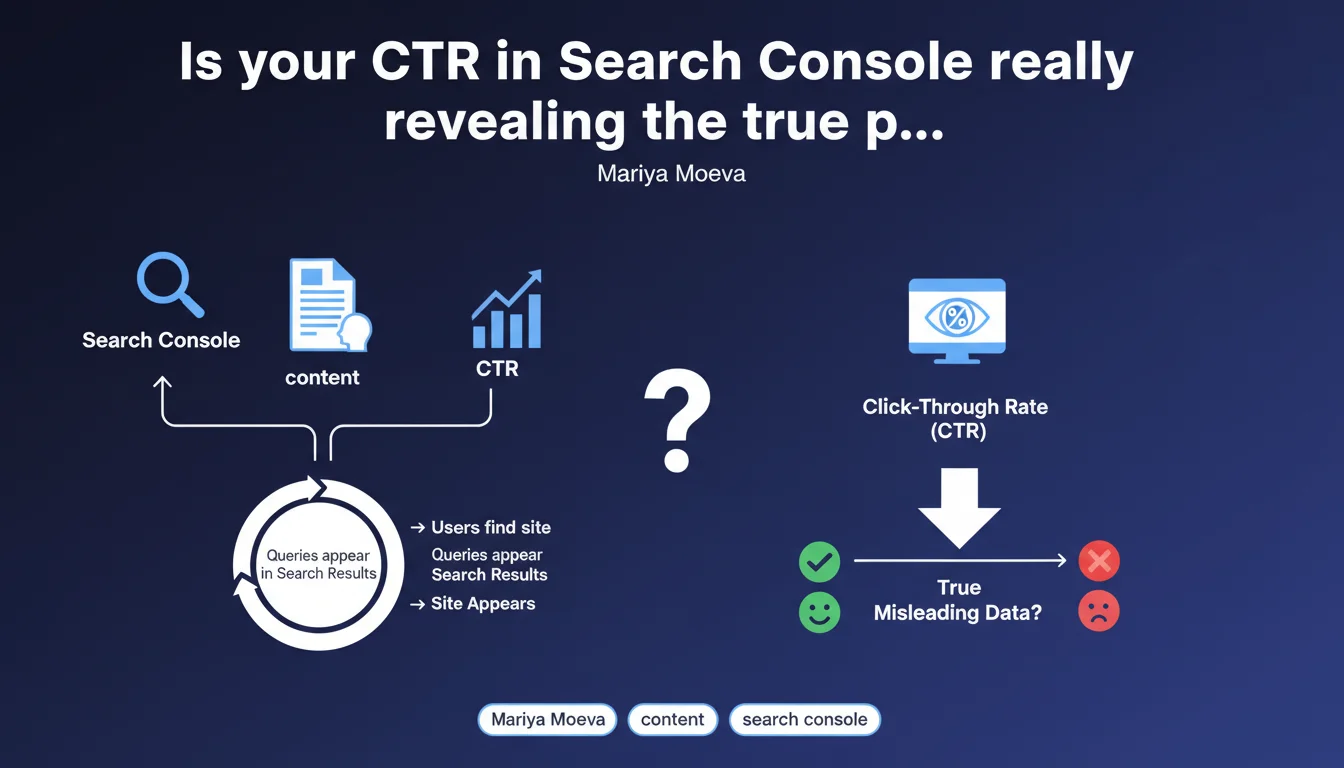
Google confirms that Search Console enables you to identify your highest-performing content and understand how users discover your site through search queries. The tool displays all queries for which your site appears in the SERPs, providing essential CTR data to optimize your ranking strategy.
What you need to understand
What does Search Console really bring beyond simple traffic data?
Search Console does more than just count clicks — it reveals which queries trigger your site's appearance in results, even without a click. This distinction is critical: you gain access to impressions, not just Analytics sessions.
Concretely, you see queries where Google considers your content relevant, but where your CTR remains low. This is where your title and meta description optimization opportunities hide.
Which queries are actually tracked by the tool?
Google displays all queries for which your site appears, with a minimum threshold of impressions to avoid statistical noise. Data is aggregated and anonymized if volume is too low — protecting user privacy.
Caution: queries that generate rich snippets or featured snippets can skew your analysis. A 2% CTR on position 1 often signals that a competitor is capturing attention through an enriched element.
How should you interpret CTR relative to average positions?
Average CTR varies drastically by position: 28-35% at position 1, but drops to 2-3% by position 10. Search Console lets you cross these two metrics to detect anomalies.
A position 3 with 8% CTR suggests an attractiveness problem with your snippet. Conversely, a position 7 with 5% CTR indicates a high-potential query if you climb a few spots.
- Search Console data includes impressions and clicks, not just sessions
- CTR reveals the attractiveness of your snippets compared to competitors
- Displayed queries cover the entire spectrum, even those that generate no clicks
- Data is filterable by device, country, search type (web, image, video)
- A gap between average position and CTR signals an optimization opportunity
SEO Expert opinion
Does this statement change our approach to performance tracking?
No, and that's precisely the problem. Google is stating here an obvious fact that every SEO professional has known for years. Search Console is the reference tool for tracking impressions and CTR — no one disputes this.
What's sorely missing from this statement is recognition of the tool's limitations. Data is sampled beyond a certain volume, multi-filter behavior can be counterintuitive, and latency can reach 48-72 hours. [To verify]: Google still doesn't communicate the exact sampling threshold or the criteria for query anonymization.
Is CTR really an indicator of content popularity?
Let's be honest: CTR measures snippet attractiveness, not necessarily content quality. A sensational title generates clicks, then a catastrophic bounce rate if the content disappoints.
Google conflates two distinct concepts here. Popularity in search should be measured through a mix of metrics: impressions, CTR, time spent post-click, bounce rate, and even subsequent behavioral signals. Focusing solely on Search Console CTR means optimizing for clicks, not for user satisfaction.
Which queries still escape our surveillance?
Search Console doesn't show everything. Queries anonymized due to insufficient volume sometimes represent 15-20% of total impressions on niche sites. That's where ultra-qualified long-tail queries hide.
Another blind spot: voice queries and searches via Google Discover aren't always tracked with the same granularity. Mariya Moeva's statement remains silent on these growing use cases.
Practical impact and recommendations
How can you concretely leverage this data to improve your rankings?
Start by identifying queries where you rank positions 5-15 with high impressions. These are your quick wins: jumping a few positions doubles or triples CTR. Optimize your title and content to climb.
Next, track queries at position 1-3 with abnormally low CTR. Your snippet isn't doing the job — rework the meta description, add power words, include dates or figures to capture attention.
What mistakes should you avoid when analyzing Search Console CTR?
Never compare your CTR to generic benchmarks without considering search intent. A navigational query (brand + term) naturally shows 40-60% CTR, while an informational query caps out at 10-15% even at position 1.
Another trap: ignoring device. Mobile CTR is structurally lower at positions 4-10 because the screen displays fewer results above the fold. Filter and analyze desktop and mobile separately.
What routine should you establish for effective tracking?
Configure a weekly export of your top 500 queries (impressions + clicks + CTR + average position) to Google Sheets or BigQuery. Automate alerts for CTR drops exceeding 20% week over week.
Cross-reference this data with your business objectives: which queries actually generate revenue? CTR is a visibility indicator, but without conversion behind it, it's worthless.
- Export Search Console data at minimum once per week
- Segment analysis by device (mobile vs desktop) to avoid bias
- Prioritize queries at positions 5-15 with high impression volume
- Rewrite snippets for position 1-3 pages with CTR under 15%
- Cross-reference Search Console CTR with Analytics bounce rate
- Monitor CTR variations during Google updates (core updates, etc.)
- Identify queries where a competitor captures attention via featured snippet
❓ Frequently Asked Questions
Le CTR dans Search Console inclut-il les clics sur les images et vidéos ?
Pourquoi certaines requêtes affichent des impressions mais zéro clic ?
Les données Search Console sont-elles fiables à 100% ?
Peut-on exporter les données Search Console vers un outil tiers ?
Comment interpréter un CTR élevé avec un faible taux de conversion ?
🎥 From the same video 9
Other SEO insights extracted from this same Google Search Central video · published on 19/04/2022
🎥 Watch the full video on YouTube →
💬 Comments (0)
Be the first to comment.