
Official statement
Other statements from this video 9 ▾
- □ Données structurées : Google ouvre-t-il vraiment de nouvelles opportunités ou complique-t-il encore la tâche ?
- □ Les données structurées garantissent-elles vraiment un affichage en résultats enrichis ?
- □ Pourquoi Google a-t-il déplacé l'outil de test robots.txt dans Search Console ?
- □ Faut-il encore se soucier du crawl budget maintenant que Google supprime le paramètre de fréquence d'exploration ?
- □ Comment ralentir Googlebot quand il explore trop votre site ?
- □ Quelles sont les vraies priorités derrière les dernières mises à jour algorithmiques de Google ?
- □ Google-Extended dans robots.txt : faut-il bloquer l'IA générative de Google ?
- □ La fin des cookies tiers menace-t-elle vos conversions e-commerce ?
- □ Pourquoi Google élargit-il soudainement ses rapports Search Console aux données structurées ?
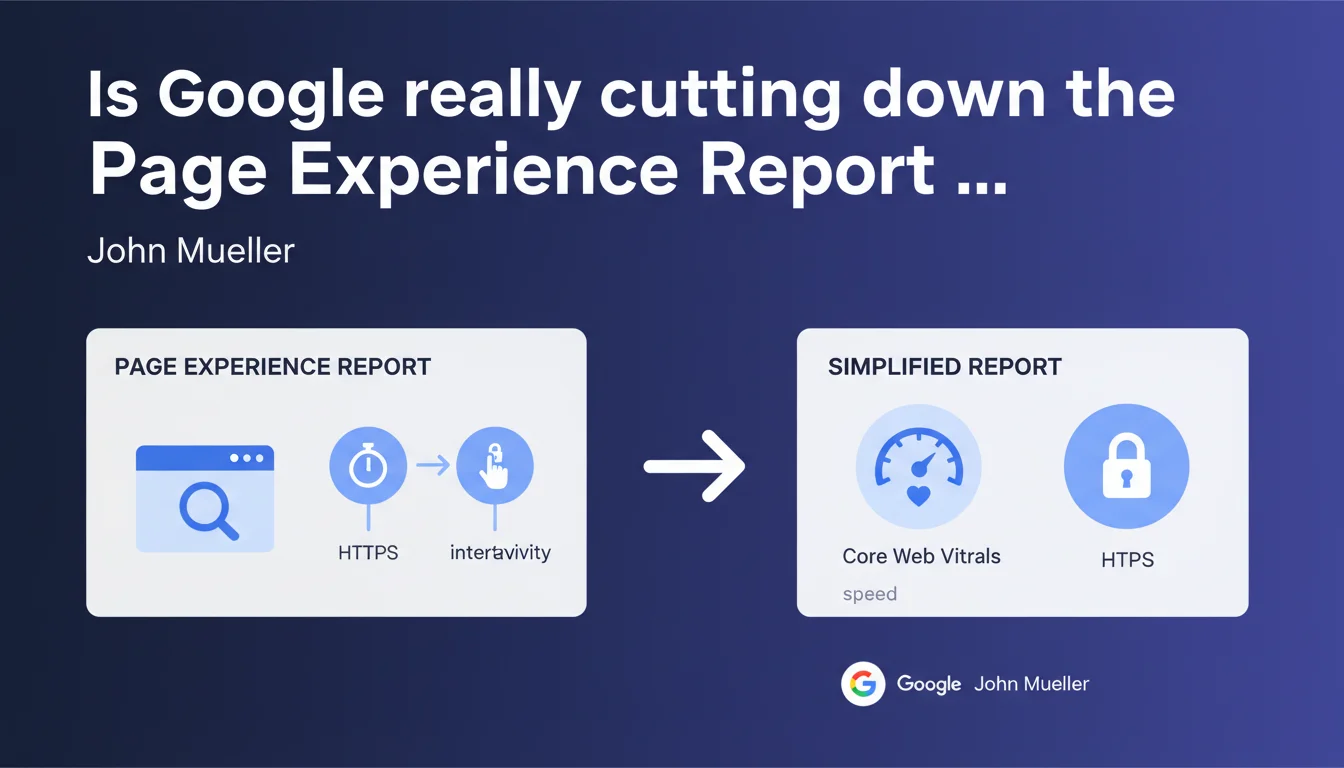
Google has stripped the Page Experience Report in Search Console down to the essentials: Core Web Vitals and HTTPS. Secondary indicators are gone — only speed, interactivity, and security remain on the dashboard. A clear signal about what truly matters for rankings.
What you need to understand
What exactly changed in the report?
Google has pruned the Page Experience Report in Search Console to focus on just two areas: Core Web Vitals (LCP, FID/INP, CLS) and HTTPS status. Goodbye to indicators like mobile-friendliness or the absence of intrusive interstitials — these criteria remain important for ranking, but they've disappeared from the dedicated reporting.
The interface now displays a streamlined overview of essential technical performance. The stated goal: simplify readability and avoid spreading focus too thin. Fewer metrics to monitor, but the ones that remain carry significant weight.
Why this simplification now?
Google has been pushing Core Web Vitals for several years as a pillar of user experience. This simplification reflects a desire to focus webmasters' attention on what actually impacts rankings. Other page experience criteria (mobile-friendly, HTTPS) are now considered table stakes — prerequisites, not differentiators.
Trimming the report also eliminates gray areas: some SEO professionals were spending time on peripheral optimizations at the expense of core performance metrics. By tightening the scope, Google clarifies its priorities.
- The report now tracks only Core Web Vitals + HTTPS
- Other page experience criteria remain ranking prerequisites, but are removed from the dashboard
- The simplification aims to concentrate efforts on measurable technical performance
- CrUX data (Chrome User Experience Report) remains the reference source
SEO Expert opinion
Is this simplification actually good news?
Yes and no. For sites already juggling too many reports, it's a relief — the essentials are more visible. But removing other indicators can create a false sense of security. A site can have solid Core Web Vitals and valid HTTPS while displaying intrusive interstitials that tank conversion rates and, indirectly, behavioral signals.
The real question: does Google still count these removed criteria in its algorithm? [Worth verifying] — official documentation remains vague on the exact weight of each page experience component since their progressive rollout. Real-world testing shows mobile-friendliness remains discriminating, even though it's vanished from the report.
Are Core Web Vitals enough to guarantee a good experience?
No. Core Web Vitals measure technical performance, not overall usability or content relevance. A site can load fast (solid LCP), respond instantly (flawless INP), be visually stable (CLS in the green) and still deliver a terrible UX — confusing navigation, invisible calls-to-action, broken conversion funnels.
Let's be honest: Google is directing discourse toward what it can objectively measure through Chrome data. The rest — information architecture, editorial clarity, real accessibility — escapes automated metrics and relies on human analysis. Don't stop at Search Console's green lights.
Practical impact and recommendations
What should you audit first after this announcement?
Start by focusing on Core Web Vitals. Use PageSpeed Insights, Lighthouse, and real-user data from Search Console (CrUX tab). Identify pages with LCP above 2.5 seconds, INP beyond 200 ms, or CLS exceeding 0.1. These thresholds correspond to moving from "Good" to "Needs Improvement" in the report.
Next, verify that your entire site is HTTPS, with no exceptions. A single mixed content instance (HTTP resources loaded on an HTTPS page) is enough to degrade experience and trigger browser warnings.
How do you optimize Core Web Vitals effectively?
For LCP, reduce hero image weight, enable native lazy loading, and preload critical resources with rel="preload". If your LCP points to an image, compress it (WebP, AVIF) and serve it via a CDN with strong HTTP caching.
For INP (replacing FID), hunt down blocking third-party scripts — analytics, chat, ads. Defer their loading with defer or async, or load them after user interaction. Leverage Web Workers to offload heavy JavaScript processing from the main thread.
For CLS, reserve space for dynamic elements (images, iframes, ads) with explicit width and height attributes. Avoid inserting content above the initial viewport after load. Use font-display: swap carefully — a flash of unstyled text beats a jarring shift.
- Audit Core Web Vitals on strategic pages (landing, category, product detail)
- Identify resources slowing LCP using Chrome DevTools Performance tab
- Reduce the number of third-party scripts or load them after interaction
- Test CLS under real conditions (3G network throttling) to catch shifts invisible on fast connections
- Verify all HTTPS certificates are valid and cover all subdomains
- Configure HSTS (HTTP Strict Transport Security) to enforce HTTPS
- Monitor mixed content errors in the browser console
Optimizing Core Web Vitals and securing HTTPS requires sharp technical expertise — detailed waterfall analysis, server configuration, trade-offs between performance and features. If your team lacks specialized resources or skills, support from an experienced SEO agency can accelerate gains and avoid dead ends. The stakes justify the investment: these metrics directly influence your visibility and conversions.
❓ Frequently Asked Questions
Les autres critères d'expérience de page comptent-ils encore pour le ranking ?
Faut-il viser 100/100 sur PageSpeed Insights pour être bien classé ?
Le passage de FID à INP change-t-il quelque chose pour mon site ?
Peut-on avoir un bon rapport d'expérience de page avec un contenu médiocre ?
Dois-je corriger les Core Web Vitals sur toutes les pages ou seulement les principales ?
🎥 From the same video 9
Other SEO insights extracted from this same Google Search Central video · published on 19/12/2023
🎥 Watch the full video on YouTube →
💬 Comments (0)
Be the first to comment.