
Official statement
Other statements from this video 10 ▾
- □ Is CLS really a full-fledged Google ranking factor you can't ignore?
- □ Are your images sabotaging your CLS without you even knowing it?
- □ Does specifying image dimensions really fix Cumulative Layout Shift?
- □ Are lab data really enough to optimize your Core Web Vitals, or do you need real user metrics?
- □ How is the Chrome User Experience Report revolutionizing the way you measure your website's actual performance?
- □ Does LCP really measure how fast your main content appears on screen?
- □ Is lazy loading really hurting your above-the-fold images and LCP?
- □ Why is PageSpeed Insights the performance tool you should prioritize for SEO?
- □ Can HTTP/2 really boost your site's performance without major technical overhaul?
- □ Should you really convert all your images to WebP for SEO?
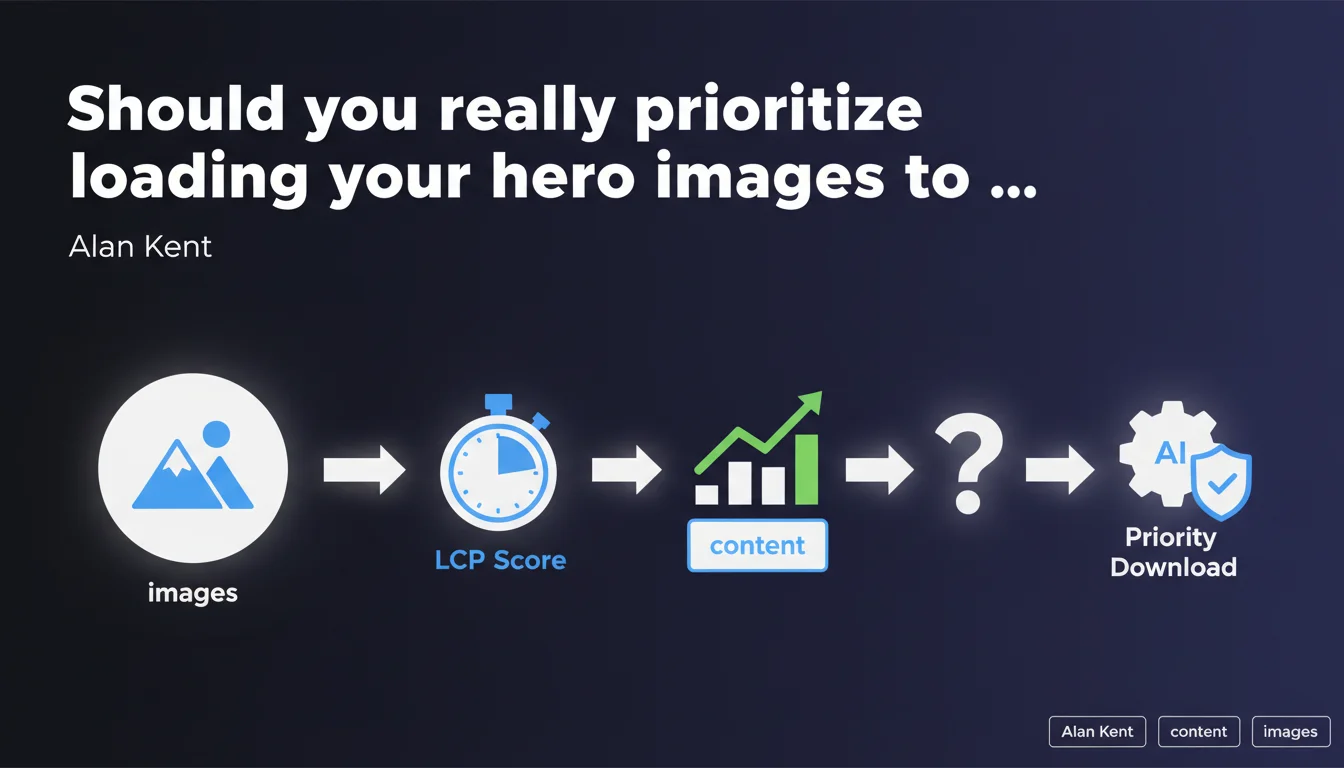
Google confirms that large hero images at the top of the page should be downloaded as a priority because they directly impact the Largest Contentful Paint score. This statement aims to remind you of the importance of critical resource prioritization, a lever often overlooked that can shift a site from "poor" to "good" in Core Web Vitals.
What you need to understand
Why is Google so insistent about hero images?
The Largest Contentful Paint measures the time needed to display the largest visible element in the area above the fold. In most cases, this element is a hero image, banner, or promotional visual placed at the top of the page.
If this image takes time to load — because it's heavy, poorly compressed, or simply stuck in a download queue — the LCP score suffers. Google is reminding you here of an obvious technical truth often forgotten: what matters to the user is what they see first.
What does resource prioritization actually mean in practice?
Prioritization means telling the browser which resources should be downloaded first. This is done through HTML attributes like fetchpriority="high" on <img> tags, or by using preload to force early loading of a critical resource.
Without this instruction, the browser follows its own prioritization algorithm — which isn't always aligned with your performance goals. Result: third-party scripts or non-critical CSS can block your hero image download, delaying LCP by several hundred milliseconds.
What's the connection to SEO?
LCP is part of the Core Web Vitals, user experience metrics built into Google's ranking algorithm. A poor LCP score can affect your rankings, especially on mobile where competition is fierce and margins are tight.
But beyond pure SEO, degraded LCP harms conversion rate, engagement, and bounce rate. It's a UX lever as much as an SEO one.
- Largest Contentful Paint: metric measuring the render time of the largest visible element above the fold.
- fetchpriority="high": HTML attribute allowing you to signal to the browser that a resource should be downloaded first.
- Core Web Vitals: set of metrics (LCP, CLS, INP) built into Google's ranking algorithm.
- Hero images are often the LCP element, so optimizing them is critical for Core Web Vitals.
- Without explicit prioritization, the browser may delay loading the hero image in favor of less critical resources.
SEO Expert opinion
Is this statement new?
No. Google has been hammering this message since the introduction of Core Web Vitals. What's changing is the direct wording: Alan Kent isn't talking about "recommendations," he's talking about mandatory prioritization.
On the ground, we observe that the majority of sites still neglect this aspect. Audit tools (PageSpeed Insights, Lighthouse) consistently flag this problem, yet implementation remains low. Why? Because technical teams often consider these optimizations "secondary" compared to business features.
What nuances should be noted?
Beware: prioritizing a hero image doesn't mean loading all images at high priority. If you overuse fetchpriority="high", you dilute its effect — the browser won't know what to really prioritize.
[To be verified]: Google doesn't specify how to handle dynamic hero images (carousels, A/B tested banners). In these cases, prioritization becomes complex. Should you prioritize only the first slide? The slide shown by default? Google remains vague on this point.
Is this recommendation enough to improve LCP?
No. Prioritizing image download is one lever among many. If your image weighs 2 MB, even at high priority, it will take time to load on a 3G connection.
Complementary optimizations include: WebP/AVIF compression, lazy-loading off-screen images, eliminating blocking resources (CSS/JS), using a high-performance CDN. Prioritization amplifies the effect of these optimizations, but doesn't replace them.
Practical impact and recommendations
What should you concretely do on your site?
First step: identify which element triggers LCP. Open Chrome DevTools, run a Lighthouse audit, and check the "Diagnostics" section to spot the LCP element. If it's an image, note its URL and weight.
Next, add the fetchpriority="high" attribute to the corresponding <img> tag. If the image is loaded via CSS (background-image), use a <link rel="preload" as="image" href="..."> tag in the <head> instead.
What mistakes should you absolutely avoid?
Don't multiply fetchpriority="high" across all your images. Reserve it strictly for the LCP element — one or two images maximum per page. Otherwise, you'll cancel out the prioritization effect.
Another trap: forgetting to compress the image before prioritizing it. Prioritizing a 3 MB image will only saturate your bandwidth faster. Compress first, prioritize second.
How do you verify the optimization works?
Re-run a Lighthouse audit after your changes. The LCP score should improve if the hero image was indeed the bottleneck. If not, move to the next diagnosis: check for blocking resources, server response time (TTFB), and JavaScript bundle sizes.
Also test on mobile with 3G/4G throttling to simulate degraded network conditions. That's where prioritization shows its real impact.
- Identify the LCP element via Chrome DevTools (Performance tab or Lighthouse).
- Add
fetchpriority="high"to the<img>tag of your hero image. - If the image is in CSS, use
<link rel="preload" as="image">. - Compress the image in WebP or AVIF before prioritizing it.
- Prioritize only one image per page (two maximum if complex layout).
- Re-run a Lighthouse audit to measure LCP improvement.
- Test on mobile with 3G throttling to validate real-world impact.
❓ Frequently Asked Questions
L'attribut fetchpriority="high" fonctionne-t-il sur tous les navigateurs ?
Faut-il prioriser l'image héro même si mon LCP est déjà bon ?
Que faire si mon élément LCP n'est pas une image mais un bloc de texte ?
Peut-on utiliser fetchpriority="high" sur plusieurs images d'une même page ?
Comment mesurer l'impact réel de la priorisation sur le trafic SEO ?
🎥 From the same video 10
Other SEO insights extracted from this same Google Search Central video · published on 06/05/2022
🎥 Watch the full video on YouTube →
💬 Comments (0)
Be the first to comment.